
The 7 best AI image generator in 2026
There was a time when finding the perfect image meant opening Google and scrolling… and scrolling… and honestly, sometimes scrolling for hours. You’d type in your idea, go through hundreds of images, and still not find exactly what you had in mind.
Now? Things have completely changed.
Just describe your imagination to an AI image generator, and within a few seconds, it will turn your idea into a real image. This sounds a bit magical, right? It's like you have hired a personal artist who is drawing anything you're explaining to him.
But here’s the thing, every AI image generator doesn’t work the same way. Each tool comes with its own style (artistic, minimalist, etc) and features. That's why we are here with this article to walk you through the best AI image generators in 2026 so that you can choose the tool best suited for your needs.
How to choose your AI image generator?
In reality, no AI image generator is perfect. Here are the questions to ask yourself when choosing the best tool:
- Your needs: where will these images be published?
- Your budget: how much money do you want to invest?
- Are the customization options sufficient?
- Image quality: Is it sharp enough? Realistic enough?
- Language: Does the software accept prompts in different languages? In your native language?
- Support & help: How can you get help? What are the response times?
- Generated formats: Is it possible to generate videos and texts in addition to images?
The safest way to choose the right generator is to test several. This will allow you to compare their options, performance, and prices to find the best value for money.
The 7 best AI image generator in 2026
We all know that the world of AI image generation is growing really fast and now it's really hard to keep up with every new tool that's emerging in the industry. Every platform now claims that it's the best but in reality not every tool is suitable for every user.
That's the reason we are here to break down the top options of AI image generator platforms so that you can learn what each tool does best and decide which one will be perfect for you needs.
1. MidJourney (Best for Artists & Creative Professionals)
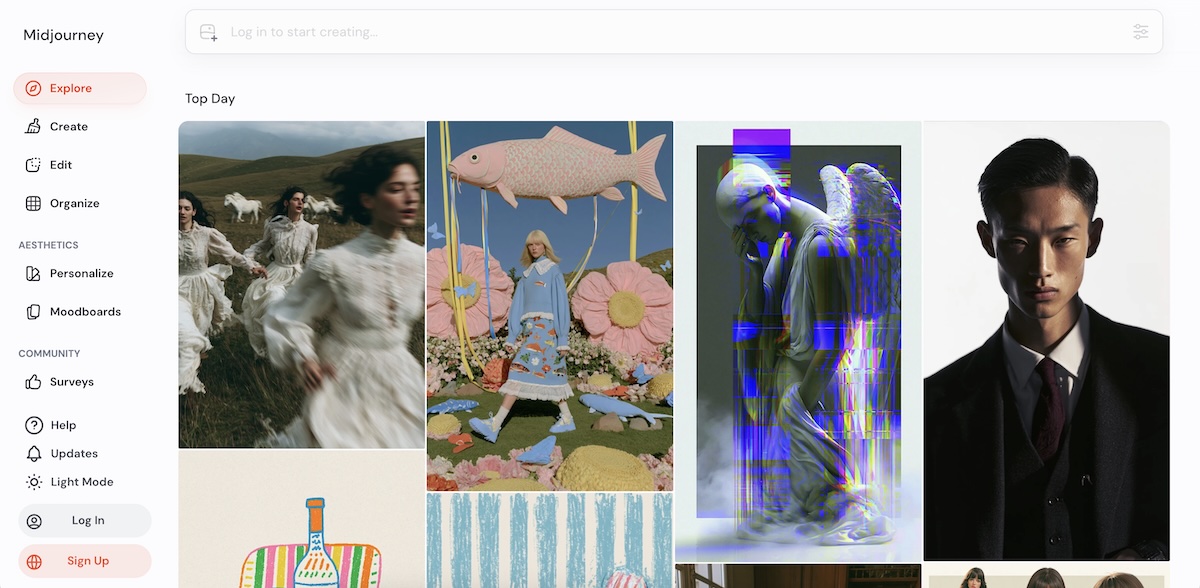
If you're into AI, you must have heard about MidJourney somewhere as it's one of the most popular tools especially in creative circles. It has a very unique identity, you don't get random AI images with MidJourney, it creates artworks that look like they came straight out of professional studio. When designers need images that are visually powerful rather than just being “correct”, they go with MidJourney.
Branding professionals, concept artists and freelancers who need strong storytelling through visuals use MidJourney the most. Even those who don't know much about design theory can create amazing images with this tool.
Key Features:
- Allows you to create multiple image variations from every single prompt.
- It's great if you want to maintain consistent visual themes with its strong style referencing feature.
- Allows you to use custom prompt parameters such as lighting, chaos and detail control.
- With the Image Remix option you can blend or even modify the existing outputs.
- For print ready results, you get high quality scaling options.
Cost:
The basic pricing tier starts at $10/month and the higher tiers that offer faster generations, and more usage range from $30-$120 per month.
2. ChatGPT Image Generator (Best for Beginners & Everyday Use)
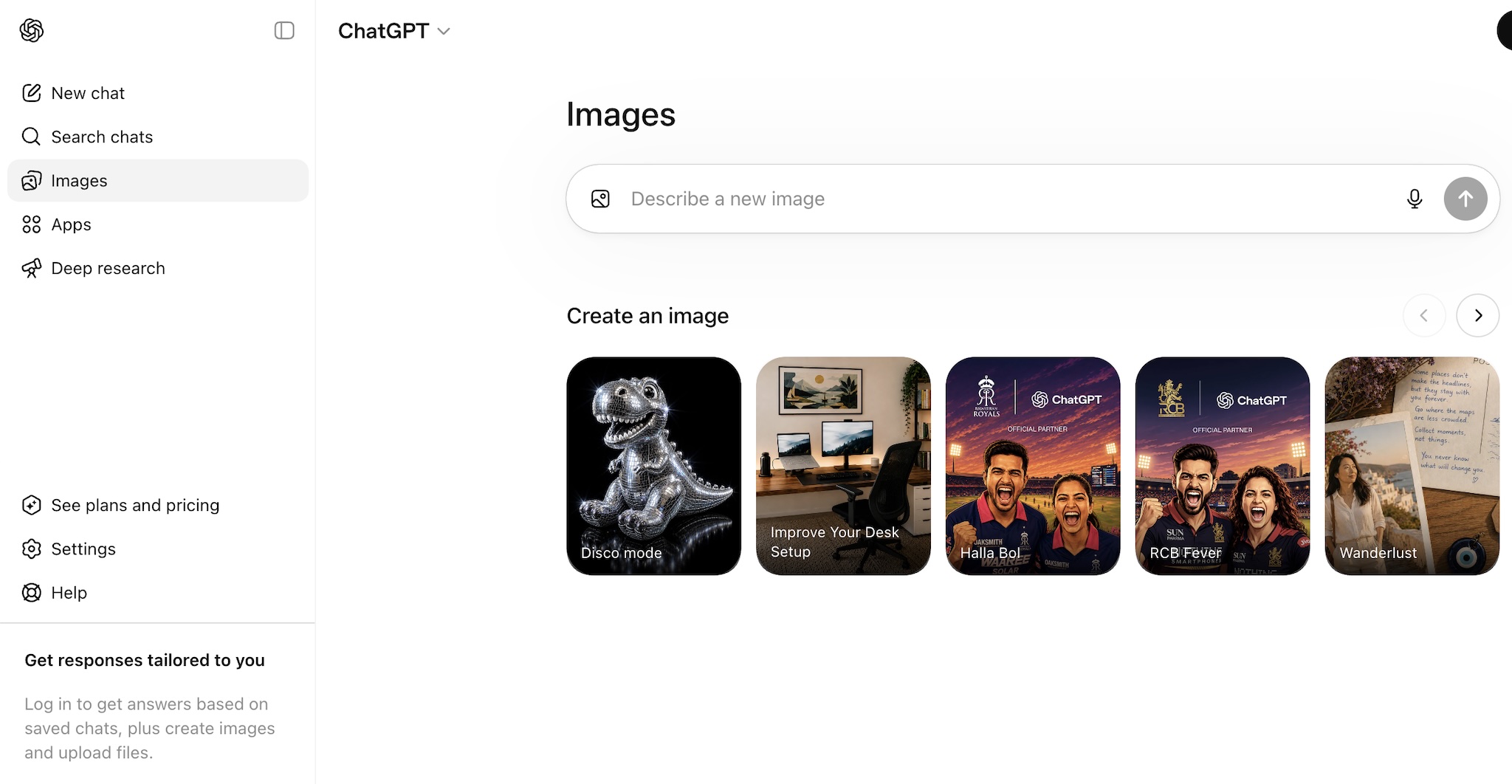
Removing the learning curve completely, ChatGPT has proved to be the most convenient AI image tool. For ChatGPT, you don't have to get any knowledge about design rules or prompting techniques. You just explain what you want in your own language and it will turn your imagination into reality.
For everyday tasks that need images such as writing blogs or preparing presentations, ChatGPT fits naturally.
Key Features:
- You can do iterative editing through conversation and can refine your images step by step.
- Allows you to work with text and images in one place.
- Can work on both simple and complex prompts.
- Great if you're into concept drafting and idea visualization.
Cost:
It comes with a free plan but in this plan you can generate only a few images per day. And paid plans are starting at $20/per month.
3. Nano Banana 2 (Best for Fast & Fun Image Creation)
When speed and doing experimentation are your goals, then Nano Banana 2 is perfect. When you want quick image generation results without spending too much time on writing detailed prompts or adjusting settings, then Nano Banana 2 must be your top choice.
Think of Nano Banana 2 as a creative playground for testing your imagination quickly and then move on. It might not always create high quality results that can be best suited for professional use, but it makes it up with simplicity and speed.
Key Features:
- For beginners, it offers one-click prompt suggestions.
- If you want to do quick experimentation, it comes with built-in style presets.
- Offers quick re-generation without any delays.
Cost:
Comes with a free plan but if you want results without watermark and in higher resolution then you have to upgrade to a paid plan.
4. Adobe Firefly (Best for Designers & Professionals)
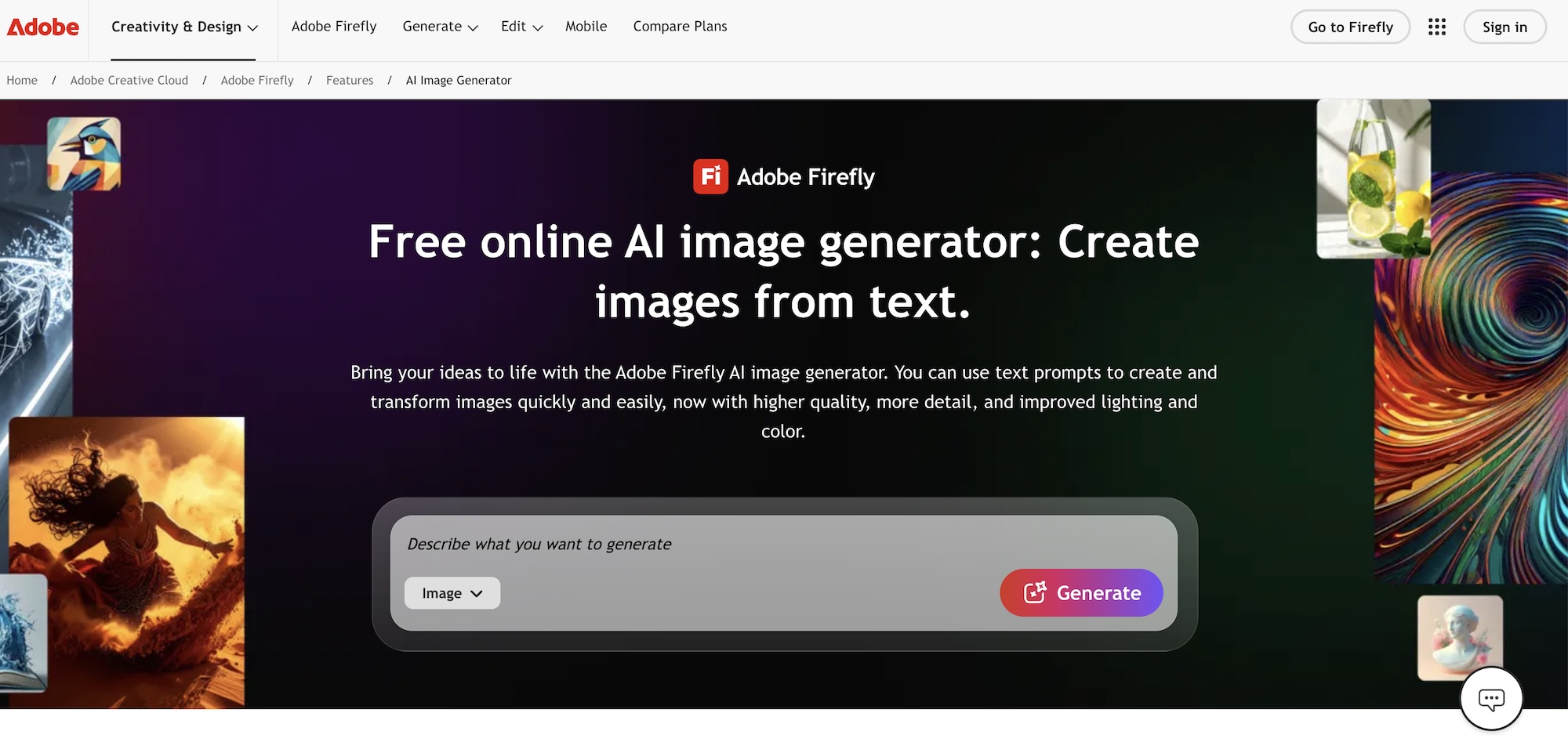
Adobe Firefly is designed with professional workflows in mind. It's especially useful for people who are already working inside Adobe’s ecosystem. You can easily connect it with tools like illustrator and Photoshop. This makes it really useful for those designers who need help from AI without leaving their workspace.
In commercial environments, Firefly is highly trusted because Adobe has focused heavily on safe and licensed training data. Such measures reduce legal concerns when using the generated visuals for marketing campaigns or client work.
Key Features:
- In addition to generation, it also supports text based editing of existing images.
- For brand design projects, it offers style consistency tools.
- Comes with object generation and background replacement tools.
- No need to worry about copyright as visuals generated are free to use.
- Option to add a negative prompt.
Cost:
Paid plans start at $9.99 per month.
5. Canva AI (Best for Social Media & Content Creators)
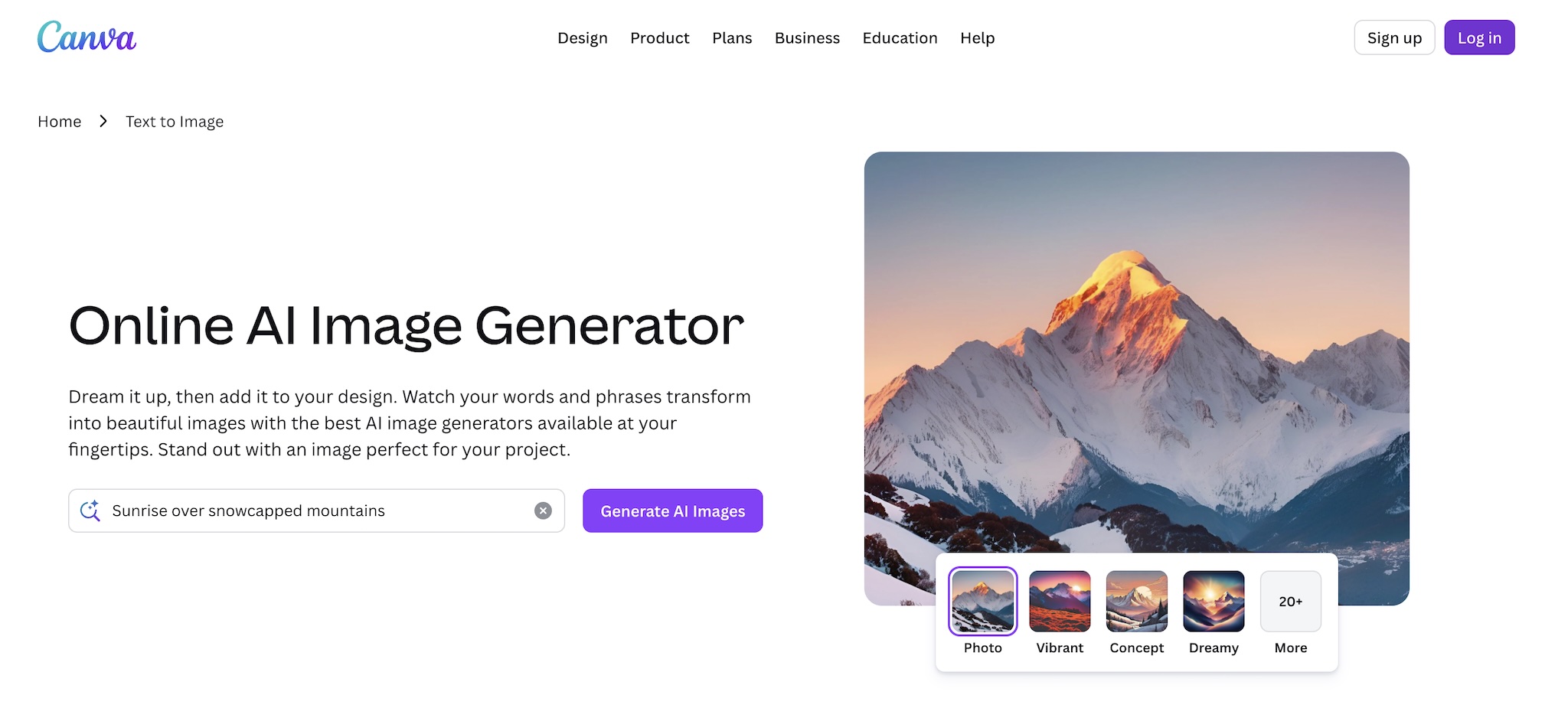
For people who have zero knowledge about complicated design tools can go with Canva AI. It combines AI image generation capabilities with Canva’s drag and drop editor which makes it super easy to create posts, ads and visuals for marketing campaigns in minutes.
For small business owners, content creators and marketers, Canva AI works like magic as they can create consistent output for their social media without hiring a designer.
Key Features:
- Offers quick design generation from text based prompts.
- Comes with a feature of smart template matching that's based on content type.
- You can easily resize the designs for multiple platforms including LinkedIn, YouTube etc.
- Comes with a really huge library of built in stock elements that can be combined with AI visuals.
- Offers brand kit support.
Cost:
Canva offers its free plan but you have to switch to Canva Pro that's around $10-15 per month to unlock full AI features.
6. Stable Diffusion (Best for Developers & Advanced Users)
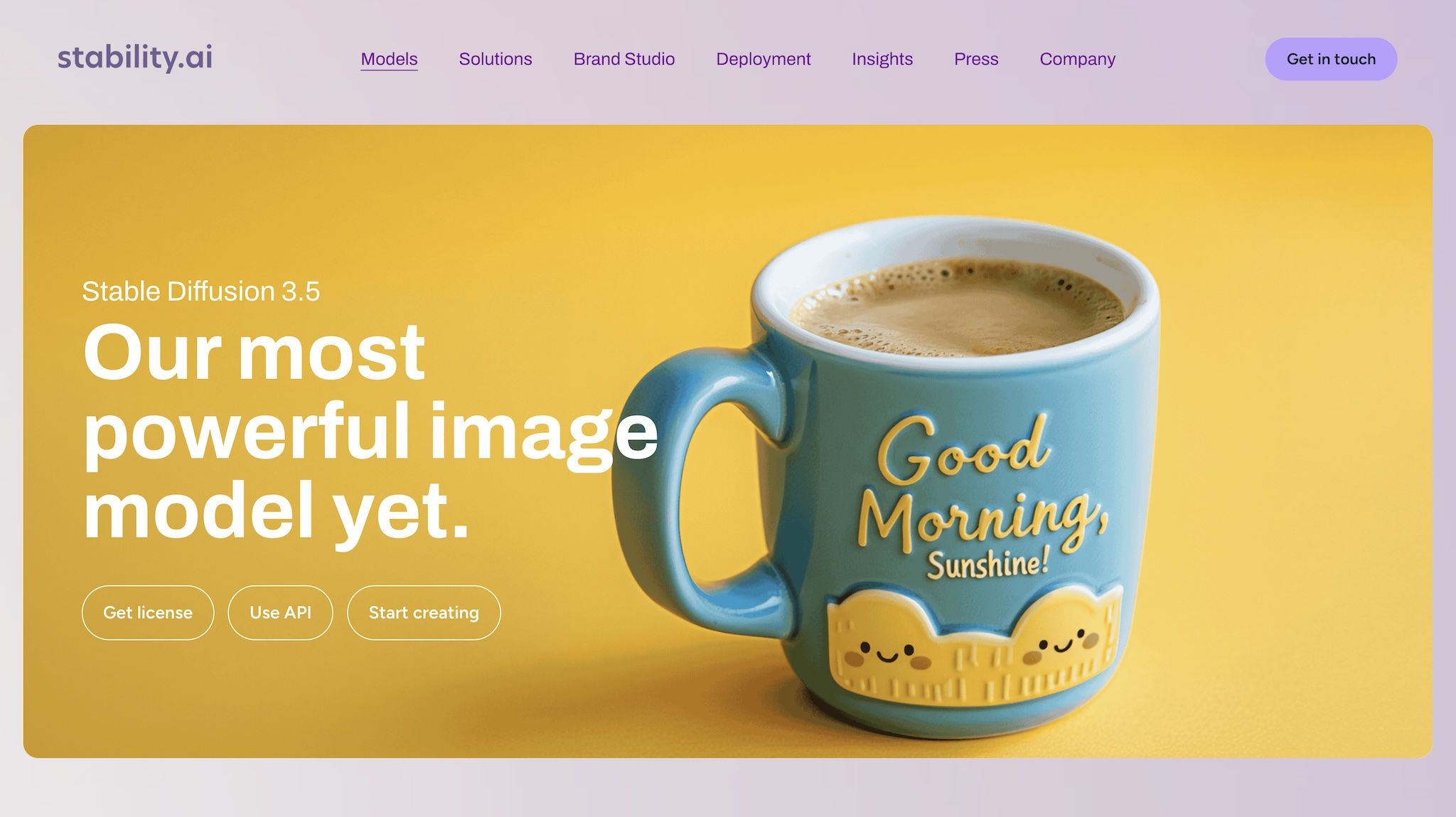
Looking for one of the most flexible AI image systems? Stable Diffusion is definitely a strong candidate. It's not like a plug-and-play tool and gives you deep control over how images are generated. This feature makes it a top choice among researchers, developers and advanced users who want to build custom AI workflows and experiment with models.
Stable Diffusion isn't limited to a single platform. It can be run locally, modified or even integrated into your applications. But it all depends on your technical skills.
Key Features:
- Offers local installation that allows you to generate images offline.
- It also supports custom trained models.
- For advanced image control, plug -in ecosystem is available.
- Comes with a feature of API access that's for developers who are working on launching an app.
- Allows for high level customization of generated results.
Cost:
It's free in a case when it's self hosted and paid platforming is also available for easy access.
7. Flux 2 (Best for Realistic & Next-Gen Image Quality)
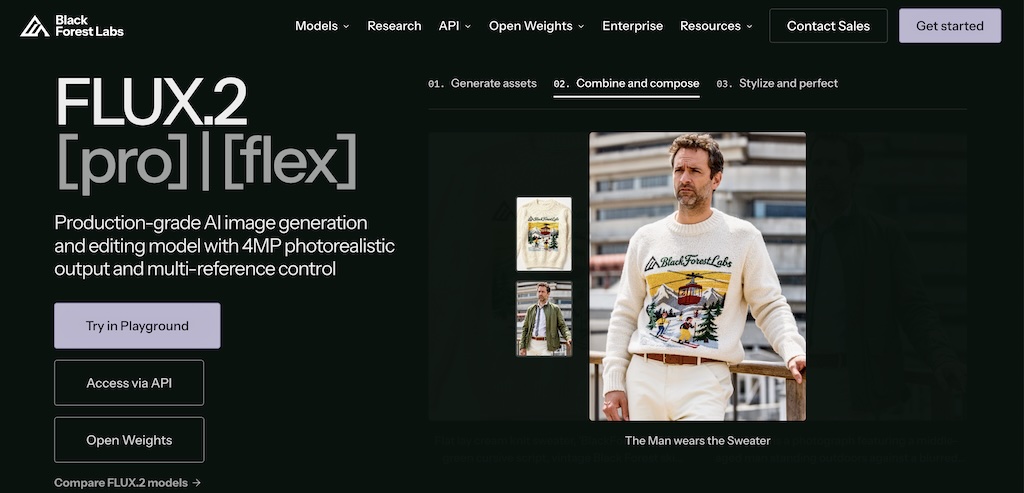
In the world of realism-focused image generation, Flux 2 is gaining popularity as one of the most advanced tools. The reason behind its popularity is its capability of handling human faces, textures and real world lighting conditions. Due to such accuracy, users compare its output to actual photography instead of digital artwork.
It's mostly used in creating product mockups, marketing designs and also scenarios where realism matters more than artistic style.
Key Features:
- Offers advanced photorealistic rendering engine.
- Human autonomy and facial details are handled with much accuracy.
- Across multiple generations, it offers strong output consistency.
- It's already optimized for product visuals.
Cost:
It comes with a credit based pricing model.
Key Takeaway
After reading this article, we hope that you have got an idea that in 2026, AI image generators are no longer just "fun tools”. They have become a really important part of creative workflows. From professionals to regular users, every person is using them in different ways. Some tools are built for offering speed and simplicity and some offer great customization options.
So there's no one best AI image generator that fits all needs. Choose wisely so that you can get best results with AI image generators.
As AI creativity tools continue to evolve, image generation is becoming only one part of the workflow. Many creators and businesses are now combining AI image generators with the latest best vibe coding tools to build complete applications, while others are using modern best AI website builders to turn ideas into fully functional websites without writing code. If your goal goes beyond creating images and extends to building products, landing pages, or entire web experiences, exploring these tools can significantly expand what you can accomplish with AI.
FAQs
1. Can I use AI-generated images in my commercial projects?
Yes, but it all depends on the tool you're using. Some tools like Adobe Firefly offer commercial safe images while others might have different licensing rules. So, always check the policy of the tool you're using.
2. Is having a powerful computer necessary for using AI image generators.
No, almost all AI image generator tools work on cloud servers, so a mobile device or a basic laptop is all you need.
3. I'm using the same prompt but different tools are giving different results?
Every model is trained on different data and thus has a different understanding of prompts given. That's the reason behind the difference in image styles.
4. Should I stick with one tool or go with checking multiple ones together?
In some cases, using multiple tools gives better results. For example, you can generate a prompt using one tool and then use another tool to generate the image. Similarly you can use another tool to further refine and upscale that generated image.
Quick Comparison of The Best AI Image Generators in 2026
| Tool | Best For | Strength | Ease of Use | Pricing |
|---|---|---|---|---|
| MidJourney | Artists & designers | Highly artistic, cinematic visuals | Medium | Paid (from ~$10/month) |
| ChatGPT Image Generator | Beginners & everyday users | Simple prompt-based creation + editing | Very easy | Free + Paid plans |
| Nano Banana 2 | Quick experiments | Fast, fun, lightweight image generation | Very easy | Free / Low-cost |
| Adobe Firefly | Professional designers | Commercial-safe, polished design tools | Medium | Adobe subscription |
| Canva AI | Social media creators | Templates + AI combined for fast content | Very easy | Free + Pro (~$10–$15/month) |
| Stable Diffusion | Developers & advanced users | Full control, customization, open-source | Hard | Free (self-hosted) |
| Flux 2 | Realistic visuals | High realism and detailed outputs | Medium | Credit-based / Paid |