
Best 8 AI Website Builders (Tested & Reviewed for 2026)
Building a website no longer requires coding skills or hiring expensive developers.
Today, AI website builders can generate a complete website—design, content, and structure—in minutes. But after testing multiple tools hands-on, one thing became clear:
Some AI builders are genuinely useful. Others just create generic templates with AI branding.
In this guide, we’ve tested and compared the best 8 AI website builders to help you choose the right one—based on real usability, not marketing claims.
It's worth noting that not every AI-powered website builder focuses purely on prompt-based generation. Some platforms combine AI assistance with greater design flexibility. For example, Nicepage gives users more control over layouts, responsive design, and website customization while still offering AI-powered features to speed up the creation process. This hybrid approach can appeal to freelancers, agencies, and designers who want AI assistance without sacrificing creative control.
Best AI Website Builder (Quick Picks)
If you don’t want to read the full article, here’s the short answer:
- Best overall: Wix (Harmony)
- Best for beginners (Budget-friendly): Hostinger
- Best for SEO (WordPress users) : 10Web
- Fastest builder: Durable
- Best for design: Framer
- Best for local businesses: Jimdo
- Best for options (Logo, website, social media posts): Design.com
- Best for startup landing pages: Mixo
How AI Website Builders Work
Most AI website builders follow a simple flow:
- You answer a few questions (business type, goals, style)
- AI generates:
- Layout
- Content
- Images
- You edit and publish
Important:
AI doesn’t build a perfect website.
It builds a strong first draft (around 70–80%), which you refine.
This is how modern Artificial Intelligence is applied in website creation—automating repetitive tasks while leaving strategic decisions to humans.
AI Website Builders Comparison (Tested)
| Builder | Best For | Starting Price | AI Strength | Setup Time |
|---|---|---|---|---|
| Wix (Harmony) | Overall best | From $17/mo | Balanced AI + editor control | 5–10 mins |
| Hostinger | Budget users | From $2.99/mo | Fast generation + AI tools | 3–5 mins |
| 10Web | SEO & scaling | From $13/mo | AI + WordPress flexibility | 10–15 mins |
| Durable | Fast launches | Free, Paid from $22/mo | Ultra-fast generation | < 1 min |
| Framer | Design quality | From $10/mo | High-quality design AI | 5–10 mins |
| Jimdo | Local businesses | Free , Paid $11/mo | Business-focused AI | 5–8 mins |
| Design.com | Multiple options | From $10/mo | Multi-design generation | 3–5 mins |
| Mixo | Startups/MVPs | Free , Paid from $20/mo | Landing page generation | < 2 mins |
1. Wix AI Website Builder (Now Powered by Wix Harmony)
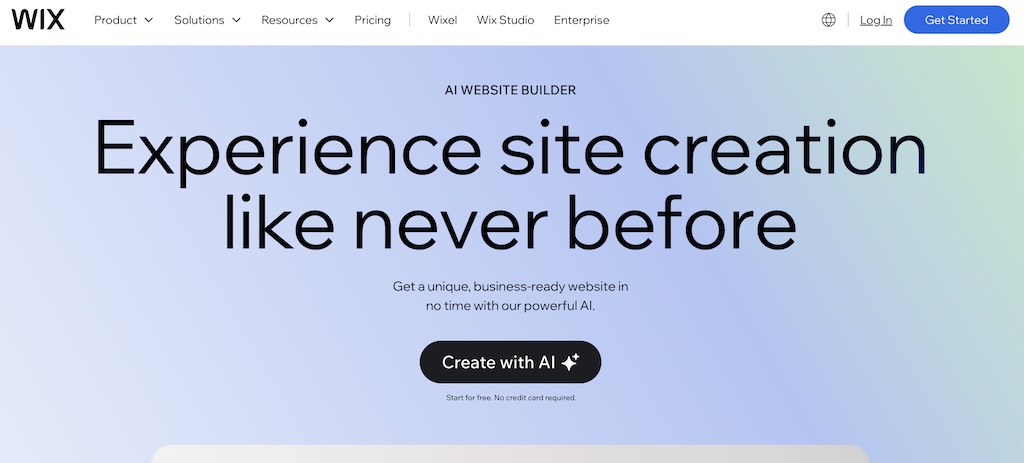
Wix offers the most balanced AI website building experience.
Previously known as ADI (Artificial Design Intelligence), Wix has evolved into Wix Harmony, a hybrid AI system that combines prompt-based generation with a visual editor.
What we observed:
- Consistent, usable layouts
- Smooth AI → manual editing workflow
- Strong ecosystem support
Pros:
- Beginner-friendly
- Scalable (apps, SEO, eCommerce)
- Reliable output
Cons:
- Requires manual refinement
Best for: Most users
2. Hostinger AI Website Builder
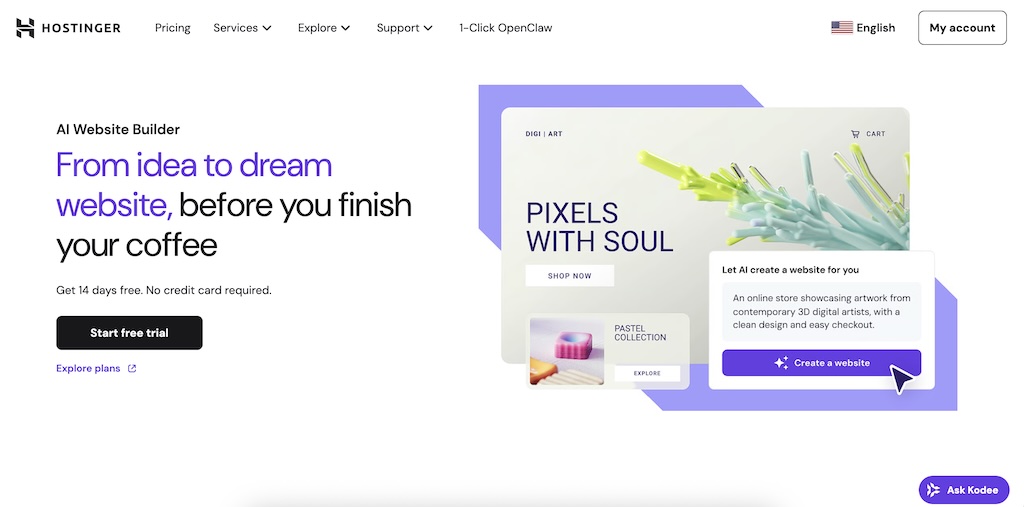
Hostinger focuses on simplicity and affordability, making it one of the most accessible AI website builders for beginners.
During testing, it stood out for how quickly it can generate a complete website—often in just a few minutes—with built-in tools like an AI writer and heatmap to guide layout decisions. Unlike many builders, it also includes hosting by default, which removes a major setup step. Users launching a new site may also pair it with a domain registration platform like Atom to secure a brandable domain name quickly. The trade-off is limited customization compared to more advanced tools, but for most users, it delivers exactly what’s needed: a fast, budget-friendly way to go from idea to live website.
What we observed:
- Fast generation
- Built-in AI tools (writer, heatmap)
Pros:
- Budget-friendly
- Easy to use
- Hosting included
Cons:
- Limited customization
Best for: Beginners and solopreneurs
3. 10Web (AI + WordPress)
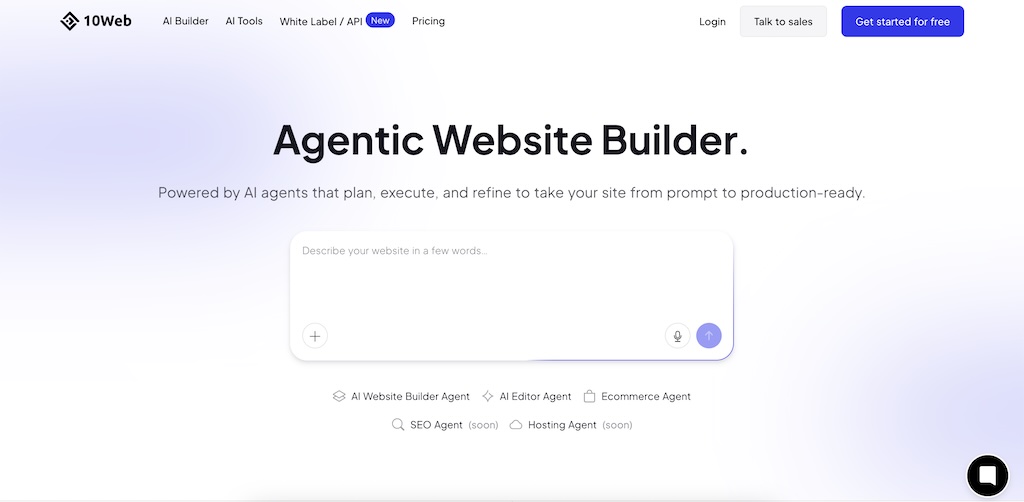
10Web combines AI-powered website generation with the flexibility of WordPress, making it a strong choice for users who care about SEO and long-term scalability.
During testing, it stood out for its ability to recreate existing websites using AI and then let you fully customize them using WordPress and Elementor. Unlike closed website builders, you’re not locked into a proprietary system—you retain full control over your site’s structure, plugins, and SEO settings.
The trade-off is a slightly higher learning curve compared to simpler tools, but in return, you get far more control and the ability to scale your website as your needs grow.
What we observed:
- Can recreate existing websites
- Full control post-generation
Pros:
- Strong SEO capabilities
- No lock-in
- Highly scalable
Cons:
- Learning curve
Best for: SEO-focused projects
4. Durable
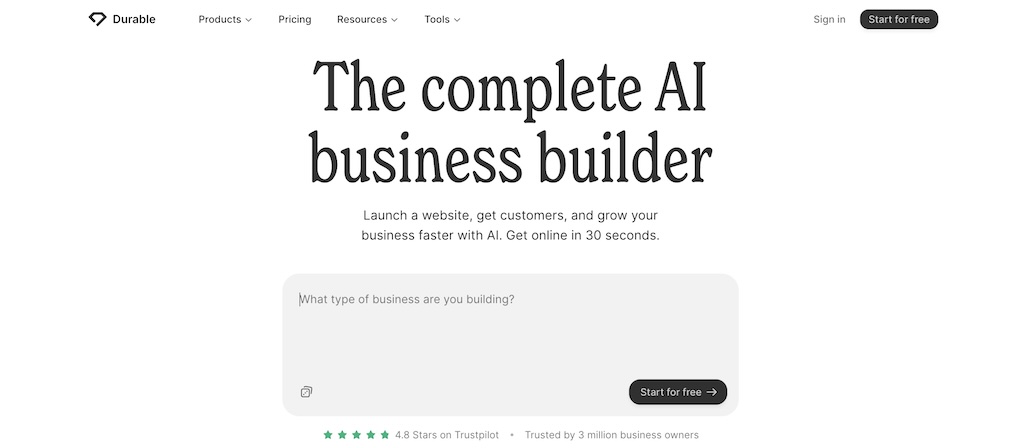
Durable is the fastest AI website builder we tested, capable of generating a complete website in under a minute.
During testing, it impressed with how quickly it creates a functional site, including basic copy, sections, and business details with minimal input. This makes it ideal for users who want to launch something quickly without going through a lengthy setup process.
The downside is that the output can feel generic and often requires editing to improve branding and uniqueness—but for speed and convenience, it’s hard to beat.
What we observed:
- Website generated in seconds
Pros:
- Extremely fast
- Simple setup
Cons:
- Generic output
Best for: Quick launches
5. Framer AI
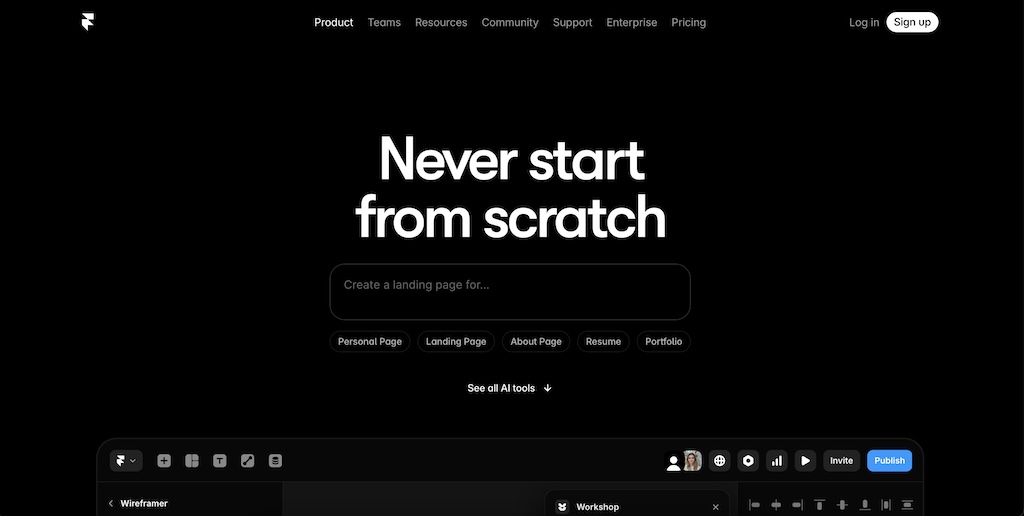
Framer is a design-first AI website builder, focused on creating visually polished and modern websites.
During testing, it stood out for producing high-quality layouts with clean typography, spacing, and animations—something most AI builders struggle with. It feels closer to a professional design tool than a typical website builder, giving you more control over how your site looks and behaves.
The trade-off is a slight learning curve, especially for beginners, but if design quality matters, Framer offers one of the best outputs among AI website builders.
What we observed:
- High-quality visuals
- Advanced styling
Pros:
- Beautiful output
- Flexible design
Cons:
- Not beginner-friendly
Best for: Designers
6. Jimdo Dolphin
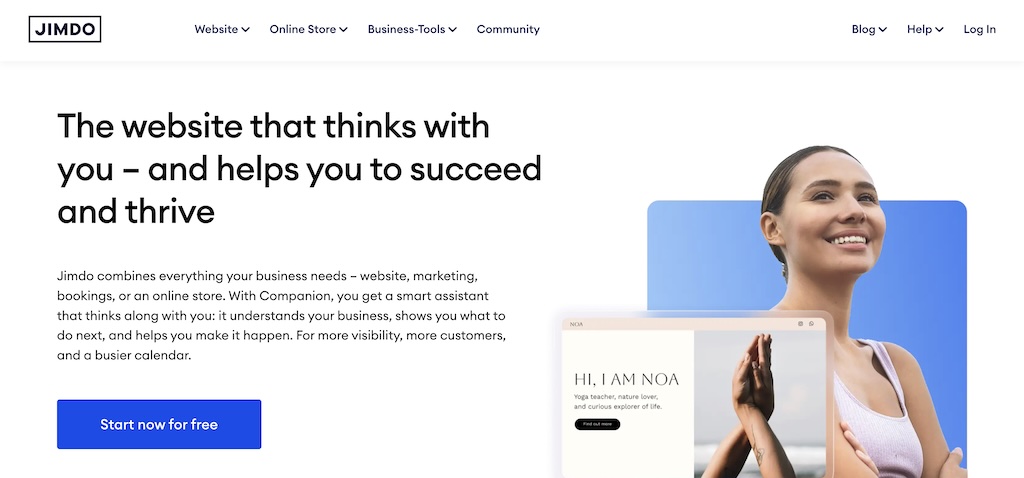
Jimdo focuses on simplicity, making it a practical choice for small businesses and individuals who want to get online quickly without technical complexity.
During testing, it stood out for its guided setup—asking business-specific questions like services, location, and goals—then generating a functional, ready-to-use website. The process is straightforward and requires minimal effort from the user.
The trade-off is limited design flexibility, but for users who prioritize speed and ease over customization, Jimdo delivers a reliable and hassle-free experience.
Pros:
- Easy setup
- Business-focused
Cons:
- Basic design
Best for: Local businesses
7. Design.com
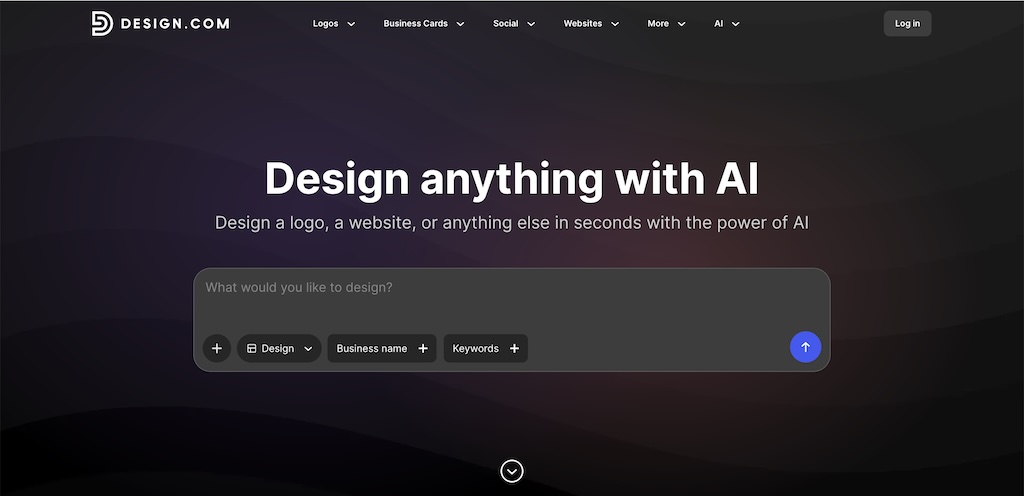
Design.com generates multiple website layouts instantly, making it ideal for users who want to explore different design directions before committing.
During testing, it stood out for producing several variations from a single input, allowing quick comparison and selection. This removes the guesswork that most AI builders have, where you’re stuck with one generated design.
The trade-off is that the designs are more template-driven and offer less depth in customization, but for quickly finding a style that fits your brand, it works well.
Pros:
- Multiple design options
- Fast generation
Cons:
- Template-heavy
Best for: Exploring designs
8. Mixo
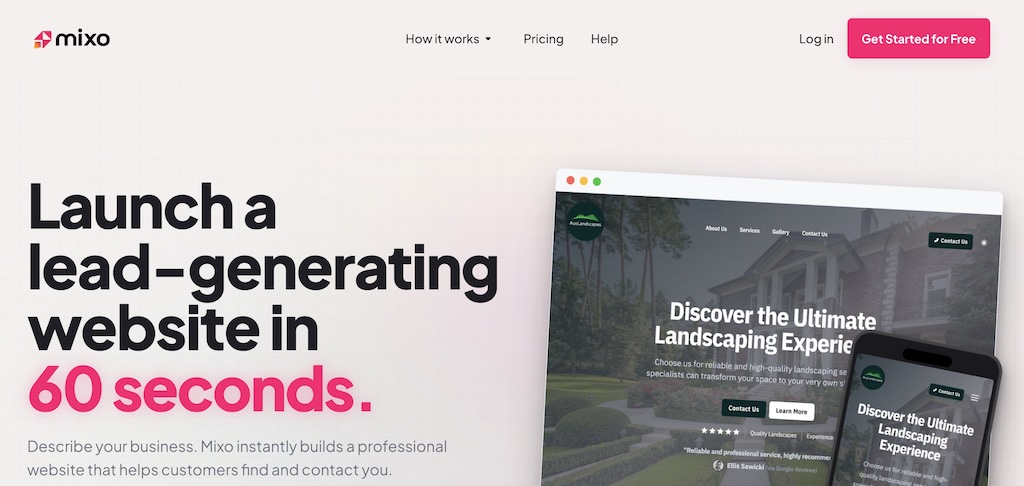
Mixo is built specifically for simple landing pages, making it ideal for startups and quick idea validation.
During testing, it stood out for how quickly it can generate a clean landing page from a short prompt, often including sections like value proposition, features, and email capture forms. It also comes with built-in subscriber management, which is useful for collecting early interest.
The limitation is that it’s not designed for full websites or complex use cases—but for launching a quick MVP or validating an idea, it does the job extremely well.
Pros:
- Fast
- Great for validation
Cons:
- Not full website
Best for: Startups
How to Choose the Right AI Website Builder
Choose based on your goal:
- Beginner: Wix or Hostinger
- SEO & scaling: 10Web
- Speed: Durable
- Design: Framer
- Startup validation: Mixo
Limitations of AI Website Builders
AI builders are powerful—but not perfect:
- Content often needs editing
- Designs can feel generic
- Advanced customization is limited in some tools
They help you start fast—not finish perfectly.
What About Advanced AI Website Tools?
If you're looking for tools that go beyond websites and generate full apps using prompts, check our upcoming guide on Vibe Coding platforms.
For most users, the tools in this article are still the best starting point.
Final Verdict
After testing all tools, one thing is clear:
AI website builders don’t replace humans—they remove the hardest part: getting started.
If you choose the right tool, you can go from idea → live website in minutes.
Frequently Asked Questions
What is the best AI website builder?
There isn’t a single “best” option—it depends on your needs.
- For beginners: tools like Hostinger or Wix
- For SEO and scalability: 10Web
- For speed: Durable
Are AI website builders free?
Most AI website builders offer a free plan or trial, but they usually come with limitations like branding, subdomains, or restricted features.
To use a custom domain and unlock full functionality, you’ll typically need a paid plan.
Can AI build a complete website?
Yes, AI can generate a full website including layout, content, and basic structure.
However, you’ll still need to refine the content, adjust design elements, and optimize it for your specific goals.
Which AI website builder is best for beginners?
Beginner-friendly tools prioritize simplicity and guided setup.
Hostinger and Wix are among the easiest to start with, thanks to their intuitive interfaces and step-by-step workflows.
Which AI website builder is best for SEO?
If SEO is your priority, platforms built on flexible systems perform better.
10Web stands out because it combines AI generation with WordPress, giving you full control over SEO settings.
How long does it take to build a website with AI?
Most AI website builders can generate a site in a few minutes.
Tools like Durable can do it in under a minute, while others may take slightly longer depending on customization.
Are AI website builders good for small businesses?
Yes, they are especially useful for small businesses that want to launch quickly without hiring developers.
They help reduce cost and time while still providing a professional-looking website.
Can I customize an AI-generated website?
Yes. Most builders allow you to edit text, images, layouts, and design elements after generation.
However, the level of customization varies by platform.
Do AI website builders include hosting?
Some platforms, like Hostinger, include hosting as part of their plans, while others may require separate setup or upgrades.