
Best vibe coding platforms in 2026: 8 tools worth using

A year ago, building software with AI still felt a bit gimmicky.
You'd write a prompt, get a few hundred lines of code back, and spend the next hour fixing whatever the model broke.
That's changed fast.
The latest generation of coding models can build working apps, wire up databases, create authentication systems, fix bugs, and even deploy projects. Some can work on a codebase for hours without asking for help.
I've spent time testing most of the major vibe coding tools that people actually use. Some impressed me. A few frustrated me. And a couple are much better than the hype suggests.
If you're trying to figure out which platform deserves your time (and subscription money), this guide should save you a few weeks of trial and error.
Quick answer
If you just want the short version:
- Best for beginners: Lovable
- Best for professional developers: Cursor
- Fastest for prototyping: Bolt.new
- Best for Next.js projects: Vercel v0
- Best autonomous coding agent: Claude Code
- Best browser-based development environment: Replit
- Best coding assistant inside your IDE: GitHub Copilot
- Best for custom AI workflows: OpenAI Codex
Cursor is probably the strongest all-around choice for most developers right now.
Lovable is where I'd start if you've never written code before.
What is vibe coding?
Vibe coding is exactly what it sounds like.
You describe what you want in plain English and AI handles most of the coding work.
Instead of writing every function yourself, you write prompts.
For example:
Build a SaaS dashboard for a fitness coaching business.
Users should be able to:
- Sign up and log in
- Track workouts
- Upload progress photos
- Pay through Stripe
- View analytics
A modern AI coding tool can build most of that for you.
Will the first version be perfect? Usually not.
Will it get you 80% of the way there in a fraction of the time? Often, yes.
That's why these tools have exploded over the last 12 months.
How I evaluated these tools
I didn't rank tools based on marketing pages.
Every AI company claims their product writes better code than everyone else.
I looked at things that actually matter when you're building something real.
Code quality
Can the tool write code that a developer would willingly maintain six months later?
Some tools generate surprisingly clean projects.
Others leave you with a pile of technical debt after 3 prompts.
Speed
Waiting 10 minutes for every change gets old very quickly.
The fastest platforms create a tight feedback loop. You make a request, see the result, adjust, repeat.
Reliability
A tool that works brilliantly one day and breaks the next isn't useful.
Consistency matters more than flashy demos.
Learning curve
Some products are designed for complete beginners.
Others assume you're comfortable living in a terminal window all day.
Neither approach is wrong. They're built for different people.
Long-term viability
Creating a prototype is easy.
Maintaining a product for months is where things get interesting.
A lot of platforms look great until your project reaches 20,000 lines of code.
Then the cracks start showing.
1. Lovable
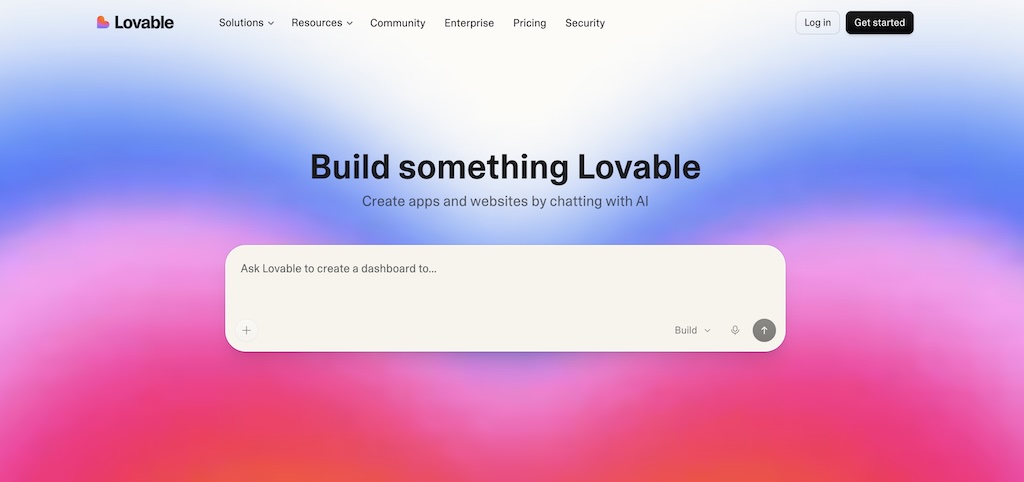
Best for: complete beginners
If you've never built an app before, Lovable is probably the easiest place to start.
Most AI app builders promise that anyone can build software.
Lovable gets closer to that promise than most.
You type what you want. The platform generates an application. Then you keep refining it through conversation.
The experience feels more like working with a designer than writing software.
That's a big reason founders and creators have gravitated toward it.
What I like
The design quality is surprisingly good.
Many AI app builders produce interfaces that all look vaguely the same. After you've seen enough AI-generated dashboards, you start spotting the pattern immediately.
Lovable does a better job of creating projects that feel distinct.
I also like how quickly you can connect external services.
Need authentication?
Need payments?
Need a database?
Most of the heavy lifting is already built into the workflow.
For someone launching an MVP, that's a huge advantage.
Where it struggles
Complexity.
That's where most no-code AI platforms start sweating.
The larger the project gets, the harder it becomes to steer everything through prompts alone.
Eventually you hit a point where traditional development starts making more sense.
That doesn't make Lovable bad.
It just means it's optimized for getting ideas off the ground quickly.
Pros
- Very beginner friendly
- Strong design output
- Fast MVP creation
- Easy deployment
- Useful integrations
Cons
- Limited control compared to coding directly
- Large projects become difficult to manage
- Advanced customization can be frustrating
My verdict
I'd recommend Lovable to founders, marketers, creators, and anyone building their first software product.
If your goal is launching an MVP without hiring a developer, this is one of the best places to start.
2. Vercel v0
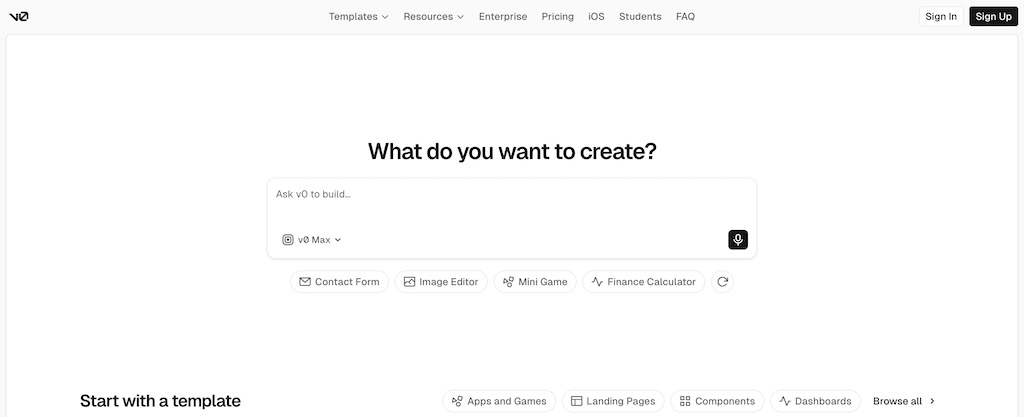
Best for: frontend developers and product designers
v0 feels like it was built by people who actually ship products.
That shouldn't be surprising.
The tool comes from Vercel, the company behind Next.js.
And you can feel that influence immediately.
v0 is exceptionally good at generating interfaces.
Landing pages.
Dashboards.
Admin panels.
Marketing sites.
Internal tools.
It handles these surprisingly well.
What I like
The handoff to developers is clean.
A lot of AI-generated projects become difficult to work with once you leave the platform.
v0 projects usually don't have that problem.
You can pull the code into your editor and continue building normally.
That's a big deal.
I also think v0 currently produces some of the cleanest React and Next.js code available from an AI app builder.
The catch
After you've used v0 for a while, you start noticing familiar design patterns.
That's because many projects rely on shadcn/ui components.
There's nothing wrong with that.
Shadcn is excellent.
But many v0 apps end up looking like distant cousins.
The other issue is cost.
Vercel hosting works well. It can also become expensive once traffic starts arriving.
Pros
- Excellent for React and Next.js
- Good code quality
- Strong deployment workflow
- Easy developer handoff
- Fast iteration
Cons
- Designs can feel repetitive
- Hosting costs add up
- Less useful for backend-heavy projects
My verdict
If I needed to build a modern SaaS frontend quickly, v0 would be near the top of my list.
For UI generation, it's one of the strongest products available right now.
3. Replit Agent
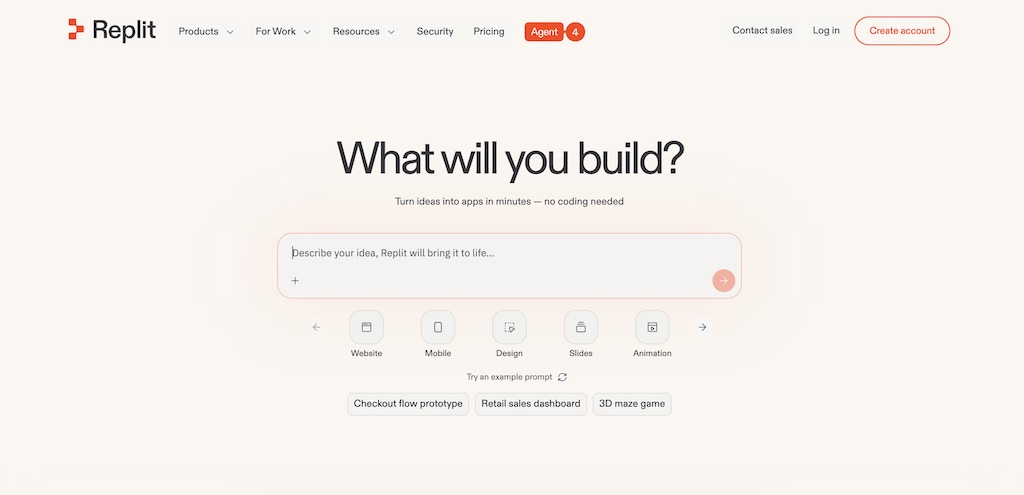
Best for: browser-based development
Replit has been around longer than many people realize.
Long before AI coding became popular, developers were already using Replit as an online coding environment.
The company had a head start.
And they've used it well.
Today, Replit combines coding, hosting, collaboration, deployment, and AI assistance in a single platform.
That convenience is its biggest strength.
What I like
Everything happens in one place.
You don't need to install an IDE.
You don't need to configure environments.
You don't need to worry about deployment infrastructure.
Open your browser and start building.
For students, solo founders, and hobby developers, that's incredibly appealing.
The collaboration features are also genuinely useful.
Multiple people can work on the same project without much friction.
Where Replit falls behind
The AI output isn't always as strong as Cursor or Claude Code.
I've seen it produce good results.
I've also seen it generate code that needed more cleanup than I expected.
As projects grow, those differences become more noticeable.
That's where dedicated development tools start pulling ahead.
Pros
- Works entirely in the browser
- Multi-language support
- Built-in hosting
- Collaboration tools
- Quick setup
Cons
- Code quality can be inconsistent
- Large projects become harder to manage
- Less control than a dedicated IDE
My verdict
Replit is one of the easiest ways to go from idea to working application.
For learning, experimentation, and smaller projects, it's a strong option.
4. Cursor
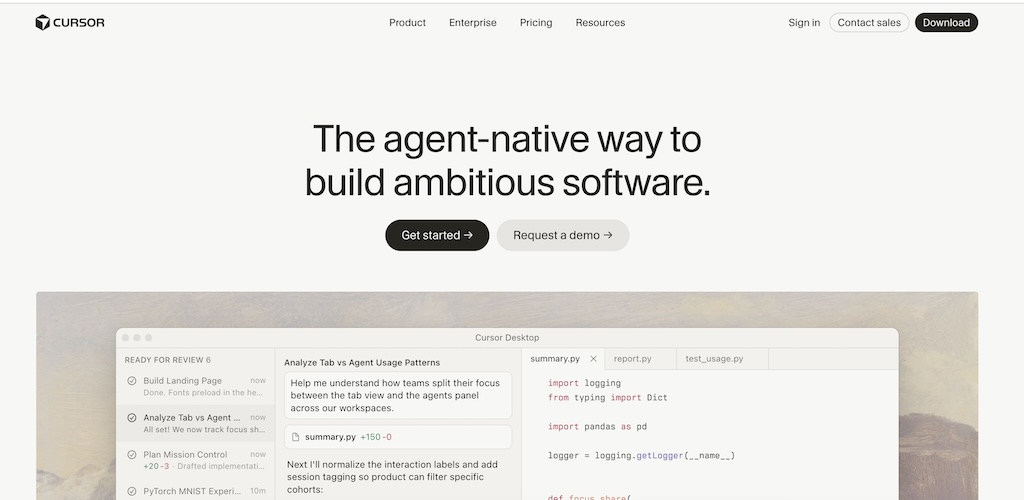
Best for: professional developers
If someone asked me which AI coding tool has had the biggest impact on my workflow, I'd probably say Cursor.
Not because it's perfect.
Because it gets more things right than its competitors.
Cursor started as a fork of VS Code. That gave it a huge advantage from day one. Developers didn't need to learn a completely new environment. They could keep working the way they always had.
The difference is that Cursor understands your codebase in a way traditional IDEs never could.
You can ask questions about a project.
You can tell it to build a feature.
You can point at a bug and ask it to fix it.
And most of the time, it understands what you're trying to do.
What I like
The biggest strength is context.
Most AI coding tools work well on small tasks.
Cursor can handle much larger projects.
I've seen it trace bugs across multiple files, update dependencies, rewrite components, and explain unfamiliar code without losing the plot halfway through.
The agent mode is also surprisingly useful.
Instead of generating code snippets, it can take ownership of larger chunks of work.
Sometimes that means creating an entire feature.
Sometimes it means cleaning up a messy codebase that you've been avoiding for weeks.
The MCP integrations are another reason many developers have adopted it.
Connecting services like Supabase, Stripe, databases, and external tools feels much more natural than it did a year ago.
Where it struggles
Context windows aren't magic.
The larger the project becomes, the more careful you need to be about what information the model sees.
Costs can also climb faster than people expect.
A few quick prompts won't move the needle.
Running agents all day absolutely will.
Pros
- Excellent understanding of large codebases
- Agent mode works well
- Supports leading AI models
- Full VS Code compatibility
- Useful integrations
- Strong debugging capabilities
Cons
- Can become expensive with heavy use
- Requires development experience
- Context management matters on large projects
My verdict
If you're already a developer, Cursor is where I'd start.
Every few months another tool gets crowned the "Cursor killer."
Then developers go back to Cursor.
There's usually a reason for that.
5. GitHub Copilot
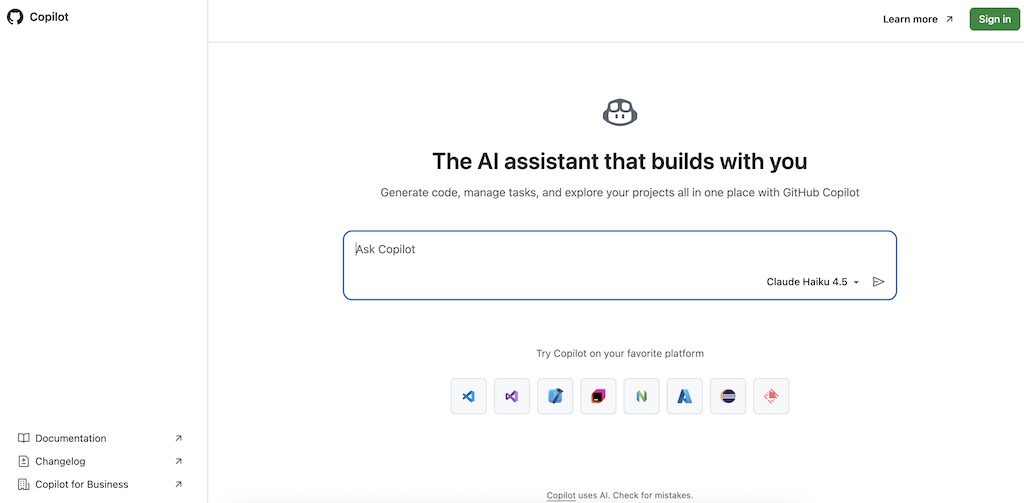
Best for: developers who want AI inside their existing workflow
GitHub Copilot feels different from most tools on this list.
It doesn't try to become your entire development environment.
It doesn't ask you to switch platforms.
It quietly sits inside your editor and helps you write code faster.
That's why so many developers still use it.
What I like
Autocomplete remains Copilot's strongest feature.
Sometimes it predicts exactly what you're about to write.
And when it gets things right, it feels slightly ridiculous.
You write a comment.
Copilot writes the next 20 lines.
You hit Tab.
Done.
The GitHub integration is also excellent.
If your projects already live on GitHub, adding Copilot requires almost no effort.
The barrier to entry is tiny.
That's part of its appeal.
Where it falls short
Copilot shines on local tasks.
Functions.
Components.
Boilerplate.
Documentation.
It becomes less impressive when you start asking bigger questions.
Architecture decisions.
Large refactors.
Complex business logic.
That's where tools like Cursor and Claude Code usually have the edge.
Pros
- Easy to adopt
- Great autocomplete
- Works inside existing workflows
- Strong GitHub integration
- Supports many programming languages
Cons
- Limited autonomy
- Code still requires review
- Less effective on larger tasks
My verdict
Copilot is the easiest AI coding tool to recommend.
Most developers can install it and become more productive within an hour.
That simplicity matters.
6. Bolt.new
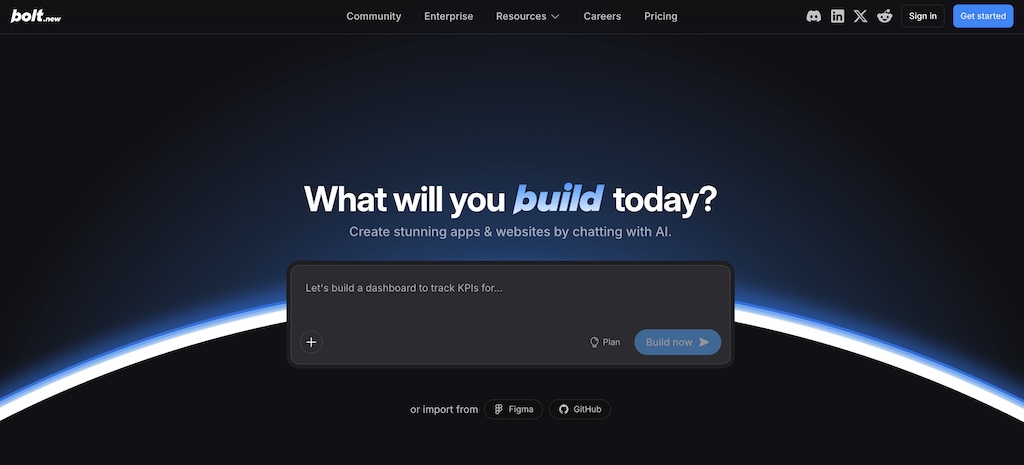
Best for: rapid prototyping
Bolt.new is absurdly fast.
That's the first thing people notice.
You type a prompt.
The app starts taking shape almost immediately.
No local setup.
No dependency headaches.
No spending 45 minutes configuring an environment before you've even written a login page.
Just open a browser and start building.
What I like
Speed changes behavior.
When feedback is instant, you're willing to experiment more.
You try ideas you might otherwise ignore.
You test layouts.
You build throwaway prototypes.
You explore.
Bolt is excellent for that.
The browser-based workflow also removes a surprising amount of friction.
A founder can go from idea to working prototype in a single afternoon.
That's hard to ignore.
The free token allowance is generous enough for meaningful testing too.
You don't immediately hit a paywall after 3 prompts.
The downside
Tokens disappear faster than many people expect.
Particularly when bugs show up.
You fix one thing.
Something else breaks.
A few prompts later you've burned through a large chunk of your allowance.
The platform also feels strongest during the early stages of a project.
As products become larger, many developers eventually migrate elsewhere.
Pros
- Extremely fast
- No setup required
- Browser-based workflow
- Great for validation and MVPs
- Generous free usage
Cons
- Token usage can escalate quickly
- Less suited to long-term development
- Backend capabilities trail some competitors
My verdict
If your goal is proving an idea works, Bolt.new is hard to beat.
I've seen founders build functioning products in a weekend.
That's probably why its growth has been so explosive.
7. Claude Code
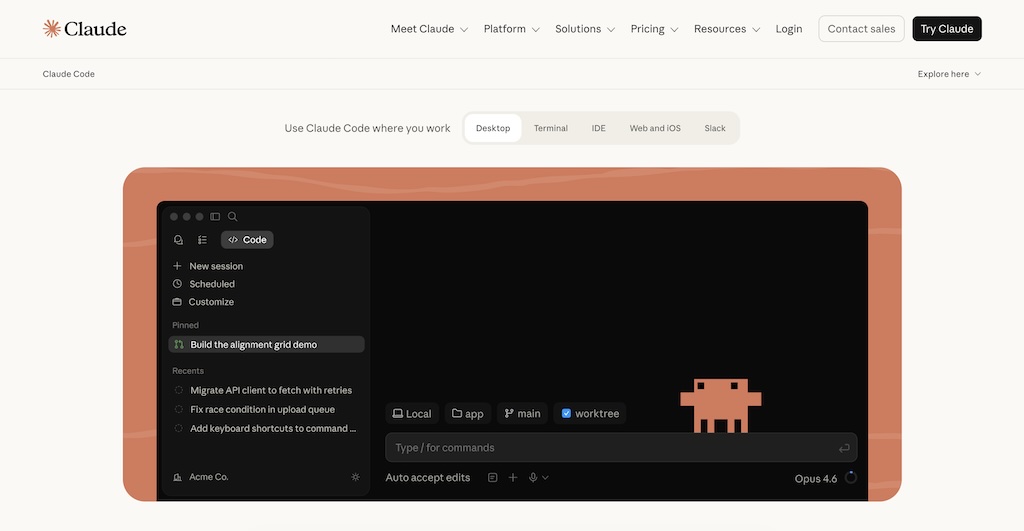
Best for: developers who want an autonomous coding agent
Claude Code feels different from most tools in this category.
Cursor still expects you to stay involved.
Copilot waits for instructions.
Claude Code is much more willing to grab the wheel.
You give it a task. It starts working.
That sounds simple until you watch it spend 20 minutes reading files, making changes, running tests, fixing errors, and committing code without asking for permission every 30 seconds.
The first time I used it seriously, it felt less like an autocomplete tool and more like having a junior developer sitting next to me.
A surprisingly capable junior developer.
What I like
Its reasoning is excellent.
When Claude Code makes changes, it usually understands why those changes need to happen.
That's a bigger deal than many people realize.
A lot of AI coding tools can write code.
Far fewer can understand the consequences of changing existing code.
I've also been impressed by how well it handles large tasks.
Feature requests.
Refactors.
Bug investigations.
Documentation updates.
The bigger the assignment, the more Claude Code starts to separate itself from simpler coding assistants.
Where it struggles
The learning curve is real.
If you're uncomfortable in a terminal, Claude Code can feel intimidating at first.
There isn't much hand-holding.
You also need to be careful with permissions and access.
Giving an autonomous agent control over your project requires trust.
Trust takes time.
Pros
- Excellent reasoning
- Strong autonomy
- Handles larger development tasks well
- Git workflows feel natural
- Frequent improvements
Cons
- Terminal knowledge helps
- No free plan
- Can feel overwhelming for beginners
My verdict
Developers who enjoy command-line workflows should absolutely try Claude Code.
I don't think it's replacing Cursor for most people.
I do think it's one of the most interesting products in software development right now.
8. OpenAI Codex and GPT-based coding systems
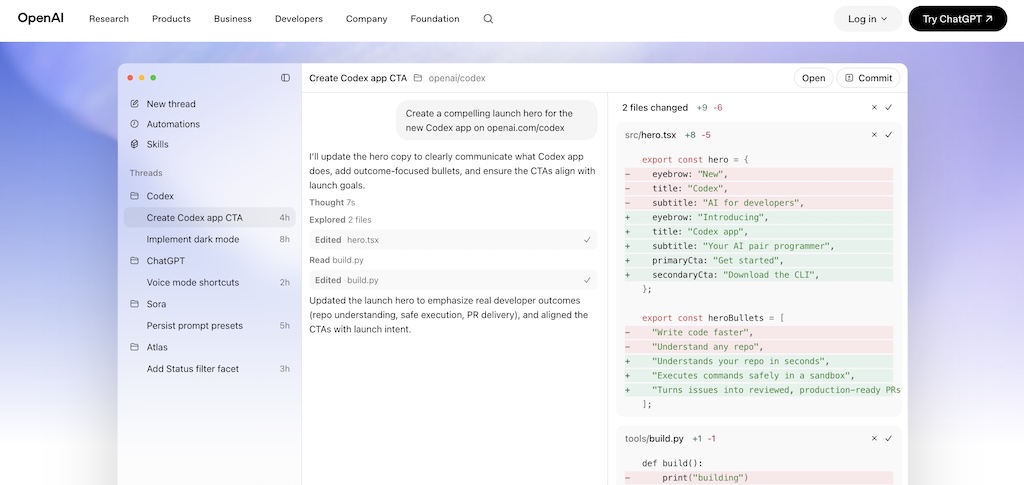
Best for: backend development, APIs, and automation
OpenAI's coding products are a little harder to categorize.
Unlike Cursor or Lovable, Codex isn't a single platform that everyone uses in the same way.
You'll encounter it through ChatGPT, APIs, coding agents, and custom development workflows.
That flexibility is part of the appeal.
What I like
OpenAI models are consistently good at backend work.
API development.
Data processing.
Automation.
Database operations.
Internal tools.
I've had particularly good experiences using them to build integrations between services.
They're also useful when you need help understanding unfamiliar code.
Drop in a file.
Ask questions.
Get explanations.
That alone can save hours.
The API access opens up another layer of possibilities.
Teams can build custom workflows around the models instead of adapting to someone else's platform.
Where it struggles
Beginners may find the ecosystem confusing.
There's no single "OpenAI coding platform" experience.
You're often combining models with other tools.
That flexibility is great if you know what you're doing.
Less great if you're just getting started.
Pros
- Strong coding capabilities
- Excellent for backend development
- Useful API access
- Good debugging support
- Works across many languages
Cons
- Requires technical knowledge
- Less beginner friendly
- Setup varies depending on the workflow
My verdict
Developers building serious software should probably have OpenAI models somewhere in their toolkit.
Whether that's through ChatGPT, APIs, or another platform depends on how you work.
Which tool should you choose?
This is the section most comparison articles skip.
They review 8 products and leave you to figure out the rest.
Here's my recommendation.
| If you are... | Use... |
|---|---|
| Complete beginner | Lovable |
| Designer or product team | Vercel v0 |
| Solo founder validating ideas | Bolt.new |
| Professional developer | Cursor |
| Browser-first developer | Replit |
| Existing GitHub user | GitHub Copilot |
| Power user who loves the terminal | Claude Code |
| Building custom AI workflows | OpenAI Codex |
Most people reading this article fall into one of two camps.
If you're a beginner, start with Lovable.
If you're already writing code for a living, start with Cursor.
That's probably the simplest buying advice I can give.
Comparison table
| Tool | Category | Best For | Skill Level | Main Strength |
|---|---|---|---|---|
| Lovable | AI App Builder | Beginners | Beginner | Fast MVP creation |
| Vercel v0 | UI Generator | Frontend developers | Intermediate | Excellent React and Next.js support |
| Replit Agent | Browser IDE | General development | Intermediate | Everything in one place |
| Cursor | AI IDE | Professional developers | Advanced | Deep codebase understanding |
| GitHub Copilot | Coding Assistant | Everyday development | All levels | Excellent autocomplete |
| Bolt.new | AI App Builder | Rapid prototyping | Beginner | Incredible speed |
| Claude Code | Coding Agent | Autonomous workflows | Advanced | Strong reasoning and autonomy |
| OpenAI Codex | AI Coding Engine | APIs and automation | Intermediate to Advanced | Backend development |
Frequently asked questions
How much do vibe coding tools cost?
Most platforms have free plans or trial credits.
For regular use, expect to spend somewhere between $20 and $50 per month.
Heavy users can spend much more.
Cursor, Claude Code, and API-based workflows tend to become expensive fastest.
Are vibe coding tools replacing developers?
I don't think so.
What I am seeing is developers becoming dramatically more productive.
The engineers who learn these tools are finishing projects faster and shipping more often.
That's the trend worth paying attention to.
Which vibe coding platform is easiest for beginners?
Lovable.
Bolt.new is a close second.
Both let you create working applications without needing a deep understanding of programming.
Can these tools build production applications?
Yes.
Many startups are already using AI-generated code in production.
The important part is review.
AI can write code quickly.
You still need humans making decisions about architecture, security, performance, and maintenance.
Final verdict
After spending time with all of these tools, one thing feels obvious.
Vibe coding isn't a trend that's going away.
The tools are improving too quickly.
The gap between an idea and a working application keeps getting smaller every month.
If you're brand new to software development, I'd start with Lovable.
If you're building products professionally, I'd start with Cursor.
If you enjoy pushing AI systems to their limits, Claude Code is worth your attention.
And if your goal is testing an idea as quickly as possible, Bolt.new is probably the fastest path from prompt to prototype.
if you're only looking to generate a website and don't need the broader app-building capabilities covered in this guide, take a look at our guide to the best AI website builders. Website builders are usually faster, simpler, and a better fit for landing pages, portfolios, blogs, and small business sites.
The best vibe coding platform depends on what you're trying to build.
But regardless of which tool you choose, one thing is clear.
The way software gets built in 2026 looks very different from the way it looked just a few years ago.