
Transform Your Presentations Into Engaging AI Videos: The Ultimate PowerPoint to Video Conversion Guide for 2026
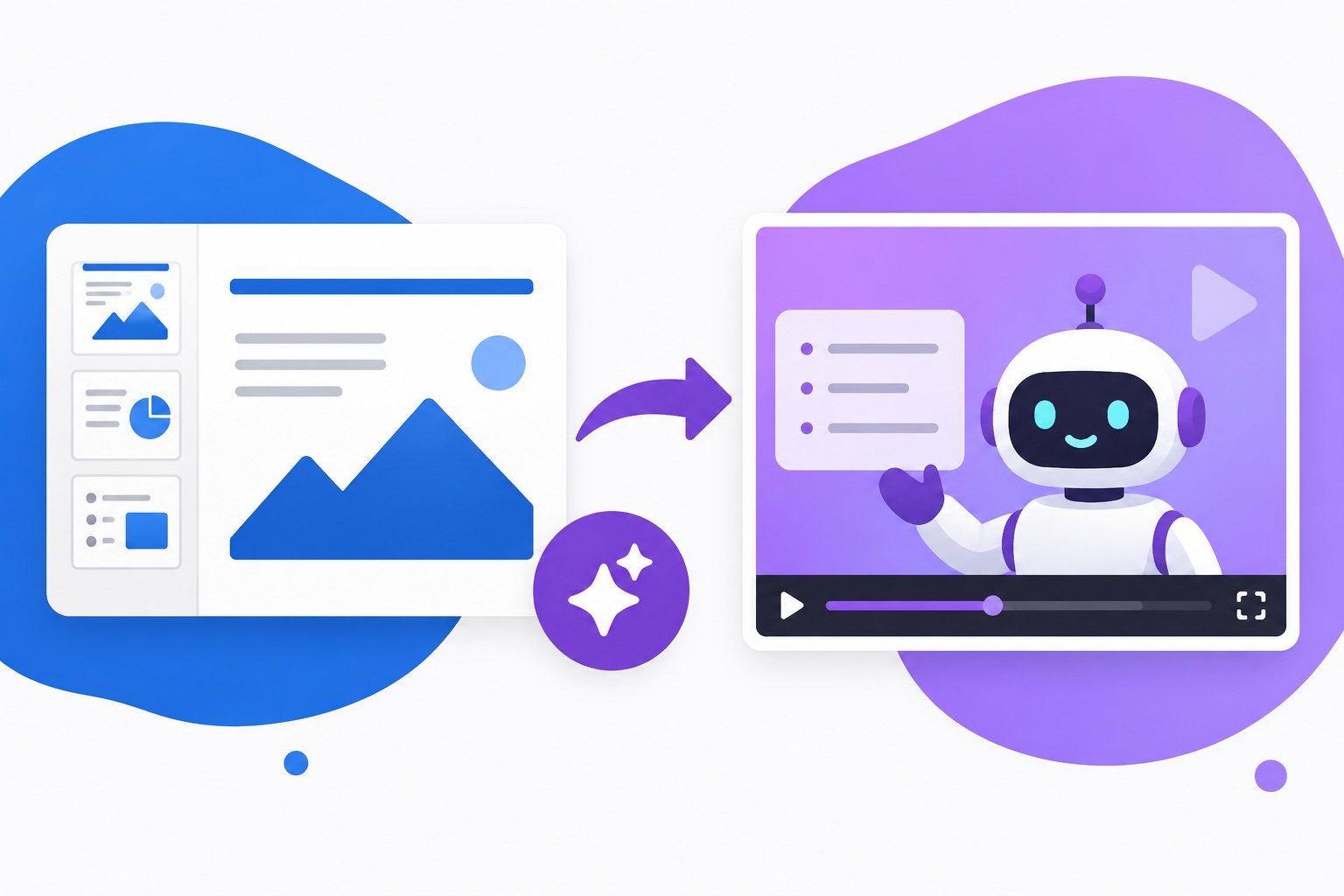
Converting PowerPoint presentations into engaging video content has become essential for businesses aiming to increase engagement and reach global audiences.
A modern PowerPoint to video converter powered by artificial intelligence transforms static slides into professional videos complete with natural-sounding narration and realistic AI presenters.
Key Takeaways
- PowerPoint to video conversion increases completion rates by 2x compared to traditional slide decks and drives 3x more sales conversions through visual storytelling.
Modern AI-powered converters preserve original slide designs while adding professional narration, avatars, and interactive elements automatically. - The best PowerPoint to video converter allows instant conversion of .pptx files into professional AI videos without requiring recording equipment, video editing software, or technical expertise.
Automated speaker note conversion to narration, 240+ avatar options, and 1000+ AI voice selections enable teams to create branded content in minutes. - Synthesia's free PowerPoint to video converter processes files up to 100MB with a maximum of 150 slides, supporting full editing capabilities and export to MP4 format.
The platform automatically preserves layouts, fonts, and branding while converting slides into editable video scenes. - Global video distribution becomes simplified through automatic translation into 160+ languages with synchronized AI dubbing and caption generation.
Teams can scale content across international markets without requiring separate video production for each language. - Interactive video features including clickable call-to-actions, branching paths, and embedded analytics transform passive viewers into active participants.
Video analytics tracking viewer engagement, watch time, and interaction rates provide actionable insights for content optimization. - Enterprise deployment supports SOC 2 Type II compliance, ISO 42001 certification, and GDPR compliance requirements for organizations managing sensitive content.
Brand kit functionality enables consistent application of company colors, fonts, logos, and preferred avatars across all video projects. - Trusted by 50,000+ teams globally and 90% of Fortune 100 companies, including Reuters, Zoom, SAP, Merck, Heineken, and Moody's, for training, sales, and internal communications.
Organizations report 50% faster content creation, $56K cost savings, and the ability to update 10,000+ courses efficiently.
Understanding PowerPoint to Video Conversion Technology
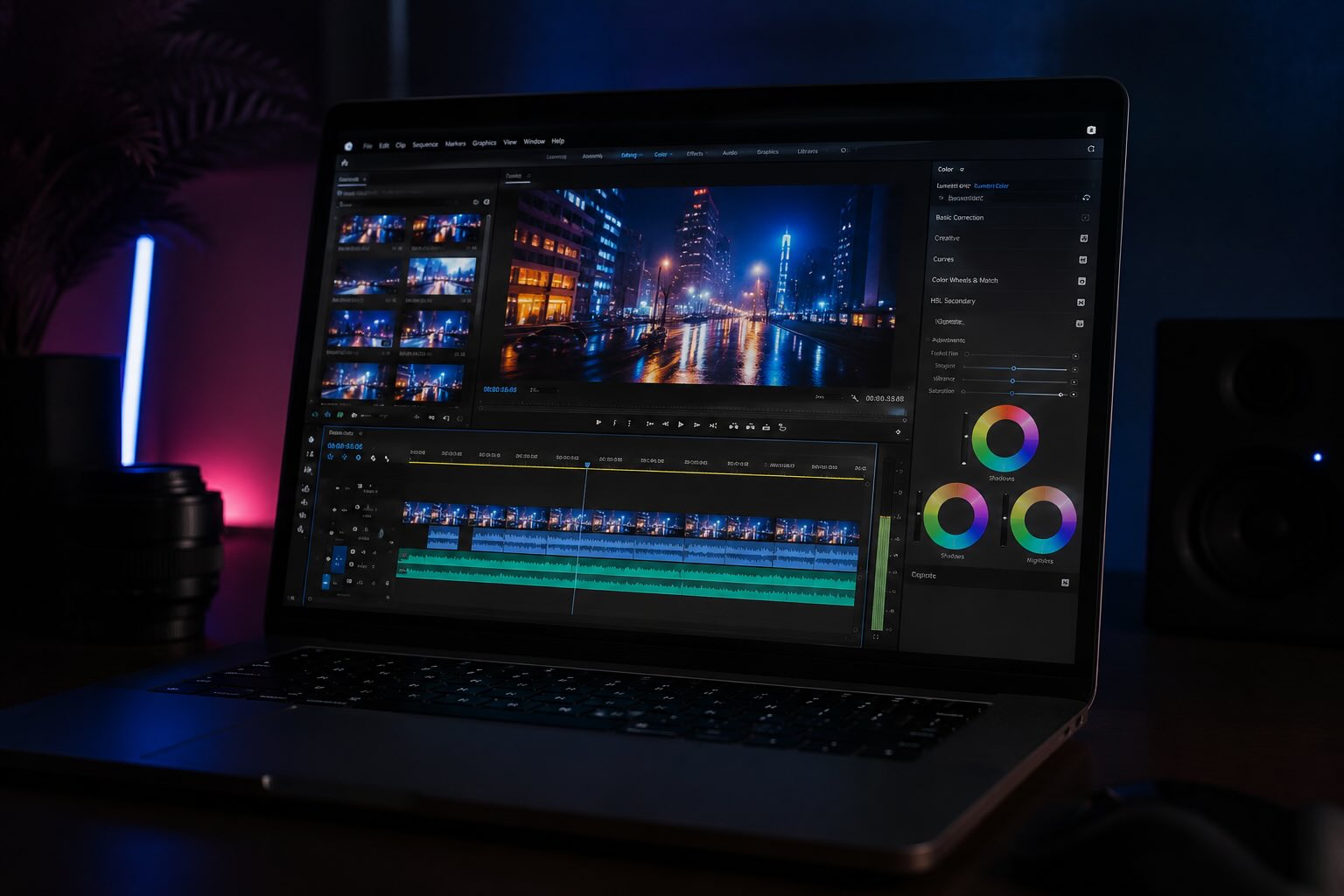
PowerPoint presentations remain one of the most common business communication formats worldwide.
However, static slides often fail to capture and maintain viewer attention in the modern digital landscape where video consumption dominates all other content formats.
A PowerPoint to video converter solves this challenge by transforming flat presentations into dynamic video content.
The conversion process automatically extracts slide content, speaker notes, images, and text while restructuring everything into an engaging video narrative.
Traditional video creation requires expensive equipment, professional videography skills, and weeks of production time.
Modern AI-powered converters eliminate these barriers by automating the entire process from upload to final video generation in minutes.
The technology preserves your original slide design and branding while enhancing presentation value through professional narration and visual elements.
This approach ensures consistency with corporate identity standards while dramatically improving engagement metrics.
How Modern PowerPoint to Video Converters Work
The conversion process begins with uploading your PowerPoint file to a cloud-based platform. The system automatically analyzes each slide, extracting text, images, layouts, and speaker notes for processing.
Slide content becomes converted into editable video scenes that maintain visual consistency with your original presentation.
Text and speaker notes are extracted and prepared for automated narration generation using AI voice technology.
Users then select their preferred AI avatar, voice, language, and visual customizations before generating the final video.
The platform creates a fully narrated, professionally presented video complete with on-screen graphics and presenter movement.
Export options include MP4 format for direct download or web-based sharing through branded video pages.
Analytics tracking enables monitoring of viewer engagement, completion rates, and interaction metrics over time.
Key Features of Leading PowerPoint to Video Converters
Advanced converters offer 240+ diverse AI avatars representing various ethnicities, ages, and professional appearances.
Avatar selection allows teams to create inclusive, relatable content that resonates with diverse global audiences.
Natural-sounding voiceover generation leverages over 1000+ AI voices available in multiple languages and accents.
Speaker note conversion automates script generation while maintaining complete editing flexibility for customization.
Interactive element integration enables adding clickable call-to-actions, branching paths, and embedded forms directly into video content.
These features transform passive viewing experiences into active engagement opportunities with measurable conversion tracking.
Brand kit functionality ensures visual consistency across all videos by applying company colors, logos, fonts, and preferred avatars.
Centralized brand management simplifies compliance with corporate style guidelines across large teams.
Benefits of Converting PowerPoint to Video
Research demonstrates that video viewers retain 95% of message content compared to just 10% retention from reading text.
Video consumption now represents 55% of daily media consumption, with 78% of people watching videos weekly.
Organizations converting presentations to video report 2x higher completion rates as viewers finish videos rather than skimming slides.
Sales teams using video messaging experience 3x higher demo booking conversion rates compared to deck-only outreach.
Employee onboarding with video training accelerates productivity by 70% while reducing orientation meeting time requirements.
Compliance and safety training becomes more effective and scalable when delivered through engaging video formats.
Internal communications reach broader audiences when formatted as video rather than slide presentations.
Knowledge management improves as searchable video content enables faster information discovery compared to static slides.
Choosing the Best PowerPoint to Video Converter
The ideal converter requires minimal technical expertise while delivering professional-quality output automatically.
Intuitive interfaces should enable non-technical users to complete conversions without video editing knowledge or experience.
Pricing models should offer free conversion options with upgrades for extended video lengths or advanced features.
Support systems including tutorials, templates, and customer service should facilitate rapid onboarding and troubleshooting.
Platform security should include SOC 2 compliance, GDPR protection, and enterprise-grade authentication for organizations handling sensitive content.
Scalability to support organization-wide deployment without performance degradation matters for large enterprises.
Integration capabilities with existing tools, including learning management systems, video hosting platforms, and collaboration software, streamline workflows.
API access enables custom implementations for enterprises requiring advanced automation and customization.
Using a PowerPoint to Video Converter Effectively
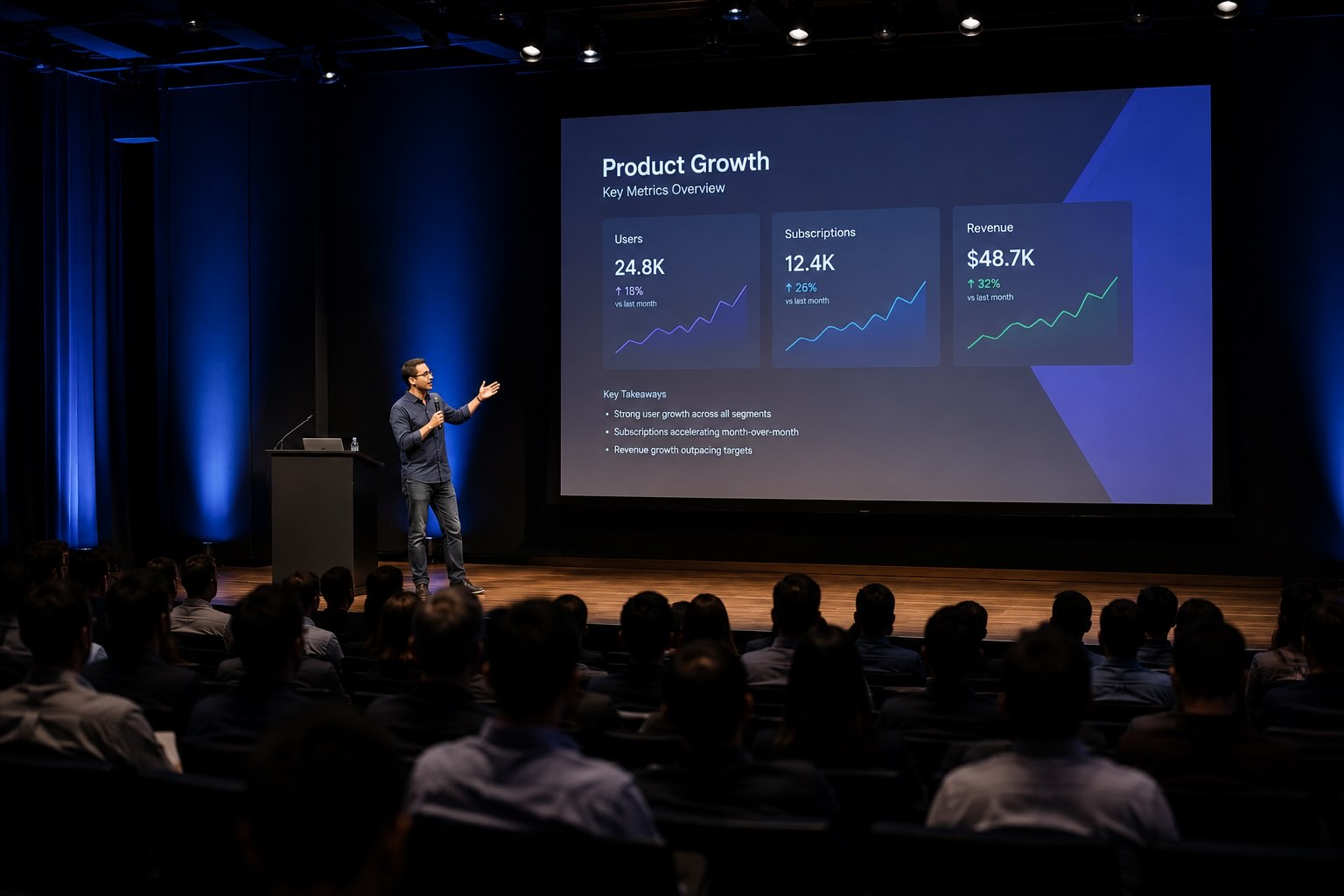
Optimize speaker notes before conversion, as they become the foundation for AI-generated narration scripts.
Clear, concise notes with proper pacing ensure natural-sounding voiceovers that maintain viewer engagement throughout the video length.
Maintain visual consistency by using company-approved fonts, colors, and branding throughout slide presentations.
The converter preserves these elements during conversion, so quality source material translates directly to professional output.
Test video output before distribution to verify speaker note conversion accuracy and avatar performance. Preview features enable reviewing videos in multiple languages before final export or sharing with audiences.
Leverage analytics after publishing to identify viewer engagement patterns and optimize future content.
Tracking metrics like completion rates, rewatch frequency, and interaction counts inform content improvement strategies.
Real-World Applications Across Industries
Learning and development teams use converters to transform training materials into engaging courses accessible across geographies.
Updated content rolls out without requiring in-person training sessions or expensive video production resources.
Sales enablement teams create product demonstrations and pitch videos that prospects watch in their own time.
Sales representatives gain polished video content for sharing through email, messaging platforms, and social media channels.
Compliance and safety training becomes mandatory viewing when presented as professional videos rather than static slide decks. Organizations track completion and comprehension through embedded assessments and analytics monitoring.
Internal communications departments scale company-wide announcements and procedural updates into engaging video formats.
Employees prefer video-based communication over lengthy email notifications or all-hands meeting attendance.
Marketing teams produce product launch announcements, customer testimonials, and promotional content without studio rentals or production crews.
Rapid content creation enables responding quickly to market opportunities and trending topics.
Conclusion
Transforming PowerPoint presentations into professional AI videos represents a significant advancement in business communication efficiency.
Modern PowerPoint to video converters eliminate barriers to professional video production while maintaining complete creative control.
Organizations investing in video content experience measurable improvements in engagement, comprehension, and conversion metrics.
The combination of ease of use, professional output quality, and enterprise-grade features positions video conversion as essential for modern businesses.
Frequently Asked Questions
Why should businesses convert PowerPoint presentations to video?
Video content achieves 2x higher completion rates than slide decks and drives 3x more sales conversions.
Viewers retain 95% of video message content compared to 10% from reading text, making video the superior format for communication.
What is the best free PowerPoint to video converter?
Synthesia offers a free PowerPoint to video converter requiring only file upload to transform slides into professional AI videos.
The tool preserves original designs, automatically converts speaker notes to narration, and generates videos in minutes without technical expertise.
Can I edit videos after converting my PowerPoint?
Yes, fully editable video scenes allow customizing avatars, voices, text, animations, and visual elements after conversion. Complete editing flexibility enables fine-tuning videos before final export without rebuilding presentations.
How long does PowerPoint to video conversion take?
Conversion typically completes within minutes after file upload and setting preferences. Generation time depends on video length and processing complexity, but most presentations convert faster than manual video production.
Can I translate converted videos into other languages?
Yes, one-click translation converts videos into 160+ languages with synchronized AI dubbing and caption generation.
Translation maintains original avatar and voice personality while ensuring authentic localization for global audiences.
What file types do converters support besides PowerPoint?
Leading converters support PDF, DOC, DOCX, and TXT files in addition to PPTX format. Maximum file sizes typically reach 100MB with slide limits around 150 slides per project.
Are converted videos suitable for professional business use?
Absolutely, professional AI avatars and natural-sounding voices create polished videos suitable for sales pitches, training, compliance communications, and executive presentations. Enterprise compliance certifications ensure suitability for regulated industries.
How do I ensure brand consistency across multiple converted videos?
Brand kit functionality enables applying company fonts, colors, logos, and preferred avatars to all projects.
Centralized brand settings ensure automatic consistency across videos created by different team members.