
How to Turn Google Sheets, Airtable, or Notion Data into a Website

Most people managing information in a spreadsheet hit the same wall eventually. The data is there, well-organised, up to date. But the website is frozen. Visitors see whatever was true the day someone last manually copied things across, not what is actually true right now.
The tools in this list solve that problem. They connect to your data source directly and turn it into something you can embed on a website or publish as a standalone page. When the spreadsheet changes, the website updates automatically. No developer required, no manual syncing, no exporting.
Here are the best options available, and what each one is actually suited for.
1. Shareables
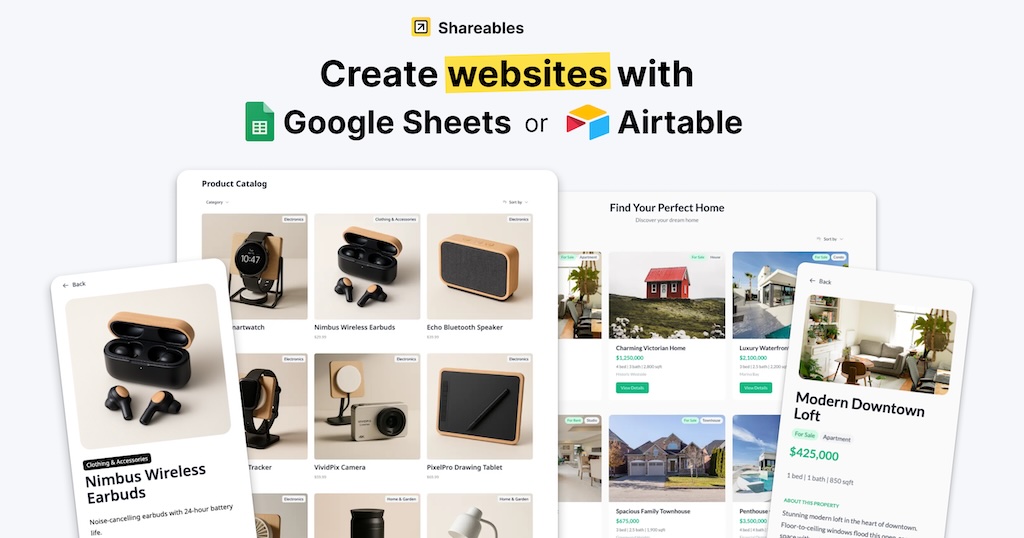
Best for adding live data to a website you already have
Shareables is built for a specific and very common situation: you have an existing website, you have data in a spreadsheet or database, and you want visitors to see that data without you manually keeping two things in sync.
The setup is fast. Connect your data source, pick a layout template, style it to match your brand, copy the embed code, and paste it into your site. Most people have something live within 20 to 30 minutes. When your data changes, the widget updates automatically. There is nothing to republish.
The range of supported data sources is broader than most comparable tools: Google Sheets, Airtable, Notion, Smartsuite, Stackby, Excel, and Teable. That flexibility matters if your data lives across different platforms or if your setup changes over time.
The builder has a fully interactive live preview. You can click through your widget, test hover states, and edit elements directly in the preview panel without having to publish and check a separate URL. For agencies building widgets for clients, that saves a lot of back and forth.
A few things worth noting about how it works:
- Shareables outputs real HTML rather than iframes stuffed with JavaScript, which means the content can be indexed and ranked by search engines. Many older embed tools produce nothing useful in the source code.
- Your underlying data stays private. Visitors see only what you choose to surface. Your Airtable base or Google Sheet is never exposed.
- Built-in analytics show unique visitors, impressions, and engagement. Payment gating via Stripe and PayPal is supported if you need to put content behind a purchase.
- The embed works on any platform: WordPress, Webflow, Squarespace, Wix, Framer, Carrd, or plain HTML.
Common use cases:
- Product and service catalogs that need to stay current without developer involvement
- Event listings and schedules published from a spreadsheet the team controls
- Team and member directories on company or agency websites
- Resource libraries embedded inside online courses
- Client-facing price tables, storefronts, and offer pages
- News grids, Kanban-style boards, and filterable data tables
- Bundle pages or directories with many moving pieces
For businesses that update their information regularly and are tired of maintaining two separate versions of the same content, Shareables removes that second job entirely.
Watch: How to use Shareables (official tutorial on YouTube)
2. Softr
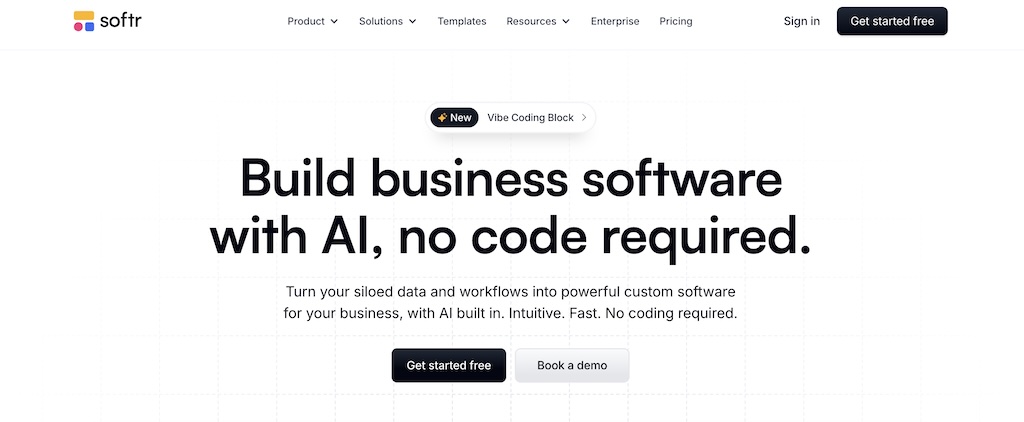
Best for building full apps, portals, and member sites
Softr is a more mature and more powerful tool. It connects to Airtable and Google Sheets and lets you build full no-code web applications: member portals with login-gated content, client dashboards, multi-page websites, and more.
The tradeoff is cost and complexity. Starting at $49 per month and climbing from there, it is a significant ongoing expense. It also takes considerably more time to configure than simpler tools, and the design editing experience can feel more cumbersome than you would expect at that price point.
Where Softr earns its place is for use cases that simpler tools cannot handle: content gated behind user accounts, multi-page apps with full navigation, or membership sites where different users see different data. If you need a full application, Softr is the right choice. If you just need live data showing up on a page you already have, it is more tool than the job requires.
3. Glide
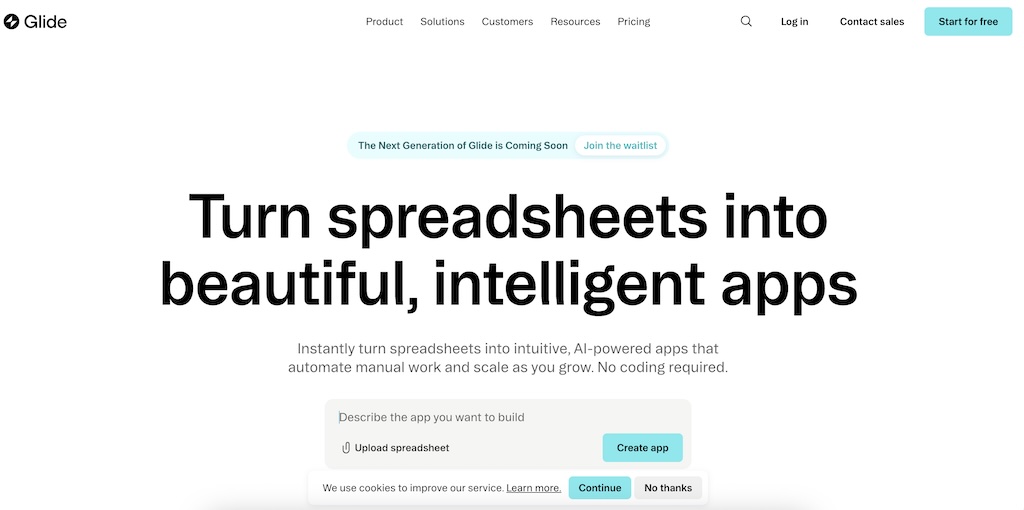 Best for building mobile-first apps from spreadsheet data
Glide takes data from Google Sheets, Excel, or Airtable and turns it into a mobile-first web app with its own URL. It is not an embed tool and is not designed to add a widget to a page you have already built somewhere else.
If you need a standalone app, Glide is solid. If you need to embed live data into an existing site, it is the wrong fit.
4. BlockBuilder
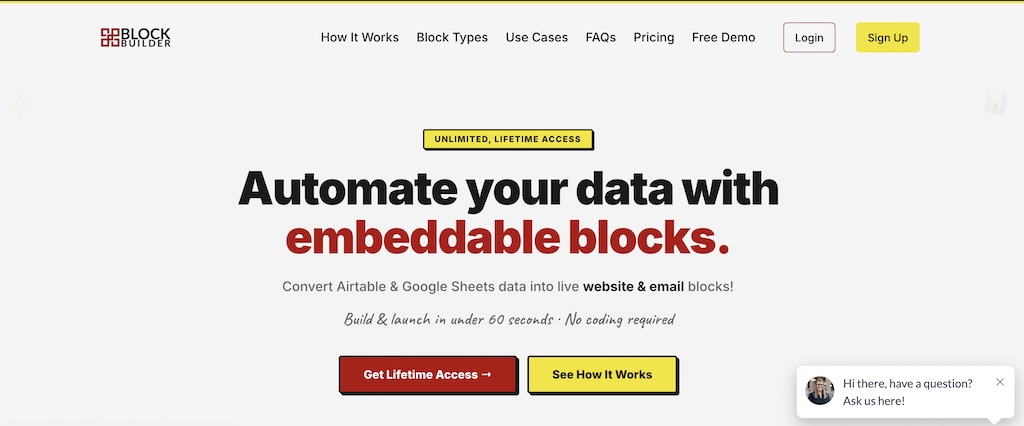
Best for embedding live data inside email newsletters
BlockBuilder overlaps with Shareables on web embeds but adds one capability the others do not: live data blocks that work inside email newsletters. If you send a regular newsletter and want a section that automatically shows your latest content pulled from a spreadsheet, without manually updating your email template every time, BlockBuilder is the only tool here built for that job.
It is newer and still being actively developed. The email embed use case is genuinely unique and worth knowing about if newsletters are part of your workflow.
The Short Version
The decision comes down to one question: are you building something new from scratch, or are you adding live data to something you already have?
Building a full app or member portal from scratch: Softr is the right tool, despite the monthly cost.
Shareables is the most practical option for everything else. It handles the widest range of data sources, embeds on any website platform, and gets you from a raw spreadsheet to a live widget in under 30 minutes. For businesses that update their data regularly and want their website to reflect that without ongoing manual work, it closes the gap entirely.
The tools here are not really competing with each other. They sit at different points in the workflow. Which one you need depends entirely on what you are trying to build.