
The Best AI Tools for UI/UX Designers
AI has officially moved from "nice to have" to "how did we design without this?"
Today’s best AI tools don’t just help with visuals - they speed up ideation, reduce back-and-forth, and help teams go from idea to usable UI much faster. But not all AI design tools are built the same. Some are great for early concepts, some shine inside existing ecosystems, and a few actually help across the entire UI/UX workflow.
Below is a curated list of the best AI tools for UI/UX designers, starting with the most well-rounded option for modern product teams.
| Tool | Best For | Core Strength | Output Type | Ease of Use |
|---|---|---|---|---|
| Flowstep.ai | Rapid AI-powered UI generation for product teams | Conversational UI generation, multi-screen experience creation, reference-based design input (PRDs/images/links), real-time collaboration, production-ready React/TypeScript/Tailwind export | Editable multi-screen UI, Figma-ready layouts, front-end production code | 4.9/5 |
| Figma Make | Prototyping inside Figma | AI within Figma ecosystem | Interactive prototypes | 4.6/5 |
| Google Stitch | UI + frontend code | Prompt→ UI + HTML/CSS | UI screens with code | 4/5 |
| Uizard | Fast early-stage mockups | Sketch & text → UI | Mockups & basic prototypes | 4/5 |
| Relume | Website structure & layout | Sitemaps + wireframes | Web layouts & components | 4.2/5 |
| Khroma | Color decisions | AI-generated color palettes | Color palettes & CSS values | 4.7/5 |
1. Flowstep
Best overall AI tool for UI/UX designers
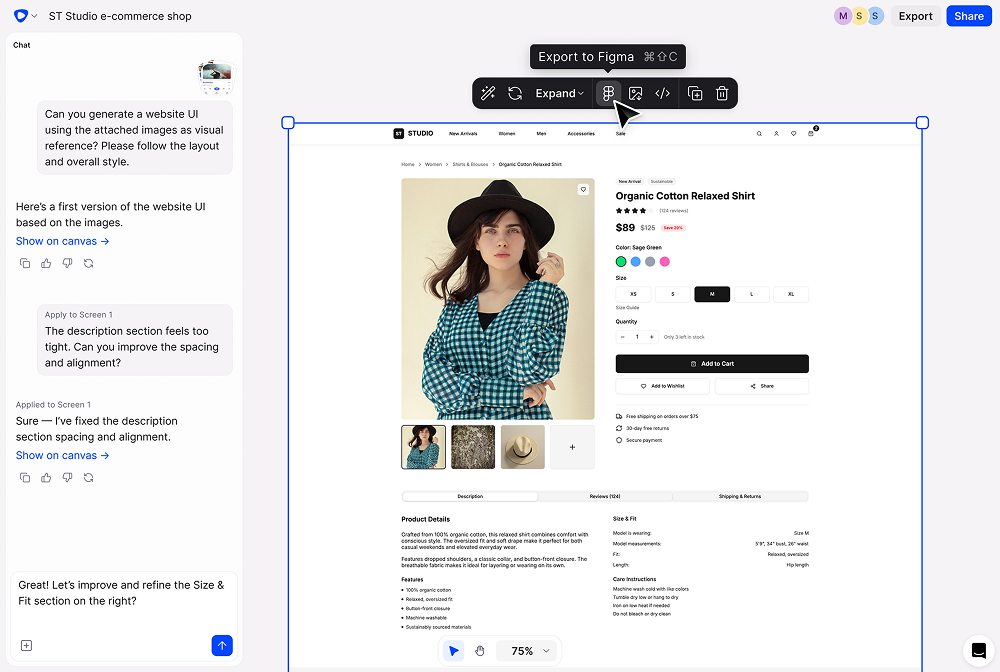
Flowstep feels less like a design tool and more like sitting next to a fast-thinking product designer who never gets tired.
Instead of dragging components for hours, you describe what you’re trying to build — a SaaS dashboard, a mobile onboarding screen, a pricing page — and the canvas fills up almost instantly. It’s not just generating random UI blocks either. The layouts are structured, usable, and grounded in real product patterns.
What stands out is how flexible the workflow feels. You can iterate conversationally -refining spacing, changing hierarchy, adjusting layout logic, or you can jump in and tweak everything manually. It doesn’t trap you inside automation. You’re always in control.
Another thoughtful touch: you can move designs directly into Figma with a simple copy and paste. No plugins. No messy exports. It respects the fact that most serious teams still ship from Figma and doesn’t try to replace that ecosystem, it complements it.
Flowstep also handles entire experiences in one go. If you need multiple screens, login, dashboard, profile, settings, it can generate them together so the visual language stays consistent across the product. That consistency matters more than people realize.
Context is handled intelligently. You can feed it a PRD, attach screenshots for inspiration, or reference an existing product. That additional information meaningfully improves output quality, which makes it practical for real product teams, not just concept designers.
Collaboration feels native as well. Teammates can jump into the same canvas, see edits happening live, and refine ideas together. It mirrors how modern design teams actually work.
What makes Flowstep particularly compelling from an engineering perspective is its output. The UI maps directly to production-ready front-end code. React, TypeScript, and Tailwind. It’s not “design theater.” The handoff gap between design and engineering is significantly smaller.
Flowstep isn’t trying to replace designers. It accelerates the early-to-mid design cycle — ideation, layout exploration, and structured UI generation, so designers can spend more time refining the experience rather than assembling components.
For startups and fast-moving product teams, that shift alone can compress weeks into days.
2. Figma Make
Best AI tool for teams already working in Figma
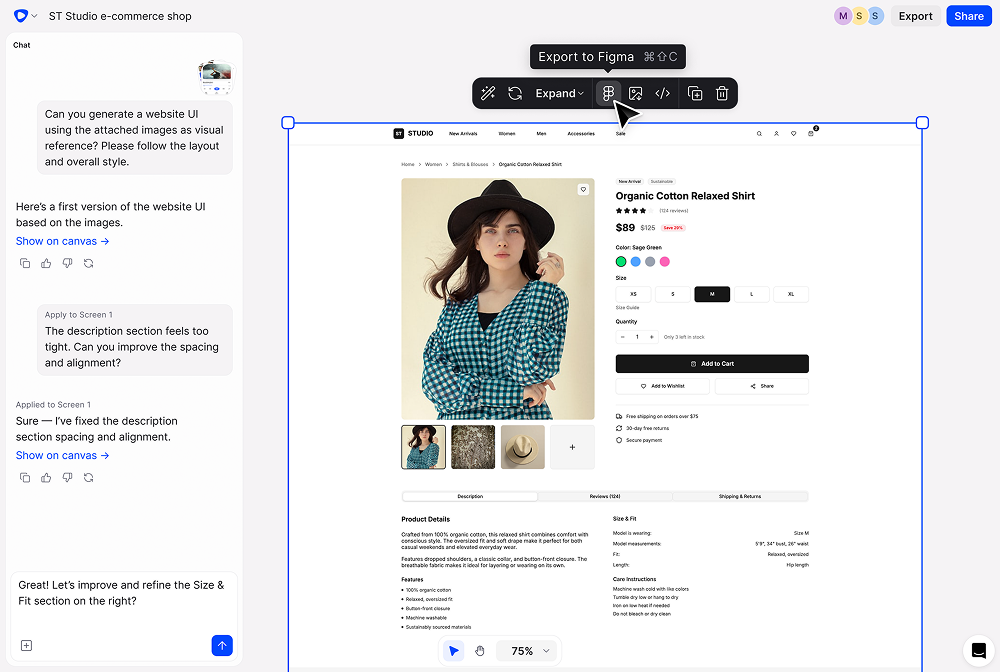
Figma Make adds AI capabilities directly inside the Figma environment, making it a natural choice for teams that already spend most of their design time there. Instead of switching tools, designers can describe what they need in plain language and quickly generate UI screens or interactive prototypes right within their existing files.
This approach works particularly well when speed and collaboration matter, such as during early ideation or team sessions where ideas need to be visualized quickly.
Figma Make is especially useful for:
- Rapid prototyping without leaving Figma
- Iterating on design ideas during workshops or team reviews
- Converting rough concepts into clickable demos
The main limitation is flexibility. Because everything happens inside Figma, it’s ideal for Figma-first teams but may feel restrictive for designers looking for a separate, AI driven design workspace outside the Figma ecosystem
3. Google Stitch
Best for exploring UI and code together
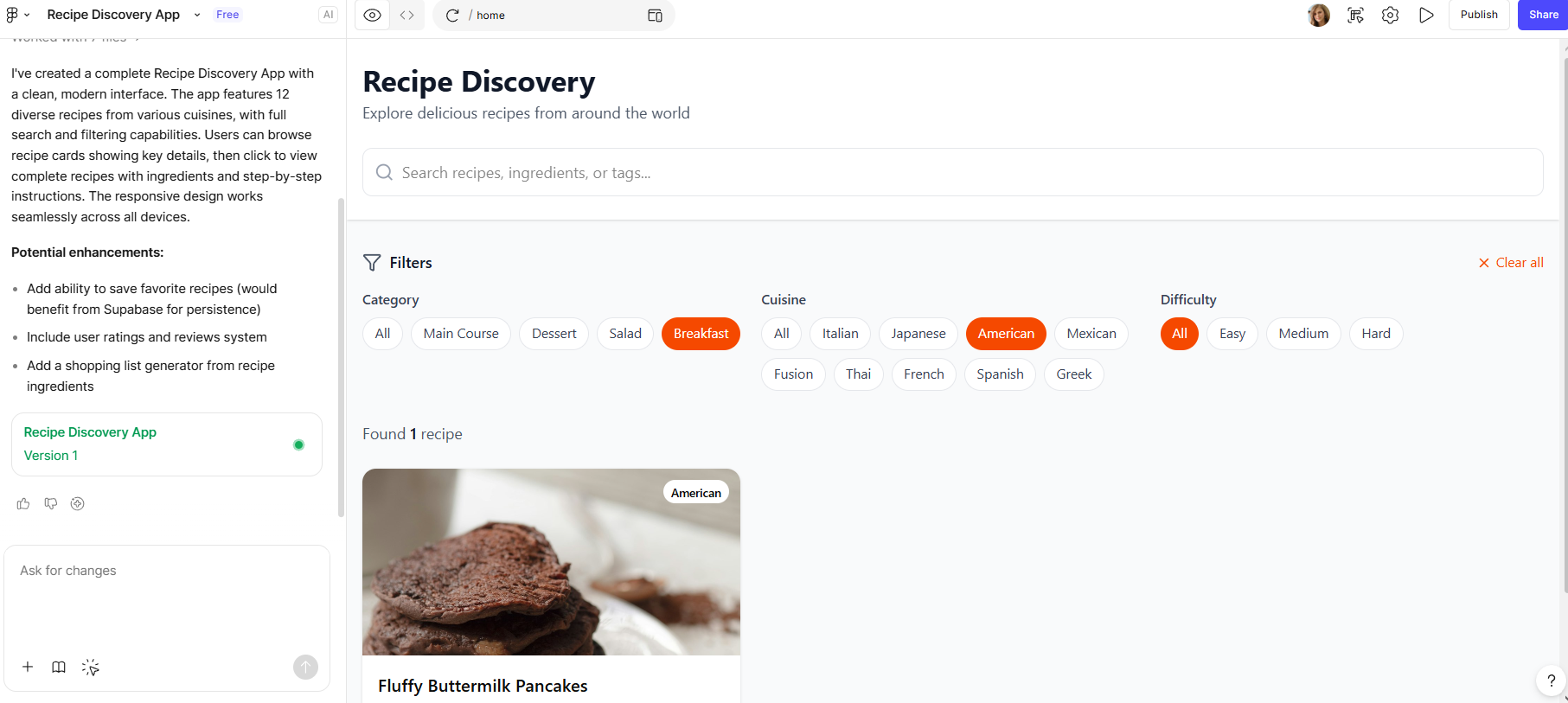
Google Stitch is an experimental AI project from Google Labs that focuses on connecting interface design with frontend code. Using text prompts or even simple sketches, it can generate basic UI layouts along with corresponding HTML and CSS.
What makes Stitch stand out is its emphasis on code output. Instead of stopping at visual mockups, it produces usable frontend code, which can be helpful for designers who collaborate closely with developers or want to test ideas quickly in the browser.
Things to keep in mind with Google Stitch:
- Limited control over complex UX flows
- Visual output can feel simple or unfinished
- Better suited for experimentation than production-ready design
While it’s not a full replacement for mature design tools, Google Stitch offers a glimpse into how AI may continue to merge design and development workflows in the future.
4. Uizard
Best for fast mockups and non-designers
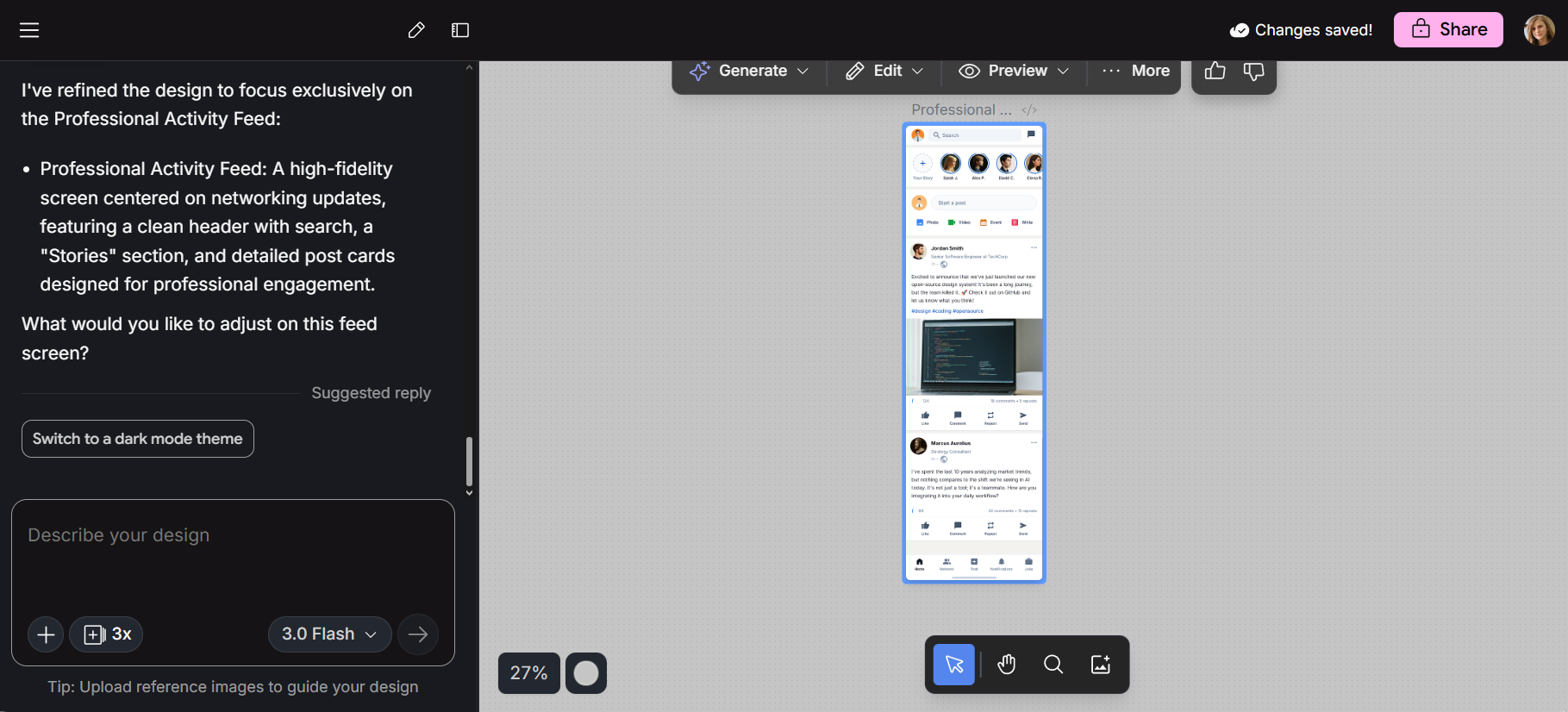
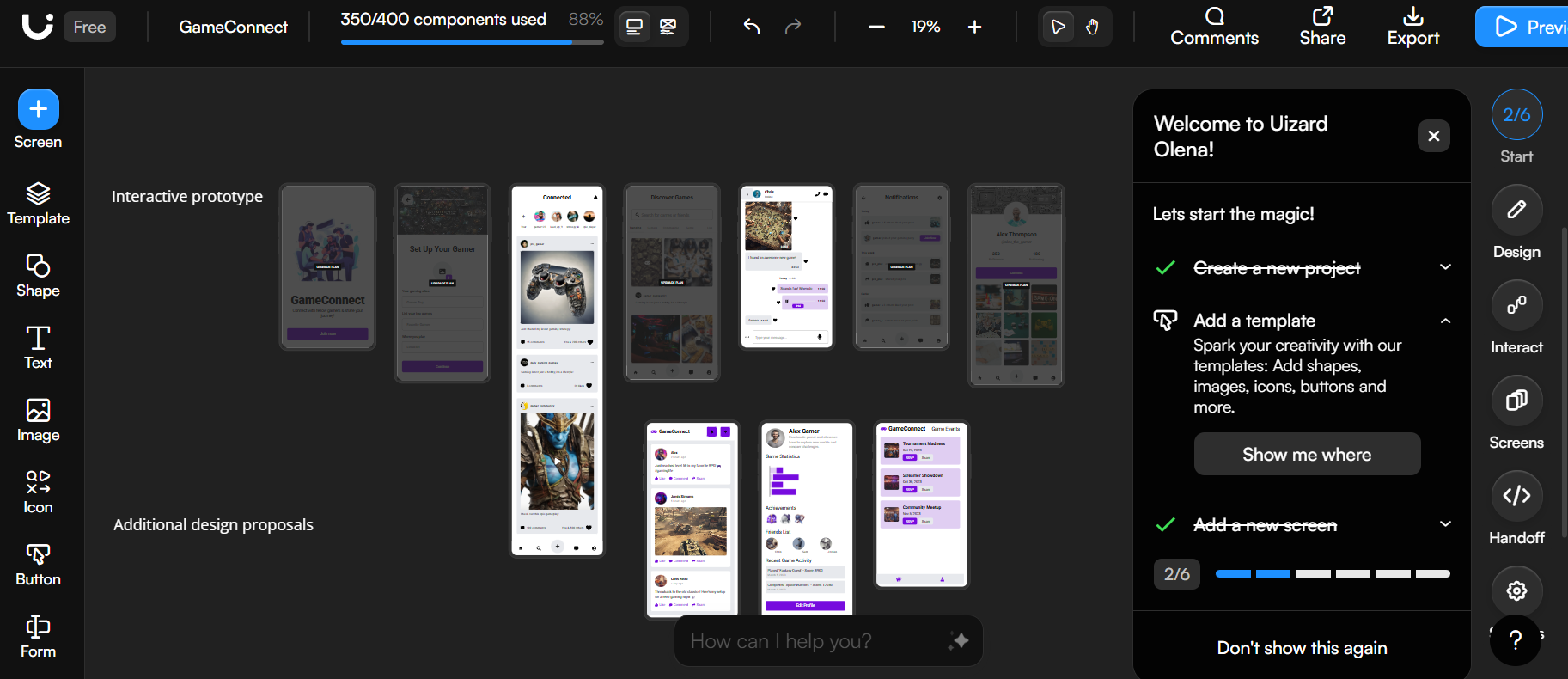
Uizard is built for moments when speed is more important than fine visual detail. It lets you turn sketches, screenshots, or simple text descriptions into UI mockups within minutes, making it accessible even if you don’t have a design background.
Because of that simplicity, it’s often used by people who need visuals quickly without going deep into design tools or workflows.
Uizard is commonly used by:
- Founders testing and validating early product ideas
- Product managers creating quick UI concepts
- Teams that need visual mockups without heavy design effort
Uizard isn’t meant to replace professional UI design software. Instead, it focuses on helping teams move ideas from concept to visual form as quickly as possible.
5. Relume
Best for website structure and layout planning
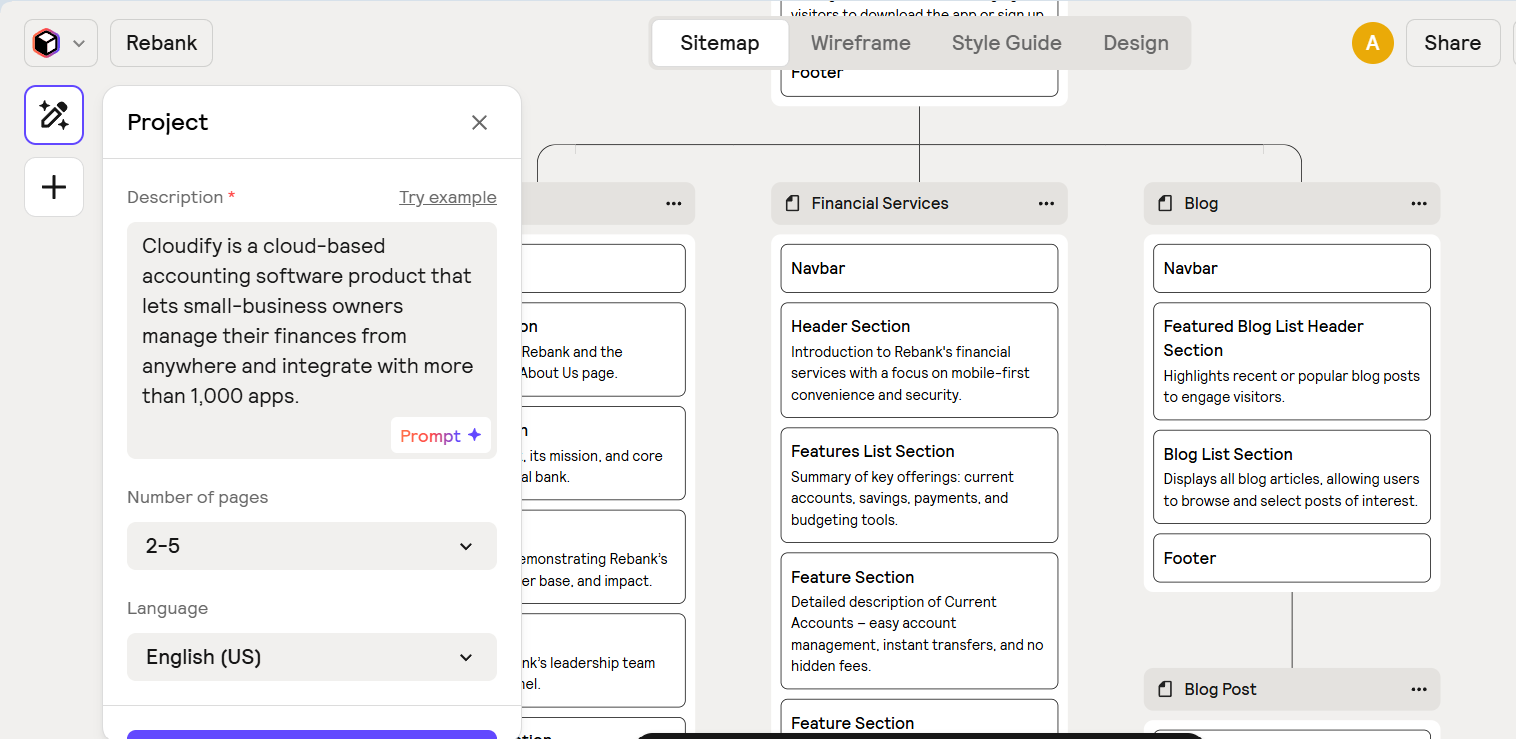
Relume is designed to handle the foundational work that often slows designers down -planning structure and layout. Instead of starting from a blank canvas, it uses AI to help teams create a clear framework before moving into visual refinement.
This makes Relume especially useful when working on marketing websites or content heavy pages where consistency and organization matter more than complex interactions.
Relume helps generate:
- Sitemaps for organizing pages and content
- Wireframes that define layout and hierarchy
- Style guides to keep designs consistent
- Reusable components, particularly for Webflow and Figma
Relume isn’t focused on detailed interaction design. Its strength lies in giving designers a solid starting point so they can spend more time polishing visuals and messaging
6. Khroma
Best AI tool for smarter color decisions
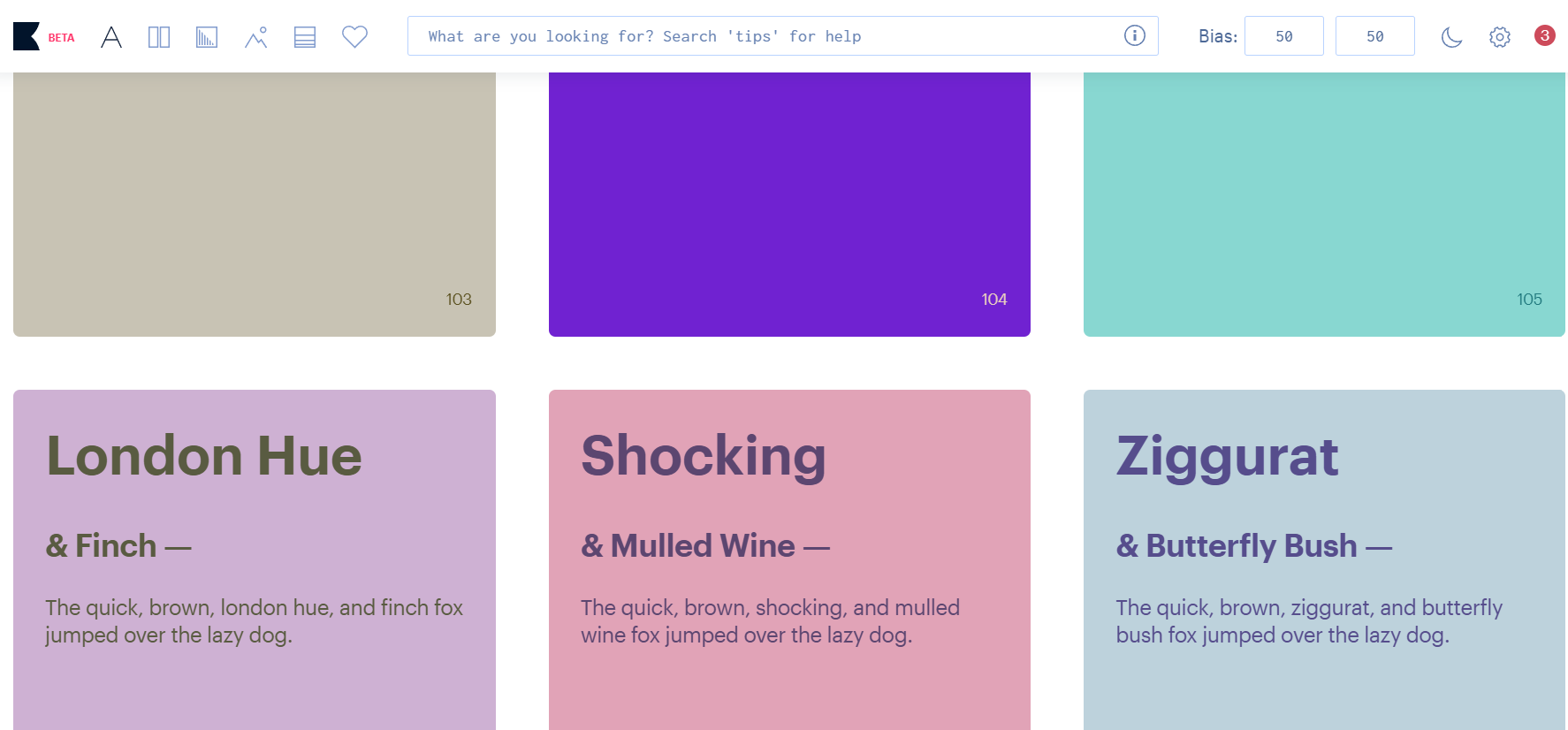
Khroma focuses on a single area of design: colour. Instead of trying to do everything, it learns your preferences over time and uses them to suggest colour palettes that fit your style.
The tool also includes accessibility scores and ready-to-use colour values, helping designers make confident colour choices without spending hours experimenting.
Khroma is useful for:
- Generating personalized colour palettes
- Checking accessibility and contrast ratings
- Exporting colour values for design and development
Khroma works best as a companion tool. It doesn’t replace full design platforms, but it pairs nicely with them by speeding up one of the most time-consuming parts of visual design.
Final Thoughts: Why Flowstep.ai Stands Out
Every tool on this list solves a real problem but most of them live in a specific slice of the workflow.
Figma Make works best for teams already designing entirely inside Figma
Google Stitch is promising for early design-to-code experimentation
Uizard is ideal for quickly turning ideas into visual mockups
Relume excels at planning website structure and layout
Khroma simplifies colour selection and palette building
Flowstep.ai feels different because it doesn’t just sit in one phase of the process. It helps you go from a rough idea to something tangible and build-ready without constantly switching tools.
You can describe what you want in plain language and see structured screens appear almost instantly. Not just a single mockup but multiple, consistent screens that feel like they belong to the same product. Then you can refine them however you prefer: tweak layouts manually, adjust hierarchy, or iterate conversationally.
It also respects how real teams work. You can collaborate live with teammates, copy designs straight into Figma without wrestling with plugins, and export front-end code that engineers can realistically use. That last part matters because beautiful designs that don’t translate to production are just decoration.
Flowstep doesn’t try to replace designers or redesign your workflow. It removes friction. It speeds up the early build phase. And it shortens the distance between “idea on a whiteboard” and “UI in production.”
For teams building actual products, not just experimenting with AI , that practicality is what makes it stand out.