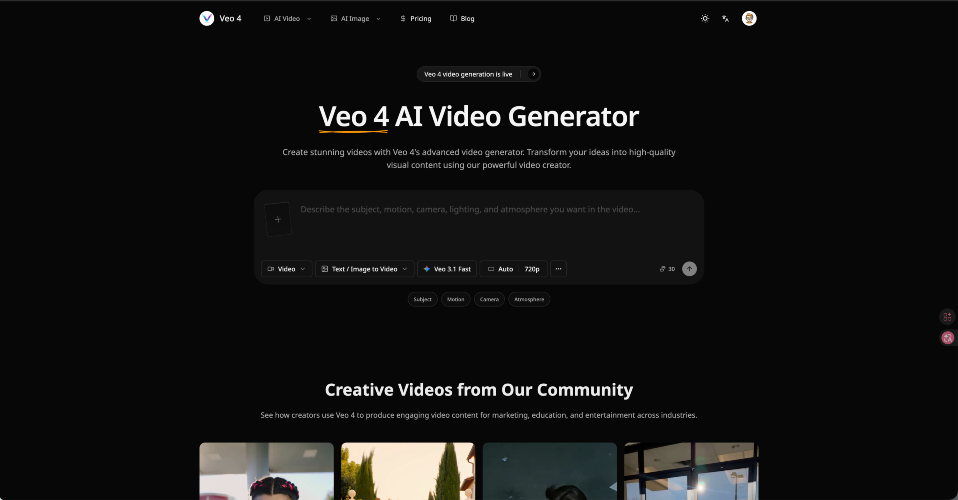
Generate Veo 4 Videos from Text Prompts Turn a written idea into a cinematic Veo 4 AI video draft with enough detail for the model to understand the scene. Describe the subject, action, camera movement, lighting, mood, audio direction, and target platform so the result feels closer to a production brief than a random text-to-video test. Turn Reference Images into Video Scenes Use product shots, character images, style frames, or visual references to guide composition, color, identity, and motion before turning a static concept into a video scene. This image to video workflow is useful for brand assets, ecommerce demos, creator content, and campaign storyboards that need visual continuity. Control Camera Motion, Style, and Audio Cues Shape the video with lens feel, shot size, camera movement, pacing, transitions, environment, dialogue intent, ambient sound, and music mood instead of relying on a generic one-line prompt. Veo 4 works best when the prompt explains how the clip should move, sound, and feel on the final channel. Create Social, Ad, and Product Video Drafts Online Build online AI video drafts for Reels, Shorts, TikTok, ecommerce demos, launch teasers, explainers, and pitch visuals without opening desktop editing software. The goal is fast creative validation: test the hook, motion, product story, and visual direction before committing to full production.