



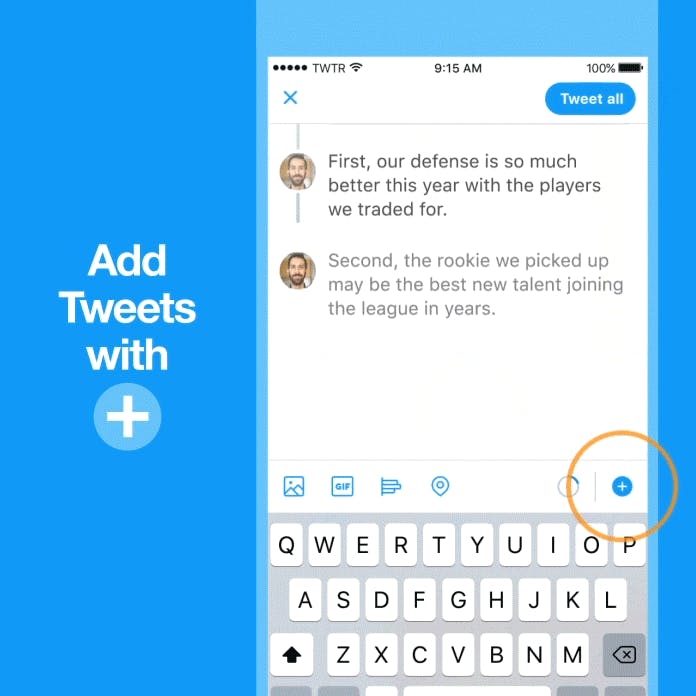
Twitter launched it's own Tweetstorm feature! They made it easy to create a thread by adding a plus button in the composer, so you can connect your thoughts and publish your threaded Tweets all at the same time. The threads feature itself is easy enough to use. There’s now a new plus (“+”) button in the composer screen where you can type out your series of tweets. Each line represents one tweet, with a character limit of 280 as per usual. You can also add the same amount of media – like GIFs, images, videos, and more – to any individual tweet in the thread, as you could on Twitter directly. When you’re finished with one tweet, you just tap in the space below to continue your thread. While writing out your tweetstorm, you can go back and edit the tweets at any time as they’re still in draft format. When you’re ready to post, you tap the “Tweet all” button at the top to send the stream to Twitter.


Published At

