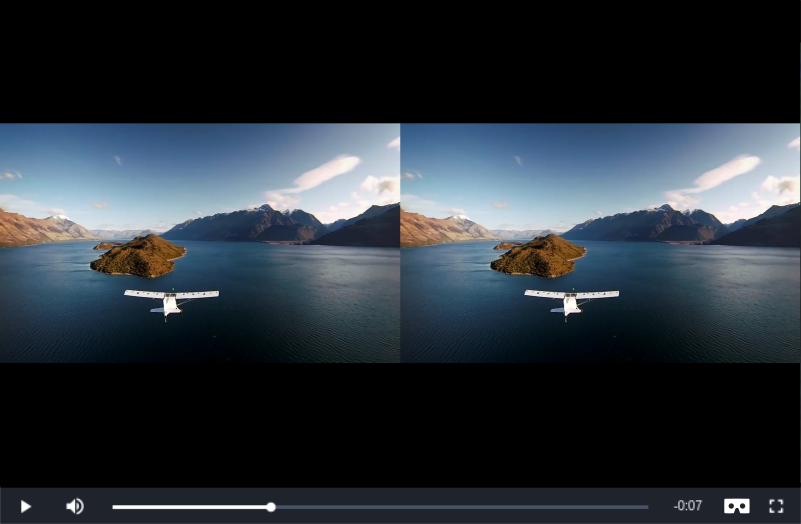
Click the Tube2VR button in the control bar to turn your web video player in stereo mode. The full screen split display makes the video compatible with your virtual reality headset.

Tube2VR Web Video Player
Embed the player in your website to enable watching video in stereo vision
Published At