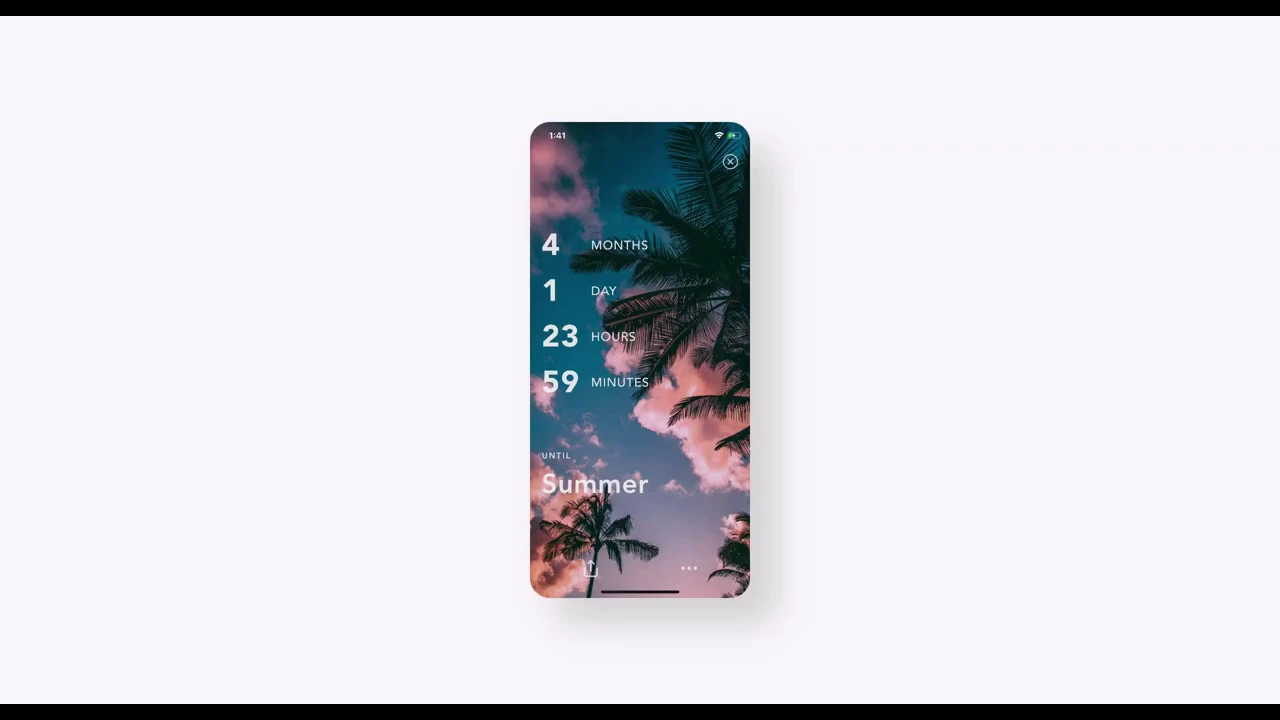
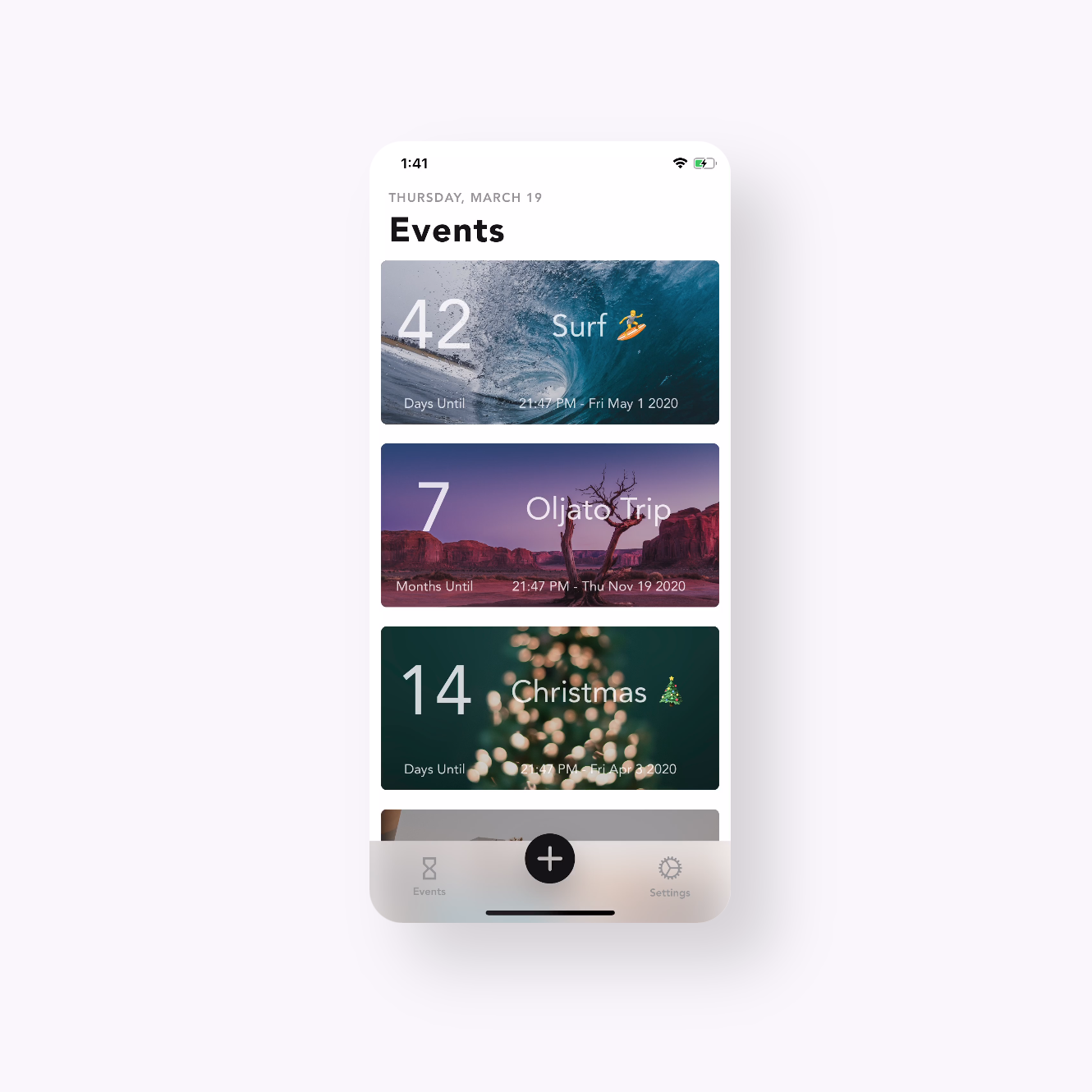
Features • Countdown the years, months, weeks, days, hours, minutes until your events. • Keep track of the years, months, weeks, days, hours, minutes since your events. • Set multiple reminders to alert you hours, days, weeks, months or years before or after your events. • Customize your alert message. • Write notes for your events. • Create an infinite number of events. • Set out multiple events to be easily viewed with the Grid layout. • Use carousel layout for a photos album-like experience. • Resize events with regular, medium, large and huge options. • Adjust the brightness of your event's background to increase visibility. • Find beautiful background photos on our online gallery. • Or use your own photo from the camera roll as background. • Set between Light and Dark modes. • Auto mode detect your system's settings and change to Light or Dark mode automatically (iOS 13 +). • Share your progress with a full-resolution screenshot of your event. • Tap and hold events, then drag to rearrange order. • Reset button to set event date to current date. • Intuitive swiping to use special features easily. TimeCount is free to download but we also offer some premium features.