

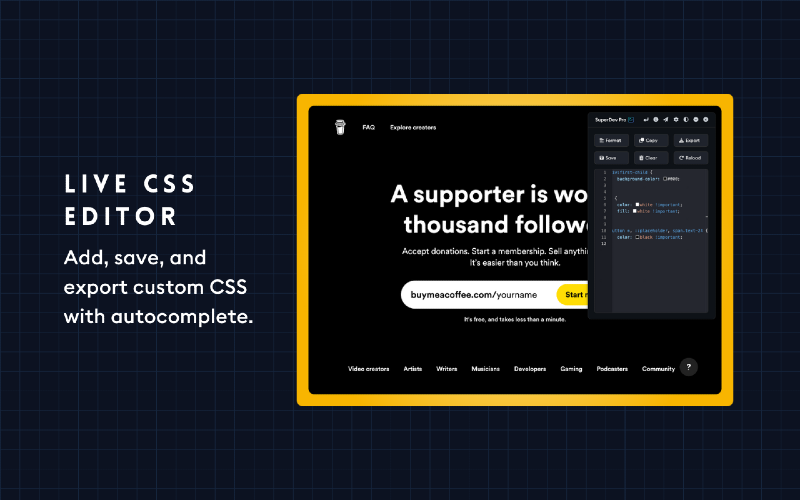
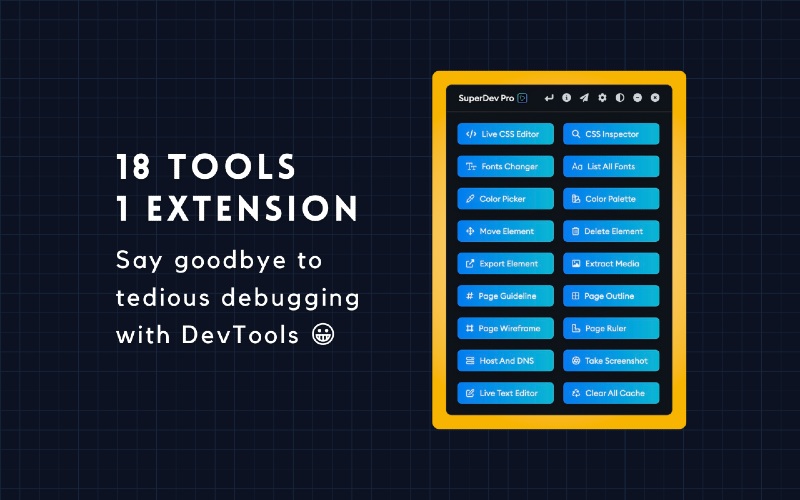
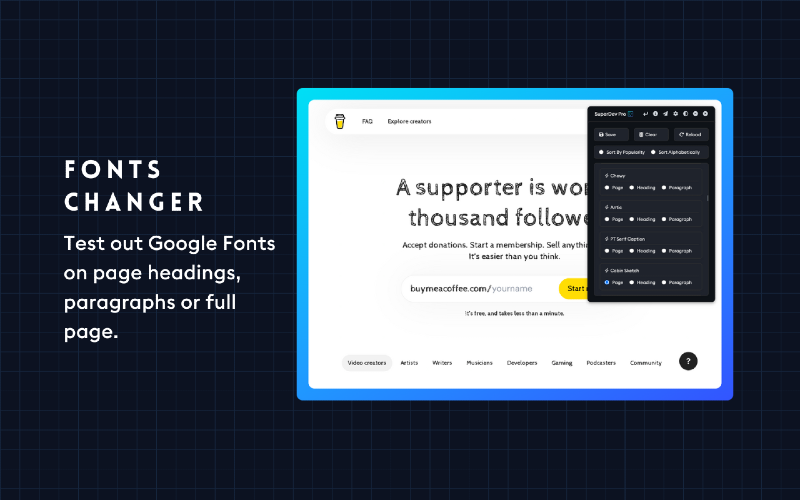
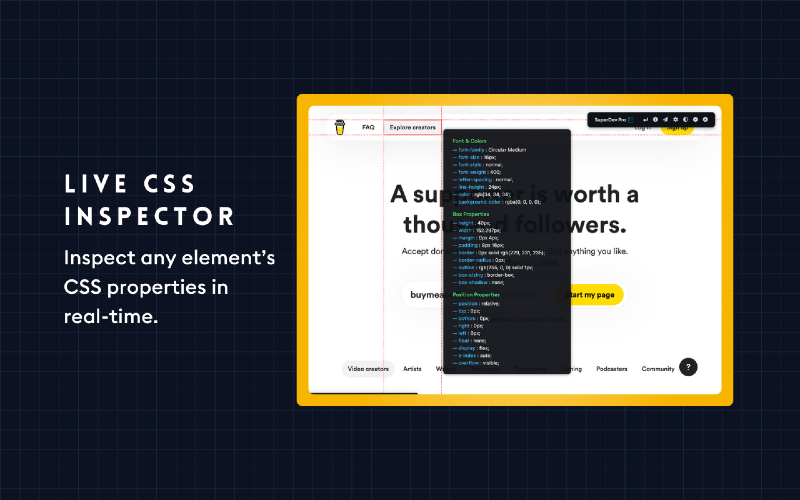
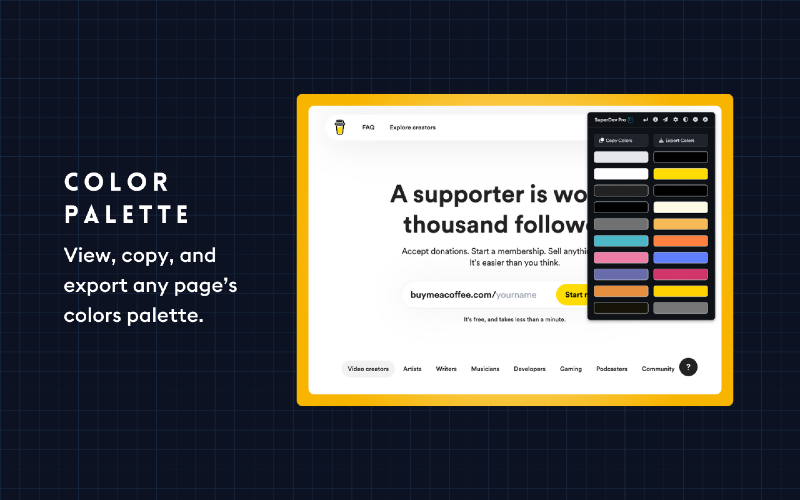
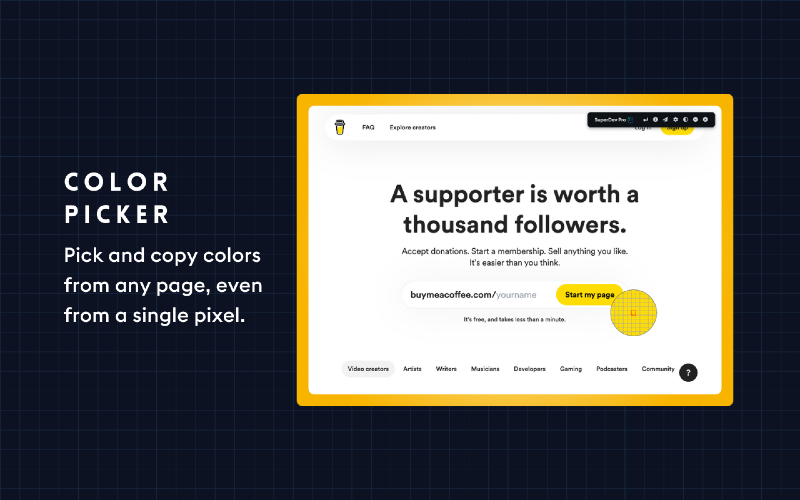
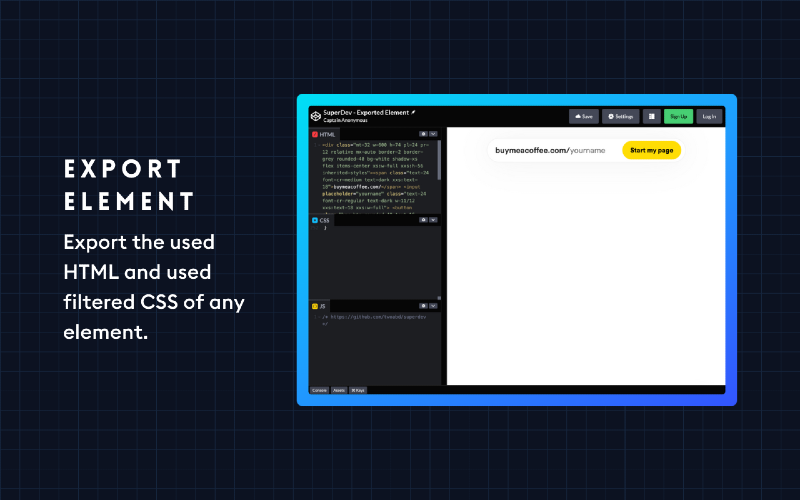
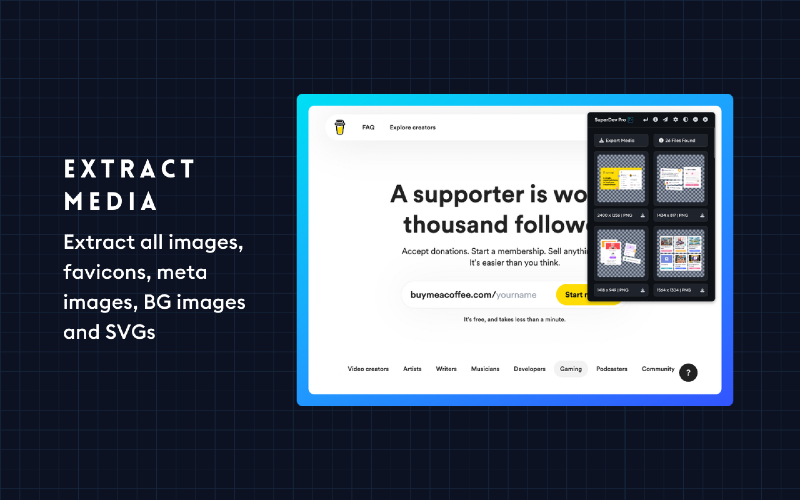
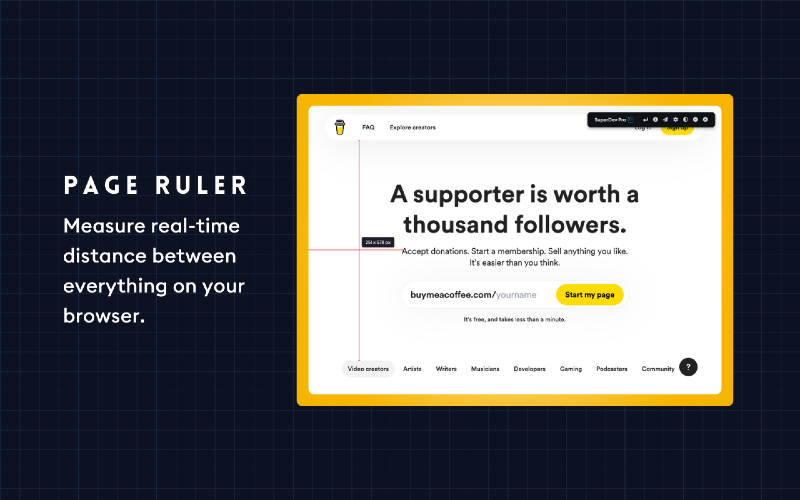
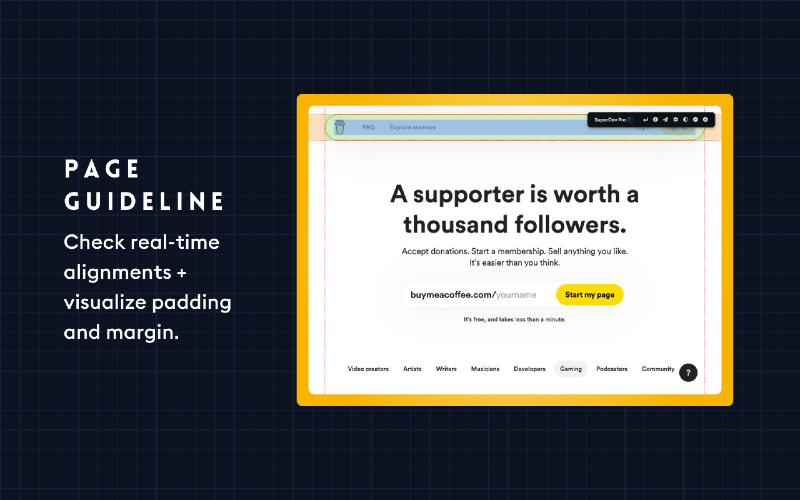
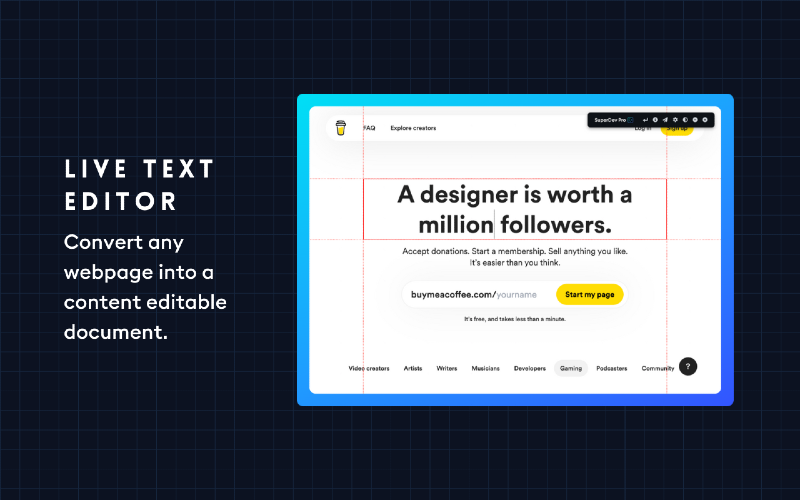
Say goodbye to tedious debugging with Chrome Devtools. With SuperDev Pro, you’ll save precious time and elevate your web development and design game. Don’t just take our word for it; try it out for yourself and see the difference. SuperDev Pro is designed with your needs in mind, so you can focus on what you do best - designing and creating amazing websites. Join 4000+ developers and designers who have already made SuperDev Pro their go-to tool for front-end development and take your projects to the next level! Curious about SuperDev’s capabilities? 🛠️ Live CSS Editor — Add, save, and export custom CSS with autocomplete. 🛠️ CSS Inspector — Inspect any element’s important CSS properties. 🛠️ Fonts Changer — Test out Google Fonts on headings, paras, or full pages. 🛠️ List All Fonts — Get all font names, sizes, weights, and how they look. 🛠️ Color Picker — Pick colors from any page, even from a single pixel. 🛠️ Color Palette — View, copy, and export any page’s color palette. 🛠️ Move Element — Move and reposition any page element. 🛠️ Delete Element — Remove/hide any HTML element from the page. 🛠️ Export Element — Export the used HTML and used CSS of any element. 🛠️ Extract Images — Extract all images, meta images, BG images, and SVGs. 🛠️ Page Guideline — Check alignments + visualize padding and margin. 🛠️ Page Outline — Visualise the webpage structure and layout. 🛠️ Tag Highlight — Highlight important HTML tags with diff. background colors. 🛠️ Page Ruler — Measure distance between two points on your browser. 🛠️ Live Text Editor — Convert any page into a content-editable document. 🛠️ Take Screenshot — Take full-page/visible area screen. in JPG/PNG/PDF. 🛠️ Host And DNS — View, copy, and export any website’s IP, DNS, and Host. 🛠️ Clear All Cache — 1-Click clear all cache, cookies, and localstorage.



