


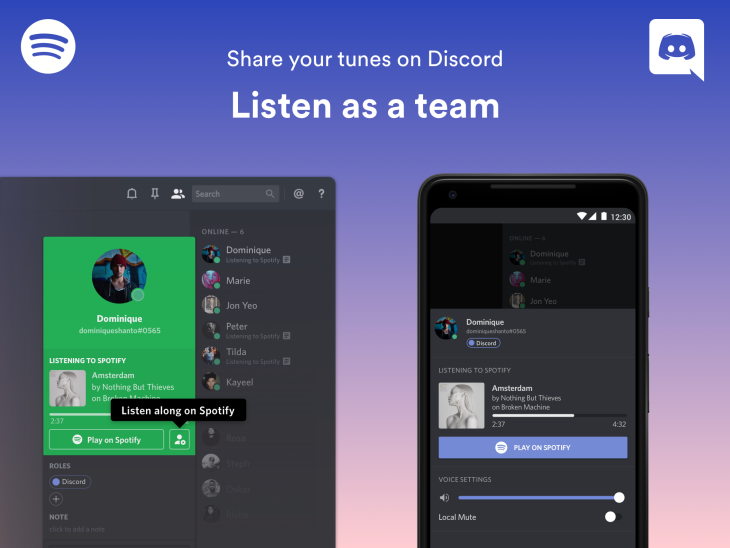
Today, Spotify and Discord are excited to offer millions of gamers an entirely new listening experience – making it easier than ever to enjoy music as a group and share the soundtracks for your gaming adventures. That’s right, we’re bringing the gaming chat and music together for the ultimate gaming session. Just open ‘Settings’ inside Discord and make your way to ‘Connections’ and connect Spotify. Once the setup is complete, you’re ready to: -Listen as a team -Find your next soundtrack