



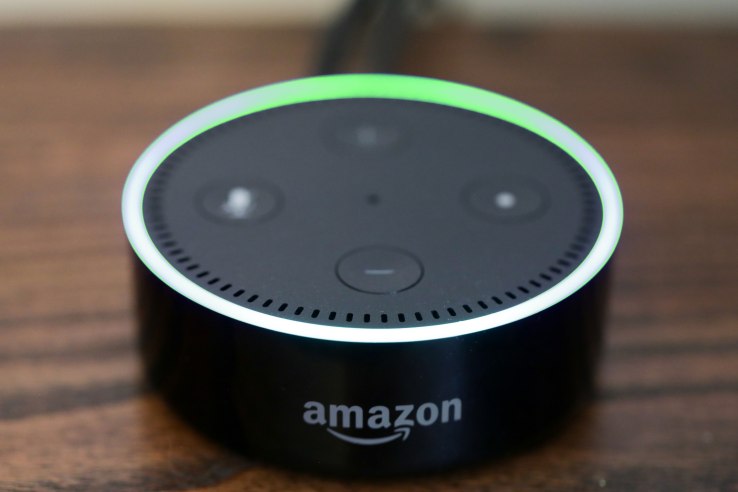
Alexa devices in the U.S. that will allow you to send texts – yes, SMS messages – to your friends and other contacts using your voice To get started, you’ll need to follow the instructions that appear via a pop-up in the Alexa app on Android, Amazon tells us. In the Conversations tab of that app, you’ll need to select “Contacts,” then “My Profile,” then enabled the “Send SMS” feature to on. (To be clear, you will not send SMS messages from the app itself, only from Alexa devices via voice.) You can then specify if you want to send a “text message,” or you can ask Alexa to send a “message,” which will be routed to Alexa devices first, then SMS if Alexa devices are not available.
Published At

