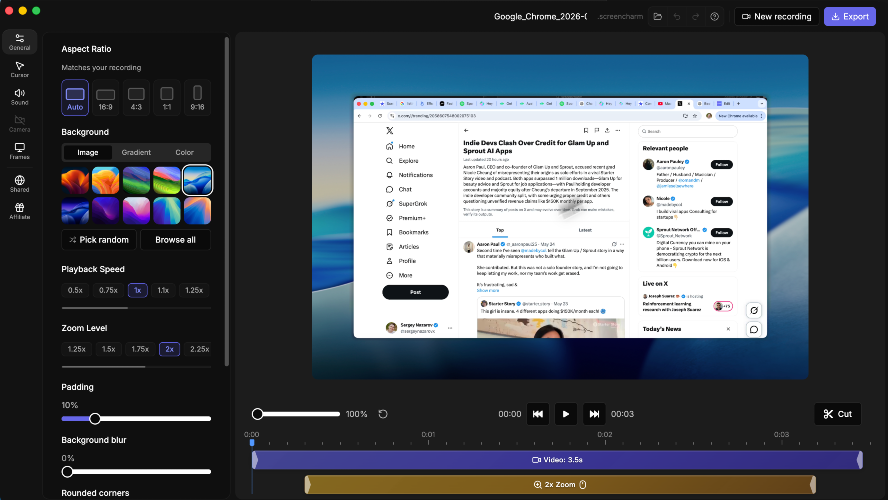
Screen Charm is a Mac-first screen recorder that turns ordinary screen captures into professional, presentation-ready videos — without complicated editing software. Built exclusively for Apple Silicon, it gives developers, course creators, and founders everything they need to record, polish, and share their screen in up to 4K. Record anything, instantly. Capture your full screen, a single window, or a custom area. Add webcam overlay, microphone, and system audio in one session. Recording starts in seconds and runs natively on macOS. Smart Auto-Zoom. Screen Charm tracks every mouse click and automatically applies smooth zoom effects when your recording finishes. No manual editing — just tweak duration, zoom level, or turn it off if you prefer. Smooth Cursor & Motion Blur. Cursor movement is automatically smoothed and resized for clarity. Fast gestures and zooms get cinematic motion blur, so your videos feel premium right out of the box. A focused editor built in: Trim & Cut — remove dead air, mistakes, and filler with a precise clip editor. Speed Control — speed up slow walk-throughs or slow down complex steps, per clip. Zoom Effect Editor — fine-tune every auto-zoom moment. Video Style — control shadow, padding, corner radius, and background blur. Backgrounds — wrap your recording in gradients, photos, or solid colors. Device Frames — add a MacBook frame for a presentation-ready look. Background Music — add energy to demos and tutorials. Mic Enhancement — remove hiss, keyboard clicks, and room noise with one toggle. Click Highlights — subtle ripple animations that guide the viewer's eye. Undo/Redo, Save & Resume — work without fear, come back anytime. Export or share. Save locally as MP4 in up to 4K UHD, or upload to the cloud with one click and share a link — no account or download required for your viewers. Made for macOS. Fast recording, crisp 4K export, smooth previews, and a workflow that feels at home on your Mac. Apple Silicon ready, local-first storage. Who it's for: Developers — turn recordings into demos for landing pages, launches, and docs. Course Creators — auto-zoom keeps students focused; export in 4K with no editing software. Founders — record product demos that actually convert, for SaaS, mobile apps, dev tools, and indie products. Pay once, use forever. One-time purchase — $79 for lifetime access on up to 3 devices, free updates, shareable links, and a 14-day money-back guarantee. No subscription, no sign-up, no credit card to try. Stop fighting your editor. Start shipping cinematic screen recordings — built for the way creators work on Mac.

Screen Charm
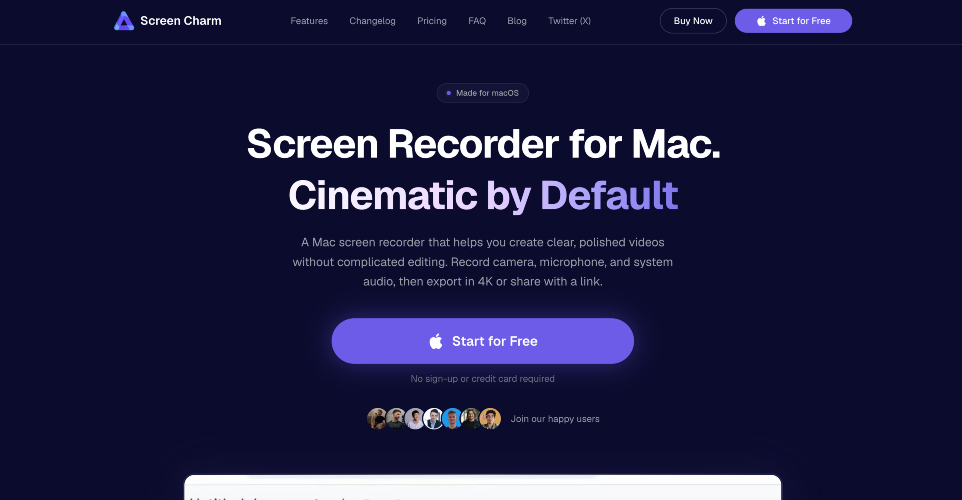
Mac screen recorder with smart zoom effect, webcam overlay, motion blur, background music, 4K export, and built-in editor. One-time purchase, no subscription.