
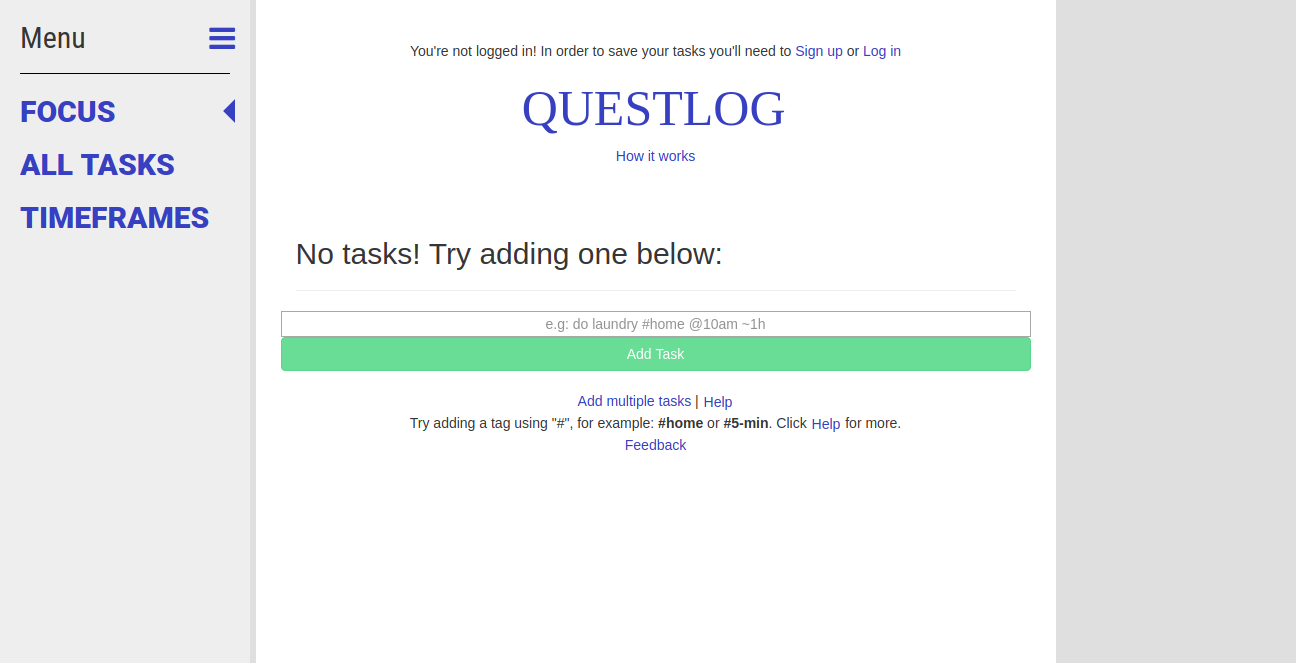
You can type different markers when adding your tasks in order to set priority, repeats, and so on. Feel free to mix and match! Here's a full list: -Set the priority of the task. Priority 1 tasks will appear before Priority 2 tasks in your queue, and a task with any priority will come before a task with no priority. '1 is handy since !1 can be a pain to type on mobile. -Adds a tag to the task. When tasks have been tagged, you will see buttons on the page which will allow you to select between different tags depending on where you're at. -Sets the date and/or time when a task will be released into your queue. So if you set the date for tomorrow at 10:30am, you will not see it in your queue until then, etc.
Published At


