
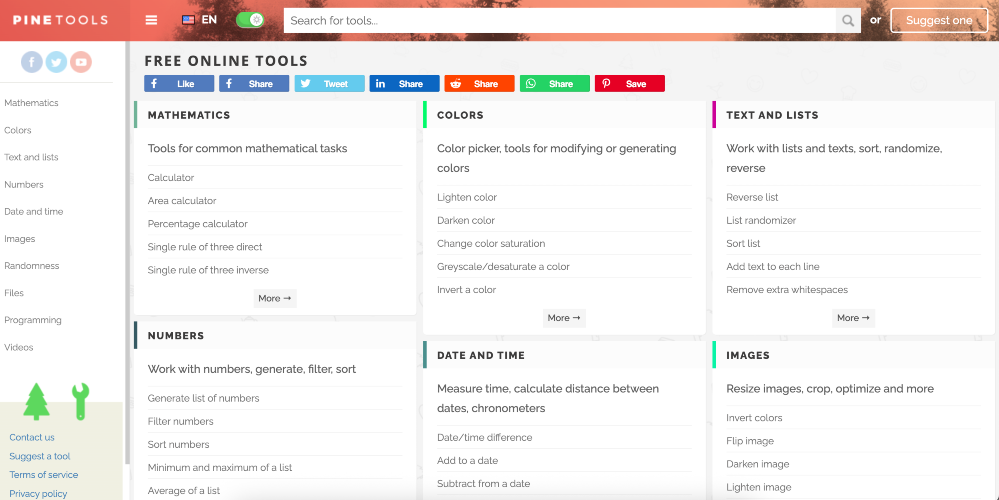
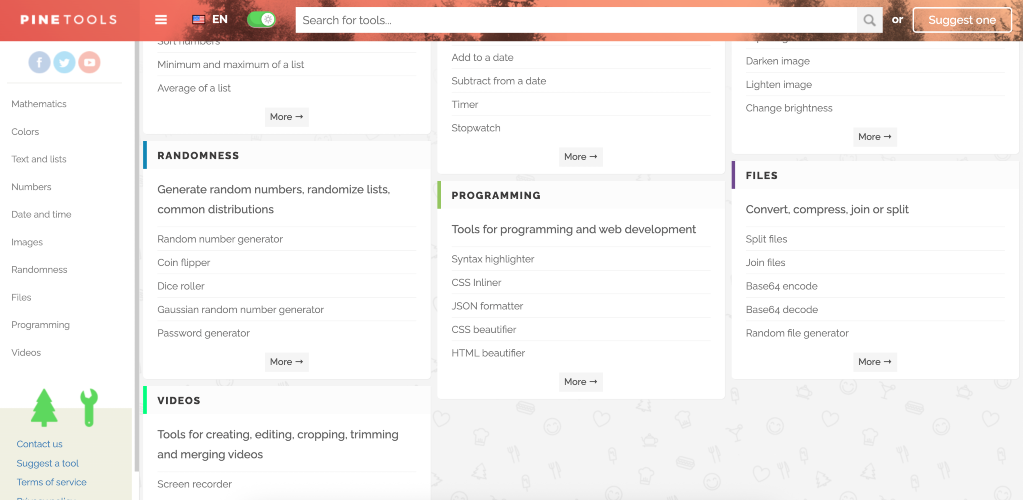
Pine Tools addresses the need for quick, efficient solutions for various tasks such as mathematics, image editing, text manipulation, and programming applications. This platform provides a wide array of tools to facilitate everyday tasks effortlessly, making it ideal for both casual users and professionals. Key features include a simple interface, a variety of tools categorized for easy access, and the cost-free nature of all services provided. Users can quickly perform calculations with the mathematics tools, modify images, manage texts and lists, generate random numbers, and much more without the need for downloads or installations. Alternatives to Pine Tools can include applications like desktop software for calculating or editing, but Pine Tools stands out with its browser-based convenience and a comprehensive yet streamlined toolkit. Pricing is transparent with no hidden fees or paid features, making it accessible to everyone. FAQs: 1. What types of tools are available on Pine Tools? Pine Tools offers tools for mathematics, colors, text/lists, numbers, date/time, images, randomness, files, programming, and videos. 2. Do I need to create an account to use Pine Tools? No, you can access all tools for free without creating an account. 3. Is Pine Tools suitable for professional use? Yes, the tools are designed for efficiency and can support various professional tasks. 4. Can I suggest new tools to be added? Yes, Pine Tools encourages users to suggest new tools through their website. 5. Is there a mobile version available? The website is optimized for mobile use, allowing easy access to tools on various devices.
Pine Tools
Access a suite of free online tools for calculations, text processing, image editing, and more at Pine Tools.


