
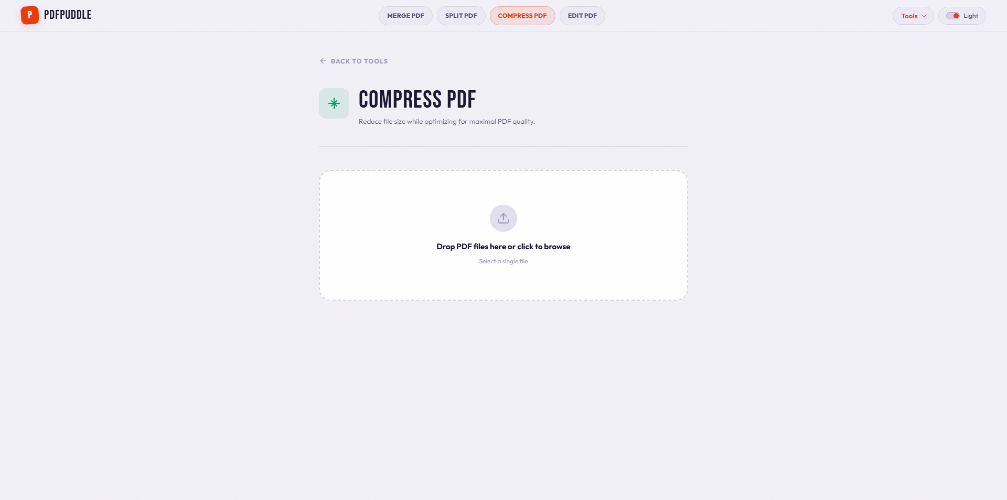
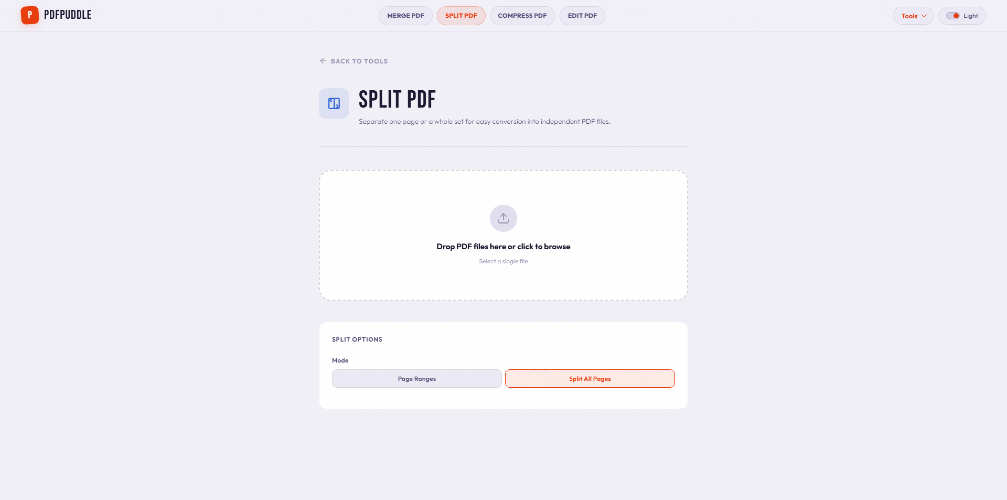
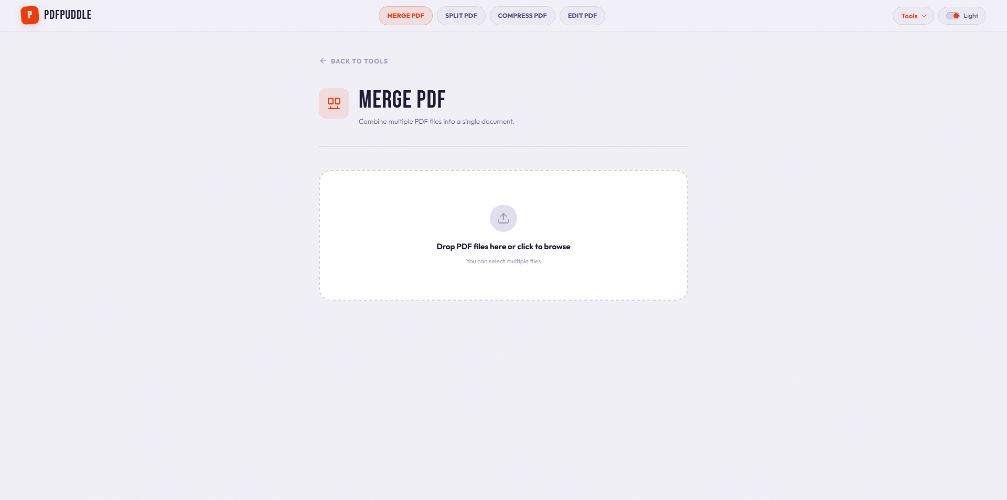
PDFPuddle addresses the common frustrations of handling PDF files, such as merging, splitting, compressing, and editing without needing to upload documents to servers. With its fully client-side processing, users can maintain privacy while performing various tasks like signing and redacting documents directly in their browsers. Key features include: - **Comprehensive Toolset**: Over 32 tools for all PDF needs including merging, splitting, compressing, and converting between formats. - **No Uploads Required**: All operations are executed client-side, enhancing security and privacy. - **Accessibility**: An intuitive interface that allows users to organize, edit, and secure their documents effortlessly. Notable alternatives include Adobe Acrobat and Smallpdf, but PDFPuddle distinguishes itself with its free, fully browser-based functionality without the need for file uploads, making it accessible to users who prioritize both convenience and privacy. Pricing models involve completely free usage of the tools, with no strings attached or hidden costs. **FAQs**: 1. **Is PDFPuddle free to use?** Yes, all tools are completely free without any restrictions. 2. **Do I need to download anything to use PDFPuddle?** No, PDFPuddle operates entirely in your browser without any downloads required. 3. **Can I edit my PDFs after merging?** Absolutely, PDFPuddle allows you to edit, split, and manage your PDFs after merging them. 4. **How does PDFPuddle ensure my files are secure?** Files are processed client-side, meaning no data is uploaded to servers, ensuring maximum privacy. 5. **What formats can I convert to and from?** You can convert from PDF to Word, PowerPoint, Excel, JPG, and more, as well as the reverse.

PDFPuddle
PDFPuddle offers a complete suite of PDF tools for merging, editing, converting, and securing PDFs without uploads, ensuring privacy.
Published At