
-Add Your Paths Use paths to route data from one app to multiple scenarios. After you set up your trigger app, select “Paths” from the sidebar. -Set Conditions For each path, you can set the rules for what‘s allowed to pass through. Add as many rules as you want. -Add More Paths Add more paths to create more routes. Each path leads to a different outcome, making your Zap more powerful.

Paths by Zapier
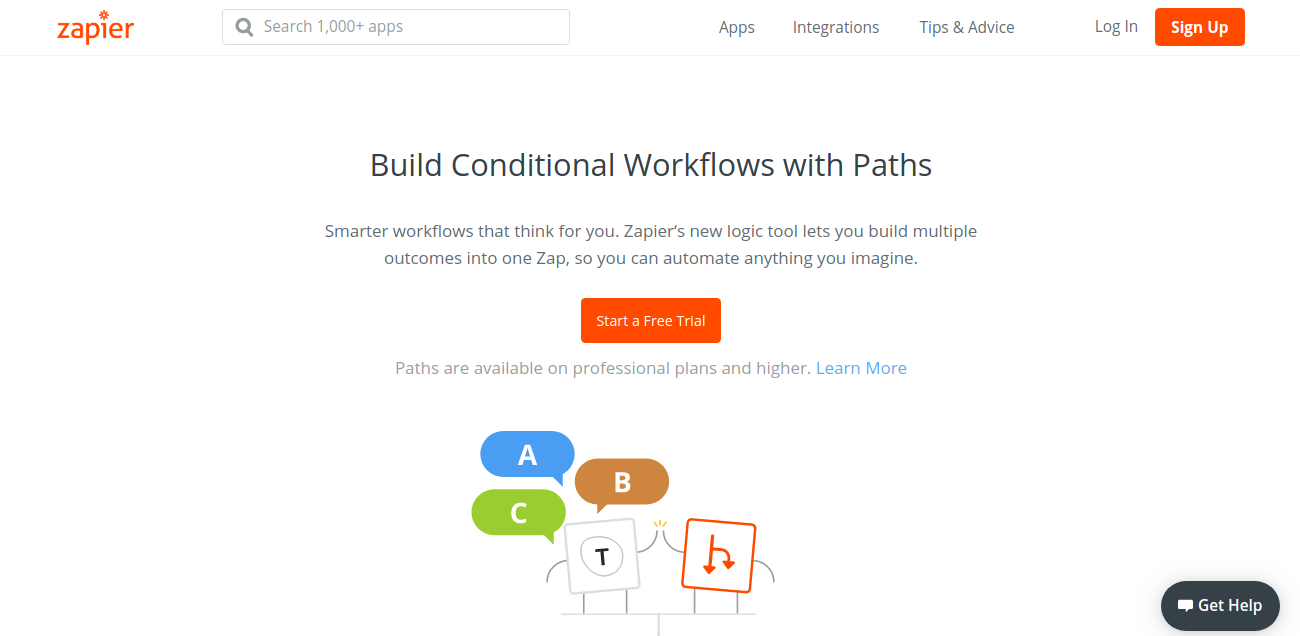
Build multiple outcomes into one Zap, so you can automate anything you imagine.


Published At

