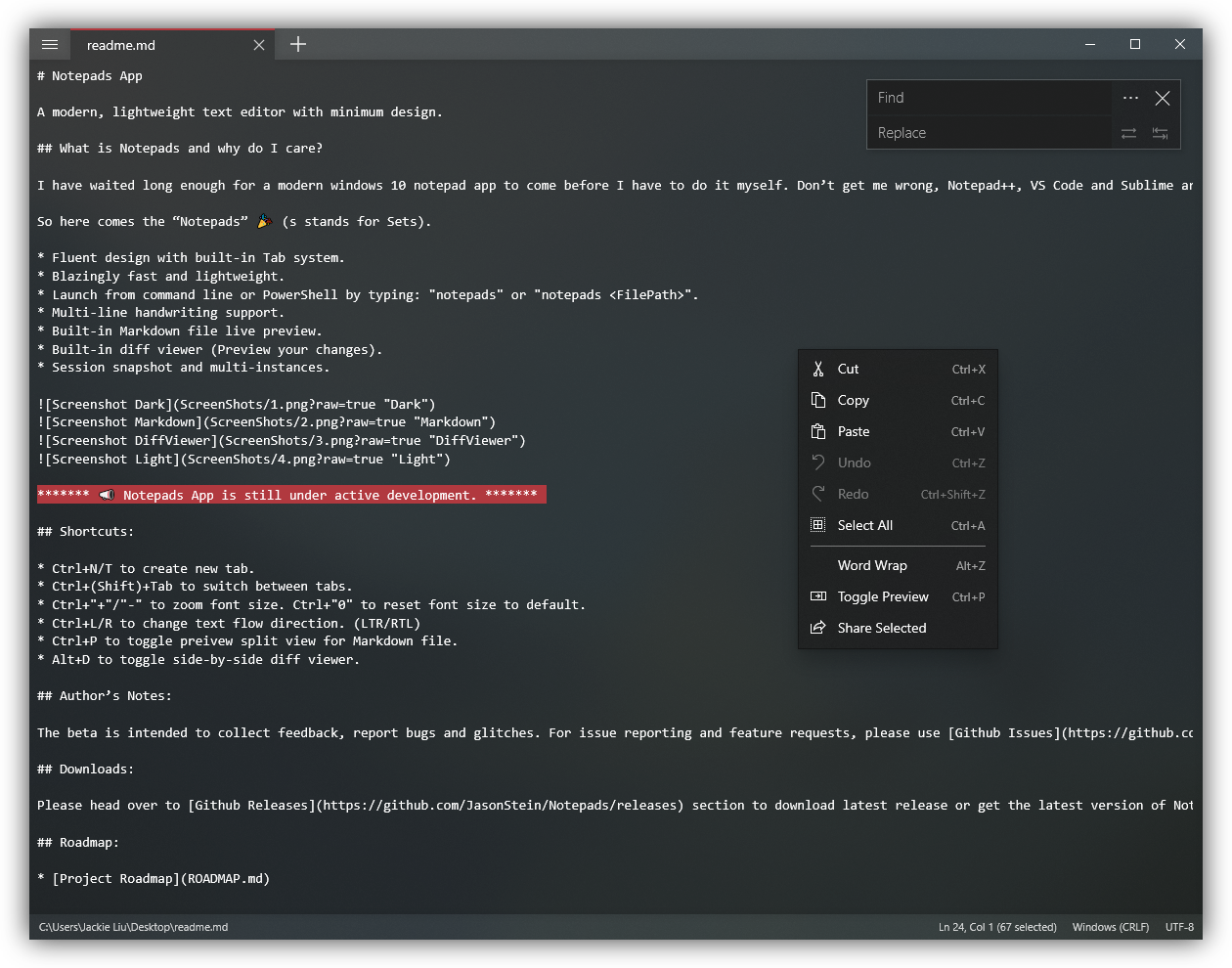
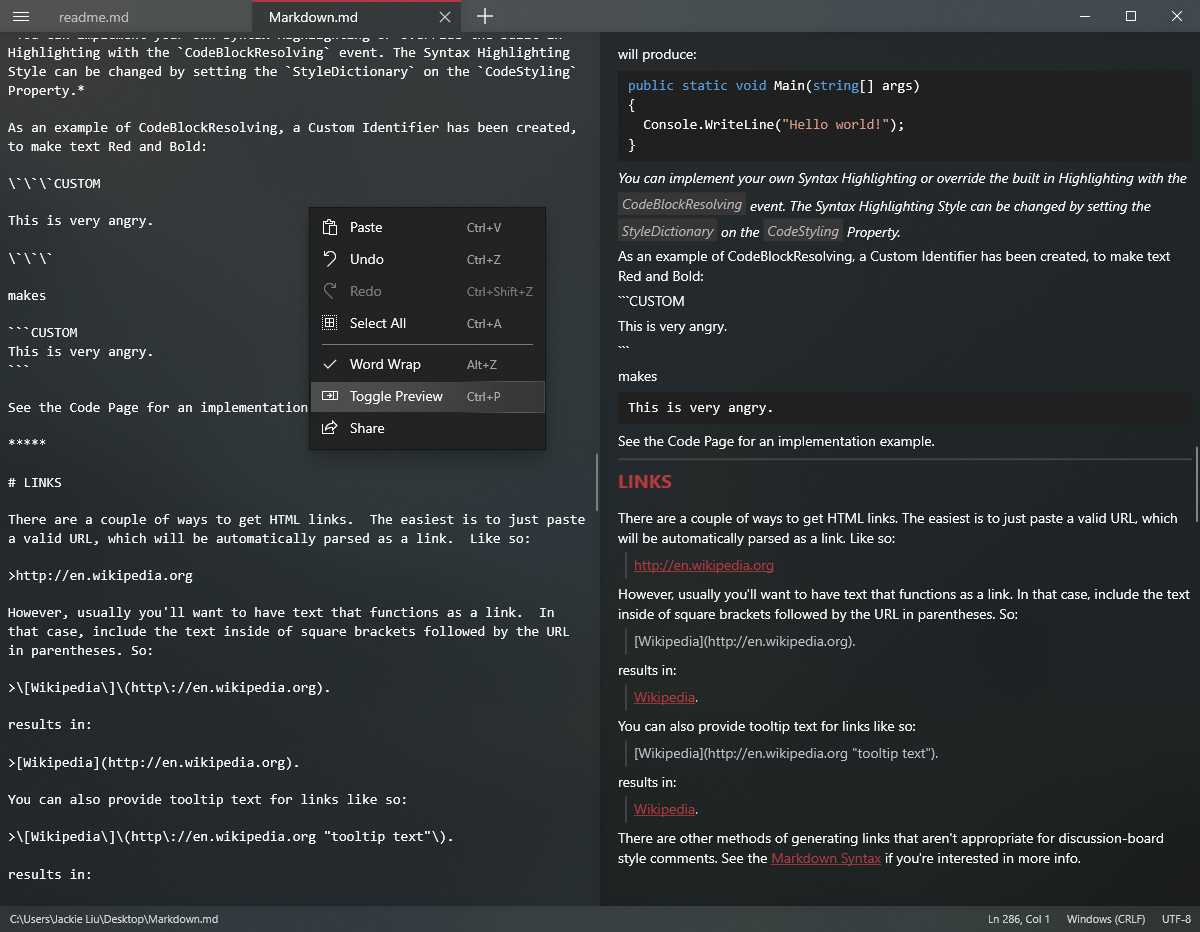
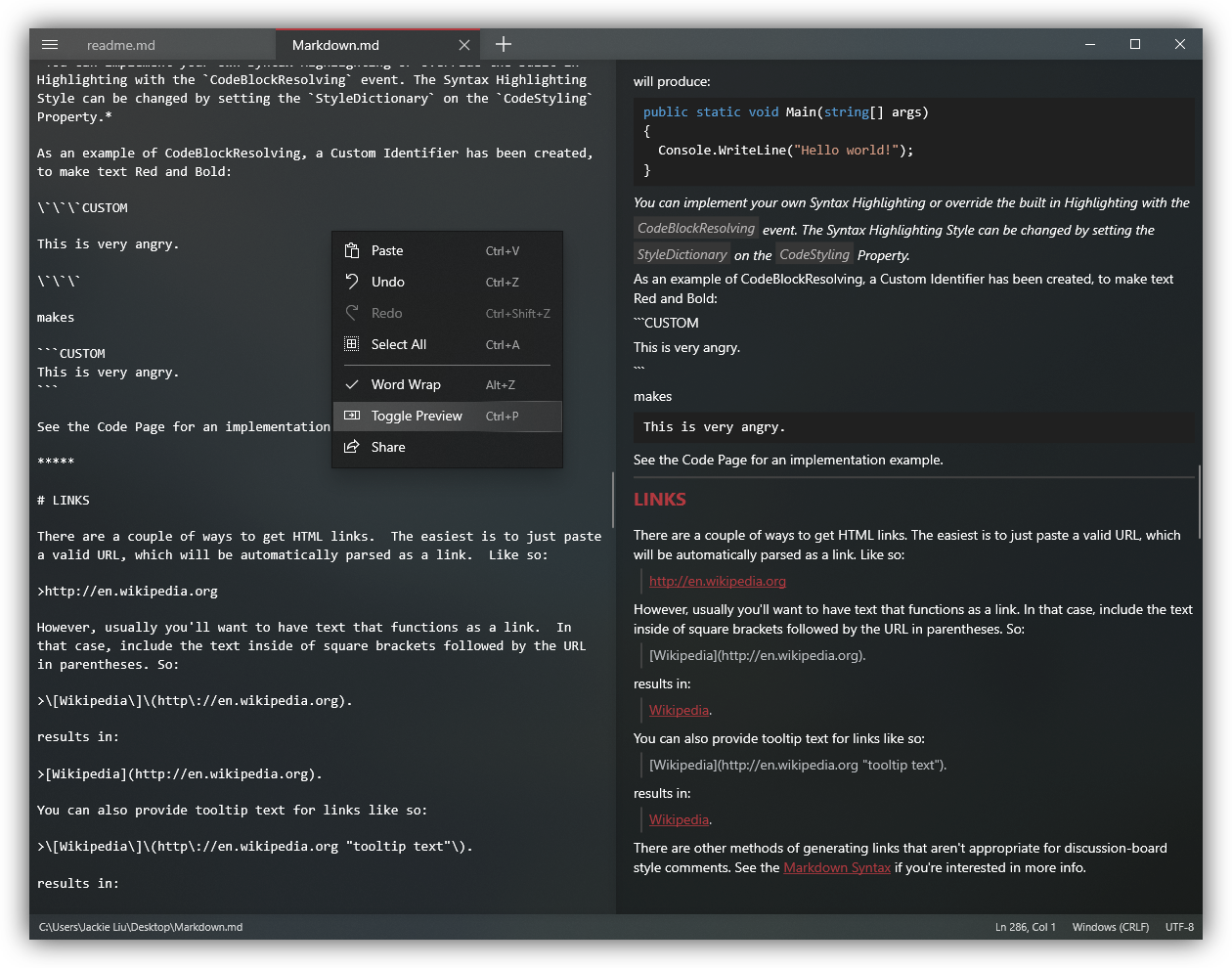
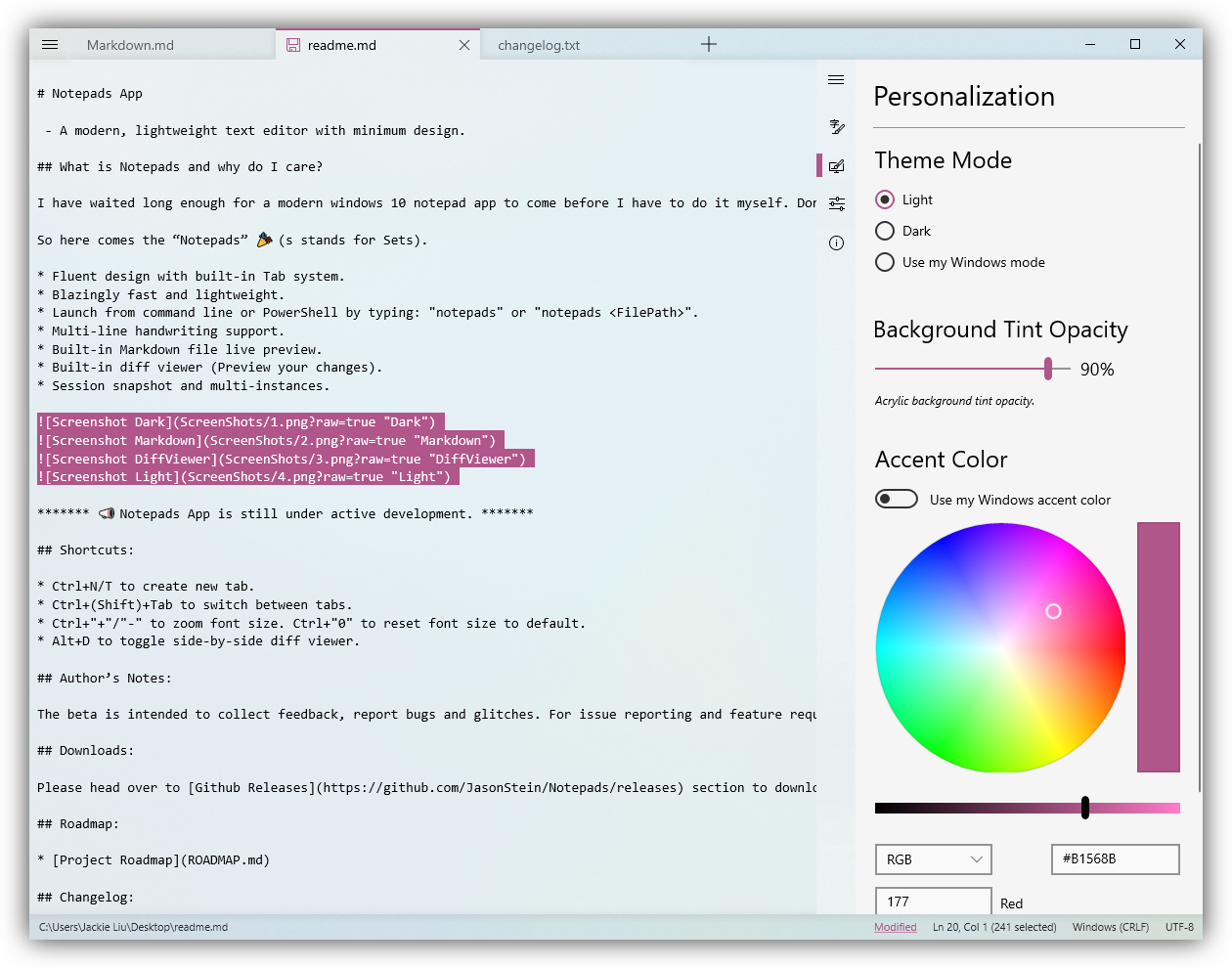
What is Notepads and why do I care? I have waited long enough for a modern windows 10 notepad app to come before I have to do it myself. Don’t get me wrong, Notepad++, VS Code and Sublime are good text editors. I have used most of them and I will continue to use them in the future. However, they are either too heavy or looks old. I really need a win32 notepad.exe replacement that feels light and looks cool to help me get things done as quickly as possible and use it as a turnaround text editor to quickly modify config files or write some notes. Most importantly, it has to be blazingly fast and beautiful. So here comes the “Notepads” ? (s stands for Sets). Fluent design with a built-in Tab system. Blazingly fast and lightweight. Launch from the command line or PowerShell by typing: "notepads" or "notepads %FilePath%". Multi-line handwriting support. Built-in Markdown live preview. Built-in diff viewer (Preview your changes). Session snapshot and multi-instances.