


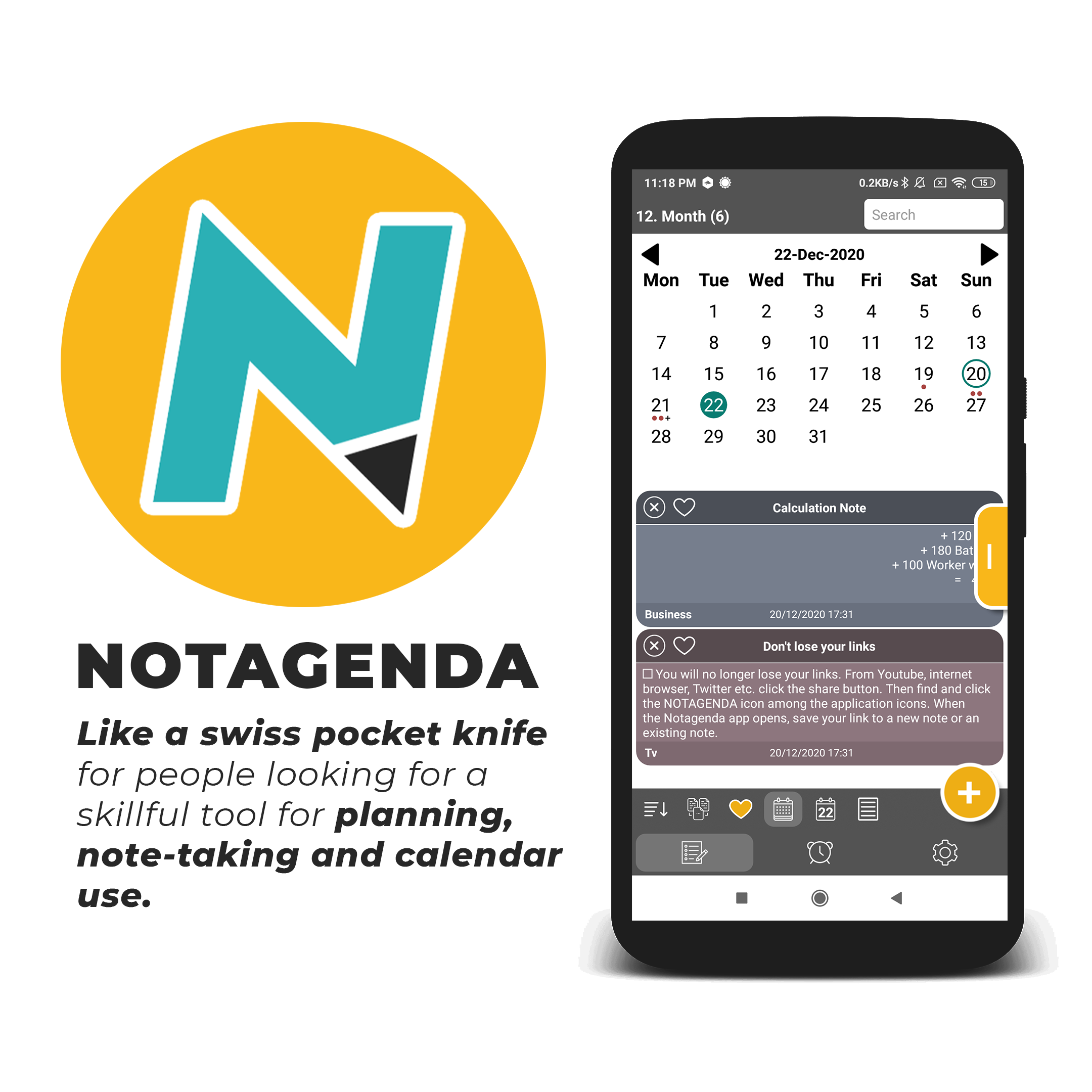
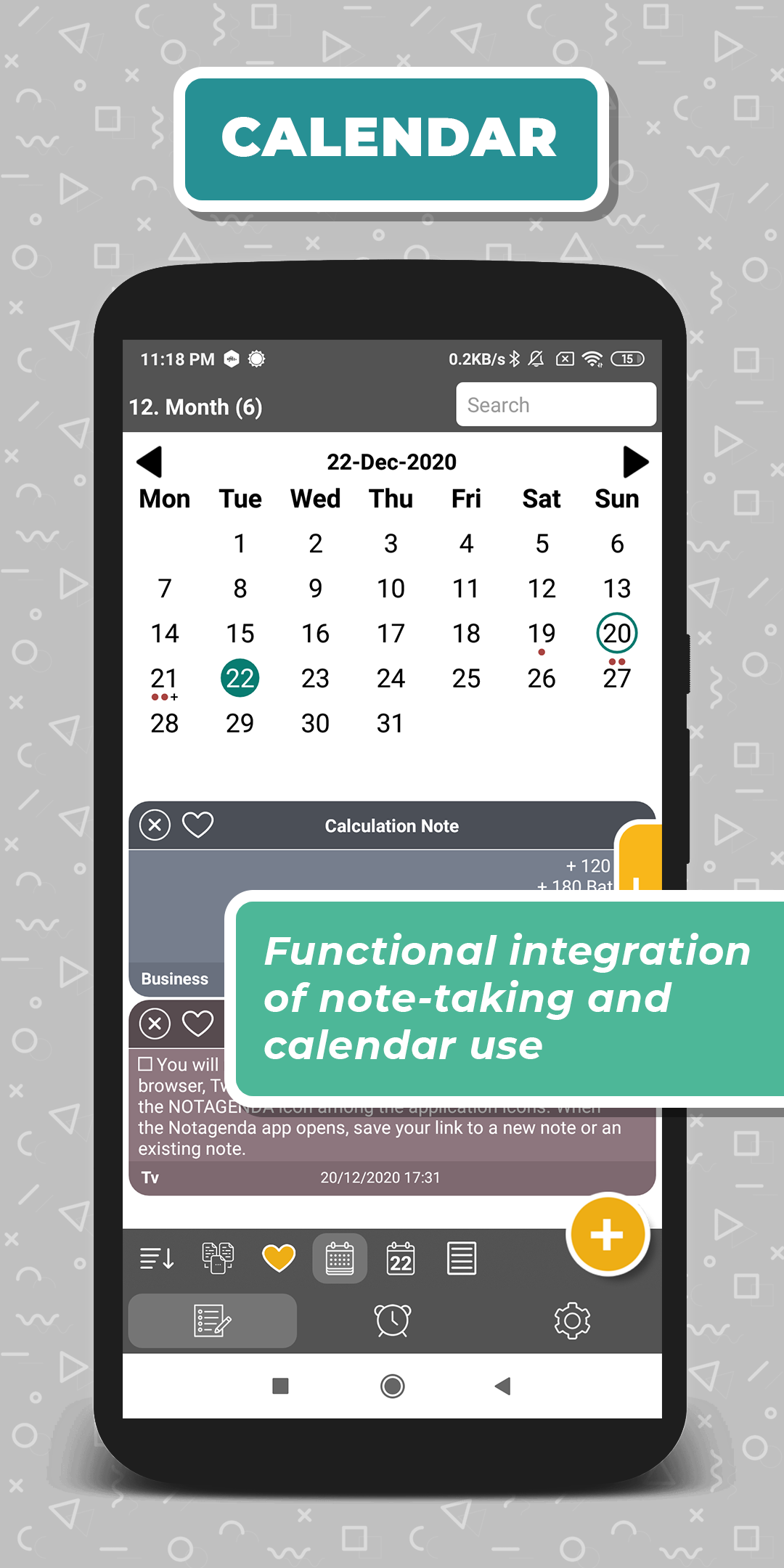
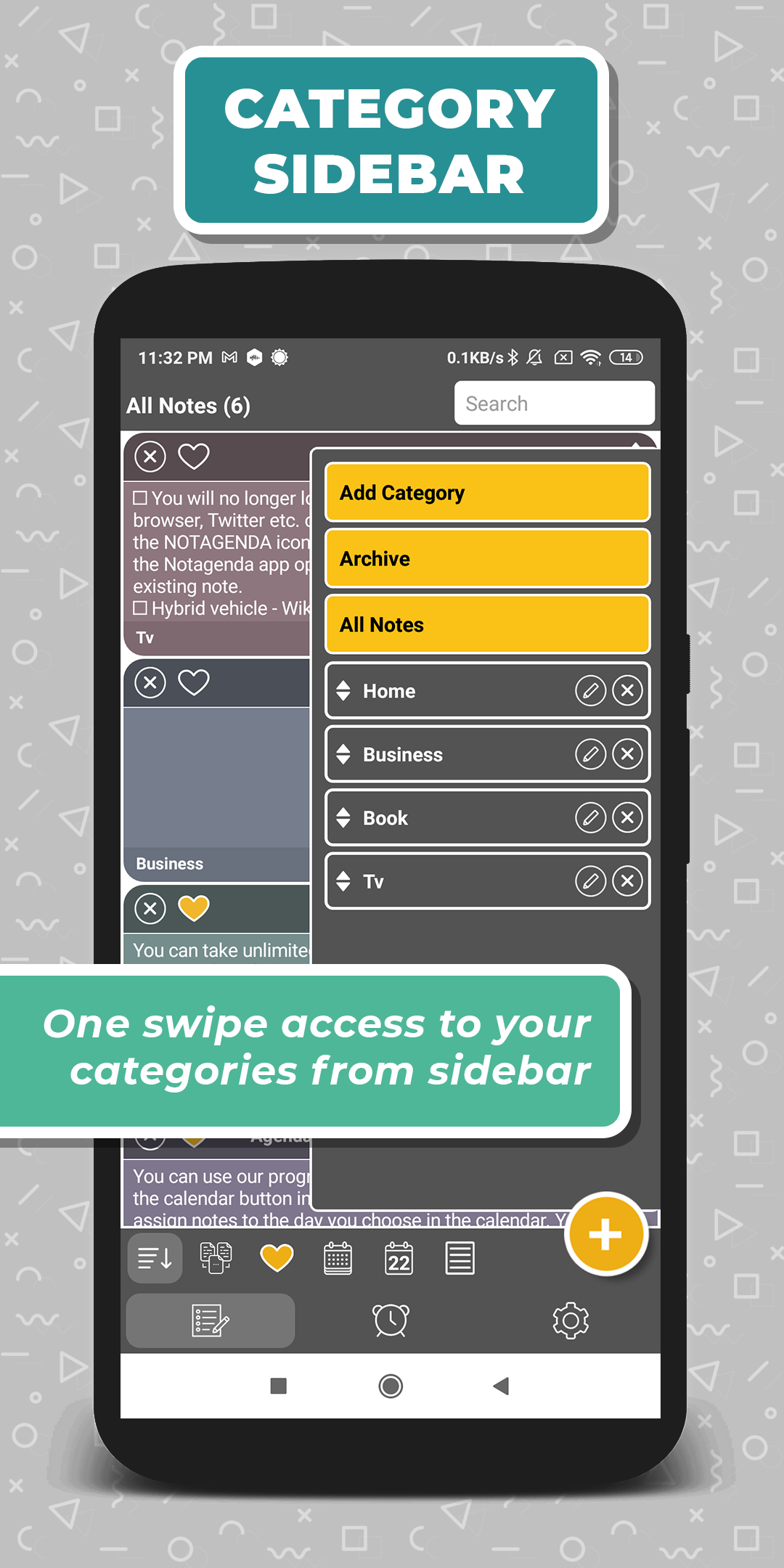
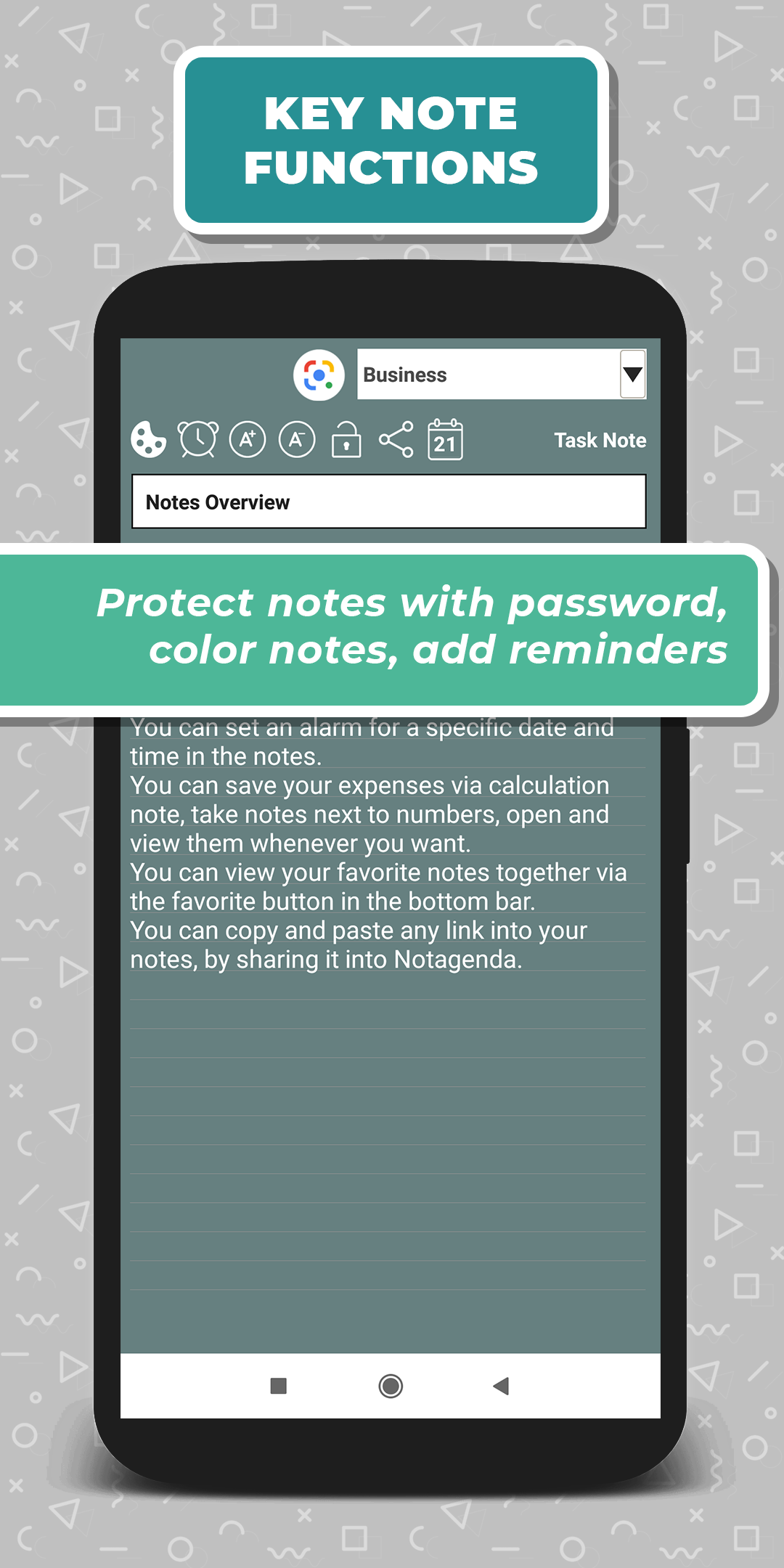
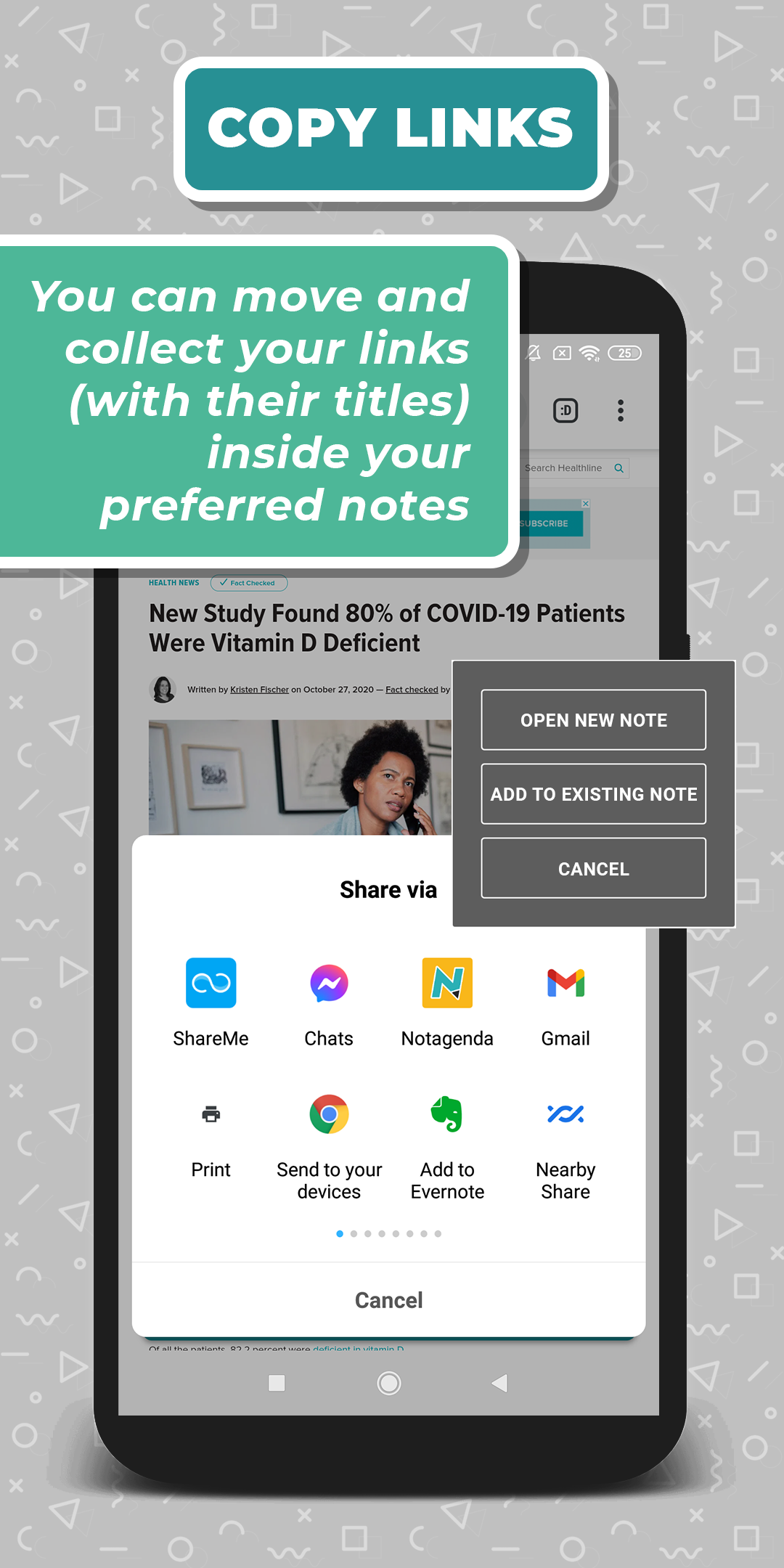
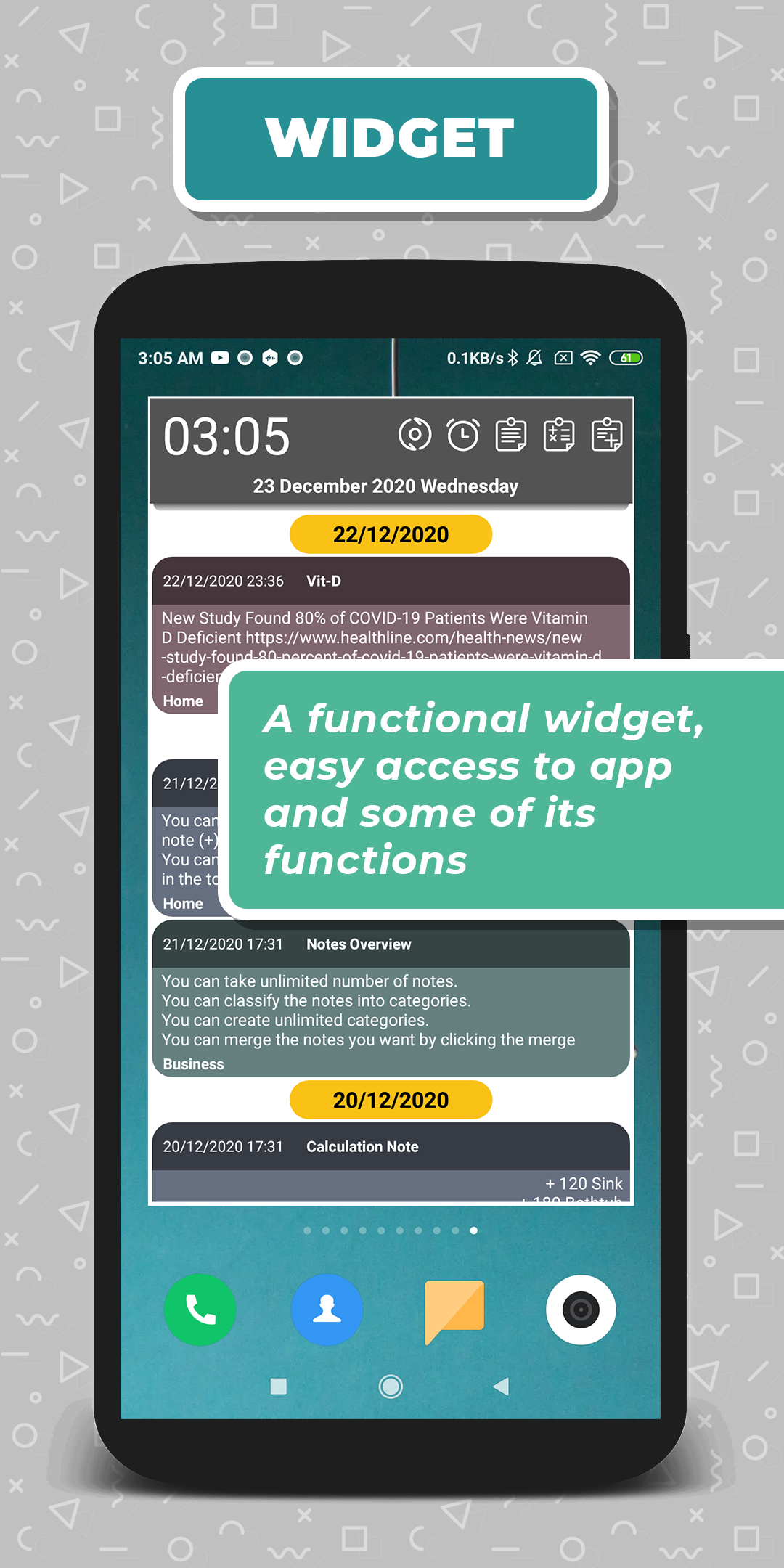
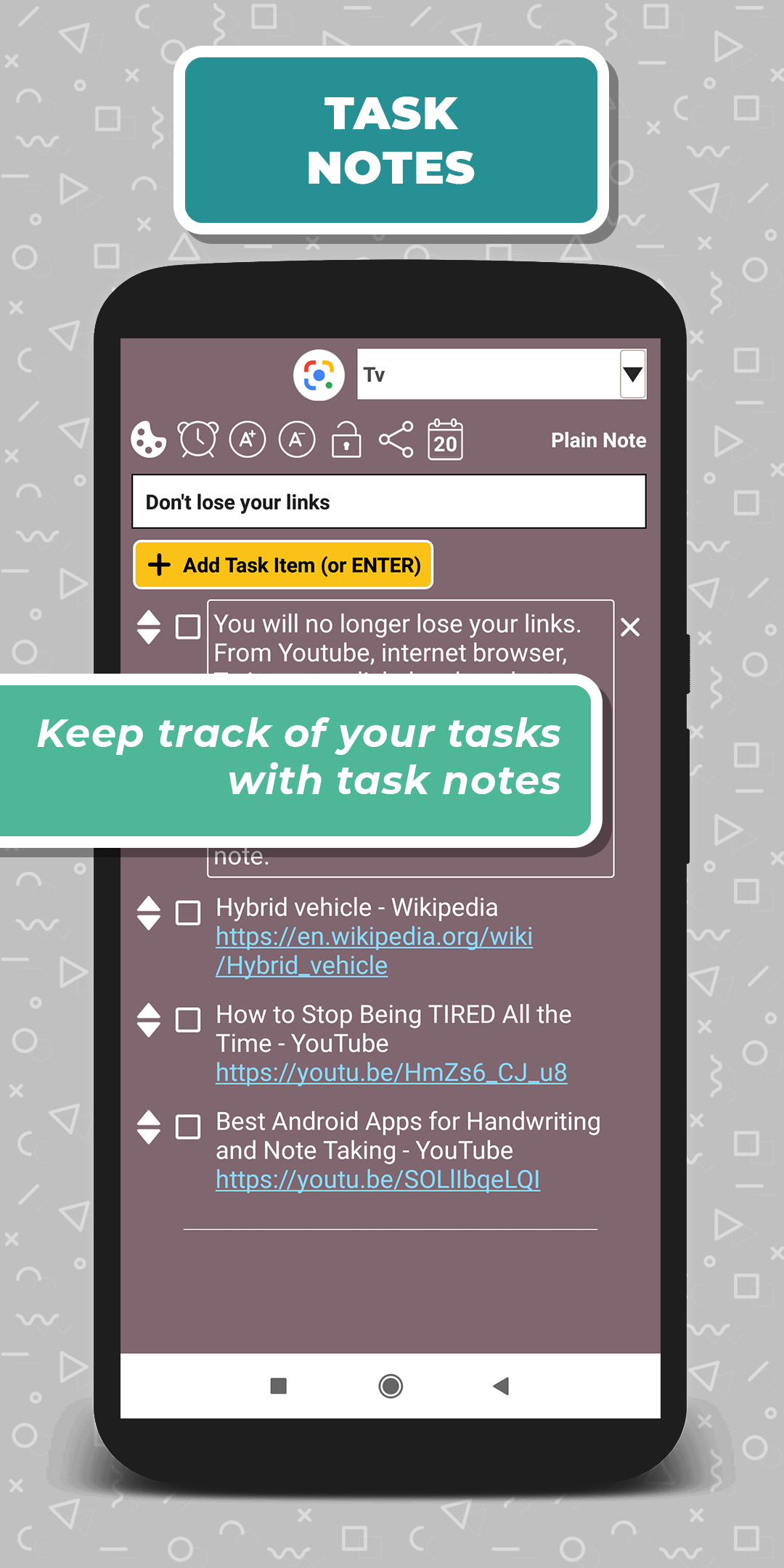
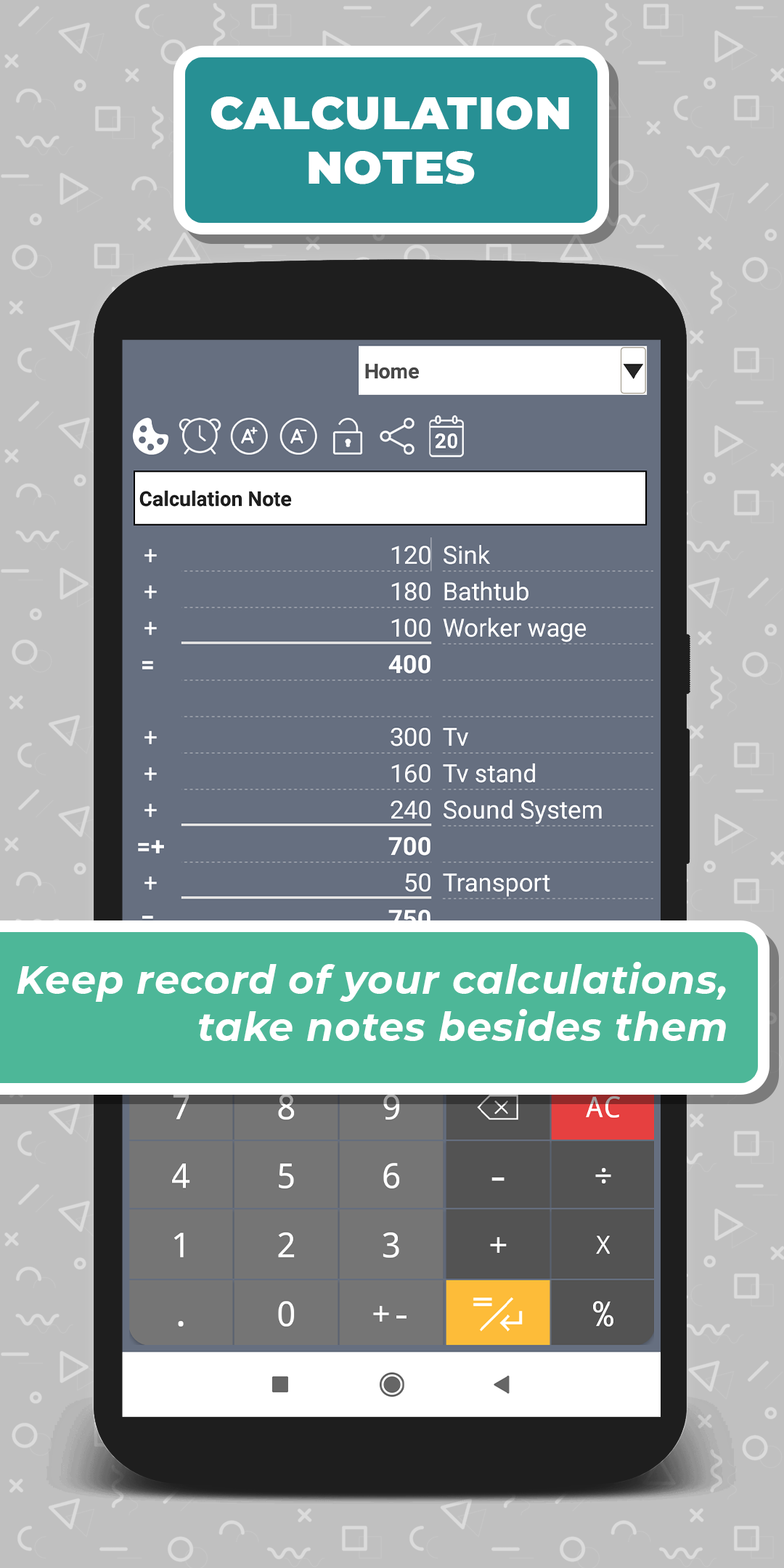
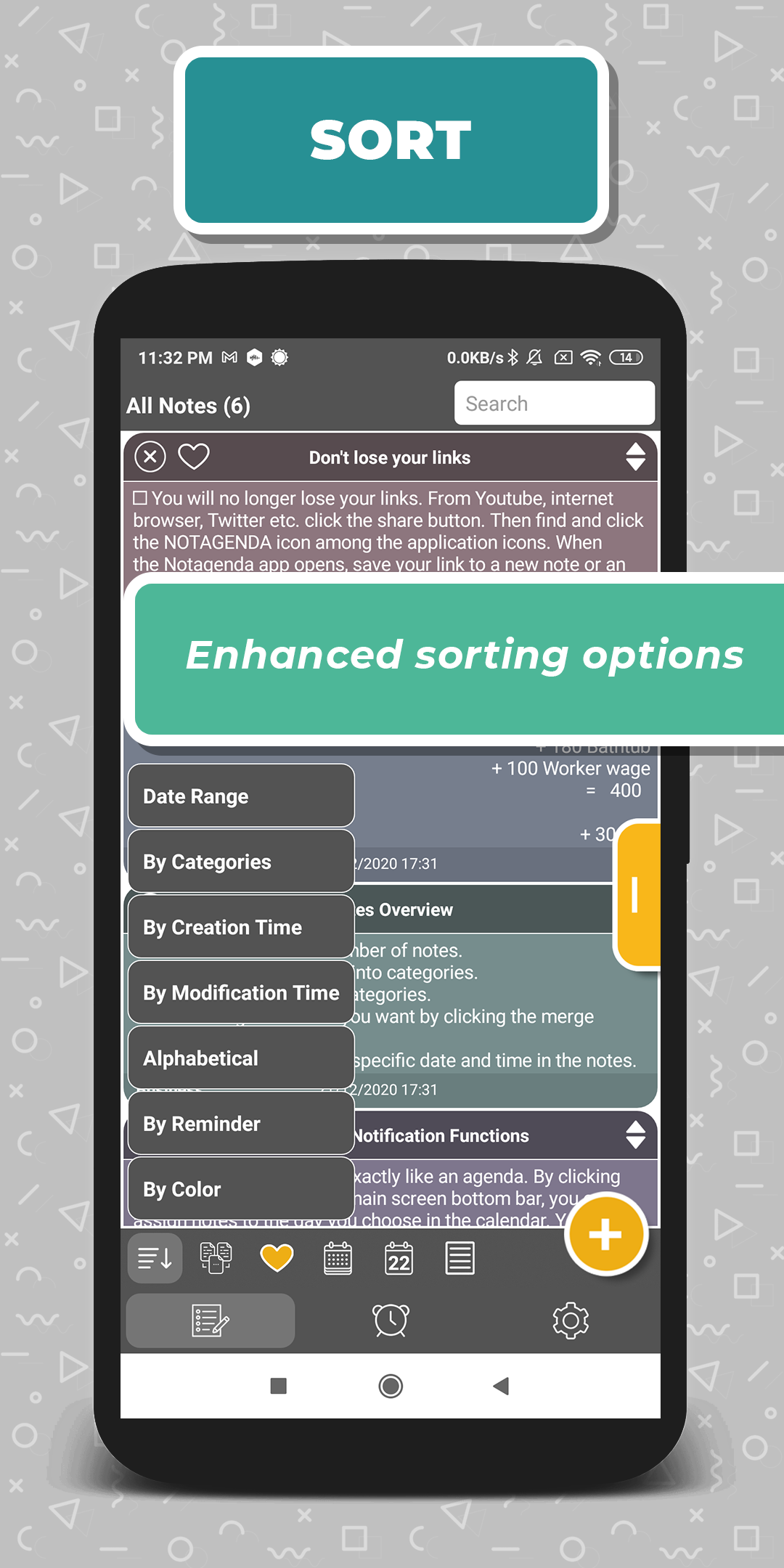
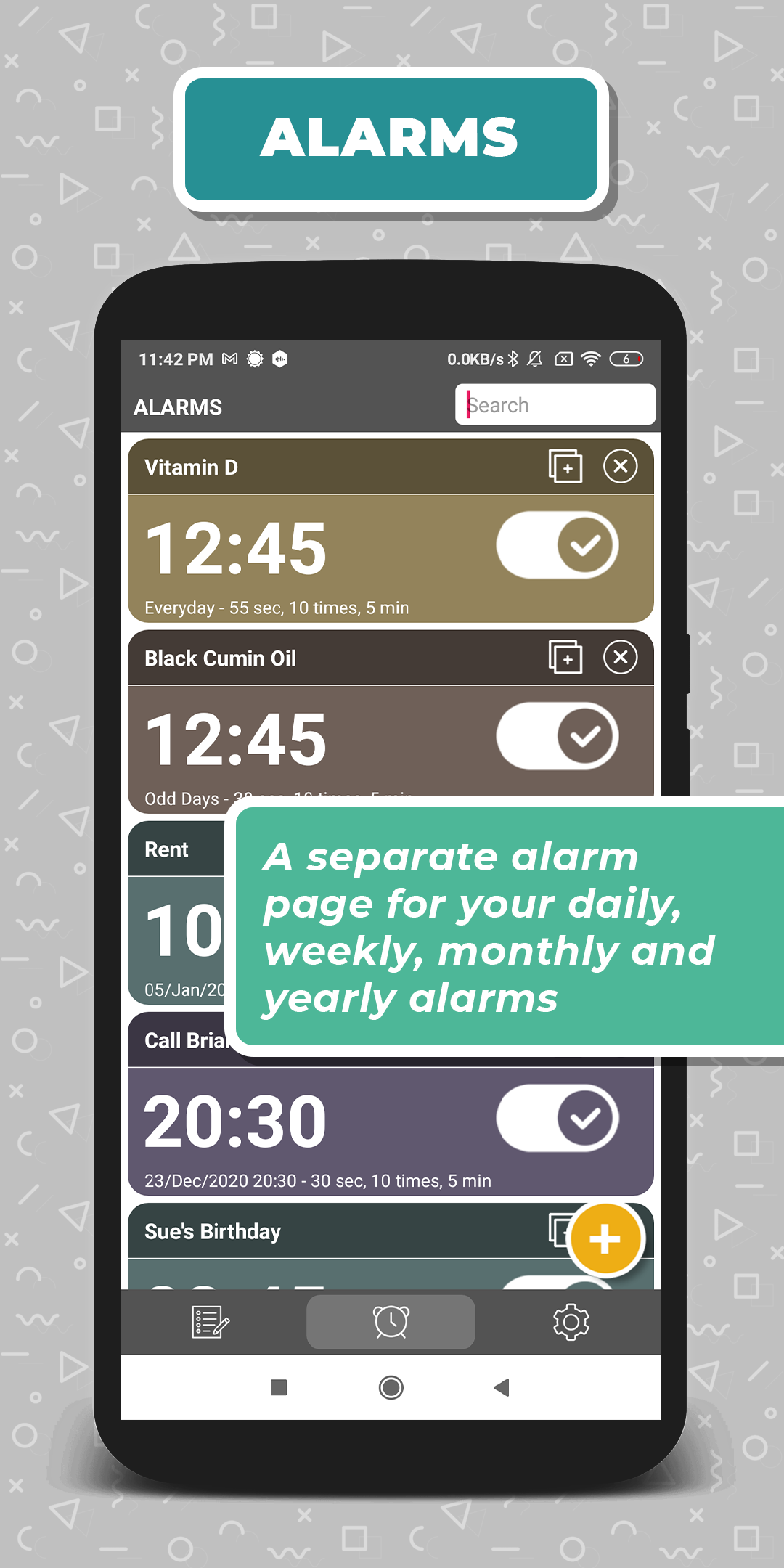
Notagenda is a tool practically integrating note-taking and calendar use. Integrating calendar use and note-taking Notagenda is a practical and advanced tool especially for people looking for a well-integrated calendar-note usage in an app. It tries to make it as easy as possible to use notes and calendar functions together. You can view your notes on calendar, you can assign your notes to your preferred dates, you can create a note directly on a day you choose on calendar, you can also view your notes from today to future or past in a separate view pinned on today. Notagenda’s aim is to let people use the app like they are keeping their agenda, but of course, more effectively than a real life version. Summary of Notagenda’s Features Notagenda has some basic features like an easy-access categories/folders sidebar; coloring & color-tagging the notes; password-protected notes; sharing notes; a functional widget; task notes; data protection by 128-bit AES encryption; enhanced sorting options; a separate alarm page for alarms separate from notes; a powerful search etc. But there are also some detailed, nuanced features that are really important in a practical note-taking app but lacking in general, such as copying the outer links to your preferred notes when sharing it into the app, or merging notes. What Notagenda Offers In Depth Calendar To let users keep their agenda through the app. You can view your notes on a separate calendar view, and you can add notes or reminders to any date you like. You can also view your notes in a chronological order, from future to past. Easy-access category sidebar Letting users access their categories/folders with one swipe on the same screen. This is crucially important for an efficient use of categories/folders which is a short-coming for many note-taking applications where users reach their folders in a separate page, which leads users to not use that function effectively. Task notes Where users can create task items with check-boxes, checking them when the task is over/completed, thus keeping track of their tasks on any given subject. Copying Links Into Preferred Notes To let users share (copy/paste) any link directly into their preferred notes. This is really important for people who like to collect and organize links, the archiver types. Other apps are opening a new note for sharing links in general, that makes this a small but nuanced contribution for note takers. Calculator note Where users can make unlimited and separate calculations in one page, can keep the record of their calculations, can save them, and can comment on them line by line on adjacent fields designed for that purpose. Ability to merge notes Notagenda is maybe the only note-taking app on the stores where you can merge your notes. This is really handy for people frequently taking short notes on specific subjects then having plenty of unorganized notes. Enhanced sorting options Letting users view their notes in different orders, including searching and listing in a date range. Effective-powerful search To let users find their notes from words or subjects they remember (it also works in password-protected notes). One click access to Google Lens application Letting users use ocr technology. You can scan any text from a document via Google Lens and directly paste the text to your note inside Notagenda. A functional widget Users can view their notes pinned on today and easily (one-click) access application and some of its functions. Data Protection Users’ data is protected by 128-bit AES encryption. You can back-up all your data and store it inside your phone, tablet or computer. Password Protection Users can define a password/pin for their notes for further privacy protection. One-time payment Notagenda gives lifetime license to ad-free usage once the payment is done. Users will be able to use any new updates or improvements without any additional payments.
Published At


