
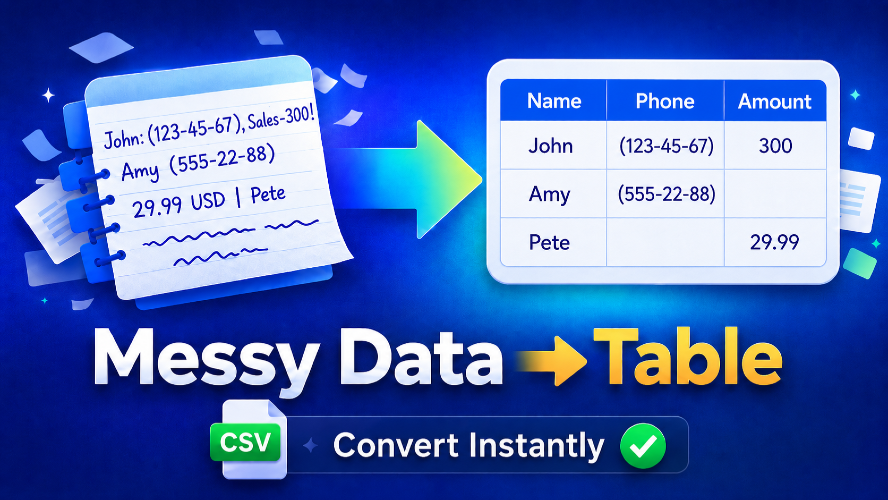
MessyData addresses the common problem of messy and unstructured data that users often encounter when copying text from various sources. This tool is designed to convert irregularly formatted lists, such as contact information, pricing data, or AI-generated notes, into neatly organized tables that can easily be exported to spreadsheets. Key features include an AI-driven cleanup that detects columns and cleans inconsistent rows, allowing users to review corrections before export. Users can paste various messy data types - from emails to product lists - and turn them into structured rows and columns within seconds. Notable alternatives to MessyData include traditional spreadsheet software that requires manual cleanup, which can be time-consuming and prone to errors. With MessyData, the process is streamlined and efficient. Regarding pricing, MessyData is free to use with simple limits, making it accessible for casual users and small businesses alike. FAQs: Q: What type of text works best? A: MessyData excels with repeated patterns like names, emails, and product lists. Q: Can I export to Excel? A: Yes, you can copy tables or download them as CSV files for use in Excel or Google Sheets. Q: Does it support PDF data? A: Yes, if the text can be copied. Q: Can it handle AI-generated output? A: Absolutely, it can format rough AI outputs into cleaner structures. Q: What should I avoid pasting? A: Refrain from pasting sensitive data like passwords or personal information.
MessyData
Transform messy data into clean, structured tables instantly with MessyData's AI assistance. Messy Data Cleaner helps teams ship faster with modern tools