



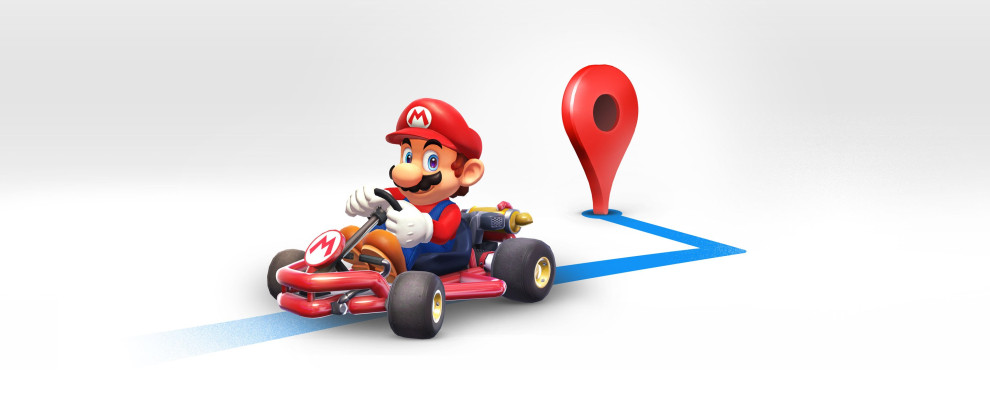
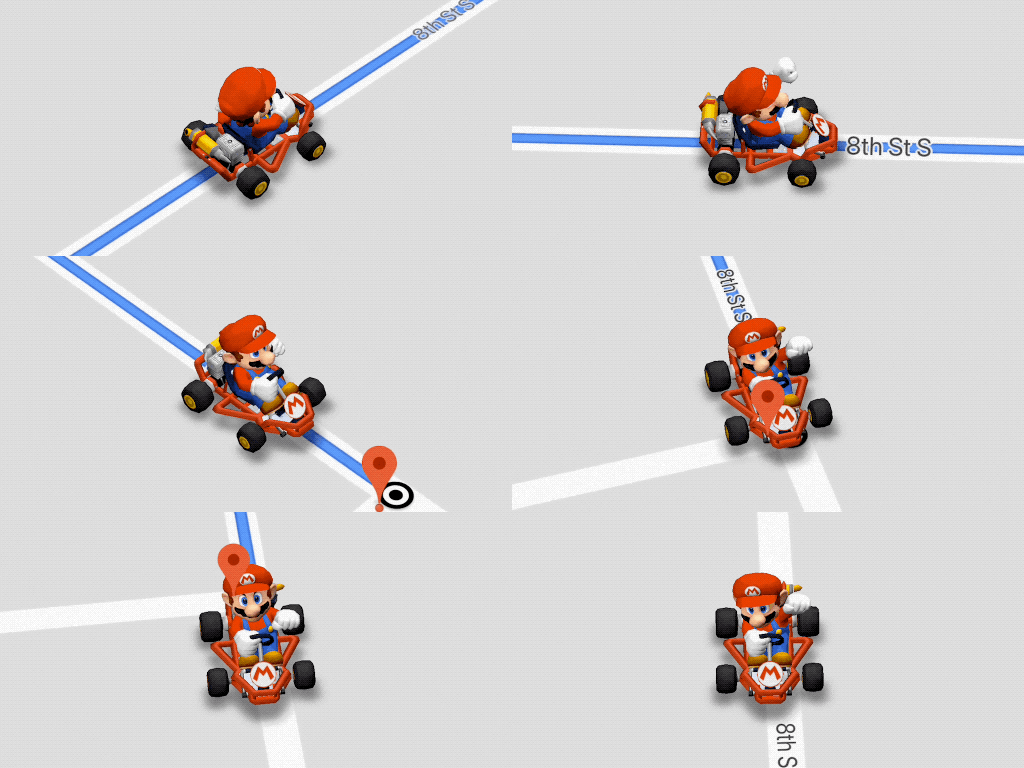
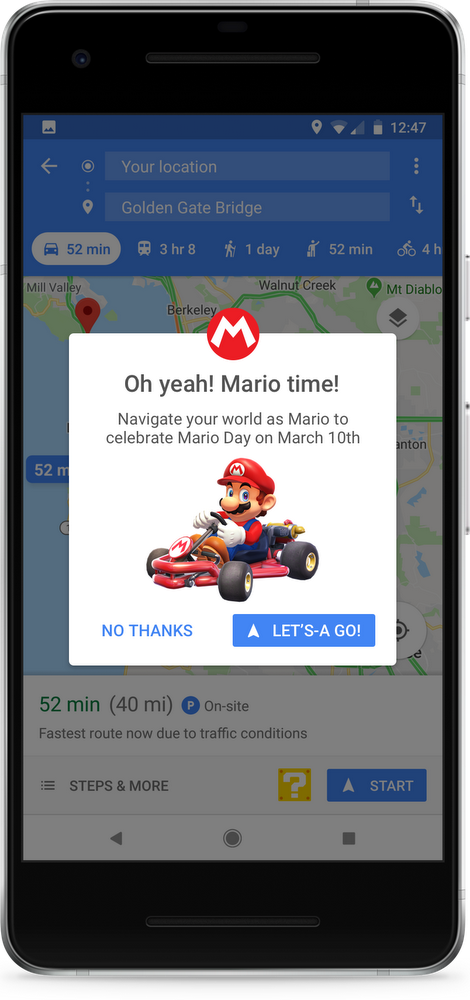
To get started, you’ll need to first update your app from Google Play or the App Store. Next, simply click on the yellow “?” icon found on the bottom right of your Google Maps app on Android or iOS. You’ll then see a prompt to enable Mario Time! Once enabled, you’ll see that the navigation arrow has morphed into—who else?—Mario. He’ll be a constant companion wherever you’re driving this week—to work, to school, or the spaghetti house. Just remember to practice safe driving on the road—we don’t encourage throwing bananas or red shells at other drivers in real life!
Published At

