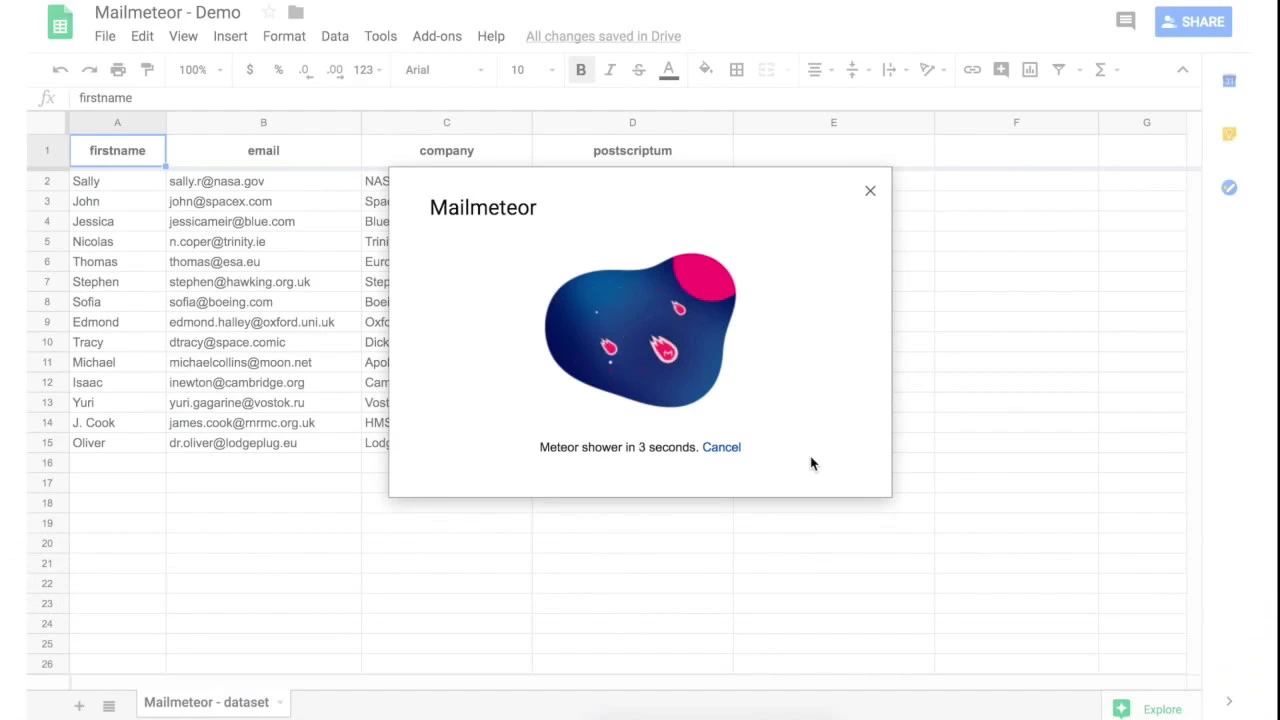
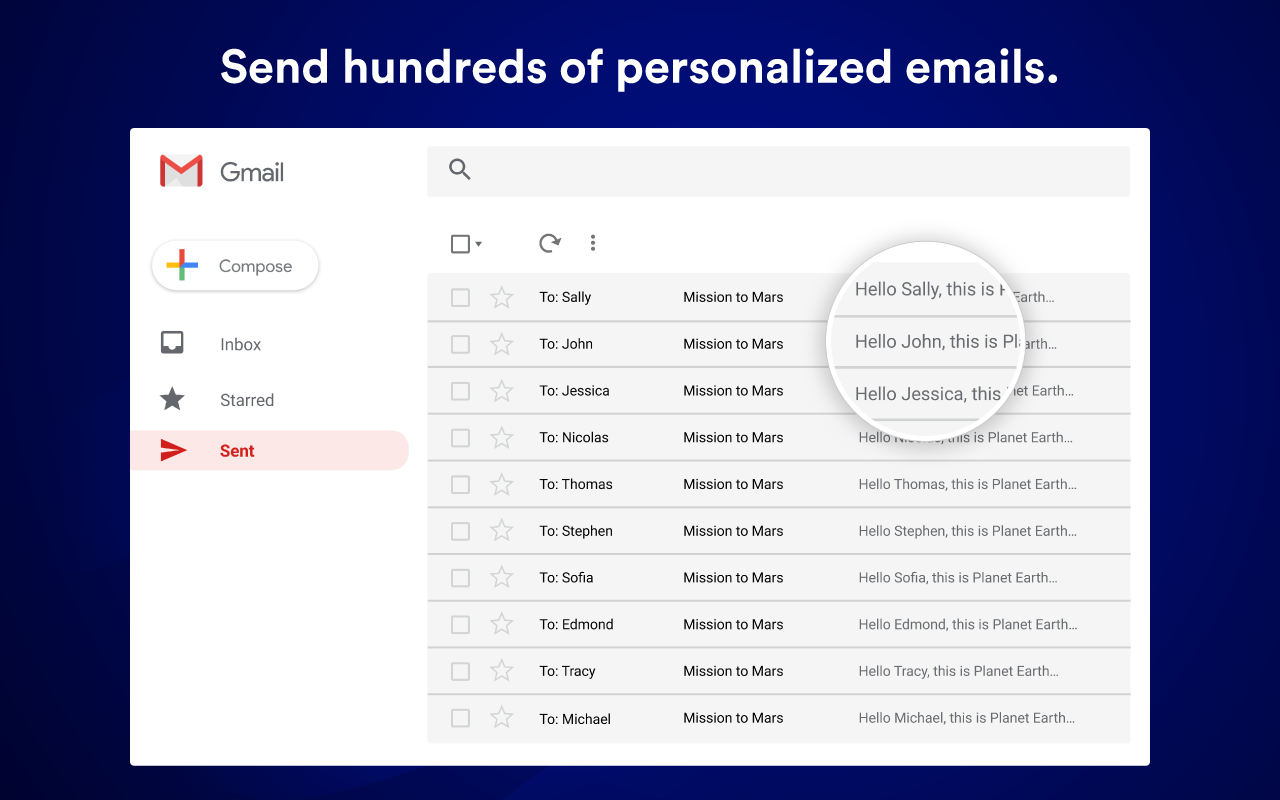
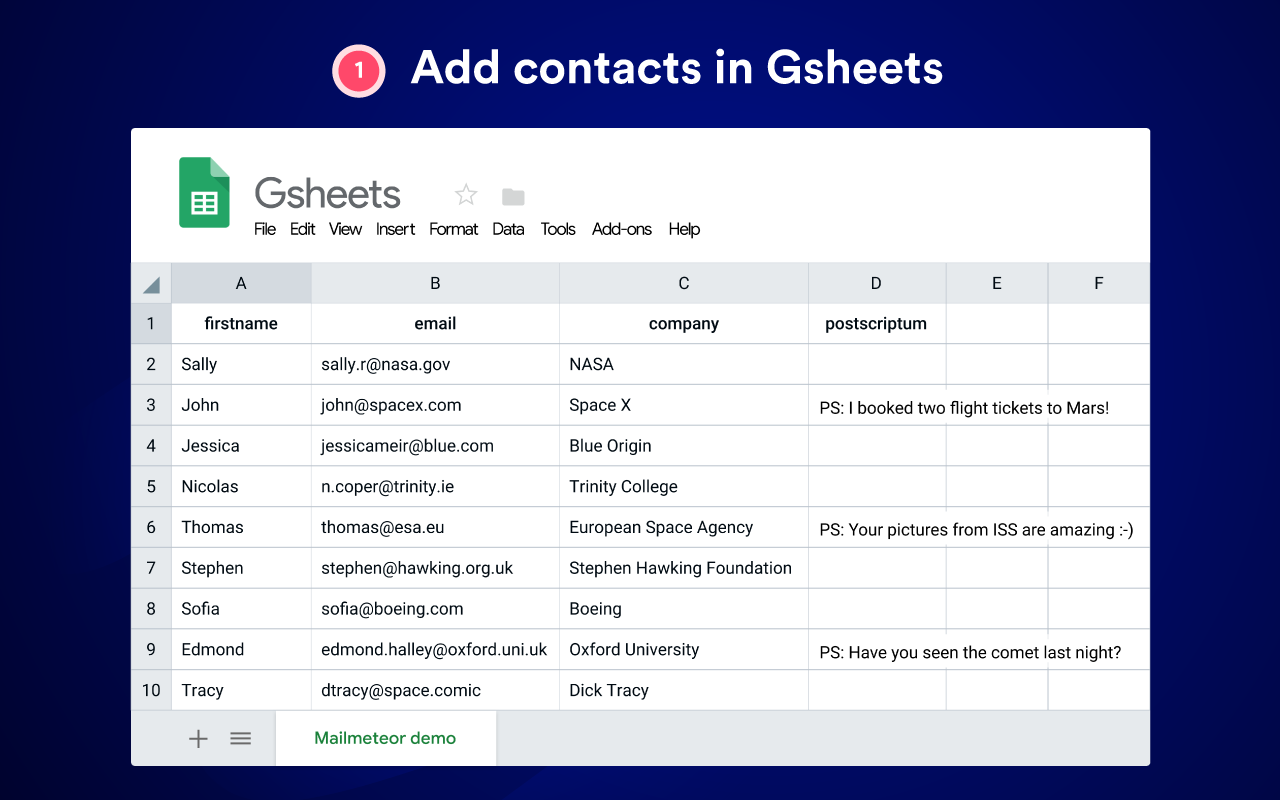
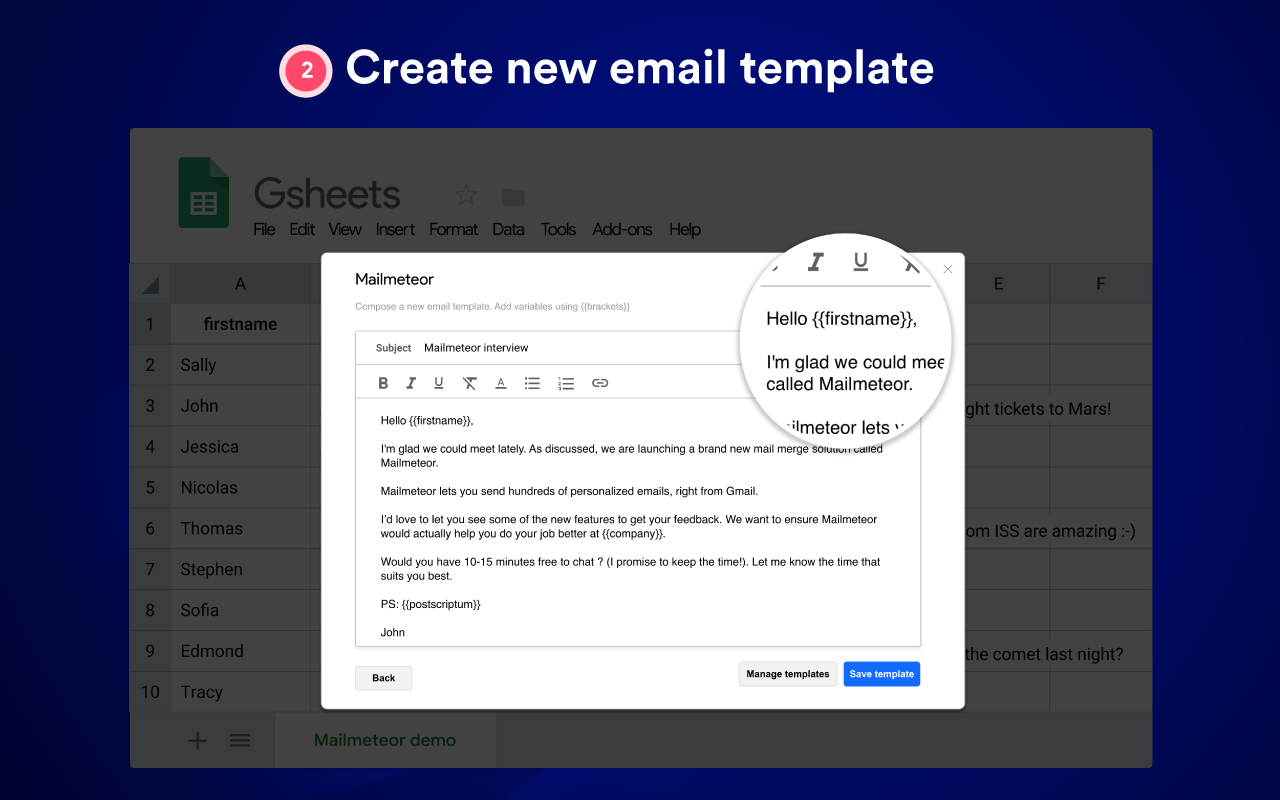
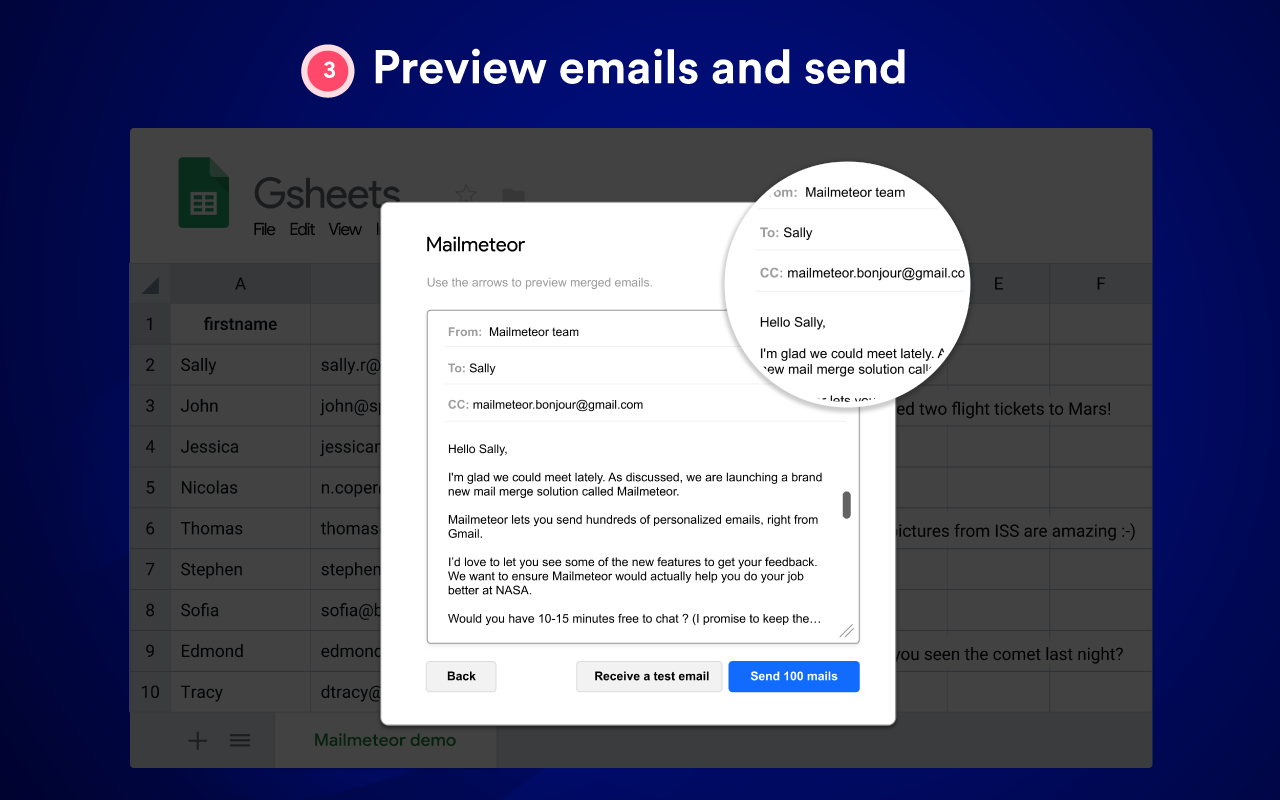
Mailmeteor lets you run mailmerge campaigns so that every of your recipients get a personalized email. Send 100 emails per day for FREE - upgrade to get more quota. FEATURES: * Email a lot of people quickly * Track your emails sent in real time * Increase your answer rate dramatically QUICK START 1. Add contacts in Gsheets. Open Google Sheets, fill your sheet with recipients data. Each column represents a personalized field. Column titles will be used as variables in your email. 2. Create new email template. Run Mailmeteor by going to Add-ons menu > Mailmeteor > Start mail merge. Create an email template directly in Mailmeteor interface. Add variables using double brackets like this: {{firstname}}. Variables must match column titles. 3. Preview emails and send. Once you're done setting up the campaign, you're all set to test and send! WEBSITE : https://mailmeteor.com CONTACT US : hello@mailmeteor.com