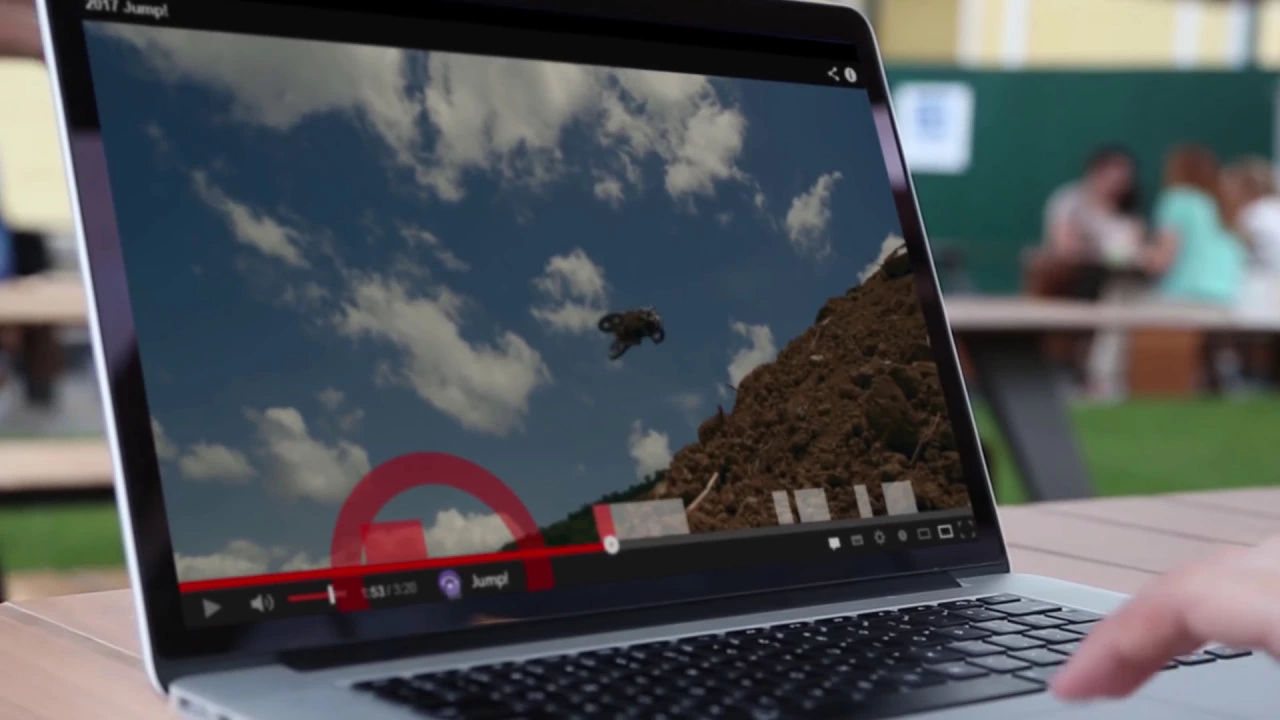
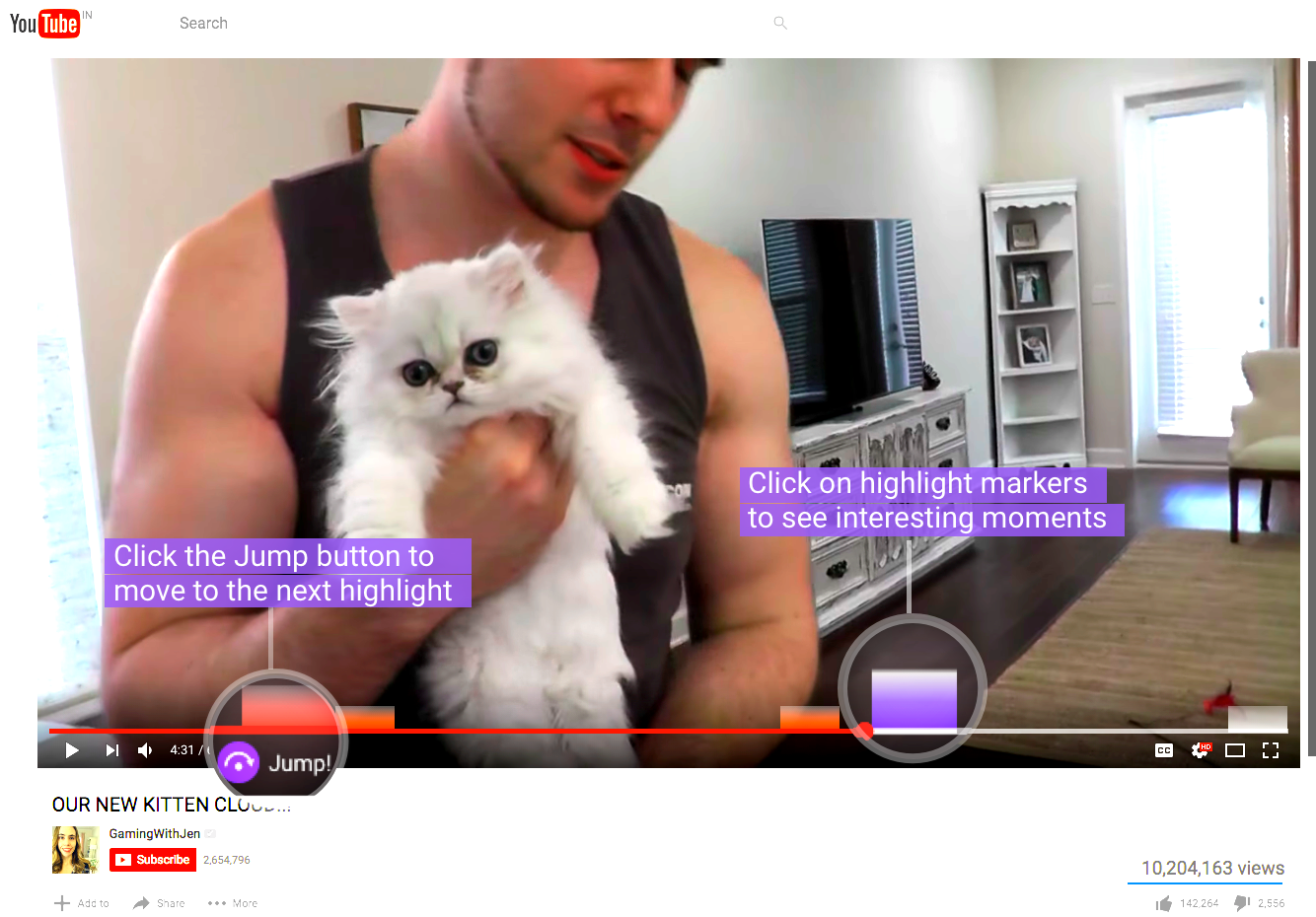
Use "N' key for a small jump forward to the next scene change. Use 'B' key for a small jump back to the last scene change. Use 'H' key for a long jump forward. Or for a very long jump click on the markers on the timeline. There are icons on the video screen to help you as well. Install Jump! for YouTube videos on a chrome browser (www.jump.video). And blaze through them. Jumps are based upon artificial intelligence. For e.g., a short jump can be based upon a scene change or speaker change which a user would typically be looking for when seeking. A long jump can be based upon emotions in audio, a face appearing in the video or something interesting as detected by the algorithm. Short jumps are maximum 15 seconds. If algorithm does not detect any changes, then it will go upto 15 seconds. So that you don't miss anything essential. We have a long journey ahead. And your feedback and support is vital for our success. Thanks a lot. Jump team.