
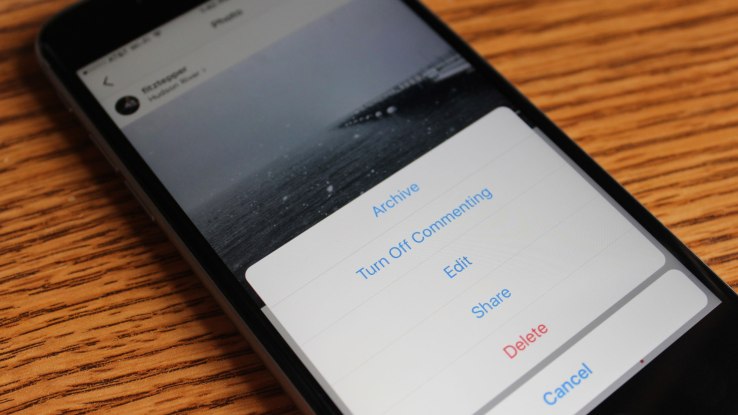
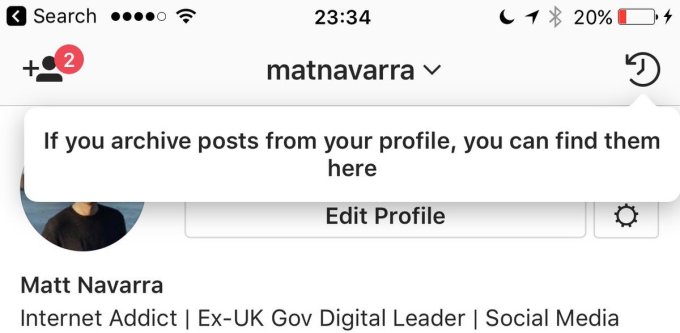
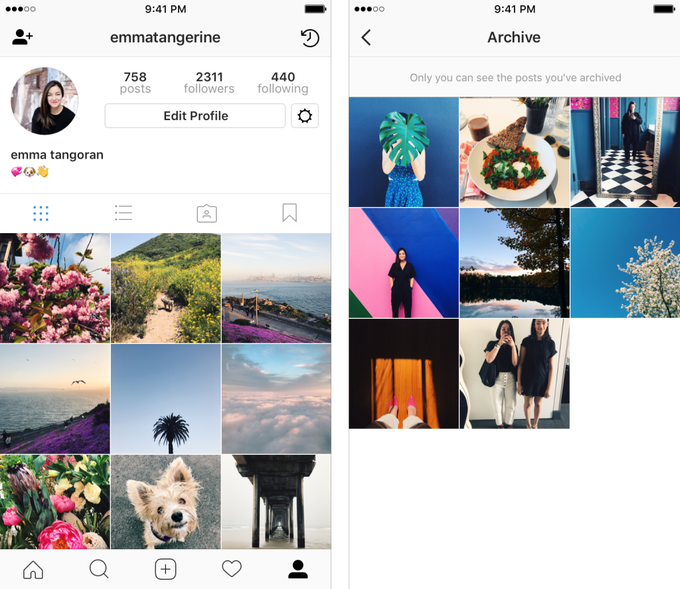
Today this will roll out to everyone on Instagram, meaning you can start hiding photos today. You can archive any photo or video on your profile by tapping the “…” three-dots button in the top right of the post, then selecting “archive”. After being archived, these posts move into a special section of the app located at the top right corner of your profile. This archive page, and all the posts inside it, are only visible to you. You can then opt to eventually unarchive a photo and “show on profile”, or just leave it there forever for your personal records.

Instagram Archive
Instagram’s archive feature goes live, letting you hide photos indefinitely.
Published At

