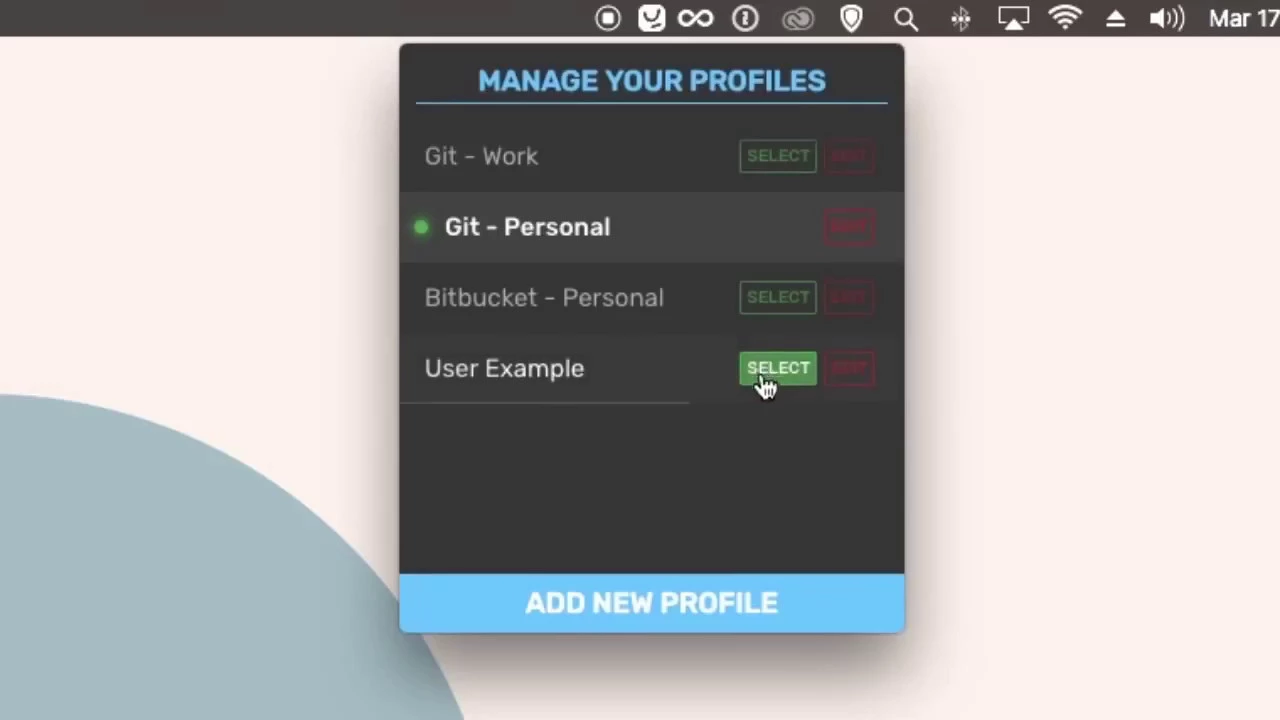
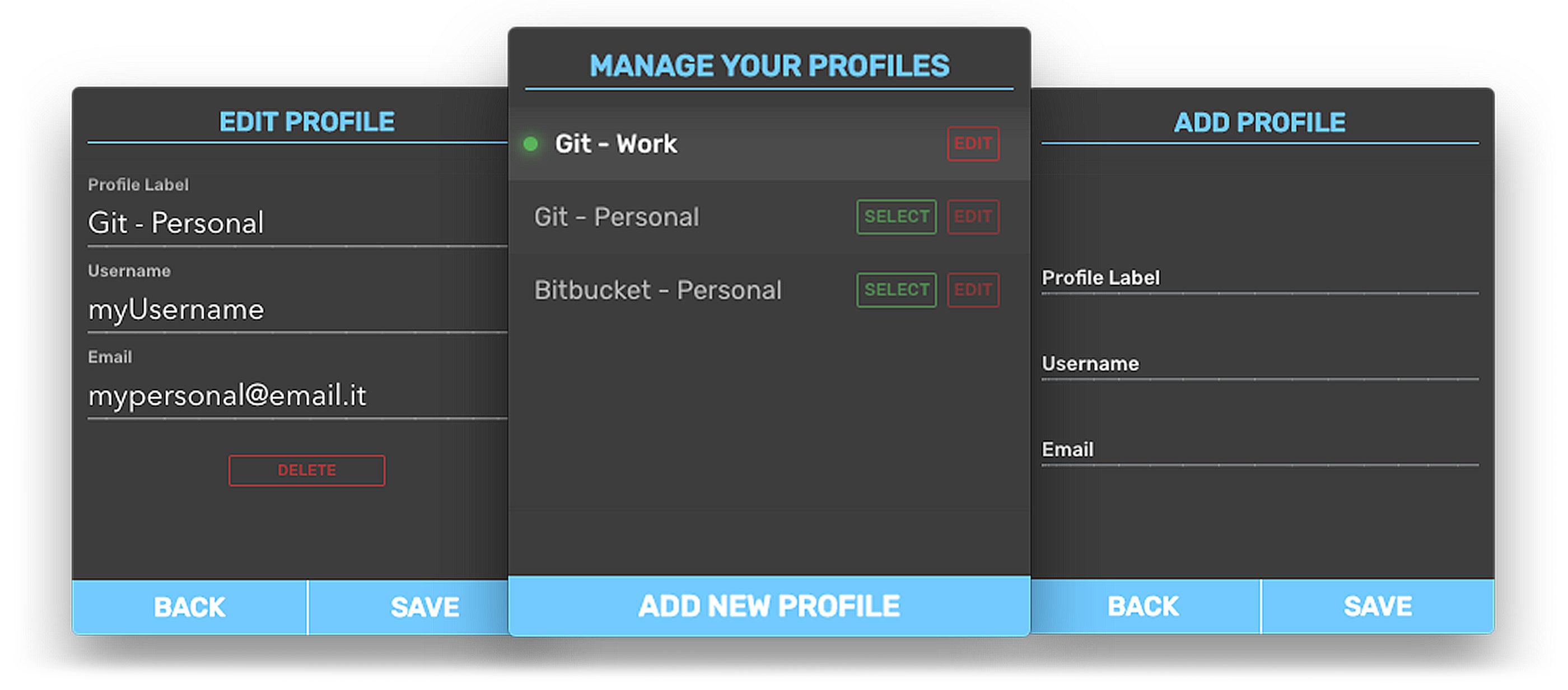
You can manage infinite git profiles with one click and select which profile to use to commit and push your code changes. -Install The first thing to do is download and install the app. This version is only available for Mac OS X. Once the download is finished you can then open the DMG file and copy the application to your Applications folder. -Launch at login Launch the application by double clicking on it. It will only be available as a tray icon. You can click on it to start configuring the profiles or right click for the options. -Create Profiles To create a new profile, click on the tray icon and when the app window appears, click the "Add new profile" button at the bottom of the window. It will present three input fields. -Select profile When adding a new profile, make sure to click on "Save" and then go back. You'll find your new profile there. Click on the "Select" button relative to the label of the profile you want to use....