



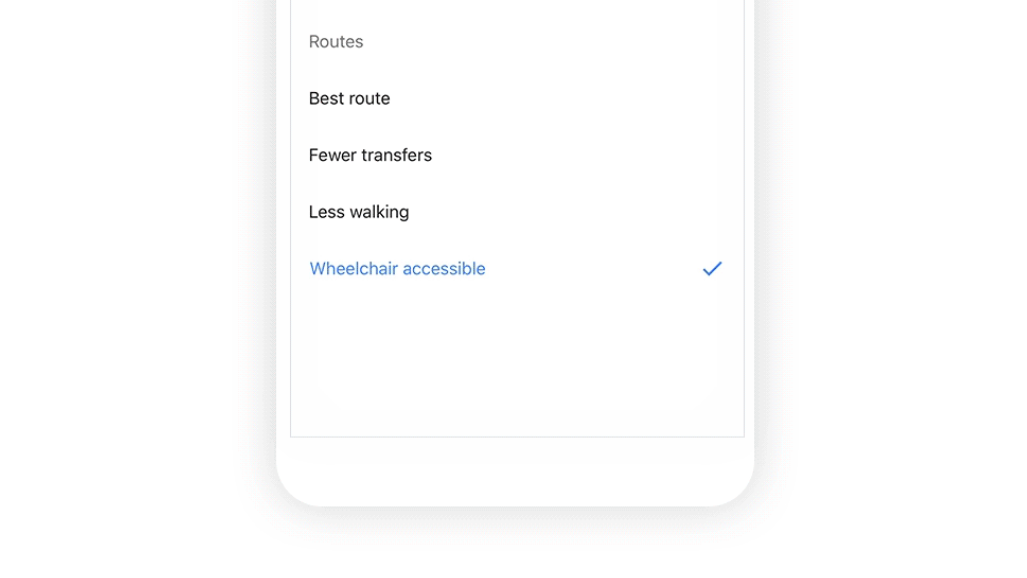
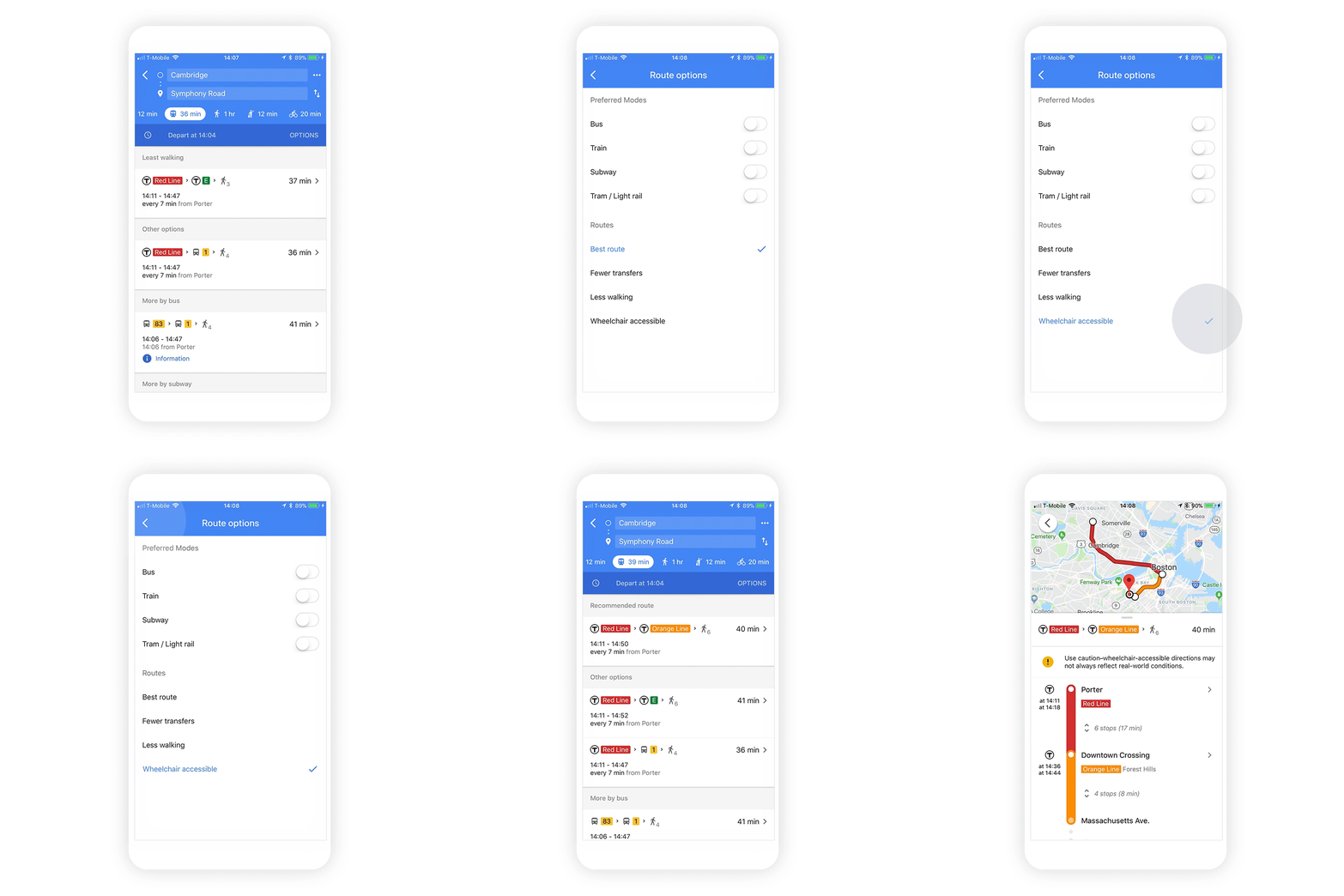
To access the “wheelchair accessible” routes, type your desired destination into Google Maps. Tap “Directions” then select the public transportation icon. Then tap “Options” and under the Routes section, you’ll find “wheelchair accessible” as a new route type. When you select this option, Google Maps will show you a list of possible routes that take mobility needs into consideration. Starting today, this feature is rolling out in major metropolitan transit centers around the world, starting with London, New York, Tokyo, Mexico City, Boston, and Sydney. We're looking forward to working with additional transit agencies in the coming months to bring more wheelchair accessible routes to Google Maps.


