



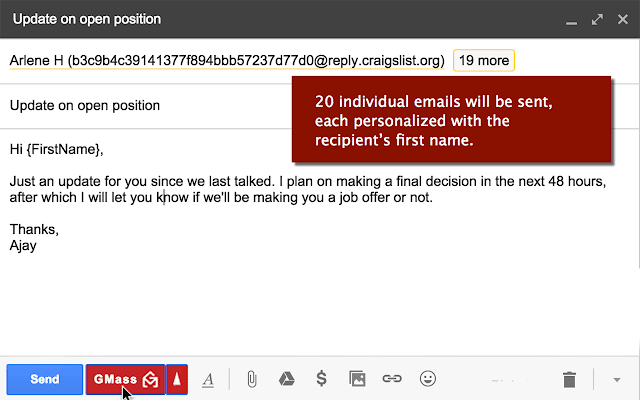
-Mail merge with Google Sheets Say goodbye to CSV files. Connect to Google Sheets to send a personalized mass email using any of the columns in your spreadsheet. -Mass email based on search results Use Gmail's powerful search feature to find messages containing recipients to whom you want to email. Then click the Build Email List button, and a Compose window will load containing the email addresses found in those messages. -Send campaign as replies Have emails sent as new messages or as replies to the last conversation with each recipient. Sending a campaign "as a reply" results in higher engagement because it becomes part of an existing conversation rather than a new one.

Published At

