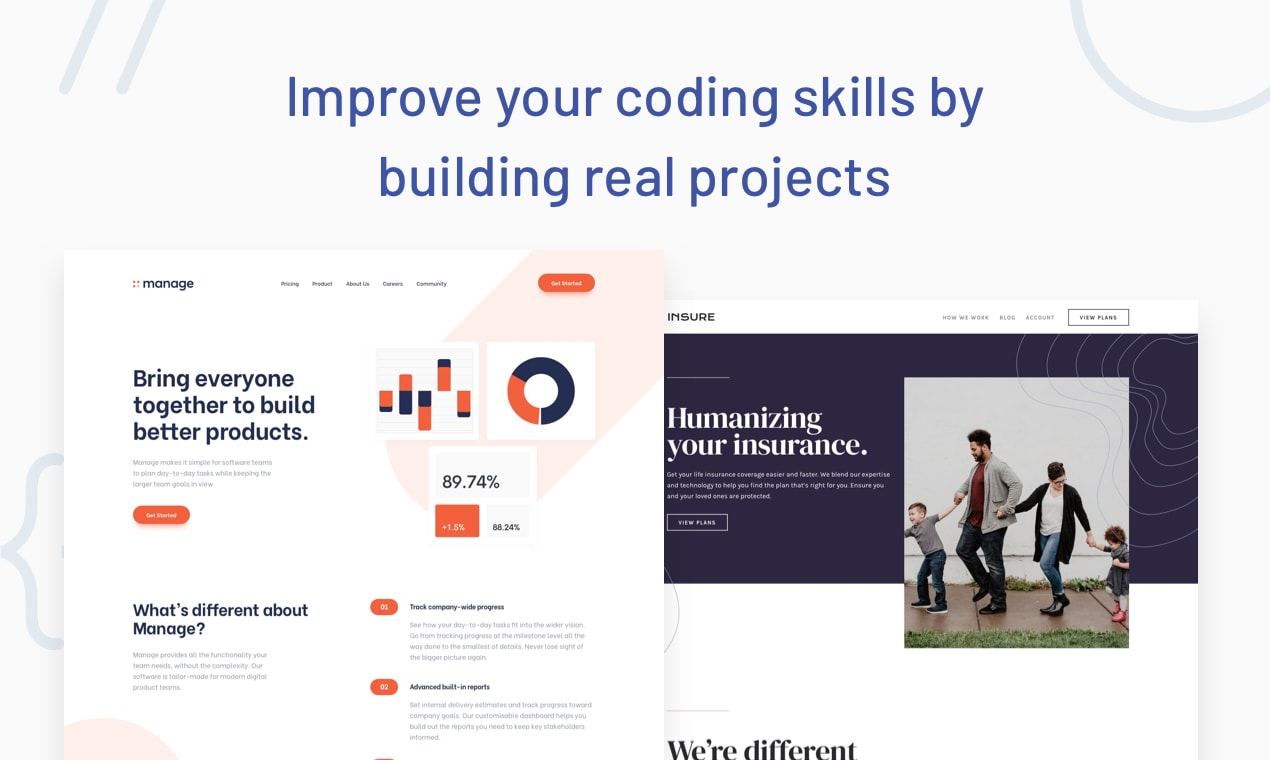
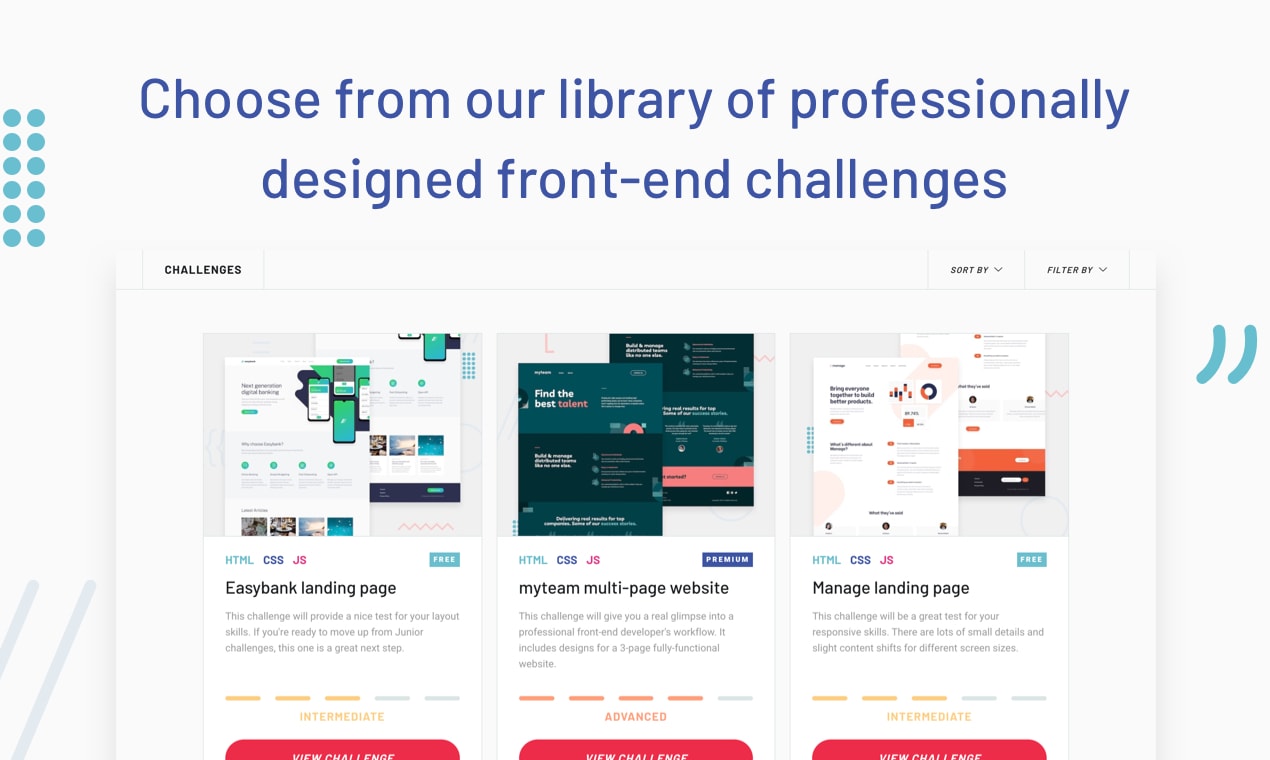
PROBLEM I got the idea for Frontend Mentor as a result of the teaching work I do at General Assembly. My front-end web development students often asked where they could go to continue to practice their newfound HTML, CSS, and JS skills after finishing the course. My answer was always "continue to build your own portfolio site, try re-creating Dribbble shots or download free themes and re-create them from scratch". However, I was never really satisfied with the answer. So I thought it would be useful to offer a genuine insight into a front-end developer's workflow for anyone who would like to improve their coding skills. SOLUTION Frontend Mentor offers a range of challenges that aim to mimic a real-world workflow for a front-end developer. Each free challenge includes: - Mobile & desktop designs in JPG format - A front-end style guide for colors, fonts, etc - A basic project brief, which mentions any expected functionality - Pre-optimised assets - A skeleton HTML file with pre-written content, but no structure If you want to practice using the original Sketch design file, there is an option to buy that as well, although it's not a requirement to start the free challenges. As well as the free challenges we also have premium challenges. Premium challenges offer you the chance to build some seriously impressive portfolio pieces and include: - Multi-page and fully-functional project ideas - Mobile, tablet & desktop designs in both JPG and Sketch format - A professional design system providing common styles - Custom APIs to work with so that you can practice with JS libraries/frameworks like React, Vue, Svelte, Angular, etc

Published At