



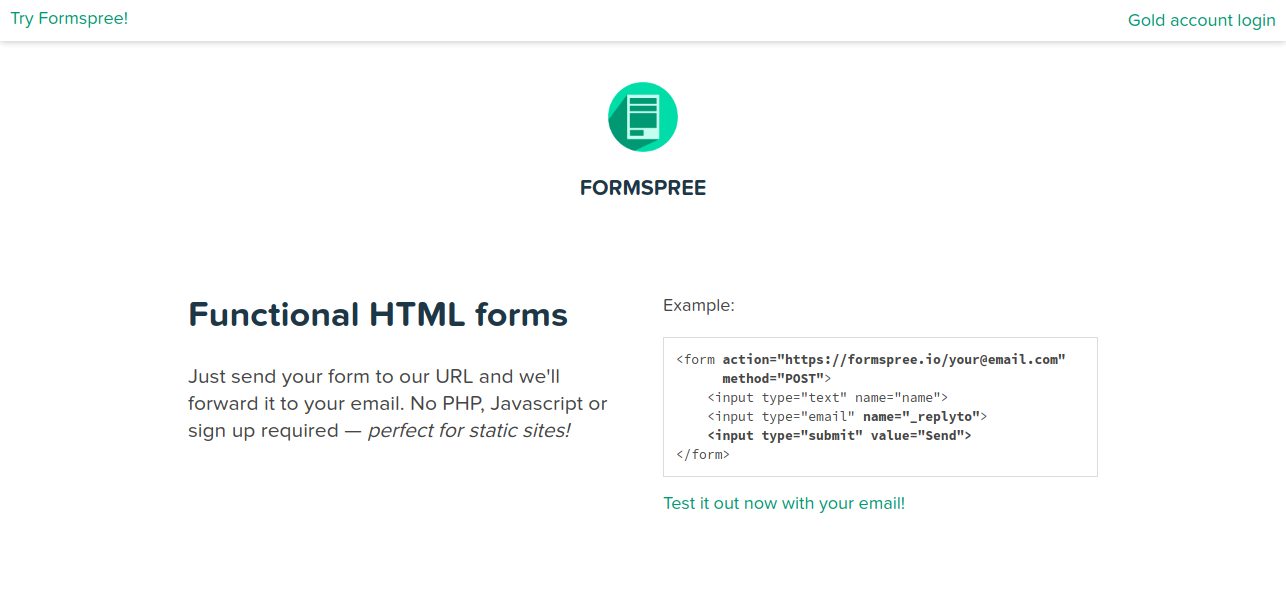
Setting it up is easy and free. Here's how: You don't even have to register. 1. Setup the HTML form Change your form's action-attribute to this and replace your@email.com with your own email. https://formspree.io/your@email.com 2. Add a name attribute to every field Ensure all <input>, <select> and <textarea> elements inside your form have a name attribute, otherwise you will not receive the data filled in these fields. 3. Submit the form and confirm your email address Go to your website and submit the form once. This will send you an email asking to confirm your email address. Remember that if you display the same form in multiple URLs of your site you'll have to confirm it multiple times! 4. All set, receive emails From now on, when someone submits that form, we'll forward you the data as email.
Published At

