
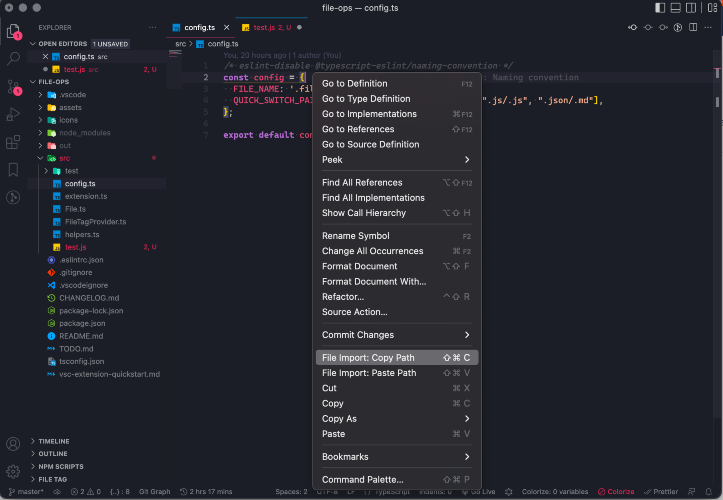
There is no easy way to import files. We need to manually enter the path to another file by looking at the file tree and breadcrumbs. Simplifying file import by providing 3 ways to import the relative path. Copy-paste path from: 1. context menu 2. keyboard shortcut (cmd/ctrl+shift+c & cmd/ctrl+shift+v) 3. extension commands