


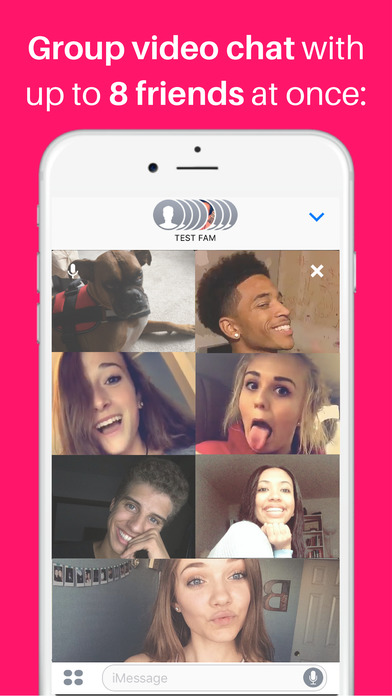
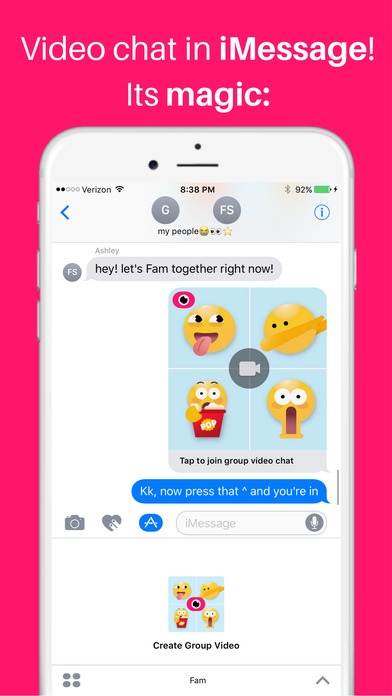
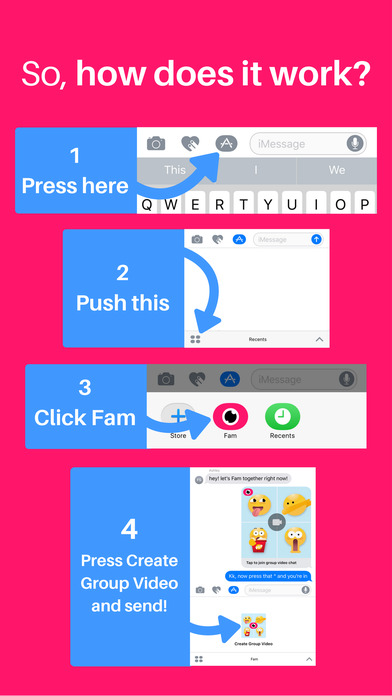
This is the Lite version of Fam. Live group video chat, for iMessage only! Say hi to family, hang out with friends, or host a spontaneous hangout session - all without leaving your current group chat or iMessage conversation! *** How to use Fam *** 1. Open iMessage 2. Select a conversation 3. Next to the text input bar, click the dark gray App Store icon (next to the heart and camera icons). 4. Either click the 4 dots on the bottom left to open a tray of your iMessage apps, or you can scroll left or right to find the Fam app icon. 5. Once you see the Create Group Video button after launching Fam, click that button to send a group video chat room to your group chat that others can join. Conveniently video chat with up to 8 people in iMessage with just one tap. Its easy: download Fam, open iMessage, select the App icon, and tap “Fam.” Now, whoever you sent the Fam request to you will be able to press it and join it!


