
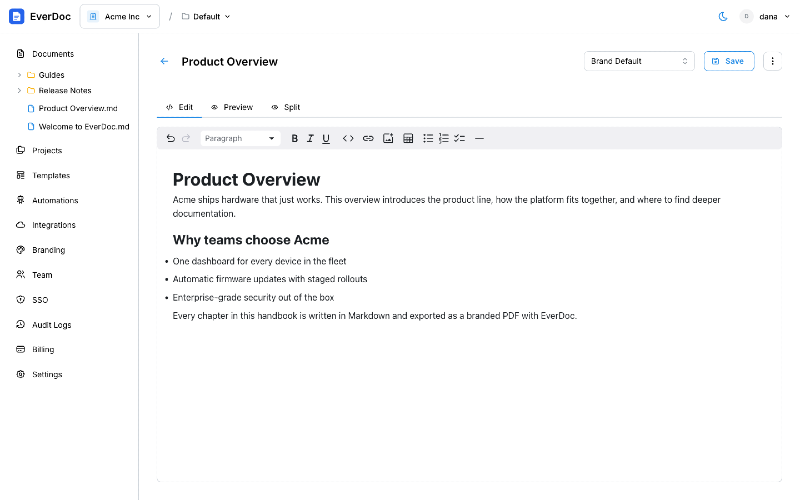
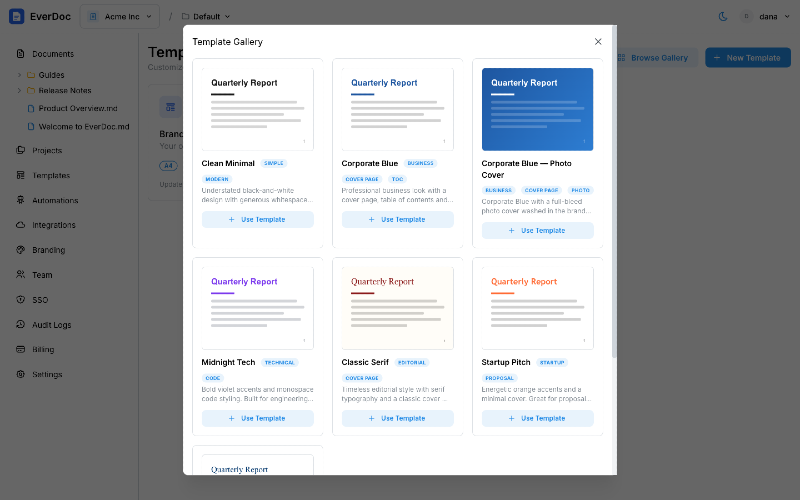
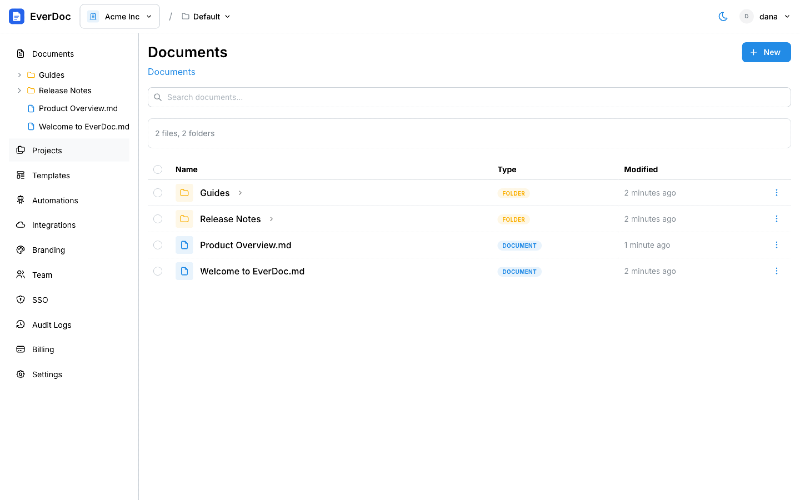
EverDoc solves the challenge of turning everyday documents into polished, beautiful PDFs without the need for complex design tools. With EverDoc, you can use a rich editor or Markdown to create documents that are automatically formatted, branded, and synchronized with your existing cloud storage solutions like Google Drive and OneDrive. Key features of EverDoc include cloud integration allowing two-way sync with major storage providers, automated PDF generation that updates every time you edit your document, and customizable templates that reflect your brand's identity. This means all your documents can have a consistent look and feel, making your deliverables look professional and polished. The platform also supports bulk imports, enabling teams to easily migrate existing documents and streamline workflows. Notable alternatives to EverDoc include traditional document editors and design software that require manual formatting and more time-consuming processes. However, EverDoc's automation and integrated approach offer a level of efficiency that many alternatives lack, particularly for teams focused on producing documentation quickly and consistently. Pricing models are transparent and scalable, starting with a free plan suitable for individuals, which includes up to 2 members, 50 documents per seat, and 25 PDF generations monthly. The Team plan offers greater capacity and features at $10 per seat per month, while the Business plan provides advanced features like SSO for $25 per seat. For large organizations, a custom Enterprise plan can be tailored as needed. FAQs: 1. Q: What platforms does EverDoc integrate with? A: EverDoc integrates with Google Drive and OneDrive to streamline document management. 2. Q: Can I customize document templates? A: Yes, users can create custom templates with logos, colors, and fonts to maintain brand identity. 3. Q: Is there a free trial available? A: Yes, EverDoc offers a free plan with limited features to help you get started. 4. Q: How do I export documents? A: Documents can be exported directly as PDFs through the platform, automatically formatted to your specifications. 5. Q: What support is available for users? A: Email support is included from the Team plan onwards, with priority support for Business users.
EverDoc
Create professional, branded PDFs from your documents seamlessly integrated with Google Drive and OneDrive.