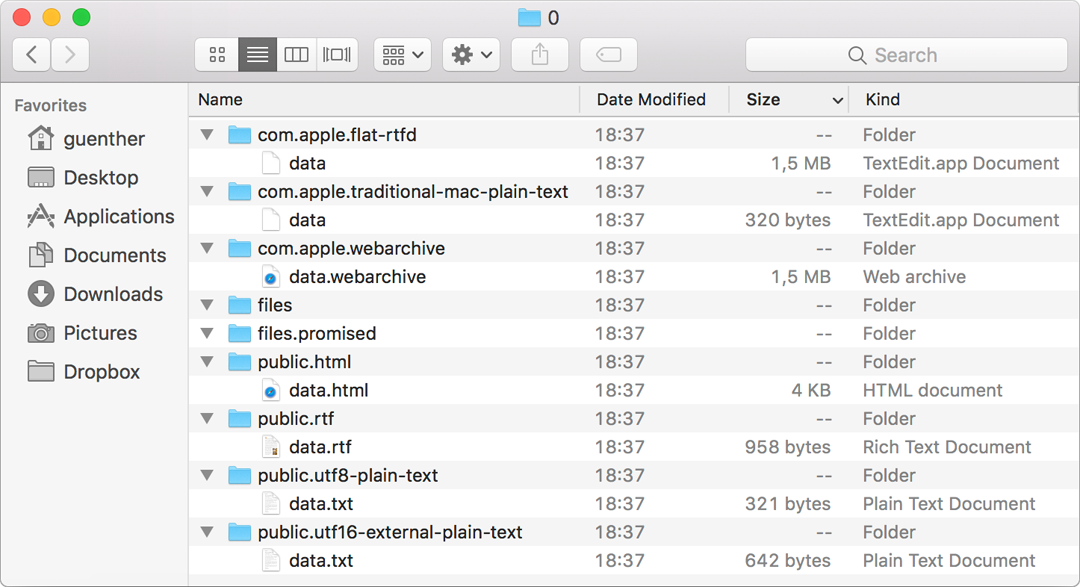
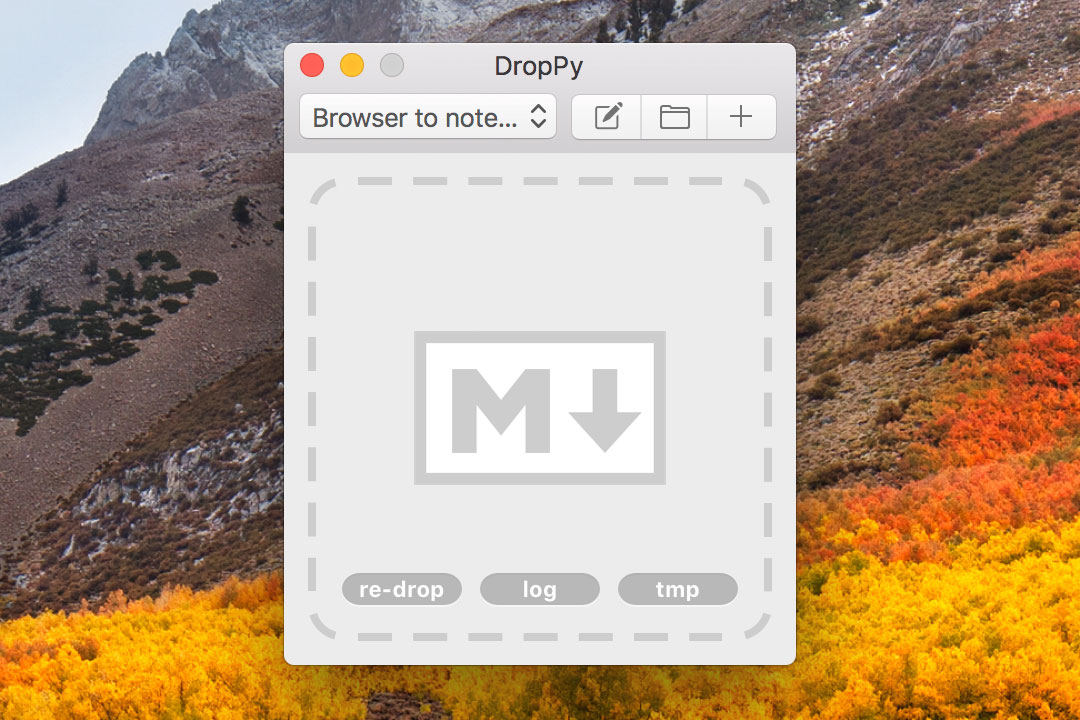
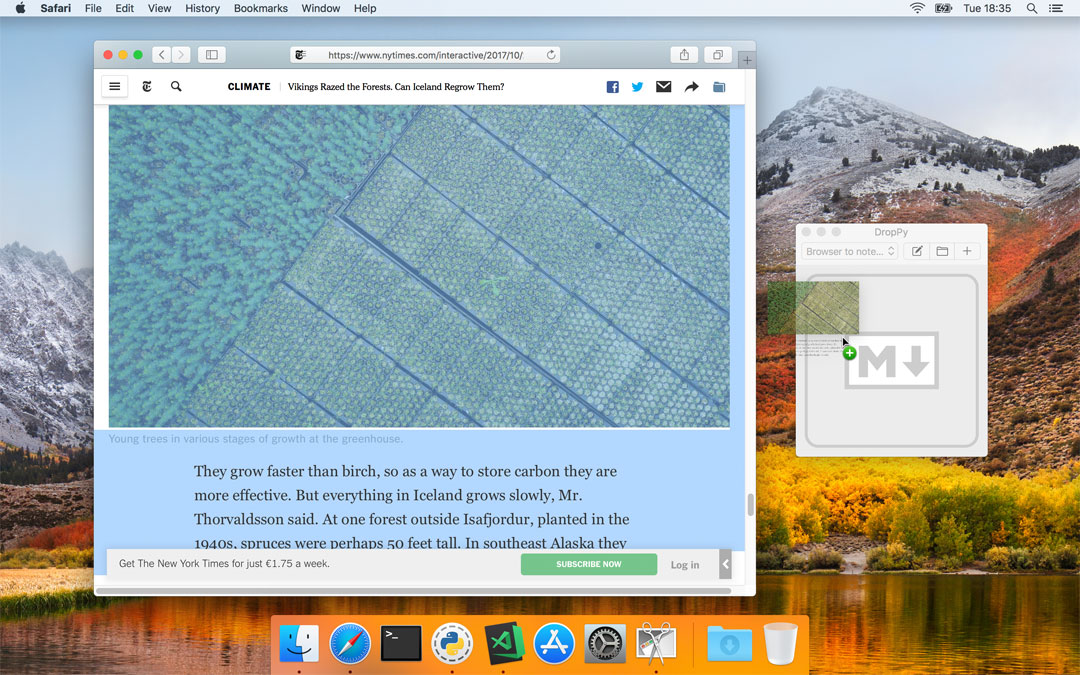
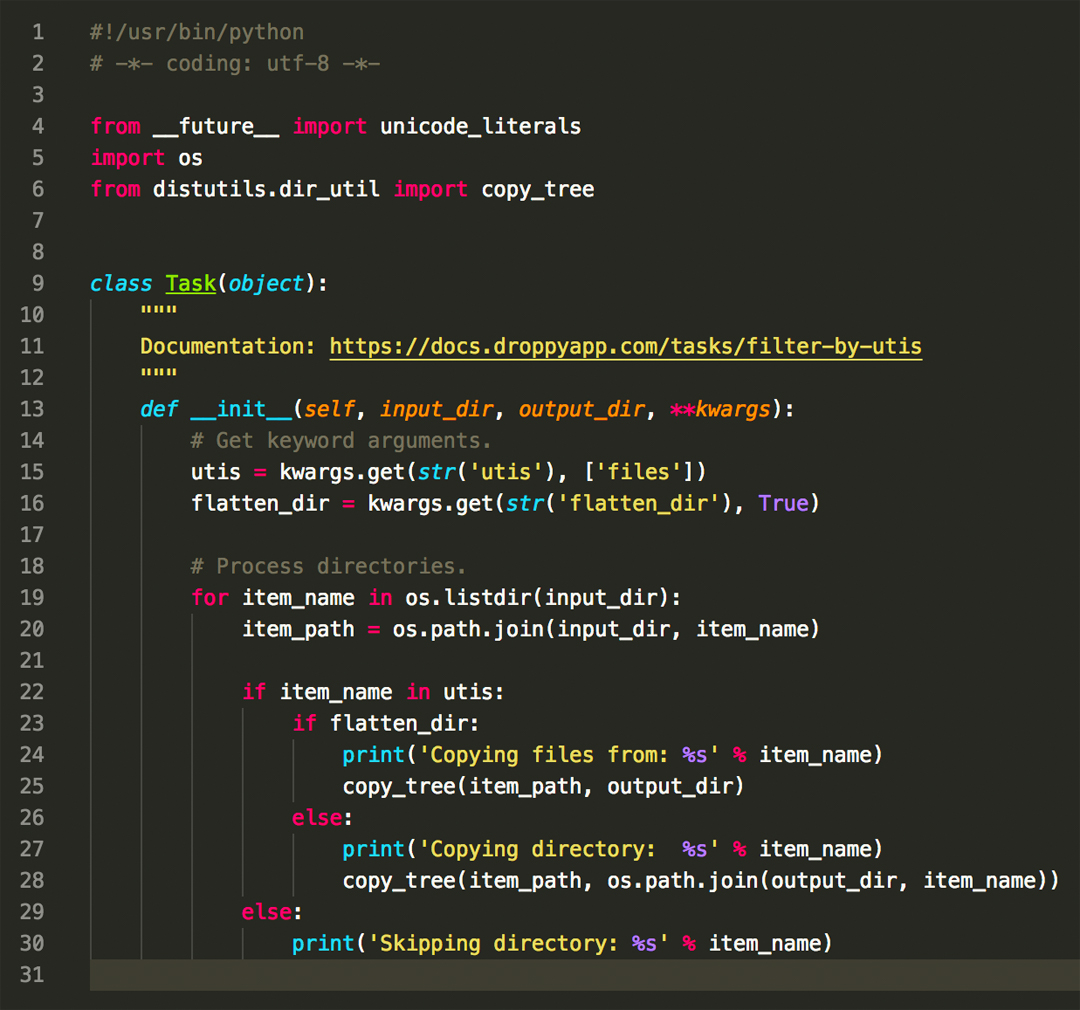
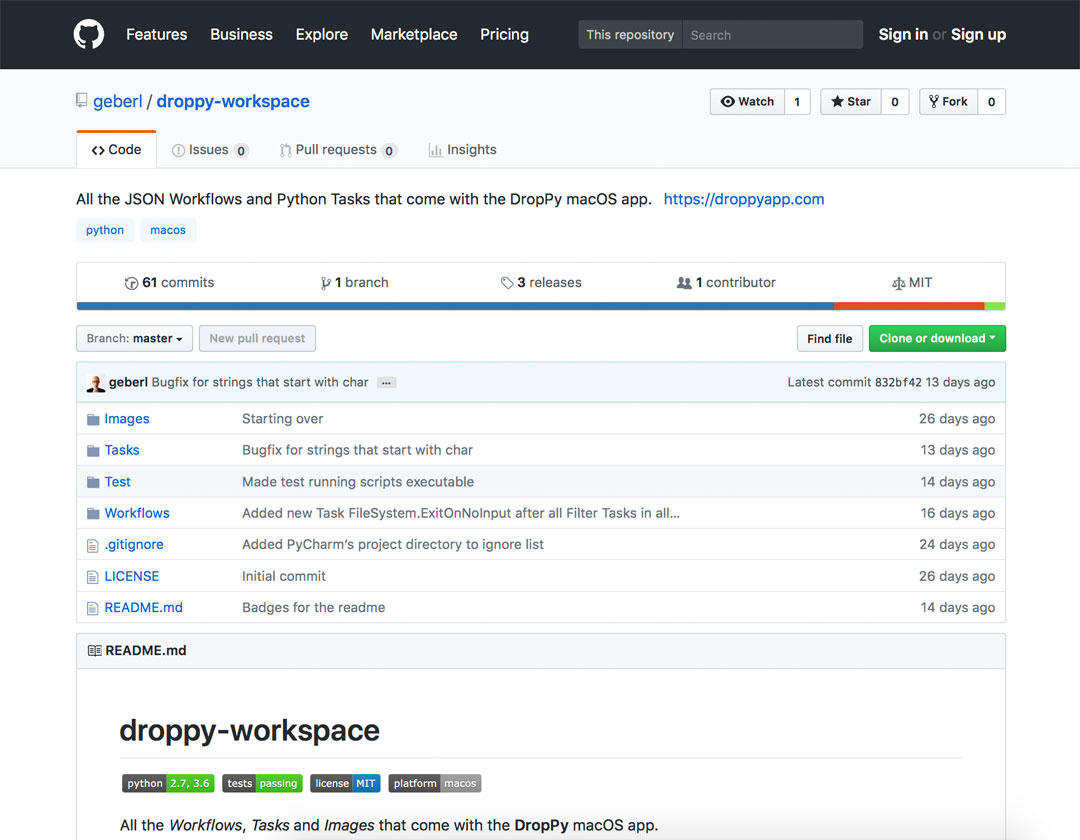
- Drop Anything - As long as you can drag something outside your source application, you can use it as input for DropPy. On top of direct interaction being more intuitive, this also gives you a way to access objects that scripts from Terminal are not able to address. - Access All Data - The object you drop usually contains data in many different formats, categorized by UTIs (Uniform Type Identifiers). DropPy pulls out everything that's available to give you full flexibility for what you want to do. - Tasks and Workflows - DropPy passes all extracted files through a series of Python scripts called Tasks. Their order and parameters are set in a JSON file and form a Workflow. Tasks are specifically written to do one thing only. This reduces complexity and makes them easy to reuse and share. Most Tasks are just a few lines long. - Batteries Included - DropPy comes bundled with a large set of Workflows and Tasks to start you off and to serve as examples for your own solutions.