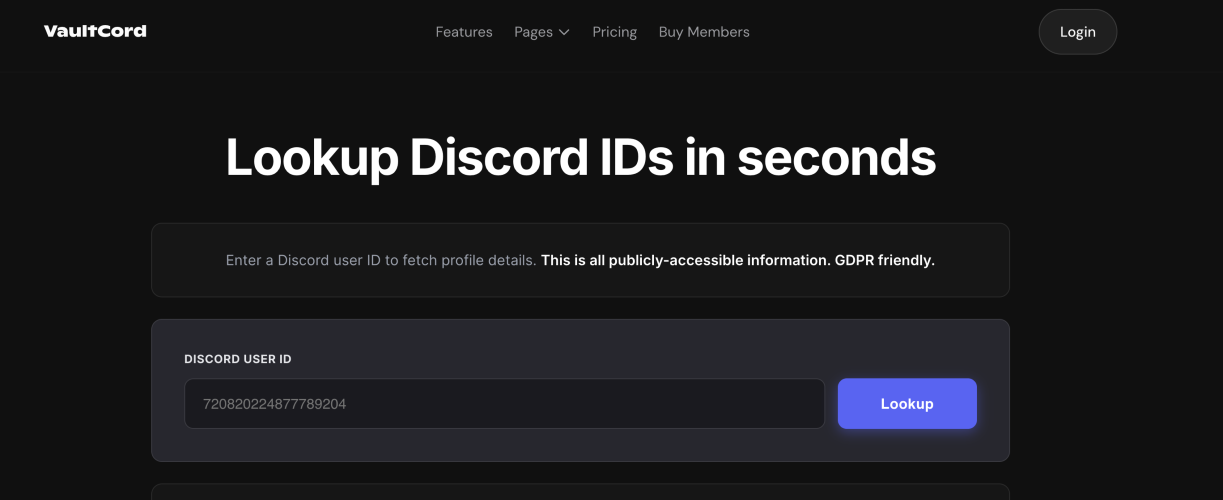
Discord ID Lookup: How to Find and Use Discord IDs Easily Discord is one of the most popular platforms for online communication, bringing together communities from gaming, tech, education, and beyond. As these communities grow, managing users and information becomes more complex. That’s where a Discord ID Lookup tool comes in handy. If you’ve ever needed to identify a user beyond their username or work with Discord’s backend systems, understanding how Discord IDs work—and how to look them up—can make things much easier. Understanding Discord IDs Every account, server, channel, and even message on Discord is assigned a unique numeric ID. Unlike usernames, which can be changed at any time, these IDs remain fixed. This makes them a reliable way to identify something or someone on the platform. For example, even if a user updates their display name multiple times, their ID stays exactly the same. This consistency is what makes IDs so valuable, especially for moderation and development purposes. Why Discord ID Lookup Matters At first glance, you might wonder why you’d need a Discord ID Lookup at all. For casual users, it may not seem necessary—but for moderators, developers, and community managers, it’s incredibly useful. When managing a large server, usernames alone aren’t always dependable. People can change them, copy others, or use similar-looking names. With IDs, there’s no confusion—you’re always working with something permanent and unique. For developers, IDs are essential when building bots or interacting with Discord’s API. Many functions rely on IDs rather than usernames, so being able to quickly look them up saves time and effort. How to Use a Discord ID Lookup Tool Using a Discord ID Lookup tool is actually quite simple, even if you’re not very technical. Here’s a straightforward way to do it: First, you’ll need to enable Developer Mode in Discord. You can find this in your settings under the “Advanced” section. Once enabled, you can right-click on a user, server, or message and select “Copy ID.” After that, head over to a lookup tool like the one on VaultCord. Paste the ID into the search field, and within seconds, you’ll get the relevant information tied to that ID. This process is quick, easy, and doesn’t require any special skills. The interface is clean and easy to navigate, so you won’t feel overwhelmed. Results are delivered quickly, which is especially helpful if you’re handling multiple lookups in a short amount of time. Another advantage is that you don’t need any coding knowledge. Whether you’re a beginner or an experienced developer, the tool is designed to work smoothly for everyone. Practical Benefits of Discord ID Lookup Using a Discord ID Lookup tool can make a noticeable difference in how you manage Discord activities. Developers benefit by being able to test and debug their bots more efficiently. Since bots rely heavily on IDs, having quick access to them speeds up development.
SponsoredGuest Post Watch:
Protect your paid backlinks Automatically. Track, monitor, and enforce backlinks you pay for or exchange.