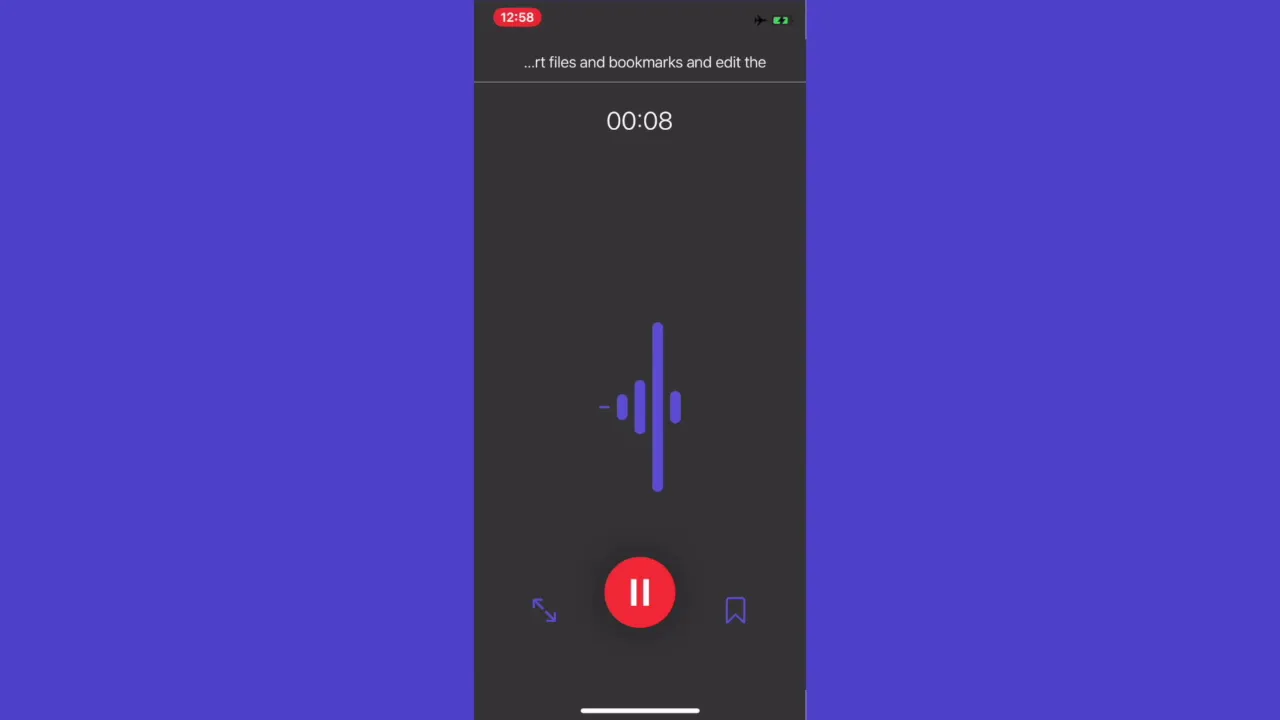
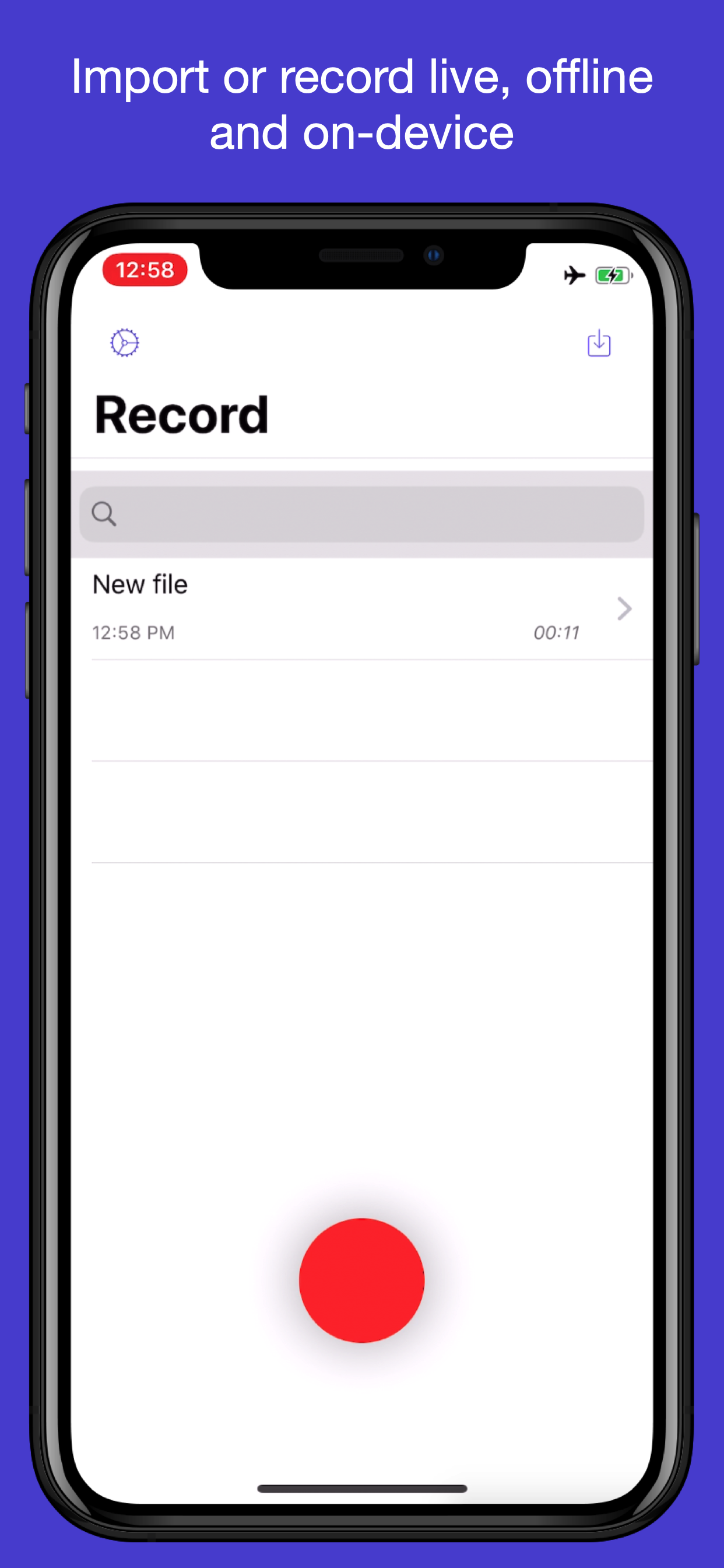
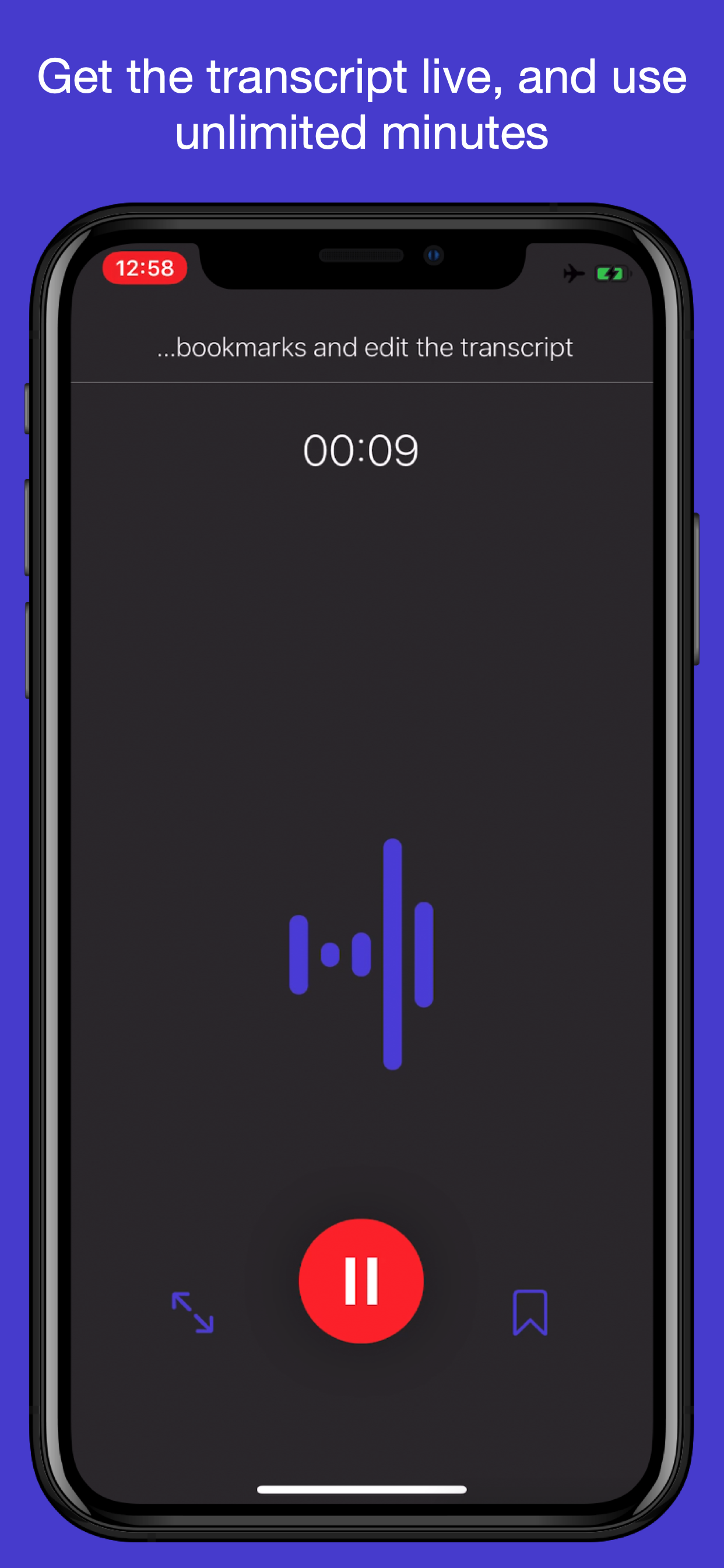
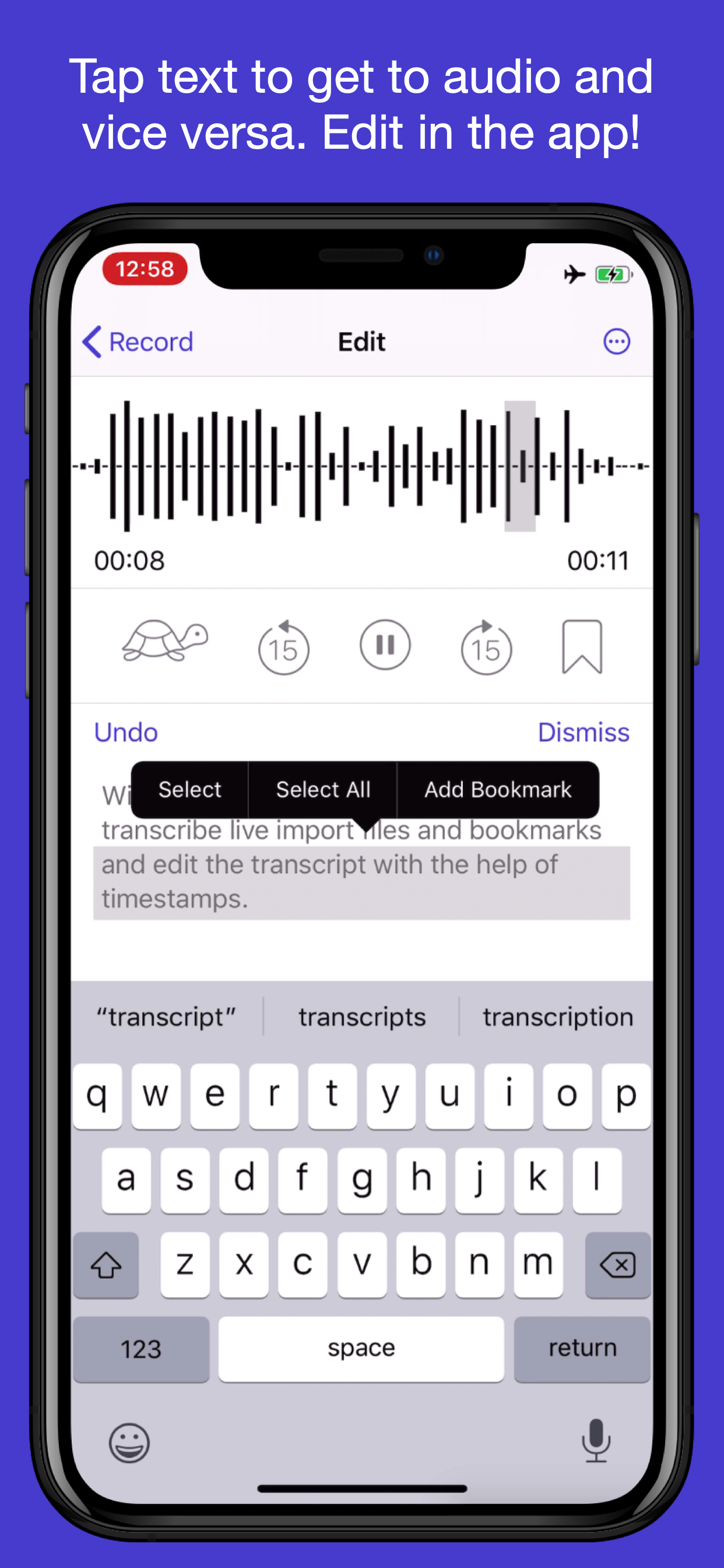
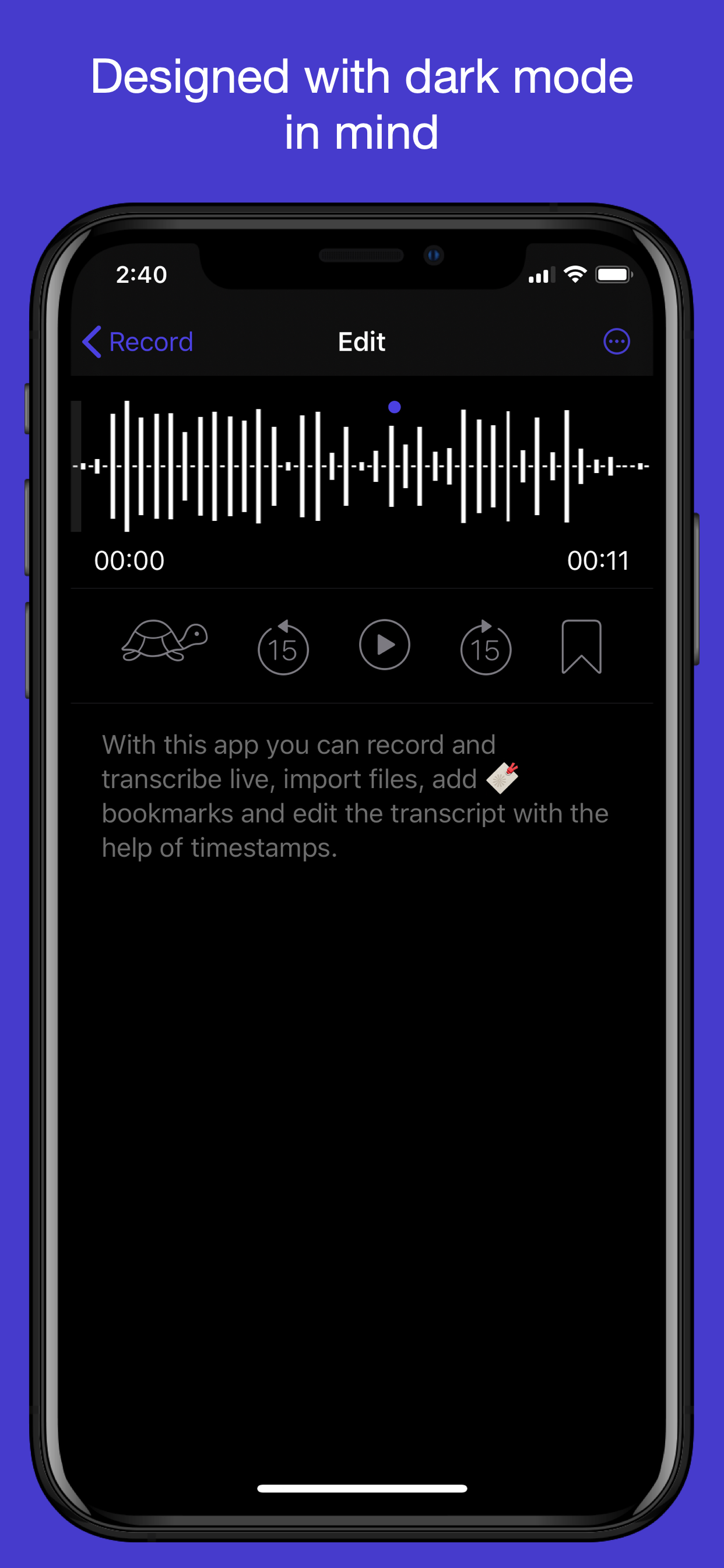
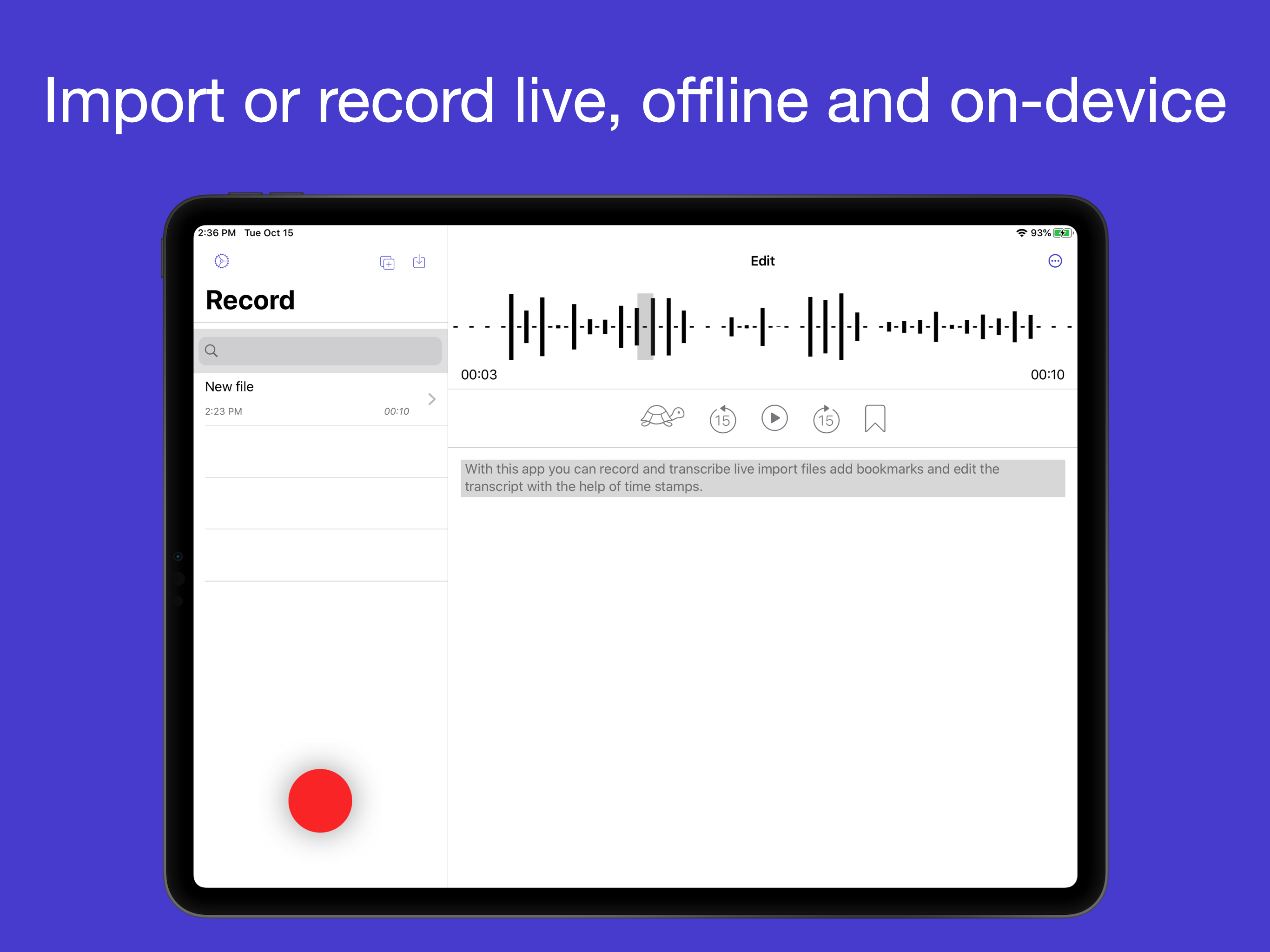
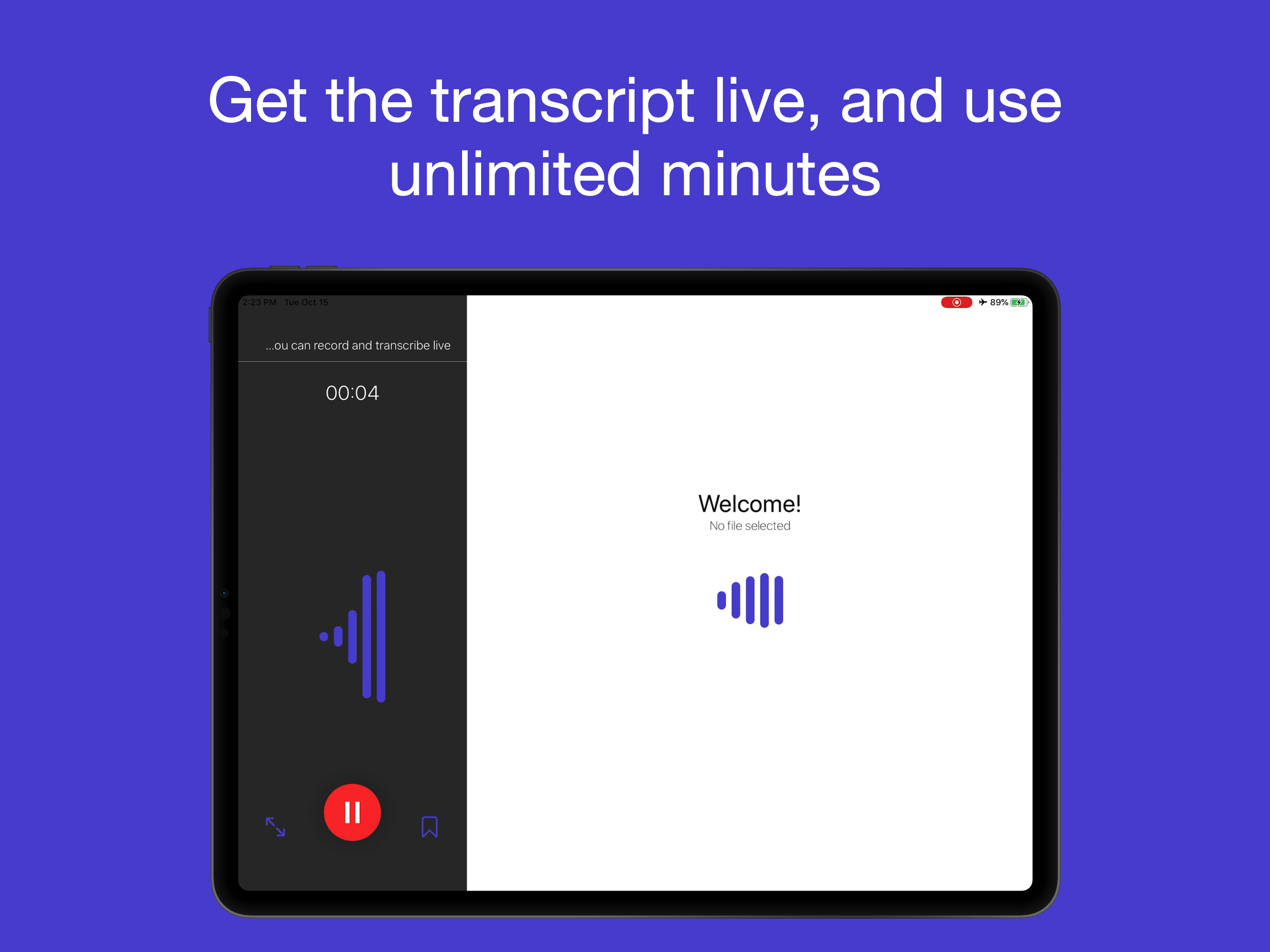
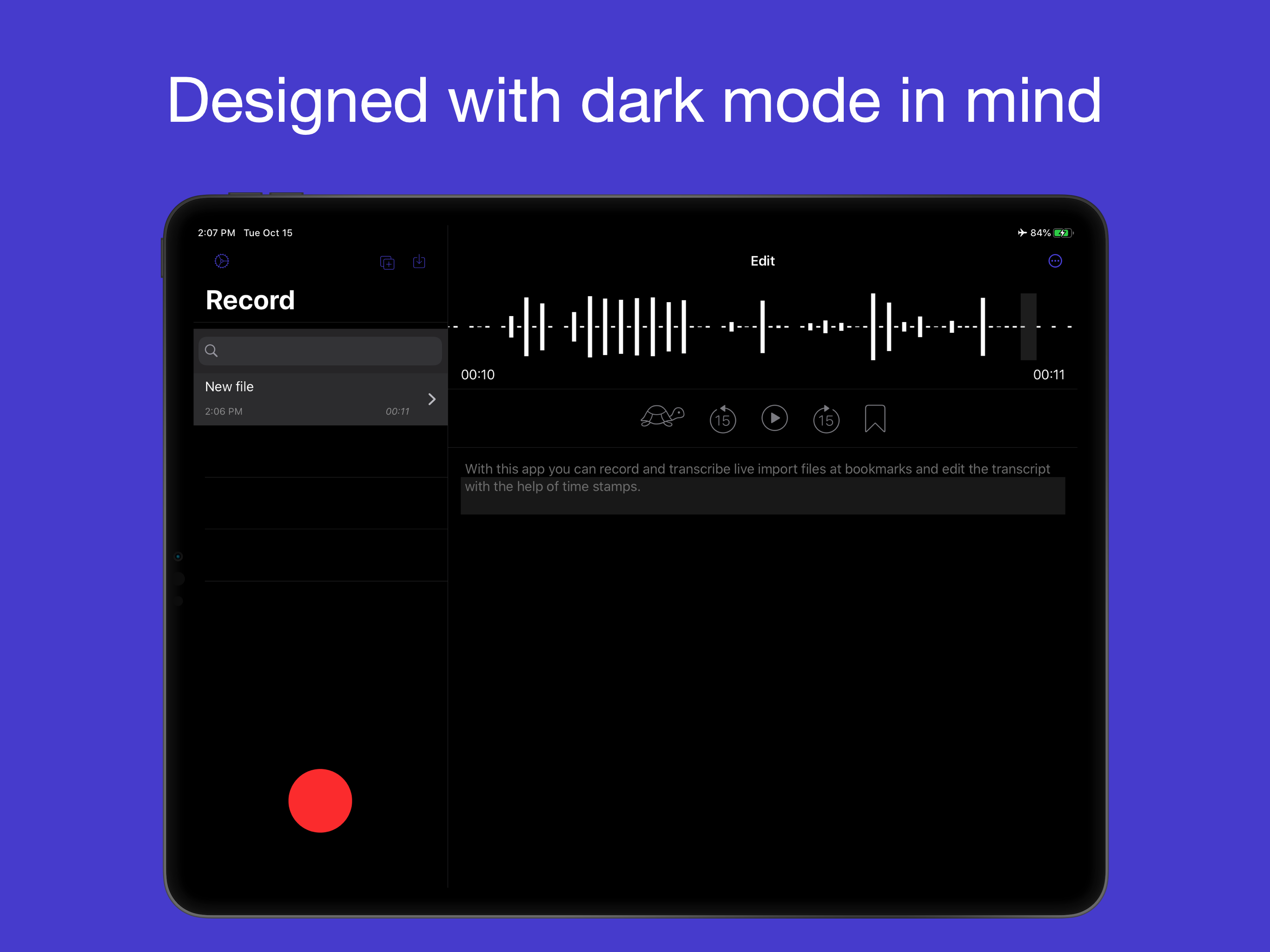
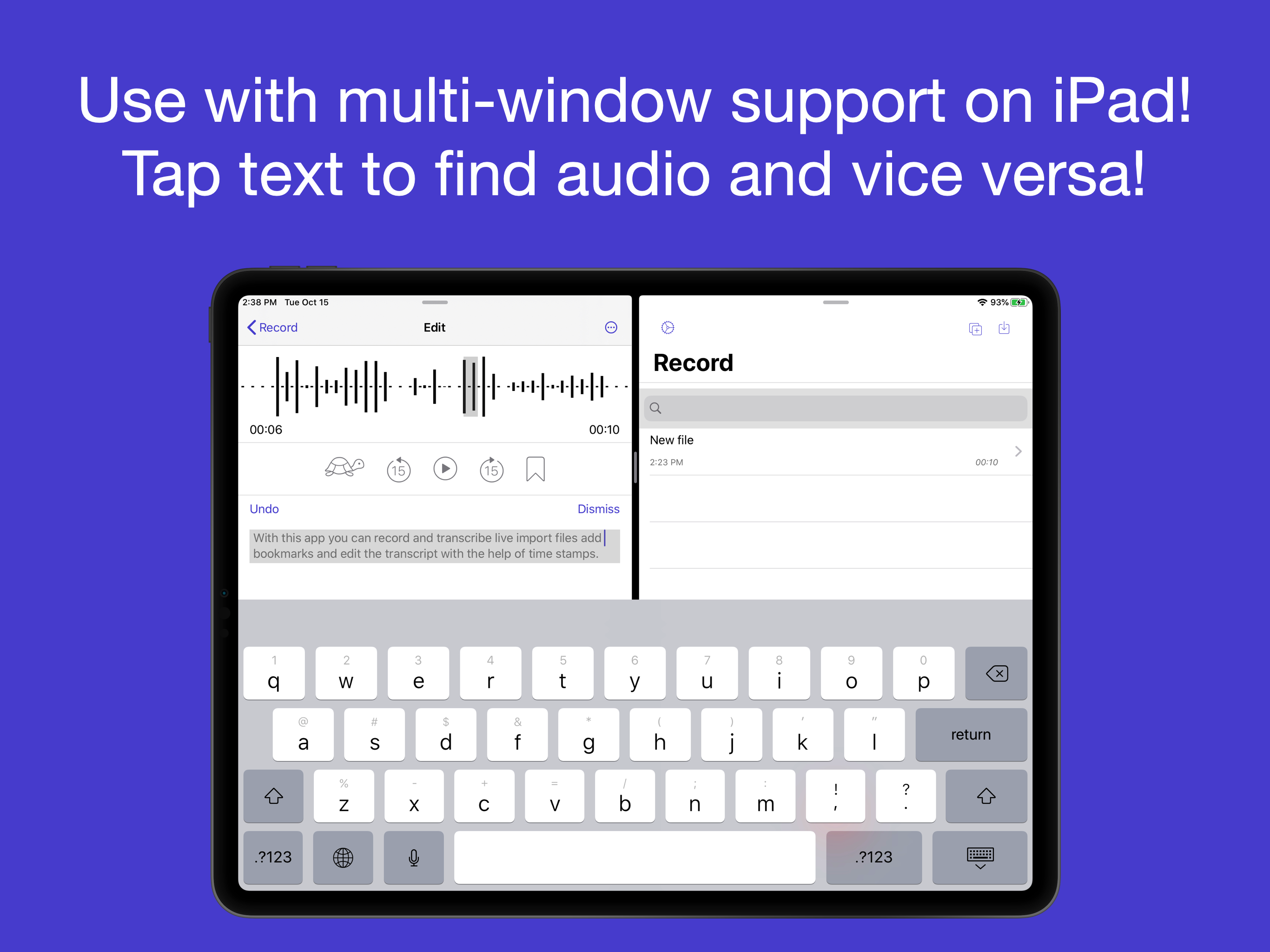
Dictation by Blueshift automatically transcribes spoken audio into text, entirely offline and on the device. You can record live and add bookmarks while you’re recording, or see a full-screen version of the text that you’ve spoken thus far. You can also import files from anywhere on your device. The app also features dark mode and iPad multi-window support. Dictation by Blueshift gives you powerful editing features to correct or refine the transcript after you're done recording, You can: * Tap on a word in the text area to find its audio. * Tap on the waveform to jump to the text associated with that audio. * See the appropriate text highlighted while the audio is playing. * Slow down audio without changing the pitch to better type while listening. * Add and remove bookmarks and see a list of all the bookmarks in a file. The waveform is also interactive, and you can pinch, pan and zoom on the waveform to find your place, or to trim your file into a smaller file while keeping the appropriate part of the transcript and bookmarks. Transcription works in the following languages and dialects: * English - Canada * English - Great Britain * English - India * English - US * Spanish - Mexico * Spanish - Spain * Spanish - US * Italian * Portuguese - Brazilian * Russian * Turkish * Chinese - Cantonese * Chinese - Mandarin Dictation by Blueshift uses machine learning on device, and all transcription happens locally. No audio is sent to any cloud service. Try transcribing after turning off the Internet connection to your device!