
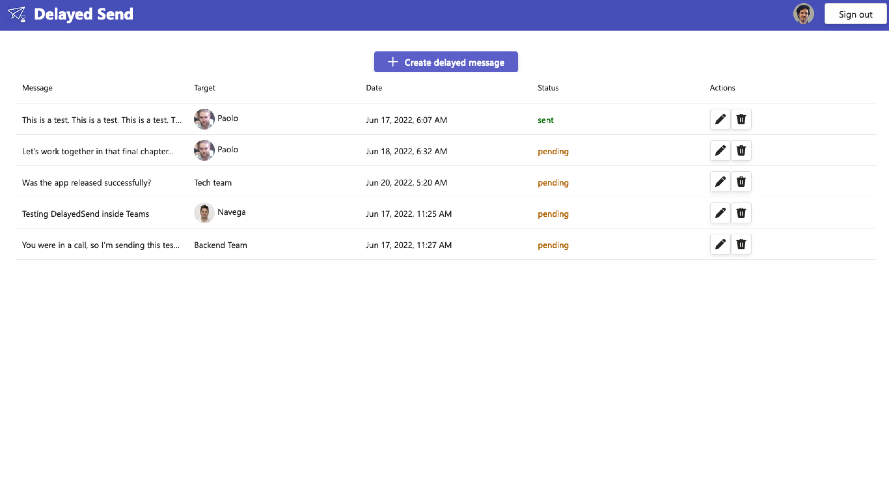
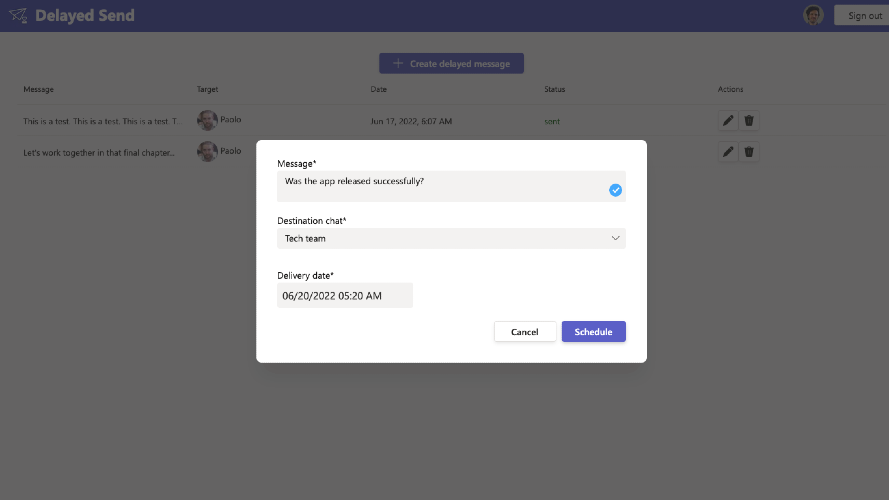
Delayed Send for Microsoft Teams does exactly what you think: Scheduling your messages to be sent in the future, at a time of your choice. If a colleague is busy at the moment, and you don't want to bother them, simply schedule your message to be sent at a later time. Or, if you want to send your team a reminder about something important, just schedule that delayed message for your group chat. It's like a time machine! You can schedule messages directly in a chat using the compose extension button below the chat box, or by opening the dashboard and choosing the destination. There's also a bot that helps you get started.