
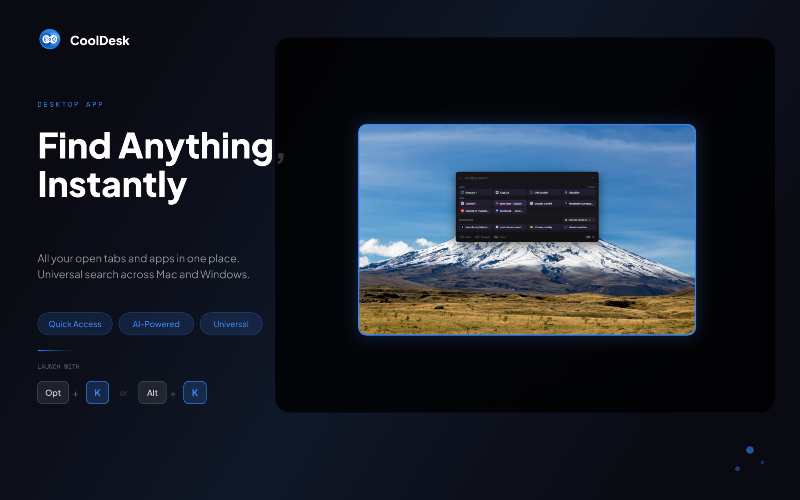
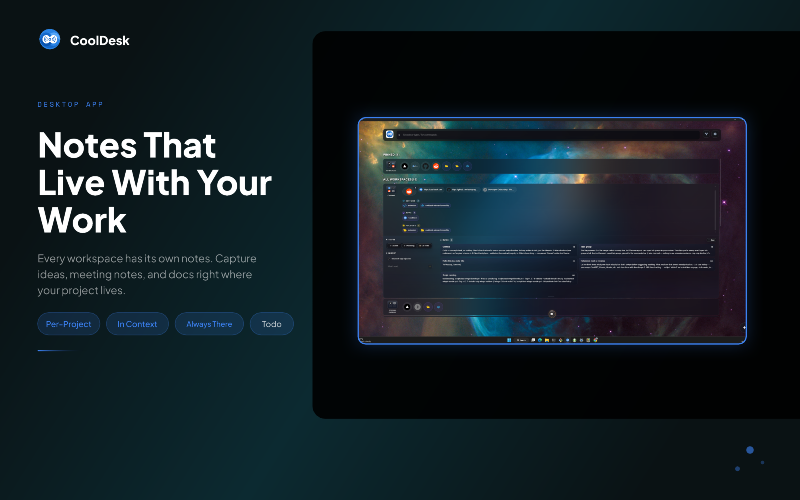
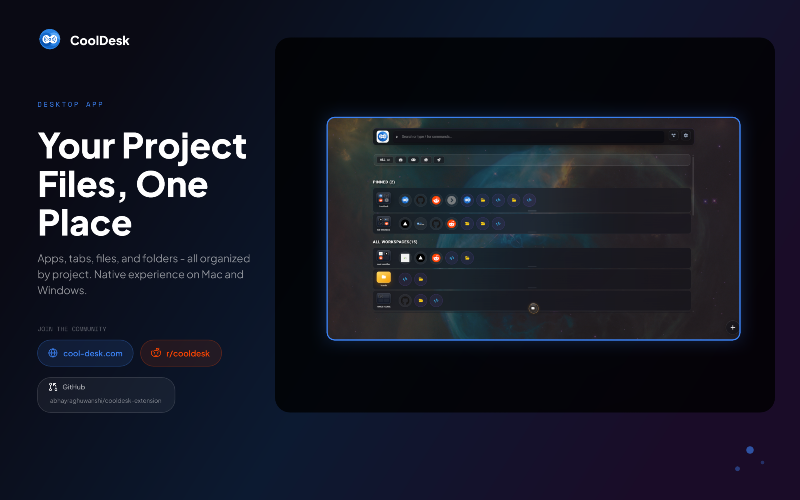
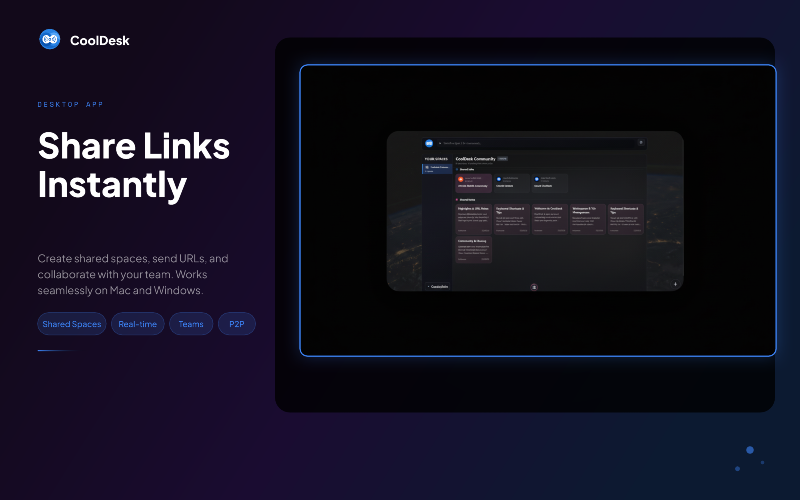
CoolDesk addresses the chaos of managing multiple tabs, notes, and apps by consolidating them into organized workspaces based on your projects. This allows for improved focus and efficiency, enabling users to switch projects instantly without wasting time searching for scattered files or applications. Key features include a new tab workspace for each project, the ability to launch desktop applications directly from the browser, and a powerful AI SmartWorkspace that auto-groups your work history and chats by project. Unlike traditional tab managers, CoolDesk not only manages your tabs but also integrates everything related to your projects, such as running desktop apps and saved links, ensuring that all your important resources are within reach. Notable alternatives include dedicated tab management tools or project management apps; however, CoolDesk uniquely combines these functions for a streamlined workflow. CoolDesk is completely free to use, with no sign-in or account required, making it accessible for everyone. The desktop app extends its functionality, allowing for focus on multiple application windows within a project, enhancing productivity even further. FAQs: Q: What is CoolDesk? A: CoolDesk is a browser extension and desktop app that organizes tabs, apps, and notes by projects, creating focused workspaces in one place. Q: Is it free to use? A: Yes, CoolDesk is entirely free with no subscriptions or paywalled features, and no account registration is required. Q: How is it different from other tab managers? A: Unlike typical tab managers, CoolDesk organizes your entire workspace—tabs, running apps, notes, and more—by project, enhancing overall productivity. Q: Where is my data stored? A: Your data is stored locally in your browser's IndexedDB, ensuring privacy without sending information to external servers unless using specific AI features. Q: Which browsers does CoolDesk support? A: CoolDesk currently supports Chrome, Brave, and Edge; Firefox support is planned for the future.

CoolDesk
CoolDesk organizes your projects seamlessly, grouping tabs, apps, and notes in one place for ultimate focus and productivity.