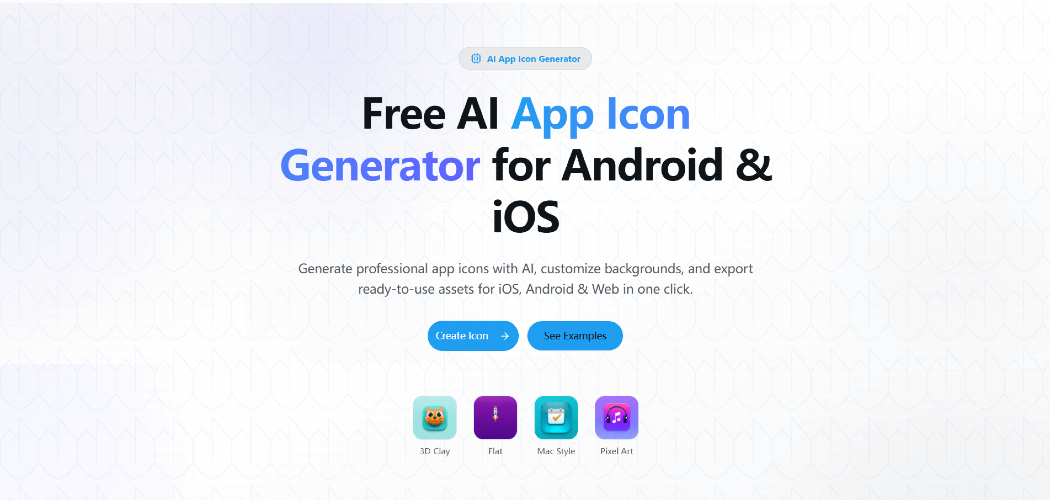
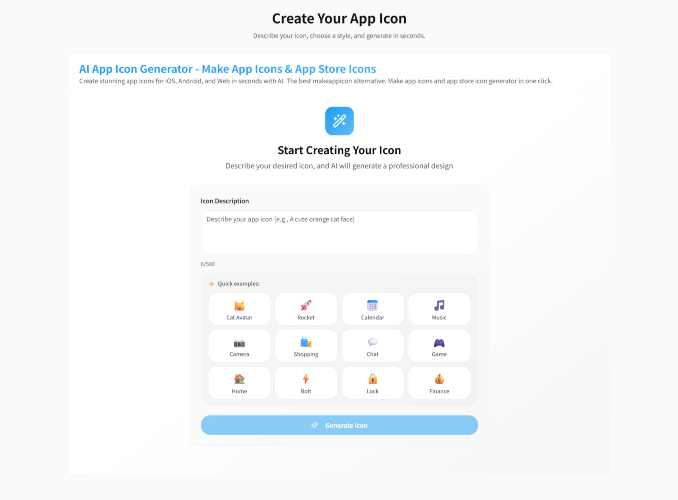
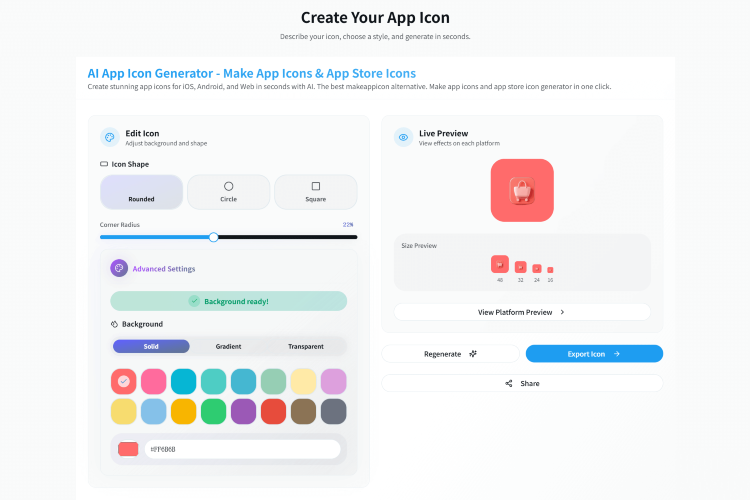
**Create Unique App Icons with Just a Text Prompt** AppIconKitchen is an AI-powered icon generator that turns your ideas into professional app icons. Simply describe what you want – "rocket ship in clay 3D style", "chat bubble in flat design", "pixel art sword" – and watch AI bring your vision to life. **Why AppIconKitchen?** Traditional icon generators give you limited templates and clipart. AppIconKitchen uses AI to understand your description and create truly unique icons that match your vision. No design skills required – just describe it, and AI creates it. **How It Works** 1. **Describe your icon** – Type what you want in your own words: "minimalist camera in blue", "cute monster in pixel art", "professional shield logo" 2. **Choose your style** – Select from 4 distinctive styles: 3D Clay (playful & modern), Flat (clean & minimal), Mac Style (sleek & professional), or Pixel Art (retro & nostalgic) 3. **Customize & refine** – Customize backgrounds, adjust colors, tweak gradients until it's perfect 4. **Export everything** – One click gets you ALL assets for iOS, Android, and Web **Platform-Ready Assets** With a single click, export a complete asset package: **iOS Assets:** Full AppIcon.appiconset with Contents.json – every size from iPhone (60pt@2x, @3x) to iPad (76pt, 83.5pt) to App Store (1024x1024). Just drag into Xcode. **Android Assets:** Complete mipmap structure (mdpi through xxxhdpi) with Adaptive Icon support. Includes separated foreground/background layers for Android 8.0+ launchers. Play Store 512x512 included. **Web & PWA Assets:** favicon.ico, apple-touch-icon.png, PWA icons (192px, 512px), and manifest.json – everything your website needs. **Built for Developers** AppIconKitchen understands platform requirements. No alpha channel issues, no size mismatches, no rejected submissions. Every asset meets Apple and Google guidelines. **Try it now** – Describe your ideal icon and get professional assets in seconds.
Published At