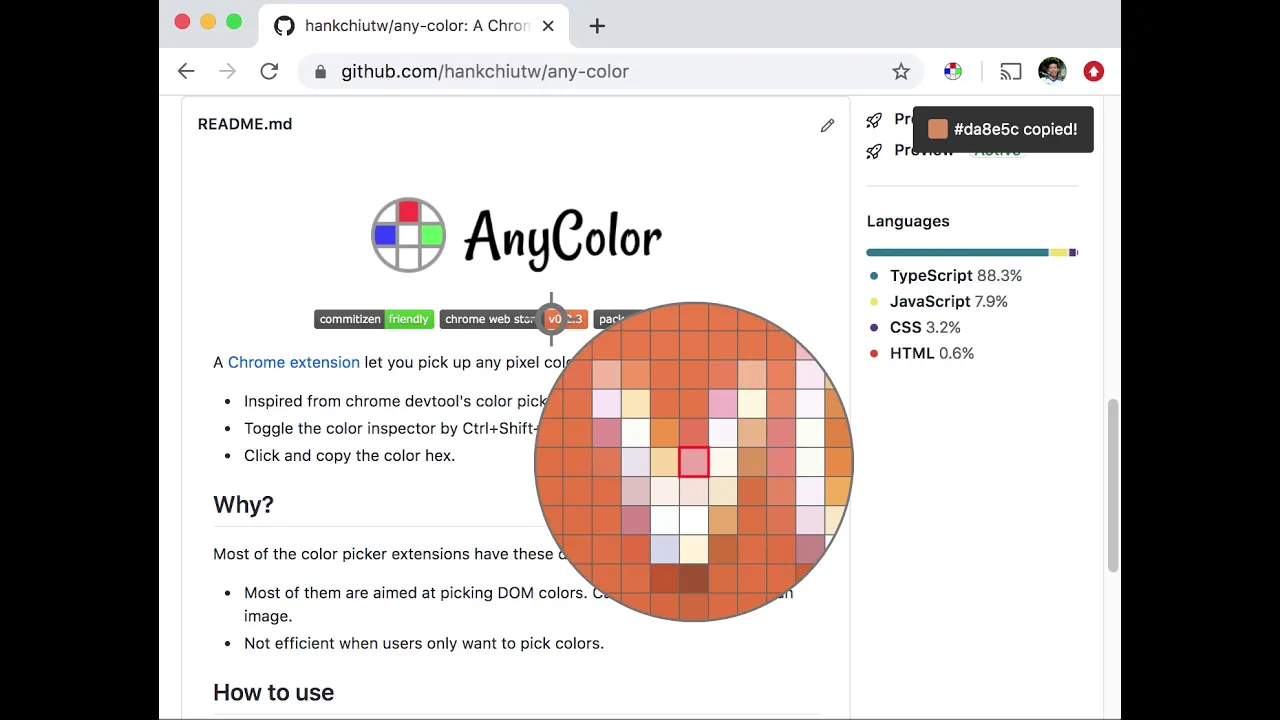
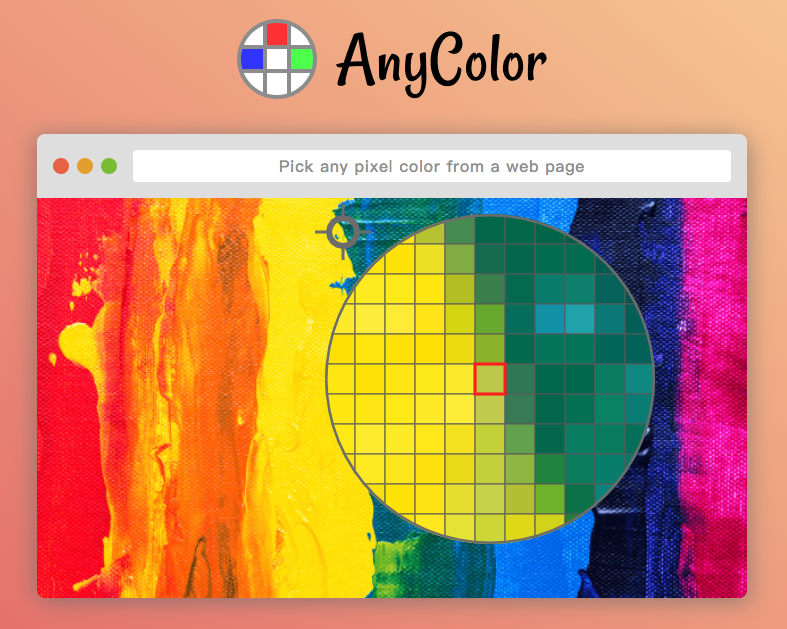
A chrome extension lets you pick up any pixel color from a web page. - Inspired from chrome devtool's color picker. - Toggle the color inspector by Alt+Shift+A. - Turn off the color inspector by ESC. - Click and copy the color hex. ## Why? Most of the color picker extensions have these drawbacks: - Most of them are aimed at picking DOM colors. Can not pick image colors. - Not efficient when I only want to pick colors. ## How to use Install the extension and toggle the color inspector by Alt+Shift+A. That's it. ## How it works Mainly it uses [captureVisibleTab](https://developer.chrome.com/extensions/tabs#method-captureVisibleTab) API to the take the page screenshot. The image data is rasterized and pixel colors are ready to use.