
Picofme: Free and Fastest Way to Turn Any Photo into a Clean Profile Picture
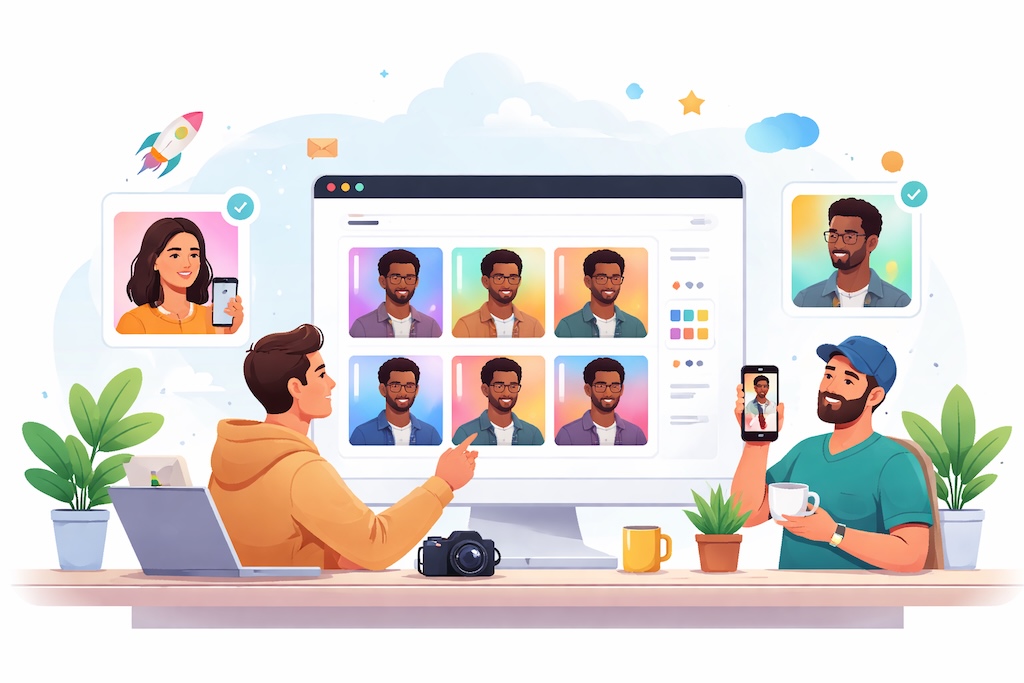
Let’s be real for a second.
Most of us are out here using profile pictures that were:
- Cropped from a group photo
- Taken in bad lighting
- Or worse… from 5–7 years ago
And yet, that tiny circle on LinkedIn or Twitter is doing a lot of heavy lifting. It’s your first impression, your credibility signal, and in many cases — your personal brand.
There’s actual data backing this up too. Studies around first impressions and online perception show people form opinions in milliseconds. And when it comes to professional platforms, your photo plays a huge role in whether someone takes you seriously or scrolls past you.
On top of that, we’re living in a world where your digital presence is your identity. Whether you’re a founder, freelancer, or just job hunting, your online image matters more than ever. Research around personal branding and online trust makes one thing clear: people trust people who look polished and intentional online.
But here’s the catch.
Getting a “good” profile photo is surprisingly annoying.
You either:
- Pay for a professional shoot
- Spend hours messing around in design tools
- Or just settle for something “good enough”
And that’s exactly why tools like Picofme are starting to get traction.
What is Picofme?
Picofme is one of those tools you don’t realize you need until you use it.
It’s a simple, no-friction AI tool that takes your regular photo and turns it into a clean, professional-looking profile picture — in seconds.
No signup.
No complicated UI.
No learning curve.
You upload a photo, it does its thing, and you walk away with something that actually looks presentable.
How Picofme Works
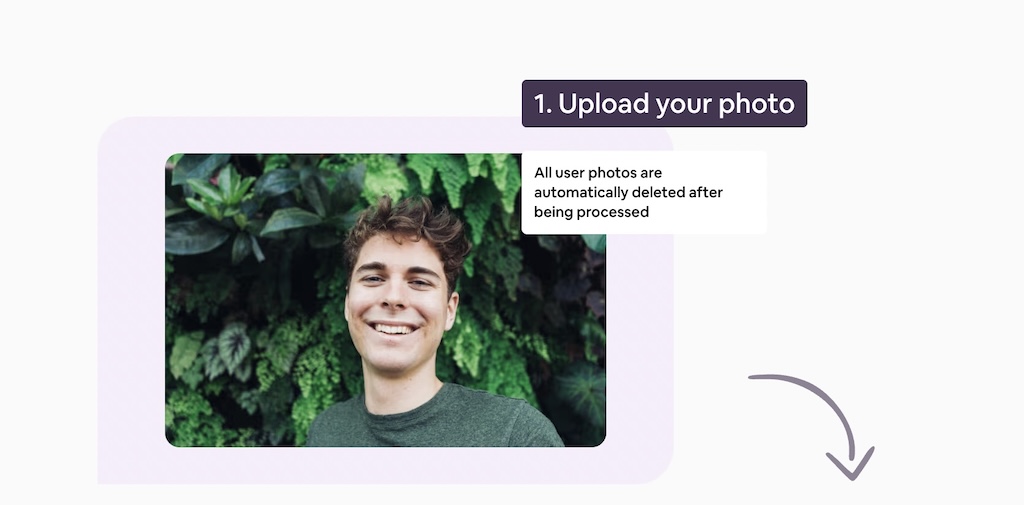
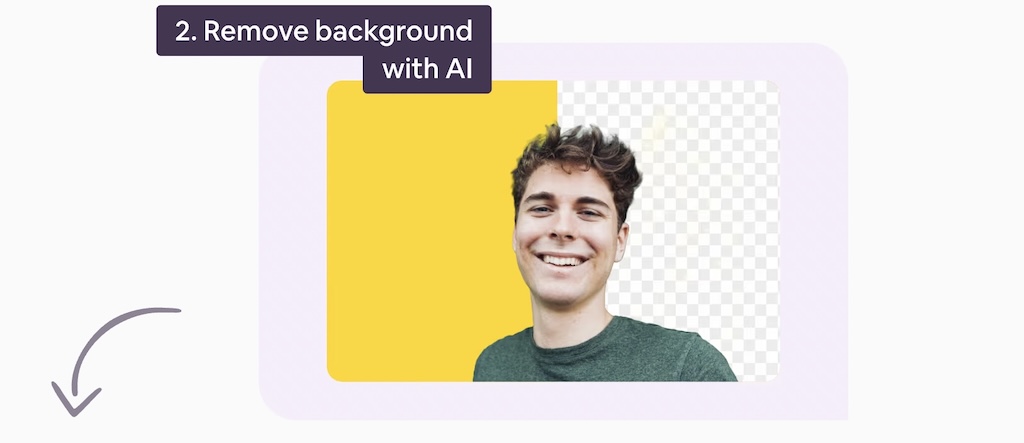
The flow is about as straightforward as it gets:
Upload your image
The AI removes the background automatically
Select pictures and save
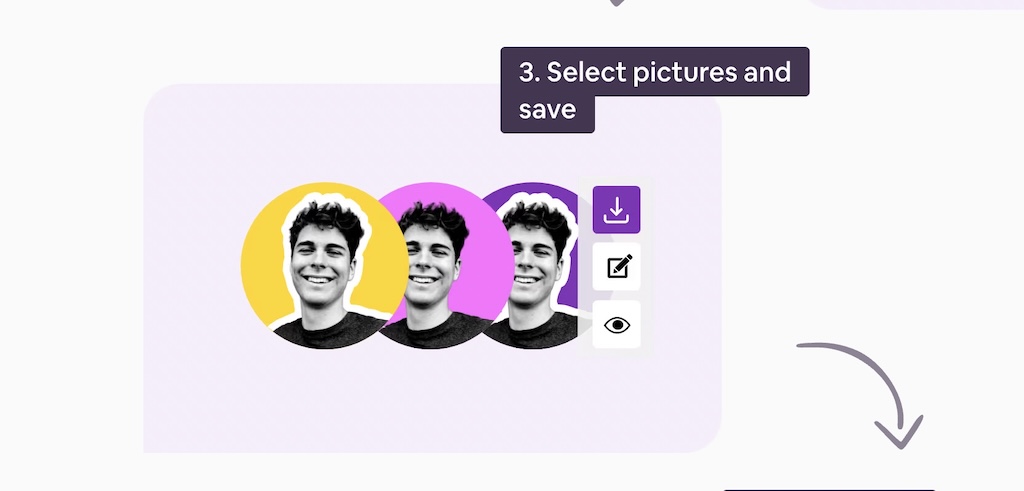
You can edit them also and then save
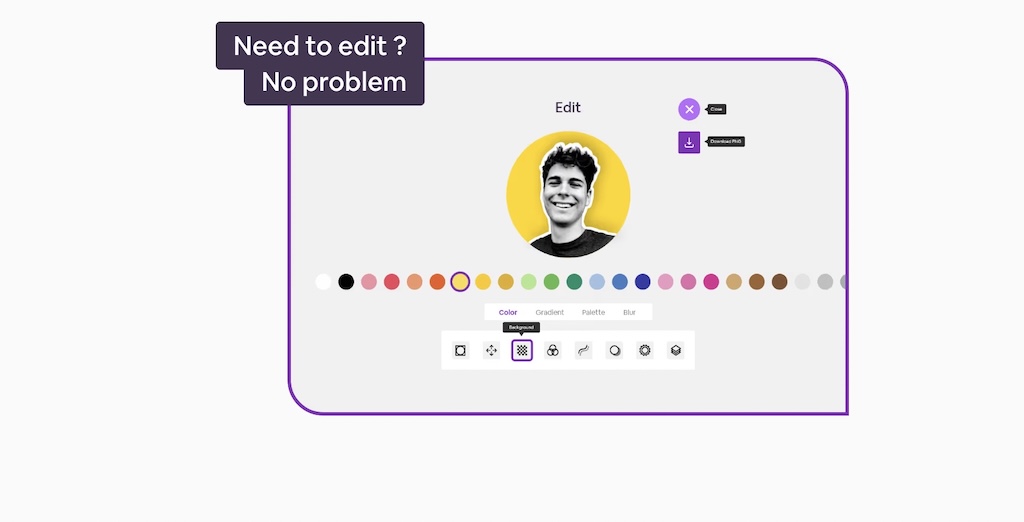
No fiddling with tools. No second-guessing design choices.
It’s built for people who just want a result — not a design project.
Why Picofme Actually Works
1. It removes all the friction
Most tools make you work before you get value.
Picofme flips that.
You land on the site, upload a photo, and within seconds you’ve got something usable. No account creation, no onboarding flow — nothing.
That’s rare.
2. It does one thing really well
Tools like Canva try to be everything for everyone.
Picofme doesn’t.
It’s focused on one job:
making your profile picture look clean and professional
And because of that, it’s fast and surprisingly effective.
3. It’s built with privacy in mind
This part matters more than most people think.
- No login required
- No long-term image storage
- No unnecessary data collection
At a time when most AI tools are quietly collecting user data, Picofme feels refreshingly minimal.
4. It’s completely free
No paywall.
No credits.
No “export in HD for $5” nonsense.
At least for now, it’s fully free — which makes it a no-brainer for anyone who just needs a quick upgrade.
Where Picofme Fits Best
This isn’t a heavy-duty design tool — and that’s kind of the point.
Picofme is perfect for:
- Cleaning up your LinkedIn profile
- Updating your Twitter/X avatar
- Adding a decent photo to your resume
- Creating consistent team photos for your startup
- Polishing your newsletter or creator profile
If your goal is to look sharp and credible online without overthinking it, this gets the job done.
Where It Falls Short
To keep it honest, Picofme has its limits.
- No advanced editing tools
- No skin retouching or detailed adjustments
- No bulk processing
- Works best only when your face is clearly visible
If you’re looking for full creative control, tools like Adobe Photoshop are still in a different league.
But again — that’s not what Picofme is trying to be.
The Bigger Shift This Tool Represents
What’s interesting about Picofme isn’t just the tool itself — it’s what it represents.
We’re moving away from:
complex tools with endless options
And toward:
simple tools that give instant results
Less tweaking.
More automation.
Faster outcomes.
Picofme fits right into that shift.
Who Should Use Picofme?
You’ll probably get the most value out of it if you’re:
- A founder trying to look more credible online
- A freelancer updating your profiles
- A job seeker polishing your LinkedIn
- A creator who just needs a clean visual identity
Basically, if your current profile picture feels “meh” — this is an easy upgrade.
Final Thoughts
Picofme is one of those tools that doesn’t try to impress you with features — it just quietly solves a problem you’ve probably ignored for too long.
No fluff.
No friction.
No learning curve.
Just a better profile picture in under a minute.
And honestly, that’s enough.