
How to use a VPN to test your product: checking localization and geo-dependent features
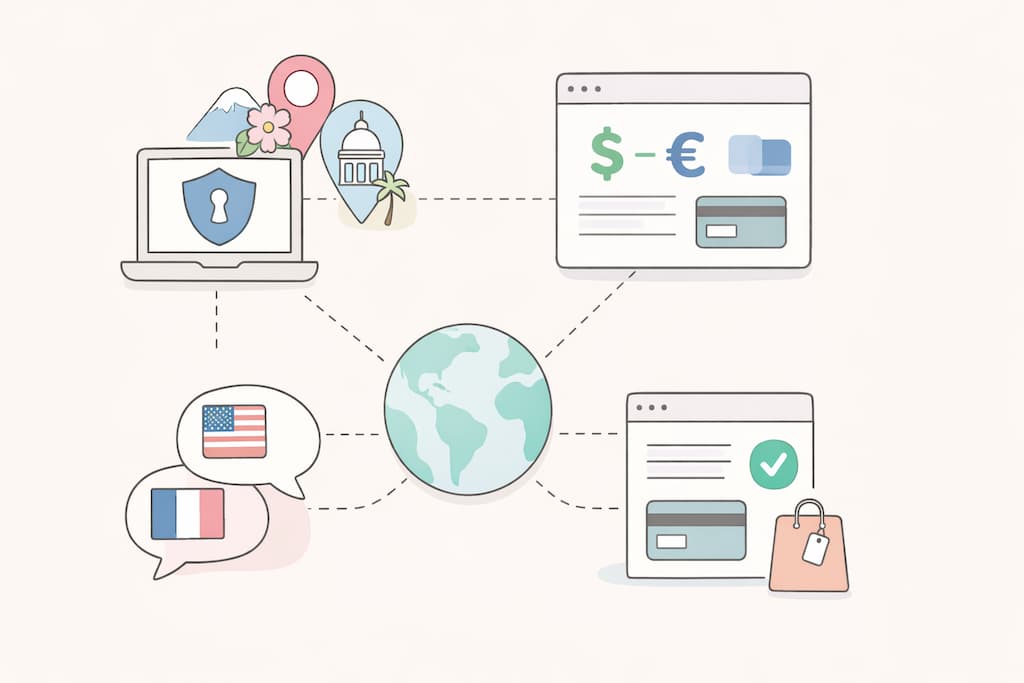
If a product ships to more than one country, “looks fine on my screen” stops being a useful test. The same pricing page can show different currencies, different tax notes, different payment options, and even different wording depending on where the visitor appears to be. The tricky part is that these differences often sit in the last mile of the experience – checkout, billing emails, account settings, and geo rules baked into third-party tools – so teams only notice the problem after a customer has already noticed it first.
A VPN is a practical way to bring those issues forward. It lets a startup test the real public experience from another location without needing a separate office, a pile of SIM cards, or a teammate in every time zone. Used properly, it turns localization checks into something repeatable that fits inside a normal release cycle, instead of a last-minute scramble when a new market launch is already on the calendar.
A VPN setup that fits into a product test routine
To make geo-testing reliable, treat it as a repeatable QA step: select key locations matching real markets or plans, then run consistent checks on a feasible schedule, like weekly, pre-release, or in launch checklists, to spot issues early.
Many teams simplify by using one VPN provider group-wide for comparable screenshots and reports. For localization checks on pricing, onboarding, and checkout, the Toggle VPN service enables easy virtual location switches and steady environments across devices, without IT overhead. This VPN provider emphasizes multi-device compatibility under one account, helping product, marketing, and support teams reproduce views quickly.
What goes wrong when location rules are guessed
Localization is rarely one big mistake. It’s usually a string of small misses that add up to a product feeling unfinished in a new region. A visitor lands on a page that shows the right language, but the price still displays in the wrong currency. A VAT note appears on the plan card, but the total in checkout does not match.
Geo-dependent features can create the same kind of friction. Some tools behave differently depending on IP location, from cookie banners to content delivery settings to which features get switched on for compliance reasons. If nobody on the team regularly checks the product from outside the home market, these mismatches sit there for weeks because there is no obvious alarm. Then a sales call goes sideways because the prospect is looking at a version of the site that the team barely recognises.
What to check first on the website
Start with the pages that shape expectation, because this is where market trust gets won or lost. Pricing, plan comparison, and checkout are the obvious ones, but the “almost important” pages matter too: refund policy, billing FAQs, and any page that explains what a plan includes. If those pages feel inconsistent, people hesitate, and you end up debugging conversion instead of building a product.
When you test from another location, look for a clean chain from first view to purchase intent:
- Currency display that matches the region and stays consistent across the page, the cart, and any payment step
- Taxes and VAT messaging that aligns with how your business actually charges, including whether prices are shown tax-inclusive
- Language that stays steady across navigation, forms, error messages, and confirmation screens
- Country-specific limitations are stated clearly, especially around shipping, support hours, or feature availability
- Contact details and legal pages that don’t accidentally refer to a different region
The point is not to make everything perfect for every country on day one. It’s to make sure the version you are showing in a given region feels intentional, because “accidental” is what customers notice fastest.
How apps and dashboards break in different countries
Web pages are one side of it. Apps and logged-in dashboards are where geo rules get weird, because more services get involved. The UI might be translated, yet the payment SDK pulls a different default currency. Push notifications arrive, but the deep link opens the wrong store listing. A user in one country sees a different authentication flow because a fraud rule triggered an extra verification step. None of these is dramatic in isolation, but they create a messy experience that customers describe as “buggy”.
To track all data traffic as seen by users in a given region, use VPN testing. It also helps you check whether routing is doing what you expect. Regular users choose different server locations for traveling and accessing home applications abroad. The product development team relies on the same mechanism when it wants to see the public experience as if it were in a different market.
A practical habit is to run two passes for each location: one as a new user (landing page to sign-up) and one as an existing user (login to billing or account settings). If something changes between those passes, it usually means a third-party tool is applying regional rules in a way you haven’t documented.
Use cases that help marketing as much as product
This is where testing by changing connection servers ceases to be a “nice extra” and starts to pay off for all teams. Marketing often owns the pages where localisation mistakes hurt most: pricing, landing pages, and campaign destinations. When those pages show the wrong currency or the wrong tax note, paid traffic gets expensive fast because the audience you paid for bounces before they even reach product value.
A simple workflow is to include geo checks in campaign launch steps. If you are running ads in two countries, test the landing page from both locations, then click through into the same conversion flow you’re asking people to take. It takes minutes, and it prevents the awkward situation where a campaign performs poorly for reasons nobody can see from the home office.
It also helps with partner and marketplace listings. If your product is listed somewhere that pulls your description or pricing, check that listing from the same locations your buyers use. If it is outdated, the fix is often boring but effective: update the source page, then make sure the same facts match wherever you control the copy.
Keeping geo testing sensible
A VPN is a tool, not a magic wand. It shows you what a user might see from a location, but it doesn’t replace real market testing for every edge case. Payment methods, local banking rails, and regional app store behaviour can still require in-country checks. Even then, a VPN usually catches the first wave of issues and saves you from shipping obvious mistakes into a new market.