
How to Remove or Bypass iCloud Activation Lock: Options, Limitations, and Tools Explained

iCloud Activation Lock is a security feature designed to protect Apple devices from unauthorized access. While it helps prevent theft and misuse, it can also create challenges for legitimate users who have forgotten their Apple ID credentials or purchased a second-hand device that is still linked to a previous owner's account.
If you're facing an Activation Lock screen, understanding your available options is important before attempting any solution. This guide explains what Activation Lock is, the official ways to remove it, and provides an iPhone unlock tool comparison to help users evaluate available software solutions.
What Is iCloud Activation Lock?
Activation Lock is part of Apple's Find My feature. When Find My is enabled on an iPhone or iPad, the device becomes linked to the owner's Apple ID.
After a factory reset or device restoration, Apple may require the original Apple ID and password before allowing the device to be activated again.
Activation Lock is intended to:
- Protect personal data
- Deter theft and unauthorized use
- Prevent activation of lost or stolen devices
- Ensure only authorized users can access the device
Common Reasons Users Encounter Activation Lock
Several situations can trigger Activation Lock:
Forgotten Apple ID Credentials
Users may forget the Apple ID or password originally associated with the device, particularly if it has not been used for a long period.
Second-Hand Device Purchases
One of the most common scenarios involves buying a used iPhone or iPad that remains linked to the previous owner's Apple ID.
Device Restoration
After restoring an iPhone through Finder or iTunes, Activation Lock may appear during setup if the device was previously connected to Find My.
Inherited or Gifted Devices
Family members sometimes pass devices to others without removing the original Apple ID beforehand.
Official Methods to Remove Activation Lock
Before considering third-party software, Apple's official methods should always be explored first.
Method 1: Sign In With the Original Apple ID
If you know the Apple ID and password associated with the device, simply enter those credentials during setup.
This is the safest and most reliable solution.
Method 2: Reset Your Apple ID Password
If you've forgotten your password, Apple's account recovery process may help restore access.
You'll typically need:
- Access to a trusted phone number
- Access to a trusted device
- Identity verification information
Method 3: Contact the Previous Owner
If the device was purchased second-hand, ask the previous owner to remove the device from their Apple account.
They can do this remotely through iCloud by:
- Signing into their Apple account.
- Opening Find My.
- Selecting the device.
- Removing it from the account.
Method 4: Contact Apple Support
You can contact to customer support. Apple may assist if you can provide valid proof of ownership, such as:
- Original purchase receipt
- Authorized reseller documentation
- Device serial number information
Apple's approval depends on its verification process and ownership requirements.
When Do Users Consider Third-Party Tools?
Not every Activation Lock situation can be resolved through official channels.
Some users explore third-party solutions when:
- The previous owner cannot be contacted.
- Account recovery attempts are unsuccessful.
- Proof of ownership is unavailable.
- They need to evaluate alternative options for supported devices.
It's important to understand that support, compatibility, and success rates vary between tools and device models.
Popular iCloud Activation Lock Tools
Several utilities are available for users researching Activation Lock management solutions.
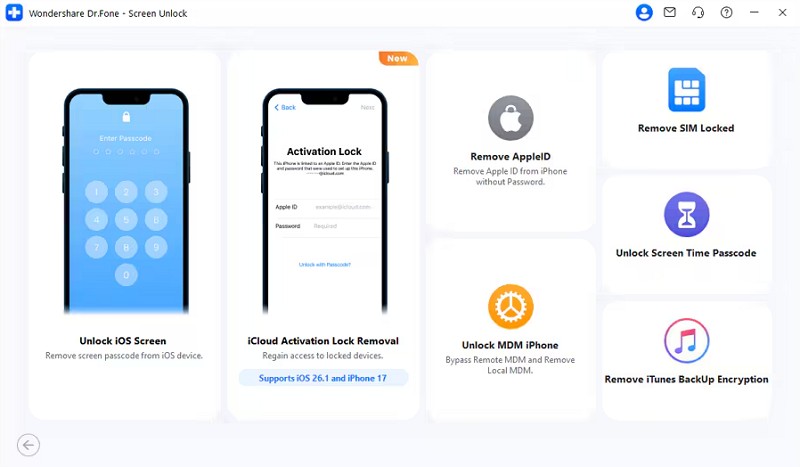
1. Dr.Fone – Screen Unlock (iOS)
Dr.Fone – Screen Unlock (iOS) is designed to help users manage various iPhone lock-related issues, including screen locks, Apple ID removal, and Activation Lock workflows on supported devices.
Key highlights include:
- Guided user interface
- Support for multiple iPhone and iPad models
- Activation Lock workflow for supported devices
- Additional tools for Apple ID and screen lock management
- Regular software updates
One aspect many users appreciate is the guided setup process, which reduces the amount of manual configuration required compared with some alternatives.
Potential Advantages
- Beginner-friendly workflow
- Broad feature set beyond Activation Lock management
- Step-by-step instructions provided within the software
Limitations
- Device compatibility varies by model and iOS version
- Users should review supported-device information before proceeding
2. Tenorshare 4uKey
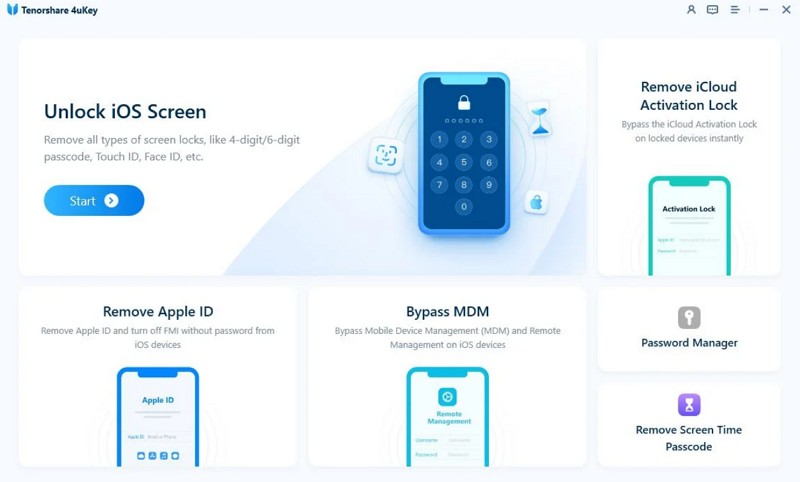
Tenorshare 4uKey is another widely known iOS unlocking utility.
Potential Advantages
- Supports several iOS unlocking functions
- Activation Lock-related features for supported devices
Limitations
- Some workflows may require manual device mode entry
- Compatibility depends on device generation and software version
3. iMyFone iBypasser
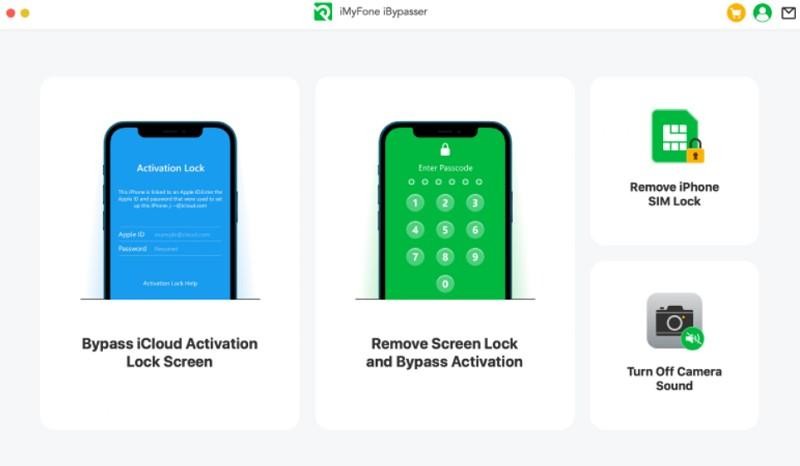
iMyFone iBypasser focuses primarily on Activation Lock-related scenarios.
Potential Advantages
- Dedicated Activation Lock functionality
- Support for multiple supported devices
Limitations
- Device compatibility may be more limited than some alternatives
- Certain workflows can be more technical for beginners
4. PassFab iPhone Unlock
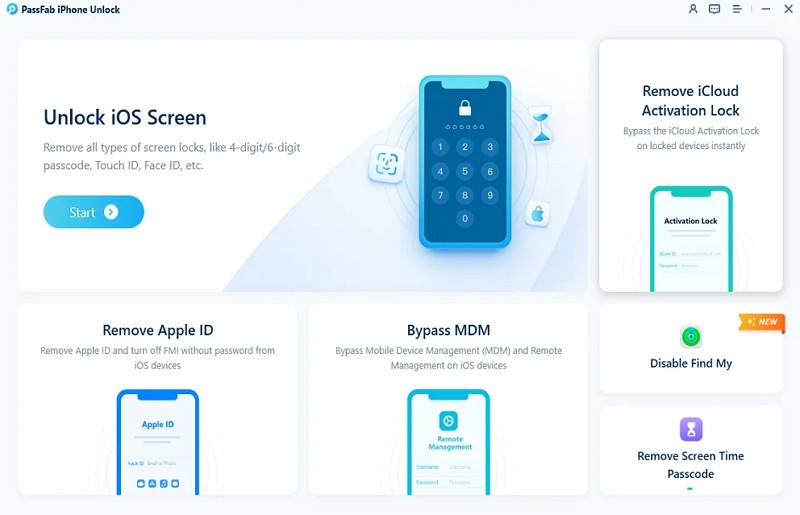
PassFab offers a range of iOS unlocking features, including support for certain Activation Lock scenarios.
Potential Advantages
- Straightforward user interface
- Additional Apple ID and screen lock tools
Limitations
- Support varies across iOS versions and device models
- Some processes may require manual device preparation
Factors to Consider Before Choosing a Tool
Before selecting any software solution, evaluate the following factors:
Device Compatibility
Always verify that your exact iPhone, iPad, and iOS version are listed as supported.
Ease of Use
Some tools provide guided workflows, while others require more manual steps.
Software Updates
Frequent updates can improve compatibility with newer devices and operating systems.
Additional Features
Some solutions include:
- Screen unlock tools
- Apple ID management
- MDM removal features
- Device repair utilities
Customer Support
Documentation, tutorials, and support resources can make troubleshooting significantly easier.
Important Considerations
Before proceeding with any Activation Lock solution:
- Ensure you have the legal right to access the device.
- Review all software requirements carefully.
- Confirm device compatibility before purchasing any software.
- Back up data whenever possible.
- Understand that support may vary depending on device generation and iOS version.
Conclusion
Activation Lock plays an important role in protecting Apple devices, but it can also create access challenges for legitimate users. The first step should always be to explore Apple's official recovery options, including account recovery, contacting the previous owner, or seeking assistance from Apple Support.
When official methods are not available, some users evaluate third-party tools to determine whether their device is supported. Among the commonly discussed options, Dr.Fone – Screen Unlock (iOS), Tenorshare 4uKey, iMyFone iBypasser, and PassFab iPhone Unlock each offer different approaches, compatibility ranges, and user experiences.
For users who prioritize a guided workflow and an all-in-one toolkit for iOS unlocking scenarios, Dr.Fone – Screen Unlock (iOS) is often considered one of the more beginner-friendly options to evaluate alongside other available solutions.