
3 AI Humanizer Tools in 2026: A Controlled Rewrite Comparison
This isn't something I originally planned to write about.
I don't usually review AI tools. This is my first deep dive into looking closely at AI humanizers. But as I routinely used the AI draft as part of my writing process, I would always face the same basic problem: the AI draft was structurally sound, but it carried the flat, unmistakable voice of a machine that needed extensive editing.
Instead of chasing rankings or gimmicks, I was looking for something more tangible. For the same paragraph, how do different humanizers actually edit it? What do they improve? Where do they drift off the rails? Where is the work that still needs to be done by a human? To test that, I ran a small controlled rewrite comparison between GPTHumanizer AI, Humbot AI and WriteHuman AI, judging the results the way I judge my own writing, whether the text became easier to maintain.
What “Controlled” Meant in Practice
To be fair in the comparison, I resisted the usual urge to dial each tool into optimum conditions. That might as well be part of day-to-day workflow but it immediately renders the comparison meaningless.
My test gave each tool identical original AI-generated paragraphs, a goal of identical tone and intent, and no prompt tinkering or custom instruction. In each case I defaulted to the tool’s normal behavior or the simplest rewrite mode available. I rejected the first output before allowing myself a second rewrite, unless the interface directly prompted me to.
To be clear and reproduceable, here’s what the setup looked like in practice. Each sample was confined to a similar “short paragraph” size, so that no one would “win” simply by handling the longest or smallest better. All were in English, written in a neutral register, not slang- and jargon-heavy prose, not creative, sci‑fi, candy‑writing or prompt-engineered, and not in any language with writing support deemed indispensable to the profession. I defaulted to non‑premium or freely available rewrite modes, not premium-only controls or aggressive tuning. I read the first output on its own before a second rewrite, because that’s the most common way most people use these tools when in the drafting stage.
That makes the comparison semi‑random, not scientific, but it does make it reproducible. Another editor following the same constraints should observe roughly comparable editing styles, even if the exact wording differs.
The Text Types I Used (and Why)
I chose three short samples that tend to expose different weaknesses in humanizers.
One was academic in tone, with dense claims and careful wording, where meaning drift is the main risk. Another was a blog-style explanatory paragraph that depends on flow and cadence to feel natural. The third was a short professional paragraph, similar to an email, where tone sensitivity and clarity matter more than stylistic flourish.
I’m not including the full texts here because the exact wording isn’t the point. What matters is that each tool saw the same inputs and had to deal with the same constraints.
How I Graded the Rewrites (and Why Detectors Weren't the Judge)
I didn’t ask “Is this paragraph beating a detector?” Detector scores change constantly, and often disagree with each other. I graded the outputs with the questions I ask myself when I edit my own prose.
Did the rewrite keep the relationships and meaning intact? Did it feel put-together or spliced together? Did the sentence rhythm feel broken from AI smoothness, or did it personify the sentence? This matters. Would I keep this paragraph as is, or would I want to keep rewriting it right now?
I did very often do a quick pass through a detector to see the direction of change. If the paragraph read worse, but got a better score, I’d consider that a failure.
Also, it might help to make these criteria explicit, because they’re quite close to the standard of grading that we’ll encounter if these outputs made it through to the point of editing. In academic and professional editing, there is an understood distinction between “surface level” editing (things that affect grammar, phrasing, and smoothness) and “substantive” editing (affecting logical structure, meaning, and emphasis). Writing that drifts in meaning is never quite as acceptable as writing that drifts in style, and especially so in academic and technical contexts where even a minor shift in language changes the proposition or implication being made.
This is why the detector scores were only used for contextual signals. Any conventional editorial workflow would assess readability and semantic integrity by human judgment, not by the “average detector” score. Even if the average of all filters improved, if the paragraph made the editor want to reconstruct its meaning they wouldn’t consider it “better.”
GPTHumanizer AI: Conservative Editing and Structural Smoothing
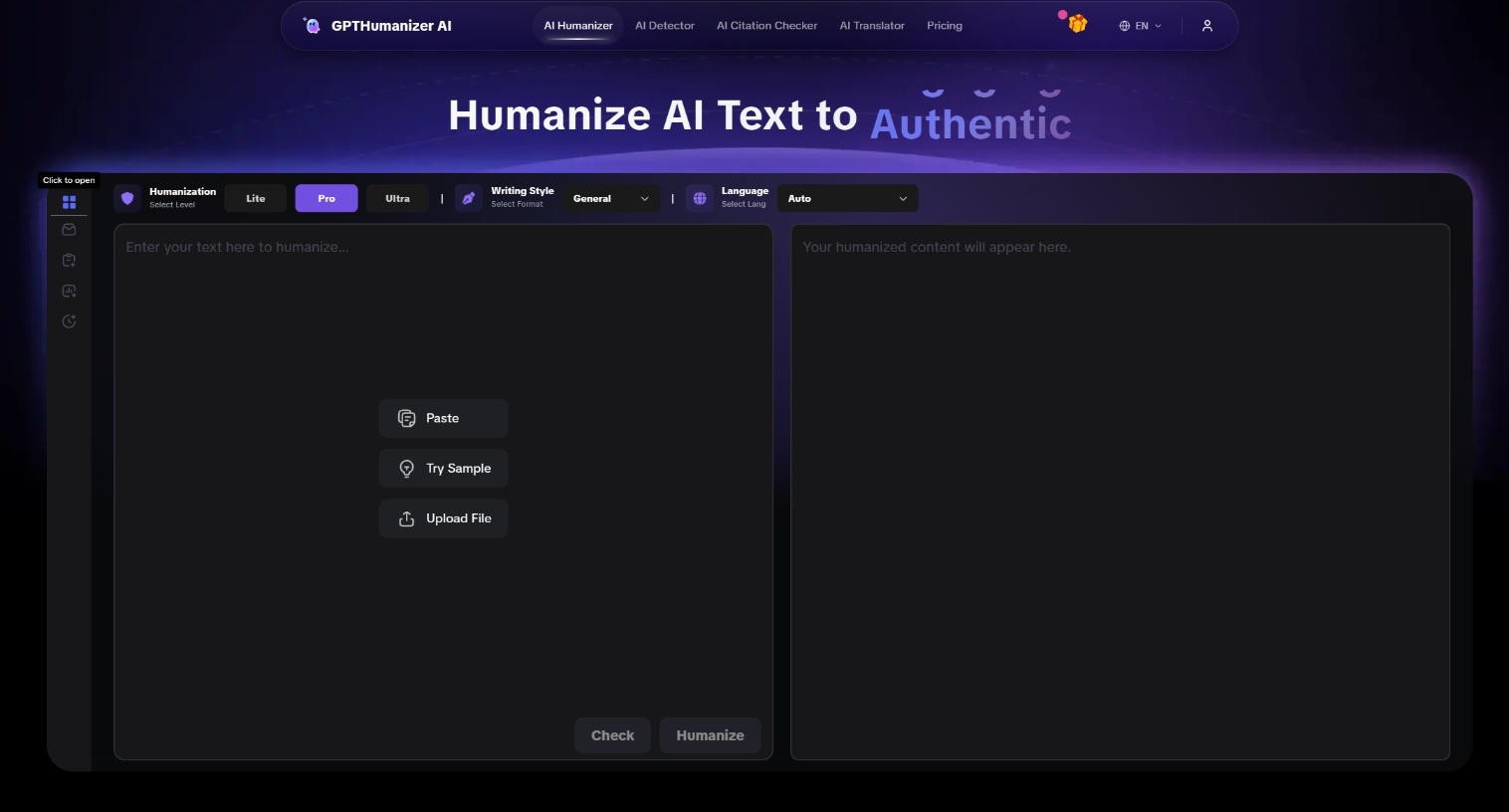
The first thing I observed about GPTHumanizer AI was its conservatism. The gender transfer data didn’t turn the paragraph upside down. GPTHumanizer rewrites smooth the structure, shortens long-tongued beginnings and polite-patchwork, the downy filler that makes an AI write air.
For blogflow, that means I could keep many of the paragraphs after a little cleanup. The flow felt more human; the symmetry of the prose loosened without becoming chaotic. For scholastic flow, I was pleasantly surprised that GPTHumanizer maintained the meaning better than I expected. It didn’t add arguments to your paper; it didn’t break the ones you have.
But that conservatism has costs. Some strong claims are blunt. In a few places, the text adjusts to the point of being too smooth, the editor sanded everything into the same surface. There’s one more cost that’s worth pointing out; handling batch size constraints lands you in the middle of the document and forces chunked work flows. It’s not quite a paywall; it’s still a way to keep long drafts consistent across paragraphs.
I found GPTHumanizer most useful when I treated it as a targeted editing pass rather than a one-click solution. It’s not designed for pasting an entire long document and walking away, and expecting that kind of transformation from a free/light workflow will usually lead to frustration.
Humbot AI: Clean Surface Changes, Fewer Depths
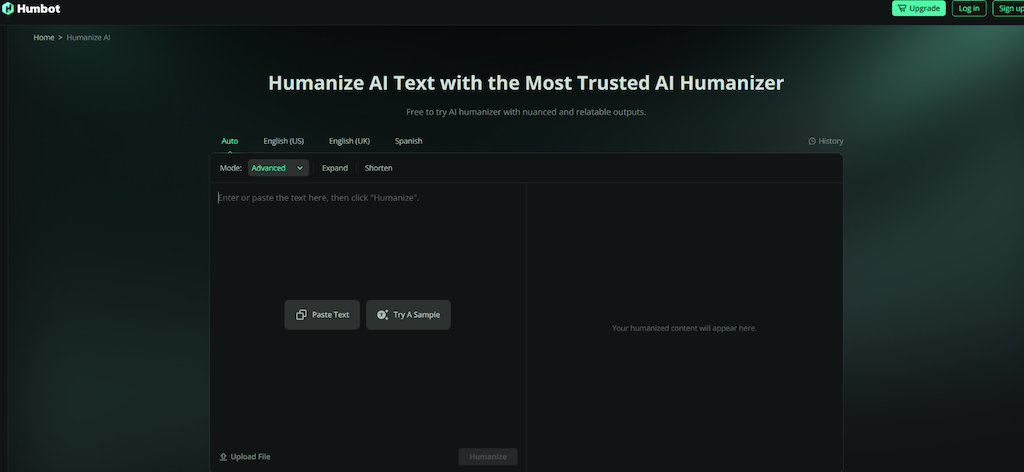
Humbot was clean at first blush. Sentences were shorter, phrasing simpler, obvious AI filler was gone. With short professional text, that can feel efficient, even elegant.
The problem surfaces when meaning or rhythm matters more. Humbot compressed ideas too aggressively, sometimes cutting qualifiers or connective logic I wanted to keep. As a blog article, the result was neat, but generic, as if the personality was smoothed out with the AI signals.
I often had to re-add specific terms, rebuild transitions, or reinsert tone markers to make the paragraph feel like mine again. One objective factor here is friction: restrictive free limits make it hard to run enough real tests to be confident of a tool for various use cases, even if the underlying rewrite quality is decent.
Humbot did best in short, functional text where I was already editing manually. I wouldn’t trust it in denser or more nuanced writing.
WriteHuman AI: Aggressive Changes, Less Reliable Control
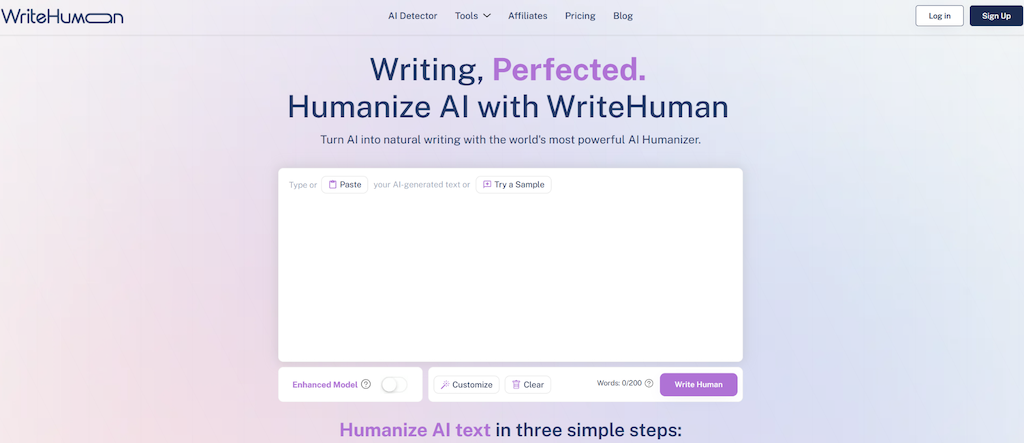
So WriteHuman was the most aggressive. It did more sentence restructuring and made a good effort to break AI cadence.
When it worked, the change was dramatic and even welcome. Uniform paragraphs were diversified, and the writing didn't feel so templated. But there was a price for that aggression. Tone drift was more frequent and subtle changes in phrasing sometimes changed the intensity or even polarity of a claim.
Read it line by line to make sure the meaning was still intact when using WriteHuman. I found myself needing to reinsert exact terms or pull the tone back toward the original. This isn’t necessarily a bad thing; when you want a good reset this can be very powerful. But you need to exercise careful human eye review.
A Side-by-Side Look at Editing Behavior
| Aspect | GPTHumanizer AI | Humbot AI | WriteHuman AI |
|---|---|---|---|
| Structural change | Moderate, editorial | Light to moderate | High, aggressive |
| Tone stability | Generally strong | Can flatten | Variable |
| Meaning retention | Reliable | Risk of over-compression | Needs verification |
| Cadence change | Subtle but effective | Cleaner, more generic | Strong variation |
| Manual cleanup | Low to medium | Medium | Medium to high |
Limitations to My Test Methodology
This comparison is limited. Claiming otherwise would be dishonest.
Products are fluid. Model updates, UI tweaks, and price changes can all move the needle on behaviour such that a static review is at best partially time-locked. My input may be different: technical writing, ESL writing, creative writing and policy-laden academic writing will all stress humanisers in different ways. Free-plan limits can also be region/session state/account state driven, so it's not just a cost issue: you can't do enough real tests to actually trust the tool.
And detectors are an unstable reference point. A “pass” today will not be a pass tomorrow. Different detectors disagree. That's why I treated scores as directionally indicative, not definitive.
Treat this as a snapshot of observed editing behaviour under controlled conditions, not a universal claim.
What This Changed About My Workflow
The biggest lesson was not about which tool “came out on top.” It was about how I use humanizers in the first place.
I use them selectively. I point out the paragraphs that feel flat and impersonal. I hand pick those sections out for humanization, then review for meaning and intent. In this use case, GPTHumanizer behaves like a reliable editor for mopping up cadence while preserving intent. Humbot is handy for quick cleanup when I’m already going to edit. WriteHuman is a powerful option when I really need to unset AI cadence, and I’m prepared to do the double work of verifying contents.
Final Thoughts
I didn’t come away from this comparison with one tool in mind. I came away with a better sense of when I want a tool to brush my draft and when I don’t.
GPTHumanizer AI behaved most like a conservative editor and produced the highest share of keepable paragraphs, while still carrying real limitations, chunked workflows and occasional over-softening. Humbot AI was clean and fast but more likely to flatten voice or compress meaning. WriteHuman AI delivered the strongest de-AI effects, at the cost of predictability and control.
Each of these tools is not “best” on its own. But once you understand how each tool edits, you can pick based on your draft, not someone else’s leaderboard.