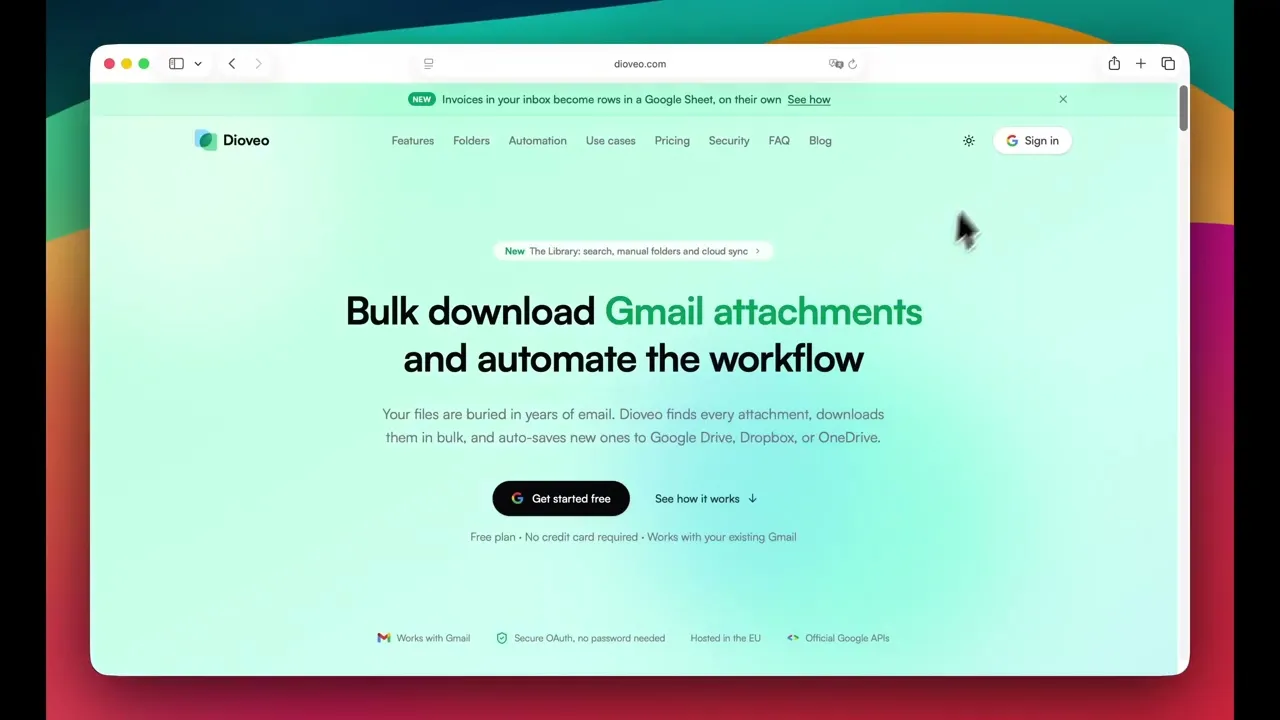
What problem this product solves Dioveo helps you find and manage files buried in years of Gmail. Instead of opening emails one by one or downloading attachments individually, you can search your entire mailbox, select matching files, and transfer them in bulk. It is designed for invoices, receipts, resumes, contracts, photos, backups, and other documents that are difficult to retrieve from email. Key features and benefits Dioveo indexes your Gmail attachment history in a searchable dashboard. Search by sender, date, file type, subject, or keyword, then download files individually or in bulk. The Library lets you create folders and subfolders, organize files by year or sender, and download structured ZIP archives. You can sync folders continuously to Google Drive, Dropbox, or OneDrive. New attachments are uploaded automatically, missing files are checked every six hours, and changes to folder organization update the cloud mirror. Automated workflows can route new attachments based on sender, file type, or subject line. The Chrome extension adds a Dioveo side panel inside Gmail, allowing plain-language searches and bulk downloads without switching tabs. Dioveo also offers AI document extraction for turning invoice details into a Google Sheet. Gmail access uses secure OAuth and official Google APIs, with no password sharing. The service is hosted in the EU and is CASA Tier 2 certified by Google. Notable alternatives and how this product compares Manual Gmail searching and downloading works for occasional files but becomes slow when handling years of messages or hundreds of attachments. Dioveo provides mailbox-wide indexing, bulk transfers, folders, cloud sync, and automation in one workflow. It also handles historical Gmail attachments, unlike tools that only process new incoming mail. Pricing models or plans The Free plan costs $0 per month and includes full mailbox search, 50 monthly files across downloads and manual cloud saves, one active workflow, 10 automatic cloud saves per month, and manual folders. Pro costs $11.99 per month and adds unlimited downloads, advanced Library organization, continuous cloud sync, organized ZIP downloads, up to 10 workflows, AI document extraction, and priority support. A Full Mailbox Export is available as a one-time $19 purchase, providing encrypted ZIP downloads for seven days without a subscription. FAQs Q: Can Dioveo search old Gmail messages? A: Yes. It scans your full Gmail history, including years of past emails, and lets you search attachments by sender, date, file type, or keyword. Q: Can files be saved automatically to cloud storage? A: Yes. Workflows can save new attachments to Google Drive, Dropbox, or OneDrive based on sender, file type, or subject. Q: Is my Gmail password stored? A: No. Dioveo uses secure OAuth and official Gmail APIs, so your Google password is not shared. You can revoke access or delete your account and data. Q: Can I try Dioveo for free? A: Yes. The Free plan is av